
FLUX 3 AI Video Generator
FLUX 3 is Black Forest Labs' video model: it writes optional native audio with the picture, including multilingual dialogue, and can hold 5 to 20 seconds with more than one shot in a single take.
What is FLUX 3
FLUX 3 is Black Forest Labs' multimodal foundation model for generating video with optional native audio. FLUX 3 Video turns a text prompt, a still, or start and end keyframes into clips up to 20 seconds, including multiple shots in one take, at HD or Full HD.
Native audio
Optional dialogue, speech, effects, and ambience generate with the picture.
Twenty-second takes
One job can run 5 to 20 seconds, including more than one shot.
Text, still, or keyframes
Start from a prompt, animate a frame, or bridge start and end stills.
Style range
Cinematic, camcorder, animation, product, and on-screen type, not one film look.
Draft mode
Preview motion cheaply, then render Standard 720p or 1080p.
Prompted camera
Tracking, orbit, and timing cues in the prompt steer motion.
Examples of FLUX 3 from X
Community clips on X made with FLUX 3 Video. Copy a prompt and try it in the editor.
-
Pets & Animals
Fennec Fox Night House
PROMPT20-second continuous single-take amateur handheld recording, third-person perspective, rapidly following one tiny fennec fox through a sleeping house at night. No cuts, no transitions, no pauses, no teleportation. The camera remains close behind at floor level, reacting slightly late to every turn, with imperfect framing, natural hand shake, brief focus hunting and motion blur. The fox moves with compressed fast-forward energy while the camera follows with controlled momentum. The fennec fox has sandy cream fur, enormous upright ears, glossy dark eyes, a small black nose, delicate legs and an expressive fluffy tail. It behaves like a restless nighttime troublemaker, constantly sniffing, pouncing, squeezing through gaps, swatting objects and looking back innocently after each accident. 00–02s: In a quiet bedroom, the fox springs from beneath the bed, races across the blanket and knocks a pillow onto a sleeping person’s face. 02–04s: It shoots into the dim hallway, slides between slippers and sends them spinning against the walls. 04–06s: It darts through the bathroom, hooks a toilet-paper roll with one paw and drags a long white ribbon behind it. 06–08s: It bounds down the stairs as loose socks tumble after it. The camera stumbles but keeps following. 08–10s: In the kitchen, it skids across the floor, bumps a wooden spoon and makes lightweight containers wobble and fall. 10–12s: It races beneath the dining chairs, catches the hanging edge of a tablecloth and rolls a bread basket across the table. 12–14s: In the living room, it jumps across the sofa cushions, launches the remote into the air and narrowly avoids a wobbling lamp. 14–16s: It squeezes through a laundry basket, bursting out through hanging clothes as clothespins scatter across the floor. 16–18s: At the indoor plant corner, it digs once in a flowerpot, spraying loose soil and shaking broad leaves over the lens. 18–20s: It bursts into the entryway, accidentally activates a robotic vacuum, leaps onto it and rides through scattered shoes. The fox looks back proudly while the camera nearly collides with the vacuum. Everything else remains sleepy and still: dark rooms, moonlit windows, silent furniture and half-awake human reactions. Clear spatial continuity between every room. Funny domestic chaos, believable object physics, soft fur movement, tiny paw sounds, rattling household objects, muffled sleepy groans and one tiny excited fox chirp at the end. Avoid distorted anatomy, extra animals, teleportation, abrupt cuts, floating objects, temporal flicker and unreadable camera chaos.
-
Cute & Wholesome
90s Ape Sitcom
PROMPTstereotypical 90s sitcom with apes, chimpanzees, gorillas, and orangutans instead of people. Starts in a bar and ends in a living room. Carry a story throughout, you have 20 seconds.
-
Cinematic
Prestige TV Backstory
PROMPTPrestige television episode that makes it clear from the very beginning that we're digging into a side character's backstory because we're playing for time until the finale, ridiculous situation
-
VFX & Surreal
Subway Gravity Collapse
PROMPTFLUX.3 just broke gravity—and this may be one of my wildest AI generations yet. 🌌🚀 A routine subway ride becomes a fight for survival as reality collapses and the entire city turns upside down. Created with FLUX.3 by on .
-
Fancam & Sports
Bike Stunt Proposal
PROMPTShe proposed to her boyfriend Rahul by doing a death-defying bike stunt. Didn't know Rahul was into biker chicks. Made using Flux 3 video!
-
UGC Ads
Grandma Supercar Spot
PROMPTGot a chance to try FLUX 3 in early access. Here's one of my tests: A supercar commercial but it's actually grandma. 20 second outputs!
Key Features of FLUX 3 AI Video Generator
What Black Forest Labs ships as FLUX 3 Video, written as CamArt controls: optional native audio, 5 to 20 second one-takes, Draft then Standard, text or stills, style range, and prompted camera.
-
Native audio in the same pass
FLUX 3 can write optional native audio with the picture, including multilingual dialogue. Self-Flow trains motion and sound together. Leave Sound on unless the brief is silent. Credits have no separate sound surcharge today.
-
5 to 20 second one-takes
Black Forest Labs documents clips up to 20 seconds, including more than one shot in a single take. CamArt accepts integer durations from 5 to 20 seconds. Default is 5 seconds.
-
Draft then Standard
FLUX 3 Draft is a faster HD preview at 6 credits per second, with no resolution field. Standard FLUX 3 is 17 credits per second at 720p and 29 at 1080p. CamArt does not expose a one-click Draft Enhance control.
-
Text, a still, or start and end frames
Text-to-video needs only a prompt. Add a still to animate a start frame. Pick Start-End Frame and upload both stills. CamArt does not ship a 10-keyframe timeline or Omni multi-ref on FLUX 3.
-
Style range and on-screen type
Issuer docs put camcorder, animation, product, documentary, and typography beside cinematic looks. Prompt the style you want. Readable type is not guaranteed on every take.
-
Prompted camera and motion
Name a tracking shot, an orbit, or a timing beat. FLUX 3 follows that camera language when the brief is specific. CamArt has no motion-brush SKU for this model.
Name the camera move in the prompt.
Name a tracking shot, an orbit, or a timing beat plus the action. FLUX 3 follows that camera language instead of a nearby guess.
FLUX 3 Model Comparison
FLUX 3 is a 5 to 20 second take with optional Sound and no Omni, whereas Seedance 2.5 uses dense Omni, Kling 3.0 is optional Sound to 15 seconds, and Veo 3.1 bills a short job.
| Fact | FLUX 3 | Seedance 2.5 | Kling 3.0 | Veo 3.1 |
|---|---|---|---|---|
| Issuer | Black Forest Labs FLUX 3 Video. Optional native audio. | ByteDance Seed. 30-second one-take plus dense refs. | Kuaishou Kling 3.0 Standard, Pro, and 4K SKUs. | Google DeepMind Veo 3.1. |
| Best for | 5 to 20 second takes with optional multilingual Sound. | 30-second story takes with dense Omni refs. | 3 to 15 second cinematic clips with a 4K SKU. | Photoreal 4 to 8 second clips with a +7 second extend. |
| Strength | Optional multilingual dialogue and a Draft SKU. No Omni. | One-pass audio-video story plus timestamp edit. | Optional Sound and Multi-Shot from a written shot list. | Native dialogue, effects, and ambience billed per job. |
| Duration on CamArt | 5 to 20 seconds per Generate job. | 4 to 30 seconds, then multi-round extend. | 3 to 15 seconds per Generate job. | 4 to 8 seconds, then a +7 second extend SKU. |
| Resolution on CamArt | Standard 720p or 1080p. A 4K picker value bills and sends as 1080p. | Turbo 720p / 1080p. Standard can pick 4K in the picker. | 720p to 4K in the picker, including a dedicated 4K SKU. | 720p, 1080p, or 4K. |
| Native audio | Optional Sound, including multilingual dialogue. | Yes. Joint picture and sound in one pass. | Optional Sound. Start and end frames sit on the same 3.0 card. | Yes. Native soundtrack on connected SKUs. |
| Modes and refs | T2V, I2V, Start-End. Draft at 6 credits per second. No Omni. | Omni 30 images / 10 videos / 10 audio, clay-render, Start-End. Timestamp edit on Edit SKUs. | T2V, I2V, Start-End. No Omni on CamArt 3.0 Generate. | T2V, I2V, Omni 1 to 3 stills, Start-End. |
| CamArt credits | Standard is 17 credits per second (85 at 5 seconds 720p). | Turbo is 20 credits per second (100 at 5 seconds 720p). | Pro is 11.2 credits per second (56 at 5 seconds). | 320 credits per job on Veo 3.1, not per second. Fast is 120 credits at 8 seconds. |
Sources: Black Forest Labs FLUX 3; ByteDance Seedance 2.5; Kling VIDEO 3.0 guide; Google Veo 3.1.
Why Choose FLUX 3 AI Video Generator in CamArt
Choose FLUX 3 when the job needs optional native audio, a 5 to 20 second one-take, and credits you can read on Generate before you spend.
Picture and optional audio in one pass
FLUX 3 can write multilingual dialogue, speech, effects, and ambience with the picture. You do not need a second audio tool for a first soundtrack pass. Leave Sound on unless the brief is silent.
- Preview picture and sound in Assets before you download.
- Credits are quoted per second with no separate sound surcharge today.
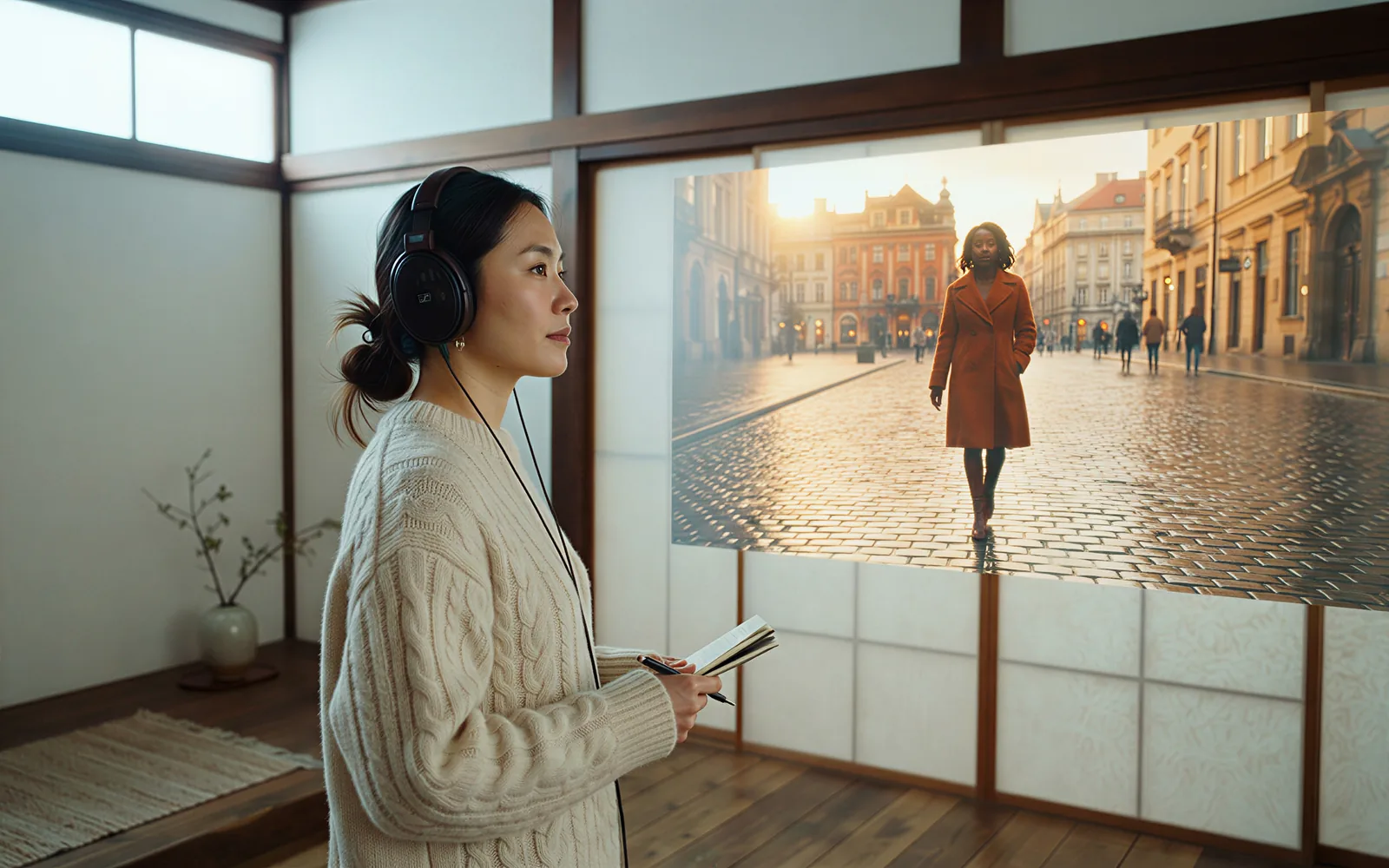
Hold 5 to 20 seconds you can price on the button
Black Forest Labs documents clips up to 20 seconds, including more than one shot in a single take. CamArt duration is an integer from 5 to 20 seconds. Default is 5 seconds at 85 credits for Standard 720p.
- Start at 5 seconds, then step toward 20 when the direction holds.
- Do not treat issuer video-to-video or 10-keyframe timelines as this Generate form.
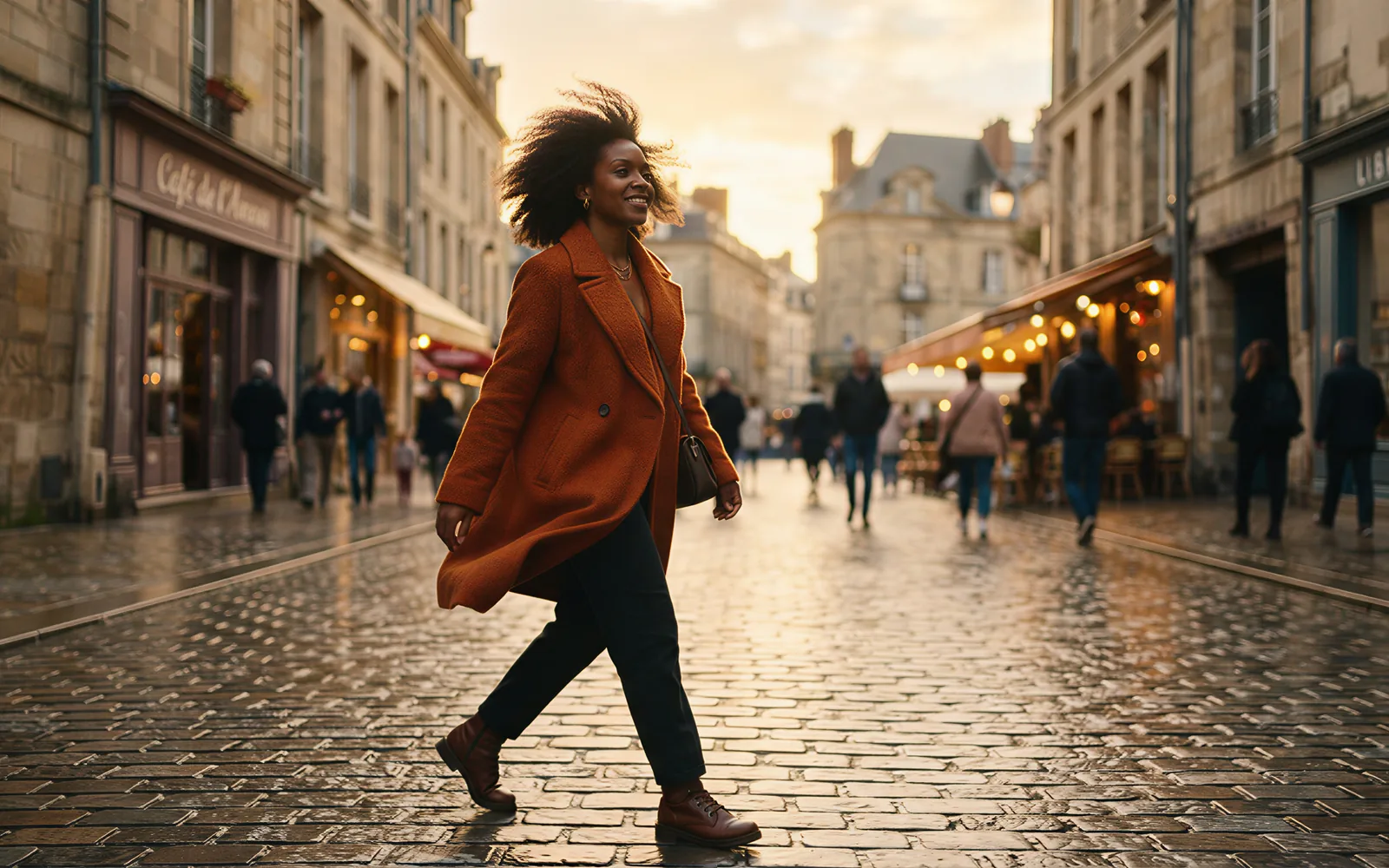
Cheap HD preview, then 720p or 1080p
Pick FLUX 3 Draft in the model menu for a faster HD preview at 6 credits per second. When the motion holds, switch to Standard FLUX 3 at 720p or 1080p. CamArt does not expose a one-click Draft Enhance control.
- Draft has no resolution field on CamArt.
- A 4K picker value on Standard is billed and sent as 1080p.

See credits on Generate before you spend
CamArt bills 1 credit as $0.01 COGS. Standard FLUX 3 is 17 credits per second at 720p and 29 at 1080p. A 5 second 720p job is 85 credits. The button shows the charge before you start.
- Starter credits cover low-cost models, not every 5 second FLUX 3 job.
- Do not paste Black Forest Labs USD as CamArt checkout.

How to Use FLUX 3 AI Video Generator in CamArt
Three steps from a text, still, or start-end brief to a saved clip.
-
STEP 01
Write the beat
Keep FLUX 3 selected. Write the action, camera, and sound. Add a still, or pick Start-End Frame and upload both stills, when you need them.
-
STEP 02
Set length, ratio, and Sound
Set duration from 5 to 20 seconds and a ratio such as 16:9 or 9:16. Leave Sound on for native audio. Switch to FLUX 3 Draft only when you want a cheaper HD preview.
-
STEP 03
Generate, preview, and save
Hit Generate. Credits on the button deduct on start (17 per second at 720p). Preview picture and sound, then save from Assets. Extend lives under Video Editor, not this form.
Who Should Use FLUX 3 on CamArt
FLUX 3 fits briefs that need optional native audio, a 5 to 20 second one-take, and Draft or Standard 720p or 1080p. Use Seedance 2.0 when you need Omni refs. Use Kling 3.0 when you need a 4K SKU.
-
Brand and performance marketers
Optional native audio can hold a product beat and a spoken line in one 5 to 20 second pass without a second soundtrack tool.
-
Filmmakers and previs teams
Prompt a tracking shot or an orbit, then lock start and end frames when the open and close stills already exist.
-
UGC and social editors
9:16 on CamArt T2V plus optional sound fits talking-head and lifestyle briefs at 720p or 1080p.
-
Product explainers
Animate a pack-shot still, or bridge two keyframes with Start-End. CamArt does not promise a lock on every logo take.
-
Agencies pitching campaigns
Credits show on Generate, so a 5 second Standard 720p job at 85 credits is priced before you spend. Draft is 6 credits per second.
-
Education teams
A prompt plus optional dialogue can walk a short lesson. Video-to-video restyle is not this Generate form.
Explore More AI Video Models on CamArt
FAQs
How long can FLUX 3 videos be?
Black Forest Labs documents clips up to 20 seconds in a single generation. CamArt accepts integer durations from 5 to 20 seconds. Default is 5 seconds.
Does FLUX 3 generate native audio?
Yes. FLUX 3 can write optional native audio with the picture, including dialogue, speech, effects, and ambience. On CamArt, leave Sound on unless the brief is silent. Credits are quoted per second without a separate sound surcharge today.
What is FLUX 3 Draft mode?
Draft is a faster, lower-cost HD preview. On CamArt, pick FLUX 3 Draft in the model menu (6 credits per second). Standard FLUX 3 is 17 credits per second at 720p and 29 at 1080p. CamArt does not expose a one-click Draft Enhance control.
Can I start from text, a photo, or start and end frames?
Yes. Text-to-video needs only a prompt. Add a still to animate a start frame. Pick Start-End Frame and upload both stills to bridge two keyframes. CamArt does not ship a 10-keyframe timeline or Omni multi-ref on FLUX 3.
Is FLUX 3 the same as FLUX.1 or FLUX.2?
No. FLUX.1 and FLUX.2 are image models. This page is FLUX 3 Video from Black Forest Labs. FLUX 3 Image, Action, and Dev are separate rollout items and are not this Generate form.
Is FLUX 3 4K on CamArt?
Issuer resolution bands are HD and Full HD by pixels per frame. CamArt Standard lists 720p and 1080p. CamArt does not ship native 4K for FLUX 3. A 4K picker value is billed and sent as 1080p.
Is FLUX 3 free on CamArt?
CamArt is not an unlimited free FLUX 3 host. Fal currently offers five Draft generations a day on its own sandbox. New CamArt accounts get 20 starter credits for low-cost models. FLUX 3 Standard charges the credits shown on Generate (85 credits for a 5 second 720p job at 17 credits per second). After that, use a subscription or credit pack.
Does CamArt run video-to-video or FLUX 3 upscale?
Issuer docs include video-to-video, continuation, and upscale. CamArt Generate on this page is text-to-video, image-to-video, and Start-End. Extend lives on Video Editor for clips of 15 seconds or less. Video-upscale is not connected.
How do I generate a FLUX 3 clip on CamArt?
Keep FLUX 3 selected, write the prompt, add a still or Start-End frames if you need them, set duration, ratio, resolution, and Sound, then Generate. Sign in with Google or an email magic link if asked. Credits shown on the button deduct on start. Commercial use follows CamArt terms and third-party model terms.
Generate a FLUX 3 clip with native audio
Describe the beat or upload a still and optional end frame. Set duration, ratio, and Sound, then hit Generate.