
Grok Imagine Video Generator
Describe the motion and camera, or lock a still as the first frame. The current issuer 1.5 line is built for tighter physics and soundtrack in the same pass.
What is Grok Imagine Video
Grok Imagine Video is xAI's text-to-video and image-to-video model in the Grok Imagine family. The current issuer API name is grok-imagine-video-1.5. It is the video SKU beside Grok Imagine stills, not a stills generator.
Text or still
Prompt-only text-to-video, or image-to-video from a first frame.
Short clips
CamArt Generate is 6 or 10 seconds. Issuer 1.5 documents 1 to 15 seconds.
Framing
T2V on CamArt: 16:9, 9:16, and 1:1. I2V follows the still.
HD output
720p on CamArt. Issuer 1.5 also documents 1080p for T2V and I2V.
Directed motion
Camera, action, and atmosphere go in the prompt.
1.5 soundtrack
Official 1.5 generates SFX, ambience, and dialogue with the picture. CamArt Generate does not add a Sound toggle on this SKU.
Examples of Grok Imagine Video from X
Community clips on X made with Grok Imagine Video, across different style lanes. Copy a prompt and try it in the editor.
-
Product Showcase
Pringles can food commercial
PROMPTCreate a premium, hyper-realistic cinematic food-commercial animation from the provided Pringles image. Keep the Pringles can, branding, typography, colors, background, and overall composition exactly unchanged. Do not redesign or replace any elements. The animation begins with the Pringles can gently rotating and tilting forward while the camera slowly pushes in. The golden chips rise naturally from the open can in smooth slow motion, spinning and tumbling individually with realistic physics. Small crumbs float through the air and catch the studio light. The red Pringles lid slowly spins in mid-air and moves subtly toward the camera before drifting back. Add realistic depth-of-field, tiny floating crumbs, natural motion blur, glossy highlights on the can, and subtle reflections. Make the chips feel crispy and lightweight, with believable gravity and collisions. The can should remain stable and sharp while the floating chips create the main motion. Use a smooth luxury advertising style: dramatic studio lighting, cinematic camera movement, realistic shadows, shallow depth of field, high detail, polished commercial photography, and seamless motion. End with the can centered prominently in frame, chips suspended beautifully around it, creating a satisfying hero shot. No people, no hands, no new objects, no warped branding, no distorted text, no melting, no morphing, no flickering, no camera shake. Duration: 8–10 seconds. Aspect ratio: 16:9 landscape. Motion: smooth, cinematic, realistic, premium food advertisement.
-
Food & Cooking
Note under the matcha bowl
PROMPTAnimate this image into a photorealistic cinematic 15-second video. Preserve the woman's exact face, hairstyle, clothing, jewelry, body proportions, café interior, Japanese tea-shop details, lighting, and composition. 0–4 sec: She calmly finishes preparing the matcha, gently sliding the ceramic bowl forward on the wooden counter. Her movements are careful and natural. Subtle breathing, blinking, hair movement, and realistic fabric motion. 4–7 sec: As she moves the bowl, she notices a small folded handwritten note underneath it. She pauses, looks down with curiosity, and carefully picks up the note. 7–10 sec: She unfolds the note and reads it. Her expression slowly changes from neutral to surprised. She rereads it once, clearly confused by what it says. 10–13 sec: She looks around the quiet tea shop, scanning the room as if trying to figure out who left the note. She briefly looks toward the entrance. 13–15 sec: She looks back at the note and quietly whispers, “For me?” Then she gives a small uncertain smile as the video ends. Natural realistic acting, subtle facial expressions, delicate hand movements, realistic paper interaction, accurate fingers, natural hair physics, warm Japanese café atmosphere, soft cinematic lighting, shallow depth of field, gentle handheld camera movement. No exaggerated movements, no sudden camera motion, no extra people, no face changes, no outfit changes, no object morphing, no distorted hands.
-
Cute & Wholesome
Mouse developer at midnight
PROMPTCreate a 10-second humorous cinematic scene featuring an ORIGINAL anthropomorphic mouse working as a software developer. The mouse sits at a cluttered computer desk late at night, fur slightly messy, wearing tiny glasses and a hoodie. Multiple monitors display abstract, fictional lines of computer code. He types rapidly, then suddenly gets a frustrating error on the screen. He sighs heavily, rubs his face, and mutters in frustration. In the background, his mouse wife keeps talking loudly from another room. The mouse pauses, looks toward the doorway with an exhausted expression, then slowly turns back to the computer and starts typing again. Comedic timing, expressive facial animation, realistic mouse movements, detailed fur, cozy apartment interior, warm desk lamp, subtle monitor glow, cinematic camera movement, natural body language. Camera starts with a medium shot of the mouse coding, slowly pushes in toward his frustrated face, then cuts to a reaction shot as he hears his wife. Include natural comedic dialogue: Mouse: "I can fix the code... but I can't fix my marriage." Wife (off-screen): "I HEARD THAT!" The mouse freezes and nervously looks at the camera. 16:9 landscape, 10 seconds, cinematic quality, smooth animation, realistic lighting, expressive characters, clear dialogue, accurate lip synchronization, no logos, no copyrighted characters, no text or watermark.
-
UGC Ads
Catching the falling book
PROMPTCreate a photorealistic, cozy 15-second cinematic video from this exact image. Preserve the woman's exact face, hairstyle, cardigan, jewelry, body proportions, bedroom, bed, books, lamp, wall decorations, lighting, and overall composition. 0–4 sec: She sits comfortably on the bed, looking toward the camera with a soft relaxed expression. She naturally blinks and breathes, then glances toward the stack of books beside her. 4–7 sec: She reaches toward the stack and gently pulls out one book. As she does, another book suddenly slips from the stack and falls toward the floor. 7–10 sec: She reacts quickly, leaning forward and reaching down to catch the falling book. She manages to grab it just before it hits the floor. 10–12 sec: She sits back up holding the book, looking at it with a slightly surprised expression, then lets out a small amused laugh. 12–15 sec: She looks directly toward the camera, smiles mischievously, and says softly, “That was close.” She places the book safely beside her. Natural human movement, realistic reaction timing, believable hand and finger movements, accurate interaction with the book, subtle hair movement, realistic cardigan fabric, natural facial expressions, cozy afternoon bedroom atmosphere, soft cinematic lighting, shallow depth of field, gentle handheld camera feel. The falling book must move naturally with gravity and be caught realistically. No exaggerated acting, no sudden camera movements, no extra people, no face changes, no outfit changes, no distorted hands, no object morphing.
-
Pets & Animals
Galactic brew gathering
PROMPTBrotherhood & The Galactic Brew Gathering: In violet steam the galaxy sings, A raccoon’s laugh and a cyborg's rings, Alien light and a turtle's vow; Together they sip the eternal now. 🚀
-
VFX & Surreal
Dragon day violet flame
PROMPTDragon Day Canticle of the Violet Flame: In dragon-scaled silence the cosmos brews, Purple steam rises where planets muse, Winged shadows dance with alien song, Together they sip where all worlds belong.
Key Features of Grok Imagine Video
What CamArt actually exposes on Generate: prompt or still, 6 or 10 seconds, three T2V frames, and 720p. Issuer 1.5 extras stay in Compare.
-
Text-to-video from a motion prompt
Describe subject, action, and camera in language. CamArt Generate defaults to Grok Imagine Video text-to-video.
-
Image-to-video from a starting still
Lock a product, face, or frame as the first image. I2V on CamArt follows that still and turns ratio chips off.
-
6 or 10 second takes
The CamArt picker is 6 seconds or 10 seconds. xAI's 1.5 API documents 1 to 15 seconds. This Generate path does not offer 15s.
-
16:9, 9:16, and 1:1 on T2V
Landscape, vertical, and square are first-class T2V frames. I2V keeps the still's framing instead of stretching it.
-
720p HD on CamArt
The connected card lists 480p and 720p. This page markets 720p. It does not claim CamArt 1080p or 4K.
-
Language-directed camera and physics
Name a dolly, a push, or an orbit plus the action. Issuer 1.5 is sold on fewer warps and more weight. Prompt that motion here.
Write motion and camera in the prompt.
Write the motion, camera, and timing in the prompt. Add a still when you need the first frame to match a product or face.
Grok Imagine Video Model Comparison
Grok Imagine Video focuses on 6 or 10 second 720p-class motion with no Sound toggle, whereas Kling 3.0 can add Sound, Seedance 2.5 writes joint audio-video, and Runway Gen-4 needs a still.
| Fact | Grok Imagine Video | Kling 3.0 | Seedance 2.5 | Runway Gen-4 |
|---|---|---|---|---|
| Issuer | xAI Grok Imagine Video. CamArt Generate card, not grok.com 1.5. | Kuaishou Kling 3.0 Standard, Pro, and 4K SKUs. | ByteDance Seed. 30-second one-take plus dense refs. | Runway. CamArt generate on this family is Gen-4 Turbo. |
| Best for | 6 or 10 second motion from text or a first-frame still. | 3 to 15 second cinematic clips with a 4K SKU. | 30-second story takes with dense Omni refs. | Animating a required still while holding character and place. |
| Strength | Prompt-led motion and camera. No Sound toggle on CamArt. | Optional Sound and Multi-Shot from a written shot list. | One-pass audio-video story plus timestamp edit. | World lock from one still at 1 credit per second. Silent on CamArt. |
| Duration on CamArt | 6 or 10 seconds. | 3 to 15 seconds per Generate job. | 4 to 30 seconds, then multi-round extend. | 5 to 10 seconds. |
| Resolution on CamArt | 720p-class on the connected T2V / I2V card. | 720p to 4K in the picker, including a dedicated 4K SKU. | Turbo 720p / 1080p. Standard can pick 4K in the picker. | 720p-class at 24 fps. No resolution field beyond that class. |
| Native audio | No Sound toggle on CamArt Generate. | Optional Sound. Start and end frames sit on the same 3.0 card. | Yes. Joint picture and sound in one pass. | No native soundtrack on Gen-4 Turbo. |
| Modes and refs | Text-to-video and image-to-video. | T2V, I2V, Start-End. No Omni on CamArt 3.0 Generate. | Omni 30 images / 10 videos / 10 audio, clay-render, Start-End. Timestamp edit on Edit SKUs. | Image-to-video only. A still is required. No T2V on this page. |
| CamArt credits | 12 credits per second (72 at 6 seconds). | Pro is 11.2 credits per second (56 at 5 seconds). | Turbo is 20 credits per second (100 at 5 seconds 720p). | 1 credit per second (5 at 5 seconds). |
Sources: xAI video generation; Kling VIDEO 3.0 guide; ByteDance Seedance 2.5; Runway Gen-4.
Why Choose Grok Imagine Video in CamArt
Run xAI's Grok Imagine Video T2V and I2V endpoints in the same Create workspace as CamArt's other video models. Credits show before you Generate.
Turn a still into a short motion beat without opening grok.com
Keep Grok Imagine Video selected, write the camera move, and Generate. You do not need a grok.com session for this path.
- Start from a prompt, or add a still when the first frame must hold.
- Stay in CamArt Create with Seedance, WAN, and Kling in the same picker.
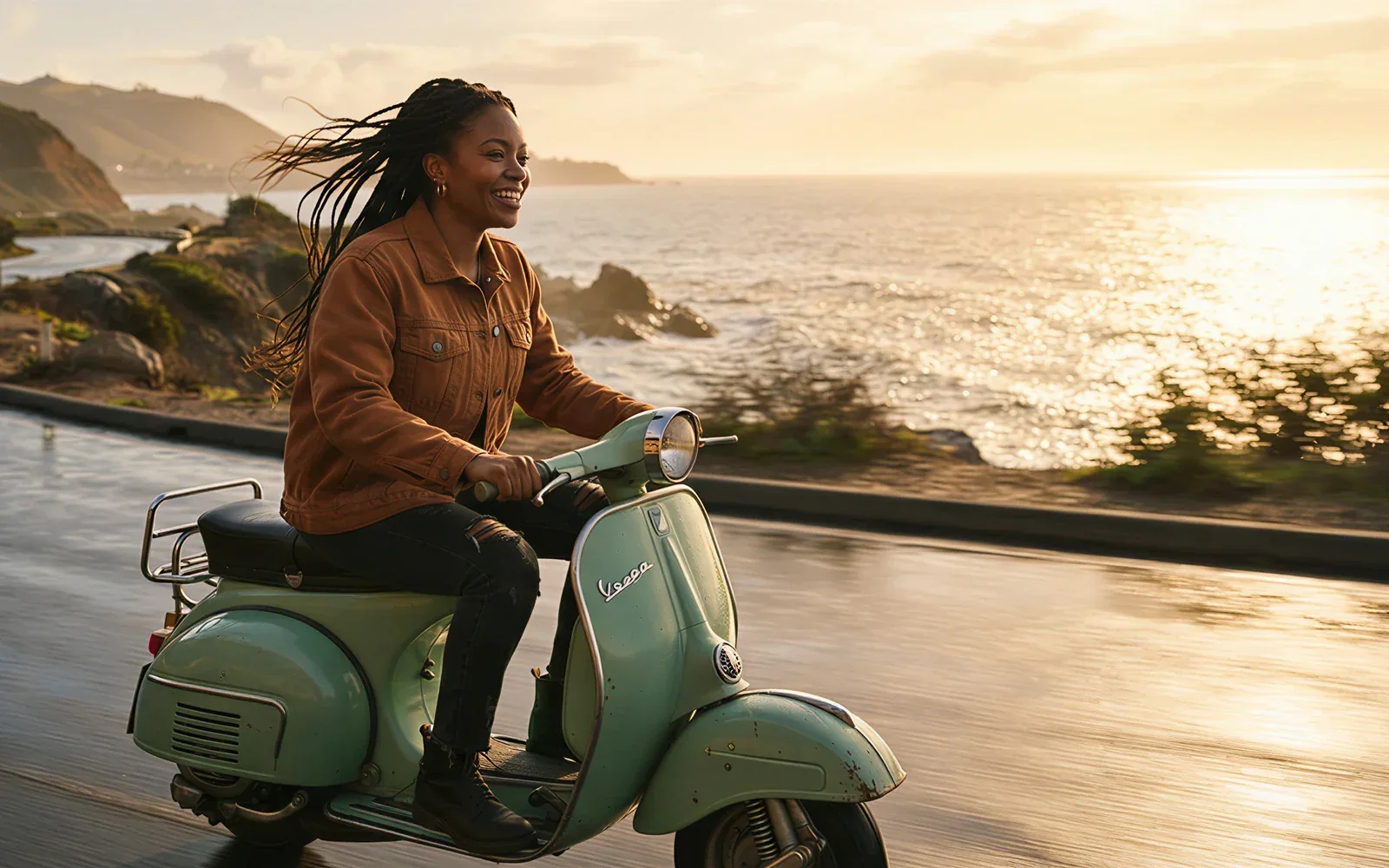
Keep the first frame on-model when a product or face must hold
Image-to-video uses your still as the opening frame. CamArt turns ratio chips off so the output follows that picture.
- Upload a pack shot or a face still before you Generate.
- Write the motion around that frame instead of hoping the model invents a new product.

Iterate 6 second drafts before a 10 second spend
CamArt duration is 6 or 10 seconds, billed per second. Draft the camera language at 6 seconds, then spend 10 when the beat is right.
- 6 seconds costs 72 credits on this path.
- 10 seconds costs 120 credits on this path.
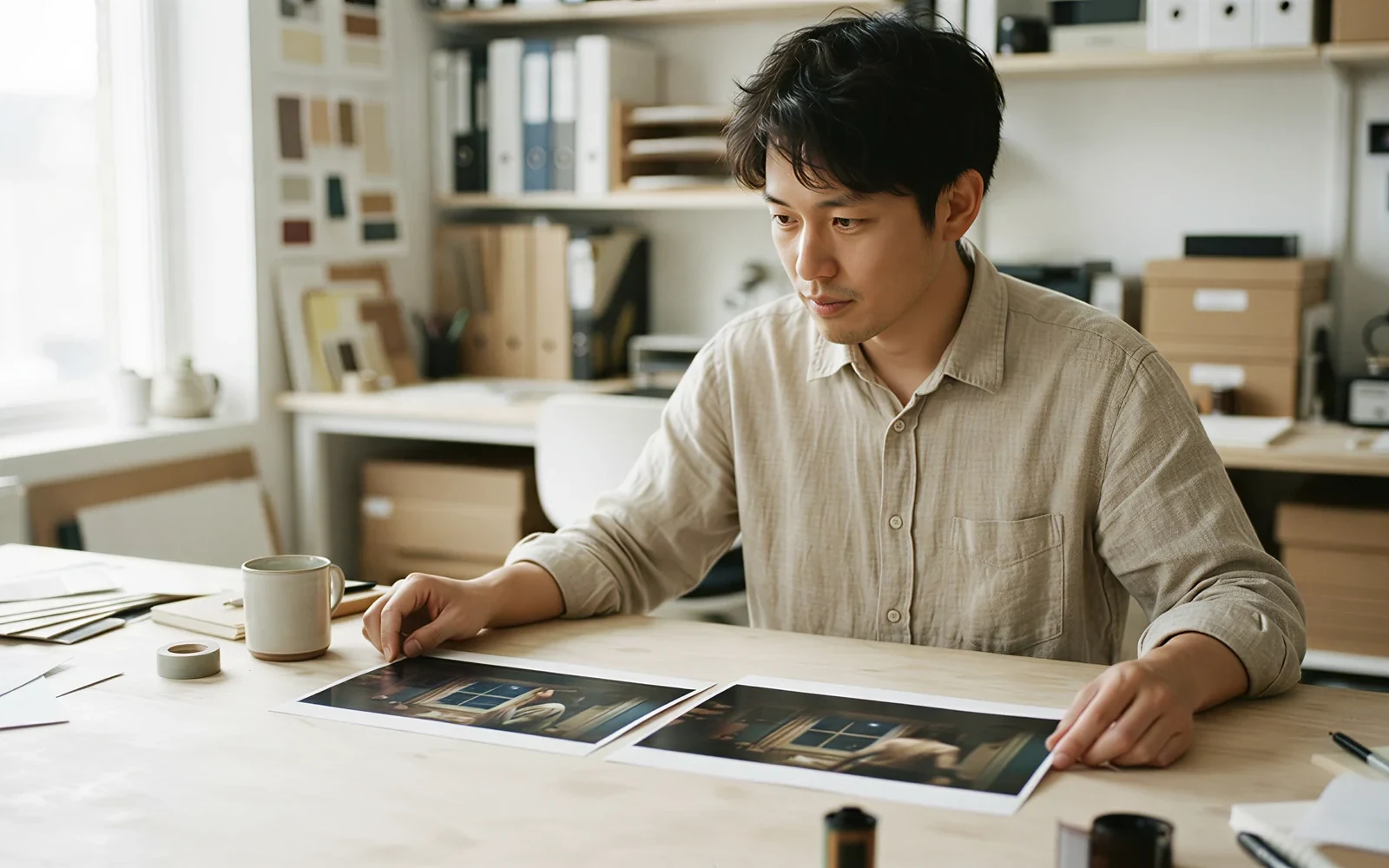
See credits on Generate (12 credits per second on this path)
CamArt bills 1 credit as $0.01 COGS. Grok Imagine Video is 12 credits per second. The button shows the charge before you start. This is not unlimited free.
- Check the credit count on Generate before you confirm.
- Use Starter or a one-time pack when a 10 second take exceeds the free grant.

How to Use Grok Imagine Video in CamArt
Three steps from a motion prompt to a saved 6 or 10 second clip.
-
STEP 01
Write the motion prompt
Keep Grok Imagine Video selected. Name the subject, the action, and the camera. Add a still only when you want image-to-video.
-
STEP 02
Set 6 or 10 seconds and 720p
Pick 6 seconds to draft, or 10 seconds when the beat is ready. T2V ratios are 16:9, 9:16, and 1:1. I2V follows the still.
-
STEP 03
Generate into Create
Hit Generate. CamArt opens Create with autoStart. Preview the MP4, then save from Creations. Credits shown on the button are deducted on start.
Who Should Use Grok Imagine Video on CamArt
Grok Imagine Video fits short social clips, product stills that need motion, and prompt tests of camera language. Longer native-audio stories belong on grok.com 1.5 or another CamArt model.
-
Social clip makers
6 or 10 second 9:16 takes for a motion beat without a grok.com session.
-
Product marketers
Image-to-video from a pack shot when the can, bottle, or box must hold in the first frame.
-
Concept artists
Text-to-video for a camera pass on a character or environment before a longer pipeline.
-
Prompt experimenters
Copy an X prompt from Examples, keep Grok Imagine Video selected, and iterate at 6 seconds.
-
Teams already on CamArt video
Switch from Seedance or WAN in the same picker when you want this motion look.
-
People comparing grok.com and CamArt
Use this page when you want credits-in-CamArt T2V/I2V. Use grok.com when you need 1.5 audio, 15s, or R2V.
Explore More AI Video Models on CamArt
FAQs
Is Grok Imagine Video the same as Grok Imagine for images?
No. Grok Imagine is the family name for stills and video. This page is the video generator. Grok Imagine images live on a separate CamArt page at /models/grok-imagine.
Does Grok Imagine Video generate native audio?
Issuer Grok Imagine Video 1.5 generates SFX, ambience, and dialogue in the same pass. CamArt Generate does not show a Sound toggle, so this page does not promise a soundtrack on Generate.
How long can a Grok Imagine Video clip be?
On CamArt the picker is 6 or 10 seconds. xAI documents 1 to 15 seconds on the 1.5 API. Do not expect a 15 second take from this CamArt SKU.
What is Grok Imagine Video 1.5?
It is xAI's current video SKU, generally available on 2026-06-16, with tighter physics and same-pass audio, plus Video 1.5 Fast on grok.com/imagine. CamArt Generate uses the connected T2V and I2V card, not a labeled 1.5 picker.
Is Grok Imagine Video free or unlimited on CamArt?
No. CamArt bills credits at 12 per second on this path (72 credits for 6 seconds, 120 for 10 seconds). This page does not offer unlimited SuperGrok quota, and it does not match fal's five free clips a day.
Can I do image to video on CamArt?
Yes. Add a still and keep Grok Imagine Video selected. Image-to-video follows the still's framing. CamArt disables aspect chips on I2V for this model.
Do I need grok.com or SuperGrok?
No. Generate on CamArt. You sign in with Google or an email magic link. You do not need a grok.com session for this path.
What resolution does CamArt output?
The connected card lists 480p and 720p. This page markets 720p. Issuer 1.5 also documents 1080p for T2V and I2V. This page does not claim 4K.
Can I use Grok Imagine Video clips commercially?
Yes, CamArt outputs may be used commercially, subject to CamArt Terms and xAI's model terms. CamArt does not promise exclusive copyright.
Generate Videos with Grok Imagine Video
Generate Grok Imagine Video from a prompt or a still. 6 or 10 second clips on CamArt.