
MiniMax H3 AI Video Generator
MiniMax H3 generates 4 to 15 seconds of 24 fps video with native 32 kHz stereo audio in one pass. Draft at 768p or finish at 2K through in-context regeneration, from text or first and last frames.
What is MiniMax H3
MiniMax H3 is MiniMax's general-purpose video model under the Hailuo consumer brand. It follows Hailuo 2.3 as the current general-purpose video model.
4 to 15 seconds
One job can run any whole second from 4 through 15.
Native stereo
32 kHz stereo is generated with the picture, including dialogue in 11 listed languages.
768p or 2K
Draft at 768p. Finish at 2K by regenerating the clip with the original context.
First and last frame
FL2VA accepts zero, one, or two stills for text-to-video, first-frame, last-frame, or first-and-last-frame.
Wide framing
T2V aspect ratios include 21:9, 16:9, 4:3, 1:1, 3:4, and 9:16.
Instruction-heavy prompts
MiniMax positions H3 for following complex multimodal instructions and on-screen text or brand detail.
Examples of MiniMax H3 from X
Community clips on X made with MiniMax H3. Copy a prompt and try it in the editor.
-
Food & Cooking
Strawberry Ice Cream Spot
PROMPTTITLE: Premium Strawberry Cheesecake Ice Cream Product Commercial Storyboard FORMAT: • Single-page premium storyboard • 3:4 Portrait ratio •
-
UGC Ads
Three-City Handheld Vlog
PROMPTCreate a 15-second ultra-realistic cinematic travel vlog filmed entirely as natural handheld smartphone footage. Use the same young woman throughout all three locations, maintaining identical
-
Product Showcase
Renal HUD Explainer
PROMPT15-second scientific HUD explainer, same visual system as a research console called “RENAL SYSTEMS SIMULATOR — MODEL HK-4n”. Warm off-white paper background, thin
-
Camera Magic
The Beach I2V Take
PROMPTFor the target video, at 0.00 seconds into the target video, <Picture 1> (from [Shot 1]) is fully referenced.
-
Fashion & Style
Clothing-Swap Editorial
PROMPTThis MiniMax H3 clothing-swap transition effect is 🔥 It works especially well for fashion magazine-style MVs. I used it to create a 15-second LAPTOP LIFESTYLE BLOGGER fashion editorial featuring Alexa Grey. Rapid outfit changes. Editorial graphics. Cinematic camera movements.
-
VFX & Surreal
FPV Jungle to Ruins
PROMPTFPV drone control in MiniMax H3 is incredible One continuous shot flying through jungle, underwater cavern, crystal cave, and floating ruins Every camera move, speed, and transition was written in the prompt
Key Features of MiniMax H3 AI Video Generator
What MiniMax documents for H3, written as controls you can actually prompt: native stereo, 768p or 2K, 4 to 15 seconds, and first-last frames.
-
Native 32 kHz stereo with the picture
MiniMax H3 jointly generates picture and 32 kHz stereo, including dialogue, impacts, and room tone in the same MP4.
-
768p draft, 2K regenerate
H3-Base outputs 768p. 2K comes from H3-Regenerate-2K, an in-context regeneration, not a generic upscaler. CamArt maps 720p to 768p and 1080p to 2K.
-
4 to 15 seconds in one job
MiniMax documents any whole second from 4 through 15. That is longer than Hailuo 2.3 Pro's 5-second clip on CamArt. This page does not claim 30 seconds.
-
First and last frame
FL2VA accepts zero, one, or two stills. On CamArt, Image to Video takes a first frame. Start-End adds last_image.
-
Physics-aware cinematic motion
MiniMax's Hailuo line is known for fabric, water, crowds, and camera paths that hold together. Name the move in the prompt. CamArt does not expose a separate motion-brush control.
-
Instruction follow and on-screen text
The launch blog positions H3 for complex instructions and brand or UI lettering that has to stay readable at 2K.
Name the camera move and the sound in the same prompt.
MiniMax H3 jointly generates picture and 32 kHz stereo, so a dolly, rain on a roof, and a spoken line belong in one brief.
MiniMax H3 Model Comparison
While MiniMax H3 writes native stereo at 768p or 2K with no Omni, Seedance 2.5 uses dense Omni, Kling 3.0 keeps Sound optional, and Veo 3.1 bills a short 4 to 8 second job.
| Fact | MiniMax H3 | Seedance 2.5 | Kling 3.0 | Veo 3.1 |
|---|---|---|---|---|
| Issuer | MiniMax Hailuo family. H3 is the native-stereo card. | ByteDance Seed. 30-second one-take plus dense refs. | Kuaishou Kling 3.0 Standard, Pro, and 4K SKUs. | Google DeepMind Veo 3.1. |
| Best for | Native stereo clips drafted at 768p or finished at 2K. | 30-second story takes with dense Omni refs. | 3 to 15 second cinematic clips with a 4K SKU. | Photoreal 4 to 8 second clips with a +7 second extend. |
| Strength | 32 kHz stereo with picture. No Omni on CamArt. | One-pass audio-video story plus timestamp edit. | Optional Sound and Multi-Shot from a written shot list. | Native dialogue, effects, and ambience billed per job. |
| Duration on CamArt | 4 to 15 seconds per Generate job. | 4 to 30 seconds, then multi-round extend. | 3 to 15 seconds per Generate job. | 4 to 8 seconds, then a +7 second extend SKU. |
| Resolution on CamArt | 768p or 2K. A 1080p / 4K picker value maps to 2K. | Turbo 720p / 1080p. Standard can pick 4K in the picker. | 720p to 4K in the picker, including a dedicated 4K SKU. | 720p, 1080p, or 4K. |
| Native audio | Yes. Native 32 kHz stereo on H3. | Yes. Joint picture and sound in one pass. | Optional Sound. Start and end frames sit on the same 3.0 card. | Yes. Native soundtrack on connected SKUs. |
| Modes and refs | T2V and I2V. No Omni on CamArt H3. | Omni 30 images / 10 videos / 10 audio, clay-render, Start-End. Timestamp edit on Edit SKUs. | T2V, I2V, Start-End. No Omni on CamArt 3.0 Generate. | T2V, I2V, Omni 1 to 3 stills, Start-End. |
| CamArt credits | 10 credits per second at 768p (50 at 5 seconds). 14 per second at 2K. | Turbo is 20 credits per second (100 at 5 seconds 720p). | Pro is 11.2 credits per second (56 at 5 seconds). | 320 credits per job on Veo 3.1, not per second. Fast is 120 credits at 8 seconds. |
Sources: MiniMax H3; ByteDance Seedance 2.5; Kling VIDEO 3.0 guide; Google Veo 3.1.
Why Choose MiniMax H3 AI Video Generator in CamArt
Choose MiniMax H3 when the job is a 4 to 15 second clip with native stereo at 768p or 2K. CamArt runs Standard or Start-End.
Ship picture and sound together
MiniMax H3 generates 32 kHz stereo with the frames. Dialogue, footsteps, and room tone land in the same MP4 instead of a silent clip you have to score later.
- Leave Sound on. MiniMax H3 schemas do not document an audio-off switch.
- Preview the clip with audio in Creations before you download.
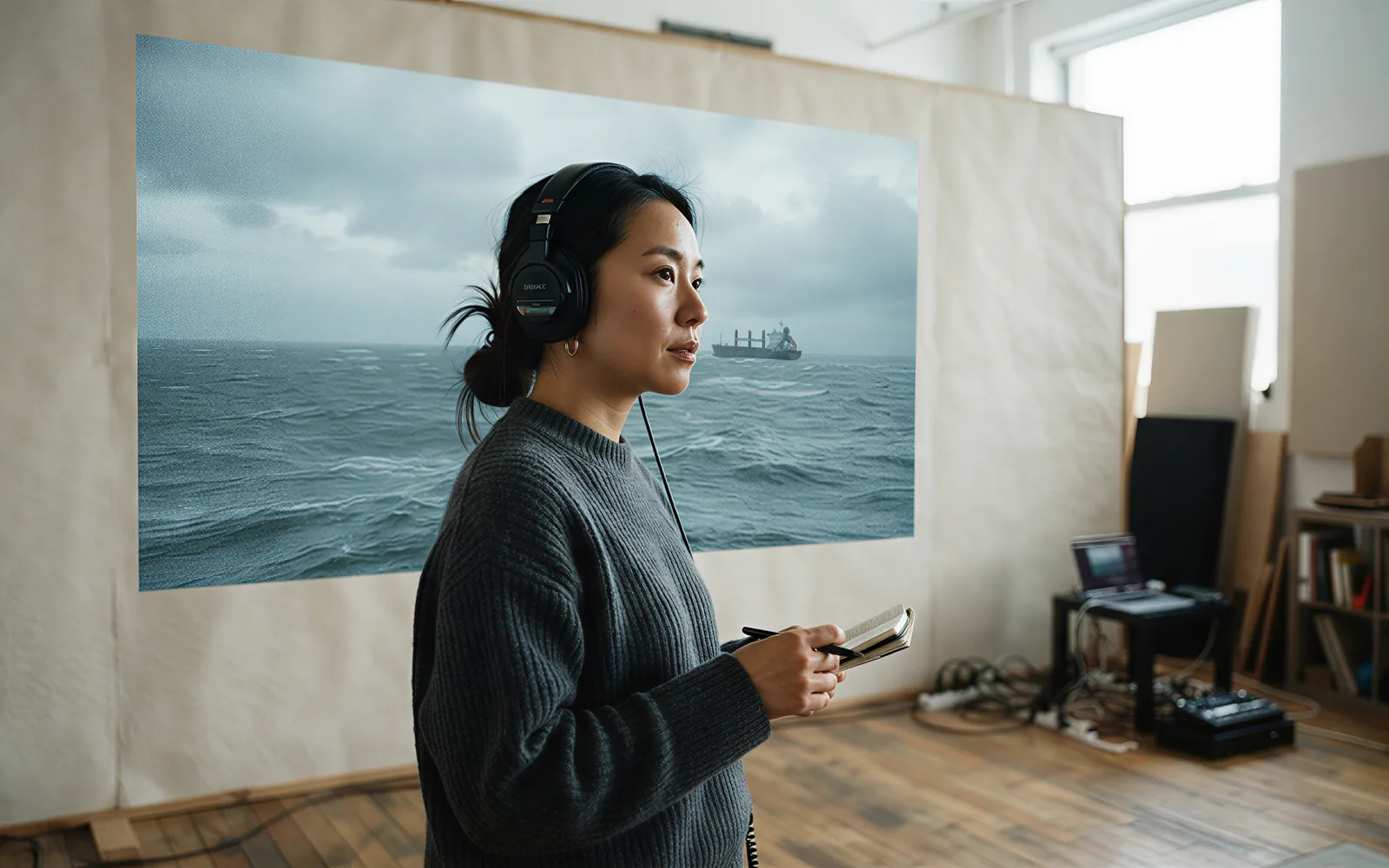
Draft at 768p, finish at 2K
H3-Base is 768p. 2K is an in-context regeneration of that clip, which is why small text and pack shots hold up better than a bolt-on upscale. On CamArt, 720p maps to 768p and 1080p maps to 2K.
- Iterate at 768p when you are still changing the brief.
- Switch to 1080p on the picker when you need the 2K finish.

Hold 4 to 15 seconds in one generation
MiniMax documents any whole second from 4 through 15. Hailuo 2.3 Pro on CamArt is a 5-second 1080p SKU. Write the open, the turn, and the close in one MiniMax H3 prompt instead of stitching leftover shorts.
- Set duration up to 15 seconds before you Generate.
- Keep Hailuo 2.3 for silent 5-second 1080p jobs when you do not need stereo.

See credits on Generate before you spend
CamArt bills 1 credit as $0.01 COGS. MiniMax H3 is 10 credits per second at 768p and 14 credits per second at 2K. The button shows the charge before you start. About 50 credits for 5 seconds at 768p, about 70 at 2K.
- Draft long beats at 768p, finish at 2K.
- Starter credits do not cover every 2K 15-second job.

How to Use MiniMax H3 AI Video Generator in CamArt
Three steps from a stereo brief to a saved clip.
-
STEP 01
Write the shot and the sound
Keep MiniMax H3 selected. Write subject, camera, and audio notes, or upload a start frame and a last frame for Start-End.
-
STEP 02
Set length and resolution
Pick duration from 4 to 15 seconds. 720p maps to 768p. 1080p maps to 2K. Credits update on the Generate button.
-
STEP 03
Generate, preview, and save
Hit Generate. Preview picture and stereo, then save from Creations. Download the MP4 when the take is the one you want.
Who Should Use MiniMax H3 on CamArt
MiniMax H3 fits briefs that need native stereo, 4 to 15 seconds, and a 768p or 2K finish. Silent 5-second 1080p jobs can stay on Hailuo 2.3 Pro.
-
Brand and performance marketers
A 15-second pass with stereo can carry an opening, a product line, and a close without a separate dub.
-
Filmmakers and title designers
21:9 T2V plus the official Film Opening Titles demo is the 24 fps cinematic lane.
-
UGC and social editors
9:16 on CamArt T2V plus native dialogue fits talking-head and lifestyle briefs.
-
Product and e-commerce teams
2K regenerate is the finish when pack shots and logos have to stay readable.
-
Agencies pitching campaigns
Credits show on Generate, so a 768p draft and a 2K finish are priced before you spend.
-
Hailuo 2.3 users moving up
H3 adds stereo, 15 seconds, and Start-End. CamArt does not expose issuer Ref2VA 9/3/3 on this page.
Explore More AI Video Models on CamArt
FAQs
Is MiniMax H3 the same as Hailuo 3?
MiniMax calls the model MiniMax H3. Hailuo is the consumer app brand. There is no official MiniMax SKU named Hailuo 3.0. Ranking pages use Hailuo 3 as an alias because Hailuo 01 and Hailuo 02 were the earlier consumer models. MiniMax M3 is a language model, not this video page.
How long can MiniMax H3 generate?
MiniMax documents 4 to 15 seconds per generation. CamArt's duration picker matches that window. This page does not claim 30-second clips.
Does MiniMax H3 include audio?
Yes. MiniMax generates 32 kHz stereo with the picture, including dialogue listed as stable in Arabic, Chinese, English, French, German, Italian, Japanese, Korean, Portuguese, Russian, and Spanish. MiniMax H3 schemas do not document an audio-off switch. CamArt Sound stays on for this model.
What is the difference between 768p and 2K?
H3-Base generates at 768p (short edge 768). 2K comes from H3-Regenerate-2K, an in-context regeneration of that clip, not a generic upscaler. On CamArt, 720p maps to 768p and 1080p maps to 2K. This page does not claim 4K.
Can I use first and last frame on CamArt?
Yes. Use Image to Video for a first frame, and Start-End when you also have a last frame. CamArt sends image and last_image.
Does CamArt support MiniMax H3 reference-to-video with 9 images?
No. MiniMax documents Ref2VA with up to 9 images, 3 videos, and 3 audios (mixed cap 12). CamArt currently exposes Standard and Start-End only, not that omni-reference UI.
How is MiniMax H3 different from Hailuo 2.3?
Hailuo 2.3 Pro on CamArt is a 5-second 1080p SKU without native stereo in the picker. Hailuo 2.3 Fast I2V is 6 to 10 seconds at 768p, still without native stereo. MiniMax H3 adds 4 to 15 seconds, native stereo, Start-End, and a 768p / 2K ladder.
Are the Hugging Face open weights the same as CamArt 2K?
No. Published weights cover H3-Base at 768p. H3-Context-IR and H3-Regenerate-2K were not fully open at announcement. CamArt runs hosted Generate, not a local checkpoint.
Is MiniMax H3 free, and can I use outputs commercially?
You can browse this page without an account. Create and Generate require Google or an email magic link. Credits on the button are deducted on start (1 credit = $0.01 COGS). About 50 credits for 5 seconds at 768p, about 70 credits for 5 seconds at 2K. Starter credits do not cover every 2K 15-second job. Commercial use follows CamArt terms and MiniMax model terms. Ranking pages that say free with no sign-up are not CamArt.
Generate a MiniMax H3 clip with stereo
Describe the shot or upload a starting frame. Note camera and sound, then hit Generate when you are ready.