
Runway Gen-4 AI Video Generator
Runway Gen-4 holds characters, places, and objects across new angles from a single still. It animates that required first frame for 5 or 10 seconds at 24 fps, with Gen-4 Turbo as the faster, lower-cost sibling.
What is Runway Gen-4
Runway Gen-4 is Runway's image-to-video model for world consistency. Gen-4 Turbo is the faster, lower-cost sibling. CamArt's generate default on this page is the Turbo endpoint, not Gen-4.5 and not a text-only generate path.
World consistency
Characters, locations, and objects are meant to hold across new angles and treatments from the same look.
Still as first frame
An input image is required. It sets subject, light, and style before you describe motion.
Motion-first prompts
Text should name action and camera, not restate the picture.
5 or 10 seconds
Official clips are 5s or 10s. CamArt Turbo also offers the seconds in between.
720p-class, 24 fps
Help lists 1280x720 and matching portrait and square sizes at 24 fps.
Turbo for iteration
Gen-4 Turbo is the fast, cheaper SKU. CamArt's generate default is this endpoint.
Examples of Runway Gen-4 from X
Community clips on X made with Runway Gen-4. Copy a prompt and try it in the editor with your own still.
-
Cinematic
Dark Minimalist World
PROMPTdark minimalist world, desaturated tones, matte blacks, stark contrasts, ambient shadows, moody lighting, sparse landscapes, clean geometry, cold atmosphere, brutalist influence
-
Pets & Animals
Retriever in a Brutalist Gallery
PROMPTgolden retriever running through a brutalist art gallery with modern art on the walls as a single red balloon floats overhead
-
Travel & Scenery
Pebble Shore Icebergs
PROMPTsilhouetted person standing on the edge of a pebble shore, icebergs, clouds ahead.
-
Characters & Fantasy
Iridescent Sound-Wave Meditation
PROMPTPhoto a cinematic scene of a man in the middle of a white place. the man is binding an iridescent parallel circles in the shape of sound waves gradually. he is meditating during the process. sci-fi.
-
Dance & Moves
Walking Past Dancing Zombies
PROMPTA man walking by zombies and begin dancing
-
VFX & Surreal
Cyberpunk Drawing Comes to Life
PROMPTCyberpunk woman drawing come to life
Key Features of Runway Gen-4 AI Video Generator
What Runway documents for Gen-4, written as controls you can actually use: a required still, motion-first prompts, world consistency, and Turbo length at 24 fps.
-
World consistency from one still
Gen-4 is built so a character, place, or object can hold across new angles and lighting from a single look, without a fine-tune.
-
Required first-frame image
Official Gen-4 and Gen-4 Turbo both need an input still. That picture sets subject, light, and style before you describe motion.
-
Motion and camera in the prompt
Help treats the prompt as action and camera language. Do not restate wardrobe and lighting already in the photo.
-
Physics-aware motion
Issuer reels show cloth, hair, and object weight as the motion test. This is not a Hollywood VFX guarantee.
-
5 to 10 seconds at 24 fps
Official clips are 5s or 10s at 24 fps in 720p-class ratios. CamArt Turbo also offers the seconds in between. No 21:9 on CamArt.
-
Turbo for iteration
Gen-4 Turbo is the faster, lower-cost sibling. CamArt's generate default is this endpoint, billed at 1 credit per second.
Describe motion, not the look already in the still.
Gen-4 follows action and camera language when the first frame already carries subject, light, and style. Keep the prompt short enough to finish inside 5 or 10 seconds.
Runway Gen-4 Model Comparison
While Runway Gen-4 Turbo animates a required still for 5 to 10 seconds at 1 credit per second, Kling 3.0 and Seedance 2.5 can start from text and Grok Imagine Video is a 6 or 10 second text or still clip.
| Fact | Runway Gen-4 Turbo | Kling 3.0 | Seedance 2.5 | Grok Imagine Video |
|---|---|---|---|---|
| Issuer | Runway. CamArt generate on this family is Gen-4 Turbo. | Kuaishou Kling 3.0 Standard, Pro, and 4K SKUs. | ByteDance Seed. 30-second one-take plus dense refs. | xAI Grok Imagine Video. CamArt Generate card, not grok.com 1.5. |
| Best for | Animating a required still while holding character and place. | 3 to 15 second cinematic clips with a 4K SKU. | 30-second story takes with dense Omni refs. | 6 or 10 second motion from text or a first-frame still. |
| Strength | World lock from one still at 1 credit per second. Silent on CamArt. | Optional Sound and Multi-Shot from a written shot list. | One-pass audio-video story plus timestamp edit. | Prompt-led motion and camera. No Sound toggle on CamArt. |
| Duration on CamArt | 5 to 10 seconds. | 3 to 15 seconds per Generate job. | 4 to 30 seconds, then multi-round extend. | 6 or 10 seconds. |
| Resolution on CamArt | 720p-class at 24 fps. No resolution field beyond that class. | 720p to 4K in the picker, including a dedicated 4K SKU. | Turbo 720p / 1080p. Standard can pick 4K in the picker. | 720p-class on the connected T2V / I2V card. |
| Native audio | No native soundtrack on Gen-4 Turbo. | Optional Sound. Start and end frames sit on the same 3.0 card. | Yes. Joint picture and sound in one pass. | No Sound toggle on CamArt Generate. |
| Modes and refs | Image-to-video only. A still is required. No T2V on this page. | T2V, I2V, Start-End. No Omni on CamArt 3.0 Generate. | Omni 30 images / 10 videos / 10 audio, clay-render, Start-End. Timestamp edit on Edit SKUs. | Text-to-video and image-to-video. |
| CamArt credits | 1 credit per second (5 at 5 seconds). | Pro is 11.2 credits per second (56 at 5 seconds). | Turbo is 20 credits per second (100 at 5 seconds 720p). | 12 credits per second (72 at 6 seconds). |
Sources: Runway Gen-4; Kling VIDEO 3.0 guide; ByteDance Seedance 2.5; xAI video generation.
Why Choose Runway Gen-4 AI Video Generator in CamArt
Choose Gen-4 when the job is a consistent character or product from one photo, animated for 5 to 10 seconds. CamArt runs Gen-4 Turbo on this page.
Keep a character or product on-model
Gen-4 is meant to hold a face, a place, or a pack shot across new coverage from one still. You do not fine-tune a LoRA to get that hold.
- Upload one clear still of the person, set, or product.
- Change angle and lighting in the motion prompt, not by restating the wardrobe.
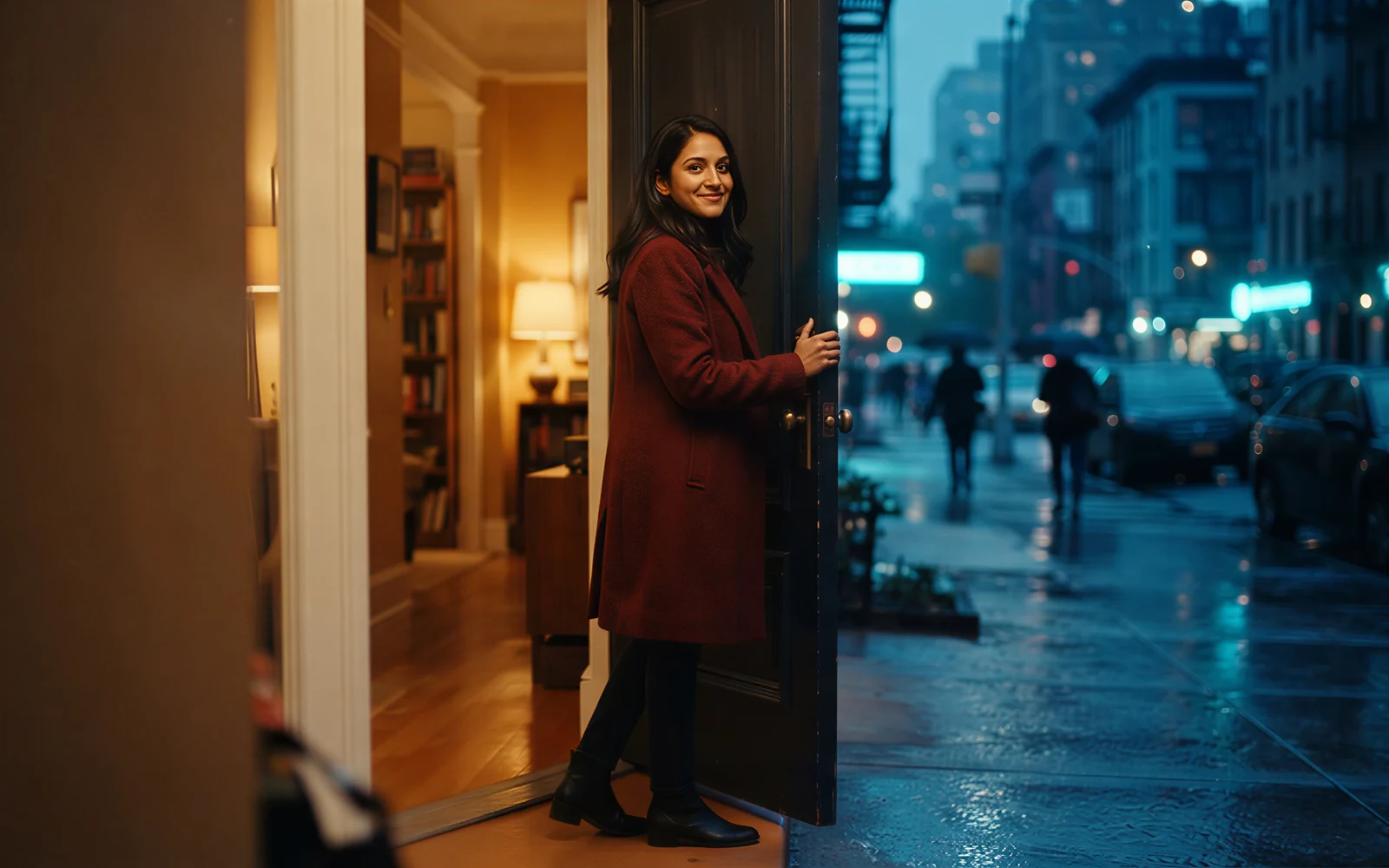
Animate the still you already have
The input image is the first frame. Product tables, portraits, and location stills keep their look while you write motion and camera.
- Add the still in the tool before you Generate. It is required.
- Keep the prompt short enough to finish inside 5 or 10 seconds.

See hair, cloth, and weight move
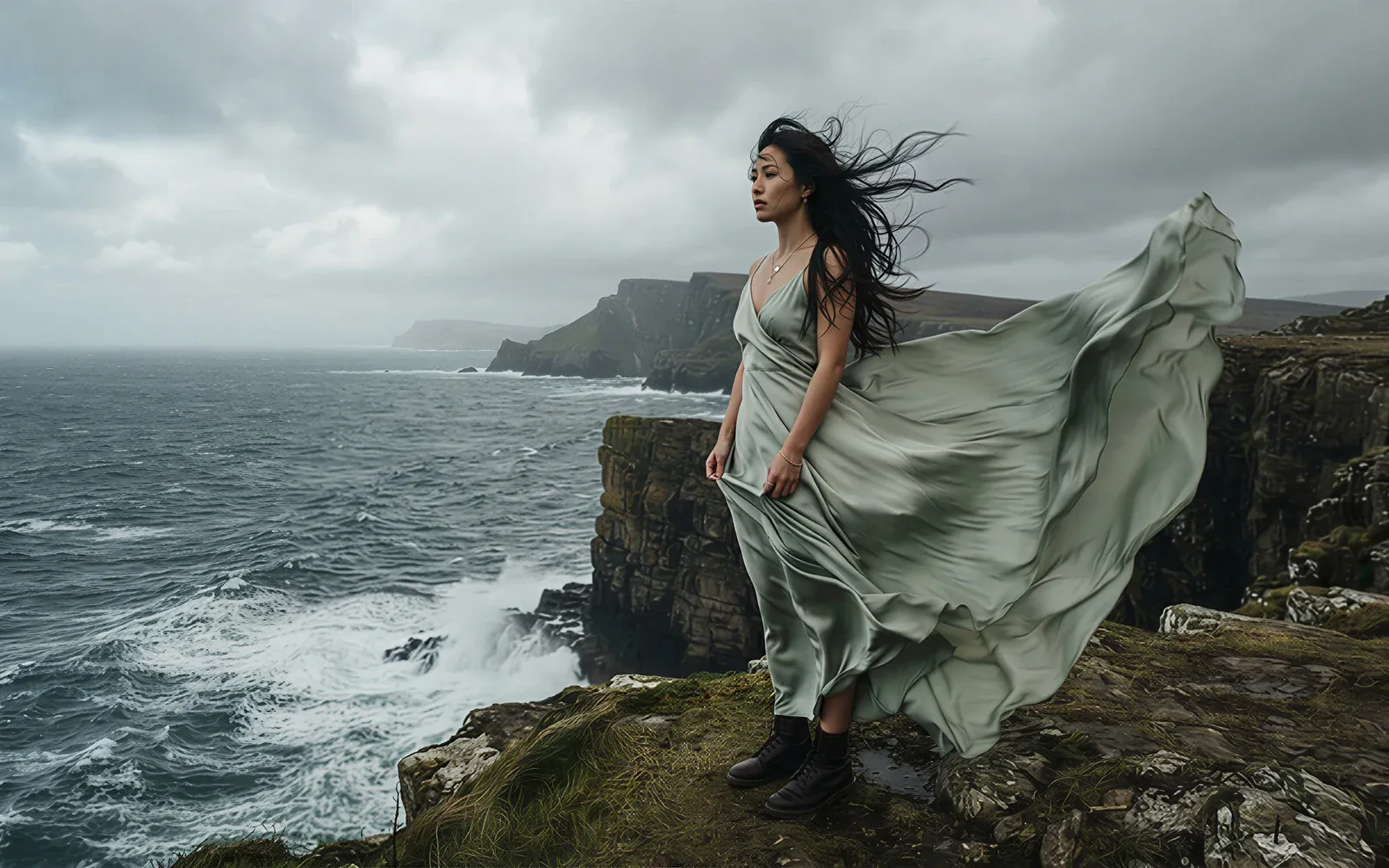
Issuer physics reels treat cloth, hair, and object weight as the motion test. Write the action you want in those 5 to 10 seconds.
- Name the camera move instead of hoping the model invents one.
- Iterate on Turbo when you are still finding the take.
See CamArt credits before you Generate
Gen-4 Turbo on CamArt is 1 credit per second. A 5 second clip is 5 credits and a 10 second clip is 10 credits. The button shows the charge before you start.
- Draft at 5 seconds, finish at 10 when the motion needs the extra beat.
- Video Editor Aleph is a separate 90 credit edit, not this generate default.

How to Use Runway Gen-4 AI Video Generator in CamArt
Three steps from a still to a silent 5 to 10 second clip.
-
STEP 01
Keep Turbo and upload the still
Keep Runway Gen-4 Turbo selected. Upload the still. It is required. There is no CamArt text-only Gen-4 generate path.
-
STEP 02
Write motion and set length
Write a motion and camera prompt. Set duration (5 to 10s) and ratio (16:9, 9:16, 1:1, 4:3, or 3:4).
-
STEP 03
Generate, preview, and save
Hit Generate. Preview the silent clip, then save from Creations. Use Video Editor Aleph only when you need to edit an existing clip.
Who Should Use Runway Gen-4 on CamArt
Gen-4 fits briefs that start from a still and need a short, consistent motion pass. Longer audio-video stories belong on other CamArt models.
-
Filmmakers needing extra coverage
Animate a locked still into a new angle or lighting pass without rebuilding the character.
-
Brand and campaign marketers
Keep a face or location on-model across short 5 to 10 second cuts for boards and social.
-
Product and ecommerce teams
Start from a pack shot. The still carries the look. The prompt only has to move the camera or the object.
-
Social and UGC editors
9:16 and 1:1 are on CamArt Turbo. Clips are silent, so add sound in another tool if the brief needs a track.
-
Concept artists and look-dev
Test world consistency from one key still before a longer shoot or a later model.
-
Agencies iterating on Turbo
See credits on Generate, then finish or edit elsewhere. CamArt Aleph is the in-context editor, not this page's default.
Explore More AI Video Models on CamArt
FAQs
Is Runway Gen-4 free?
CamArt is not an unlimited free Gen-4 host. New accounts get 20 starter credits for low-cost models. Gen-4 Turbo charges the credits shown on Generate (1 credit per second). After that, use a subscription or credit pack on /pricing.
How much does a Runway AI video generator cost?
On CamArt, Gen-4 Turbo is 1 credit per second, so a 5 second clip is 5 credits and a 10 second clip is 10 credits. Runway's own help lists different credit rates on Runway plans. CamArt does not sell Runway subscriptions.
Does Gen-4 require an input image?
Yes. The still sets look, light, and composition. The prompt should describe motion and camera.
What is Gen-4 Turbo vs Gen-4?
Turbo is the faster, lower-cost sibling. Runway recommends testing in Turbo, then switching to Gen-4 if quality falls short. CamArt's generate default is Turbo. Non-Turbo Gen-4 is not a separate CamArt SKU.
How long can Gen-4 clips be?
Official Gen-4 outputs are 5 or 10 seconds. CamArt Turbo offers 5 through 10 seconds. This is not a 30 second model.
What resolution and frame rate does Gen-4 output?
Help lists 24 fps and 720p-class sizes such as 1280x720, 720x1280, and 1:1 960x960. Some ranking pages say 1080p. That is not the help-center native table. Runway's 4K path is an upscale action after generation, not native Gen-4 output on CamArt.
Does Gen-4 generate native audio?
No. This page does not claim dialogue, music, or lip sync on Gen-4 or Turbo. Add sound in another tool if you need a soundtrack.
How is Gen-4 different from Gen-4.5?
Runway now points new work to Gen-4.5 for text-to-video and image-to-video. Gen-4 remains the image-required 5 or 10 second model this page covers. CamArt does not run Gen-4.5.
What is Runway Aleph vs Gen-4 generate?
Aleph is an in-context video editor: you start from a clip and describe a change. It is not the generate default. CamArt exposes Gen-4 Aleph in Video Editor, using the first 5 seconds of the source.
How do I generate a Gen-4 clip on CamArt?
Sign in with Google or an email magic link. Keep Runway Gen-4 Turbo selected, upload a still, write the motion prompt, set duration and ratio, then Generate. Credits on the button deduct on start. Commercial use follows CamArt terms and third-party model terms.
Animate a still with Runway Gen-4
Upload the required first frame, write the motion and camera, then Generate. Credits show on the button before you spend.