
Wan 3.0 AI Video Generator
WAN 3.0 generates up to 30 seconds of 30 fps MP4 with native dialogue, music, and sound effects in one pass. One job can take text plus up to 10 images, 5 videos, and 5 audio clips, or lock first and last frames.
What is Wan 3.0
WAN 3.0 is Alibaba Tongyi Wanxiang's all-in-one video generation model on Alibaba Cloud Model Studio (wan3.0-video / Prime). It covers text-to-video, first-and-last-frame image-to-video, and multimodal reference in one family. Official output is 480P, 720P, or 1080P.
30-second pass
One generation can run up to 30 seconds, enough for a short multi-shot beat instead of a 5-10s fragment.
Native sound
Dialogue, BGM, and effects come with the picture. CamArt Sound stays on by default for this model.
Omni refs
Up to 10 images, 5 videos, and 5 audios, addressed in the prompt as Image 1, Video 1, Audio 1.
First and last frame
Start-End locks the opening and closing stills on image-to-video.
480p to 1080p
Draft at 480p, finish at 720p or 1080p, billed per second.
Reference consistency
Reference-to-video is for stable characters, props, space, and style.
Examples of Wan 3.0 from X
Community clips on X made with Wan 3.0. Copy a prompt and try it in the editor.
-
Food & Cooking
Magic Pen Street Food Vlog
PROMPTMagic Pen Street Food Vlog. 15 Seconds. [STYLE] Live-action + flat 2D anime sticker compositing, first-person street
-
Camera Magic
Hotel Ballroom Long-Take Fight
PROMPTA single continuous 20-second cinematic long take set inside a lavish luxury hotel ballroom
-
UGC Ads
Travel Vlogger One-Take Journey
PROMPTCreate a realistic 20-second cinematic travel vlog featuring one young female travel vlogger exploring a
-
Characters & Fantasy
Painted Dreams Become Real
PROMPTA Korean girl discovers that whatever she paints on a canvas becomes real for a few seconds. The story
-
Emotional Moments
Package From Herself
PROMPTSCENE 1. 0-3 SECONDS. Late evening in a modern Seoul apartment building. Rain can be heard outside. The woman exits the elevator and
-
Cinematic
Cable Car Survival Beat
PROMPTShot 1 | 0–6 sec Photorealistic cinematic survival thriller. A young woman in a red winter jacket rides a small cable car above breathtaking snow-covered mountains at golden hour. Suddenly,
Key Features of Wan 3.0 AI Video Generator
What Alibaba documents for WAN 3.0, written as controls you can actually prompt: 30-second length, native audio, Omni refs, first-last frames, and the 480p to 1080p ladder.
-
30-second one-pass clip
Alibaba documents up to 30 seconds per Wan 3.0 generation, enough for a short multi-shot beat instead of a Wan 2.7 10-second fragment.
-
Native dialogue, BGM, and SFX
Picture and sound come out together as a 30 fps MP4. CamArt Sound stays on by default. Alibaba still notes audio texture can improve.
-
Omni 10 / 5 / 5 refs
One job can take up to 10 images, 5 videos, and 5 audios. Address them as Image 1, Video 1, and Audio 1 in the prompt.
-
First and last frame
Start-End locks the opening and closing stills on image-to-video. First/last frame cannot mix with Omni refs in one official request.
-
480p to 1080p ladder
Draft at 480p, finish at 720p or 1080p, billed per second. This page does not claim 4K.
-
Prompt and camera control
The issuer treats the prompt as the control center for action, camera, and lighting. Name the move instead of hoping the model invents it.
Name Image 1, Video 1, and Audio 1 in the prompt.
WAN 3.0 follows camera, action, and reference mentions when you keep Standard, Omni, or Start-End consistent with the assets you attached.
Wan 3.0 Model Comparison
Wan 3.0 is a 2 to 30 second native-audio one-take with Omni 10 / 5 / 5, whereas Seedance 2.5 matches 30 seconds with denser refs, Kling 3.0 tops out at 15 seconds, and Veo 3.1 stays at 4 to 8 seconds.
| Fact | Wan 3.0 | Seedance 2.5 | Kling 3.0 | Veo 3.1 |
|---|---|---|---|---|
| Issuer | Alibaba Wan. Long one-take with native audio. | ByteDance Seed. 30-second one-take plus dense refs. | Kuaishou Kling 3.0 Standard, Pro, and 4K SKUs. | Google DeepMind Veo 3.1. |
| Best for | 30-second native-audio one-takes from mixed inputs. | 30-second story takes with dense Omni refs. | 3 to 15 second cinematic clips with a 4K SKU. | Photoreal 4 to 8 second clips with a +7 second extend. |
| Strength | Omni 10 images / 5 videos / 5 audio in one pass. | One-pass audio-video story plus timestamp edit. | Optional Sound and Multi-Shot from a written shot list. | Native dialogue, effects, and ambience billed per job. |
| Duration on CamArt | 2 to 30 seconds per Generate job. | 4 to 30 seconds, then multi-round extend. | 3 to 15 seconds per Generate job. | 4 to 8 seconds, then a +7 second extend SKU. |
| Resolution on CamArt | 480p to 1080p. | Turbo 720p / 1080p. Standard can pick 4K in the picker. | 720p to 4K in the picker, including a dedicated 4K SKU. | 720p, 1080p, or 4K. |
| Native audio | Yes. Native soundtrack on connected SKUs. | Yes. Joint picture and sound in one pass. | Optional Sound. Start and end frames sit on the same 3.0 card. | Yes. Native soundtrack on connected SKUs. |
| Modes and refs | T2V, I2V, Omni 10 images / 5 videos / 5 audio. | Omni 30 images / 10 videos / 10 audio, clay-render, Start-End. Timestamp edit on Edit SKUs. | T2V, I2V, Start-End. No Omni on CamArt 3.0 Generate. | T2V, I2V, Omni 1 to 3 stills, Start-End. |
| CamArt credits | Standard is 10 credits per second (50 at 5 seconds 720p). Prime is 15 per second. | Turbo is 20 credits per second (100 at 5 seconds 720p). | Pro is 11.2 credits per second (56 at 5 seconds). | 320 credits per job on Veo 3.1, not per second. Fast is 120 credits at 8 seconds. |
Sources: Alibaba Wan 3.0; ByteDance Seedance 2.5; Kling VIDEO 3.0 guide; Google Veo 3.1.
Why Choose Wan 3.0 AI Video Generator in CamArt
Choose WAN 3.0 when the job is a 30-second clip with native sound and mixed refs. CamArt runs Standard by default, with Prime as the faster SKU.
Hold a 30s beat without stitching 10s clips
Wan 3.0 generates up to 30 seconds in one pass. Official Wan 2.7 max is 10 seconds. Write the setup, the turn, and the close in one prompt instead of gluing leftover shorts.
- Set duration up to 30 seconds on CamArt before you Generate.
- Keep Wan 2.7 for shorter 5-10s jobs when you do not need the 3.0 canvas.
Keep a product or character on-model
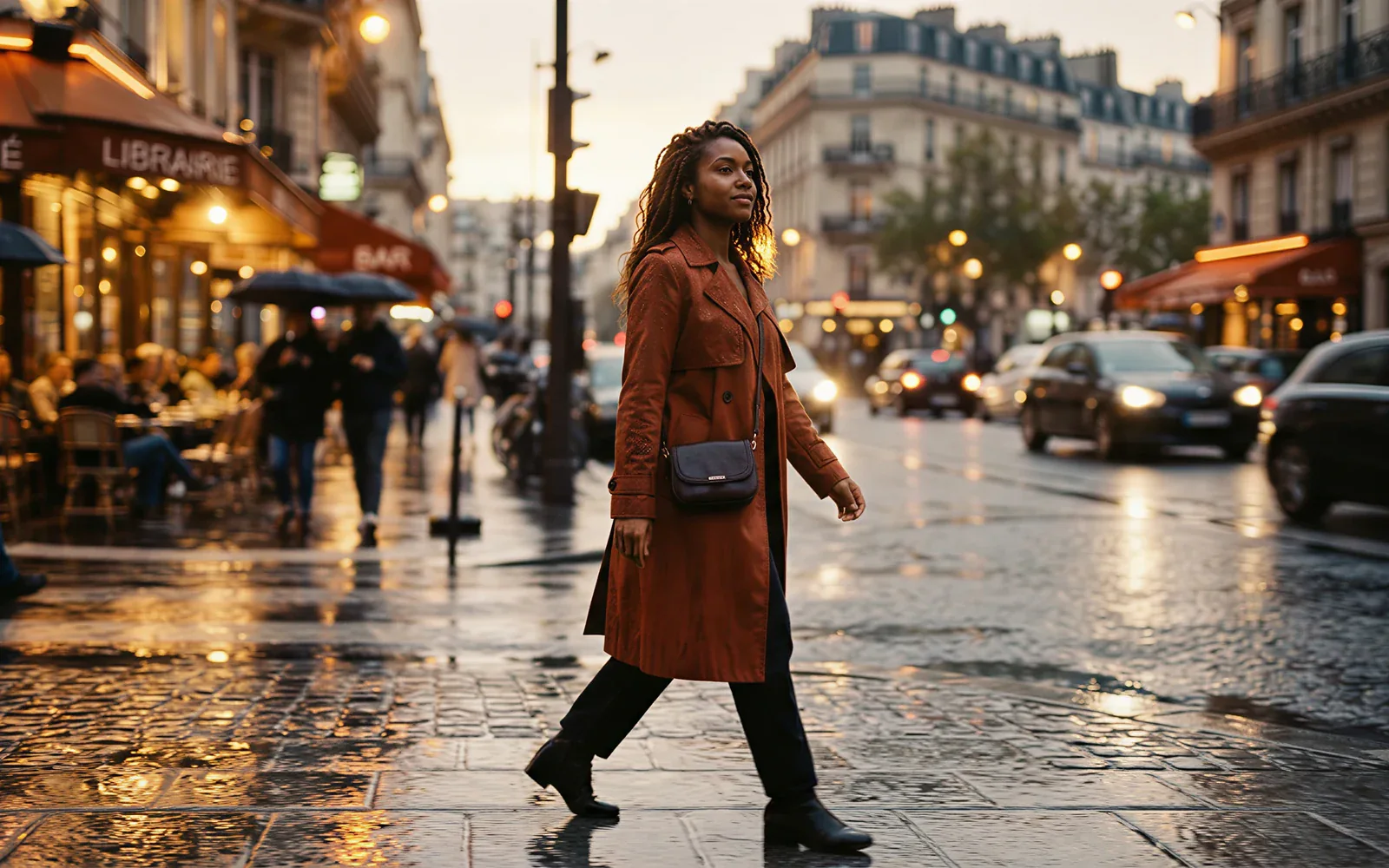
Official reference-to-video is for stable characters, props, space, and style. CamArt Omni takes up to 10 images, 5 videos, and 5 audios in one WAN 3.0 job.
- Attach face, wardrobe, or pack shots before you generate.
- Name Image 1, Video 1, and Audio 1 in the prompt so the model can lock them.

Ship picture and sound together
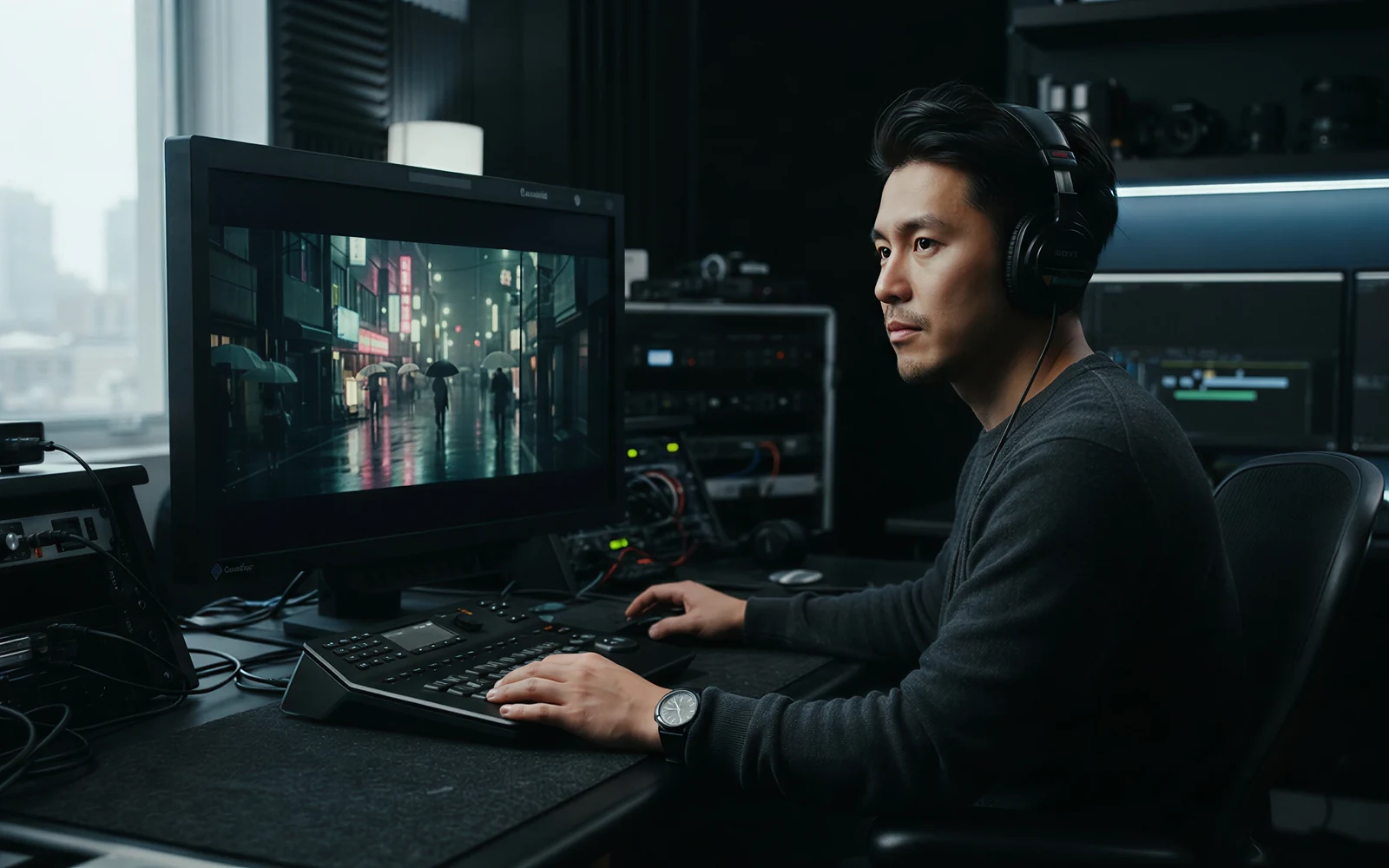
Wan 3.0 outputs dialogue, BGM, and sound effects in the same 30 fps MP4. You do not have to add a track later unless you want to.
- Leave Sound on unless the brief is silent.
- Preview the clip with audio in Creations before you download.
See credits on Generate before you spend
CamArt bills 1 credit as $0.01 COGS. WAN 3.0 Standard is $0.05 / $0.10 / $0.20 per second at 480p / 720p / 1080p. Prime is 1.5 times that rate. The button shows the charge before you start.
- Draft long beats at 480p, finish at 1080p.
- Switch to Prime only when wall time matters more than the Standard rate.

How to Use Wan 3.0 AI Video Generator in CamArt
Three steps from a 30-second brief to a saved clip.
-
STEP 01
Write the 30-second beat
Keep WAN 3.0 selected. Write the beat, or upload a start frame and a last frame for Start-End. Note camera and sound in the same prompt.
-
STEP 02
Attach Omni refs and set length
Add the images, clips, or audio the picker allows, up to 10 / 5 / 5. Set duration (2-30s) and resolution (480p, 720p, or 1080p).
-
STEP 03
Generate, preview, and save
Hit Generate. Preview picture and sound, then save from Creations. Switch to Prime when you want the faster SKU at 1.5 times Standard credits.
Who Should Use Wan 3.0 on CamArt
WAN 3.0 fits briefs that need a 30-second clip, native sound, and mixed refs. Shorter one-shot memes can stay on Wan 2.7.
-
Brand and performance marketers
A 30-second pass can carry an opening, a product moment, and a close without stitching Wan 2.7 10-second leftovers.
-
Filmmakers and previs teams
Use the 30-second window plus first/last frames to test a beat before a longer shoot.
-
UGC and social editors
9:16 on CamArt T2V plus native dialogue and BGM fits talking-head and lifestyle briefs.
-
Product explainers
Image and video refs keep pack shots and logos on-model across a 1080p clip.
-
Agencies pitching campaigns
Credits show on Generate, so a 480p draft and a 1080p finish are priced before you spend.
-
Education teams
Prompt plus Omni refs can walk a lesson. CamArt does not expose issuer document-to-video upload.
Explore More AI Video Models on CamArt
FAQs
How long can Wan 3.0 videos be?
Alibaba documents up to 30 seconds per Wan 3.0 generation. Official Wan 2.7 max is 10 seconds. On CamArt the duration picker is 2 to 30 seconds. Some ranking pages say Wan 2.7 reaches 15 seconds; that is not the Model Studio FAQ number we use here.
Does Wan 3.0 generate audio with the picture?
Yes. The Model Studio guide and Alibaba blog describe native dialogue, background music, and sound effects in the same MP4. On CamArt, Sound stays on by default for WAN 3.0. Alibaba still notes audio texture can improve.
What resolution does Wan 3.0 support?
Official output is 480P, 720P, or 1080P at 30 fps. CamArt matches that ladder. This page does not claim 4K.
Can Wan 3.0 do image to video and first/last frame?
Yes. Use a first frame, and optionally a last frame, on CamArt Start-End. First/last frame cannot mix with Omni reference files in one official request; the CamArt picker follows that split.
How many image, video, and audio references does Wan 3.0 take?
Alibaba documents up to 10 images, 5 videos (15s total), and 5 audios (15s total). Mention them as Image 1, Video 1, Audio 1. CamArt Omni Reference uses those caps. Issuer document/webpage input is not a CamArt control.
How is Wan 3.0 different from Wan 2.7?
Wan 3.0 is the all-in-one 30-second model with denser mixed refs and native A/V as the headline story. Wan 2.7 on Model Studio is documented at up to 10 seconds. This page defaults to WAN 3.0 Standard. Prime is the faster 3.0 SKU, not a separate generation family.
What is Wan 3.0 Prime on CamArt?
Prime (wan3.0-video-prime) keeps the same duration, resolution, and reference surface and is billed faster. On CamArt it is 1.5 times the Standard credit rate. Pick Prime in the model control when wall time matters more than the Standard rate.
Does CamArt run Wan 3.0 document-to-video?
No. Alibaba Cloud can take one document or one public webpage. CamArt exposes text, images, videos, audio, and first/last frames, not PPT/PDF/spreadsheet upload.
How do I generate a Wan 3.0 clip on CamArt?
Sign in with Google or an email magic link. Keep WAN 3.0 selected, write the prompt, set duration and resolution, then Generate. Credits shown on the button are deducted on start (1 credit = $0.01 COGS). Starter credits do not cover every 1080p 30s job. Commercial use follows CamArt terms and third-party model terms.
Generate a 30-second Wan 3.0 clip
Describe the beat or upload a starting frame. Note camera, sound, and Image 1 / Video 1 / Audio 1, then hit Generate.