
Seedance 2.5 AI Video Generator
Seedance 2.5 generates a 30-second audio-video story in one pass and can extend or edit it by timestamp. One job can take up to 30 images, 10 videos, and 10 audio clips, including a clay-render lock for camera and lighting.
What is Seedance 2.5
Seedance 2.5 is ByteDance Seed's current audio-video joint generation model, built on Seedance 2.0's unified architecture. It is the Seedance line for one-pass picture-and-sound stories, not a generic wrapper name.
Audio-video joint generation
ByteDance Seed generates picture and sound together, not a silent clip with audio added later.
30-second one-take
One pass can hold a multi-shot story instead of a single moment.
Multi-round extend
Later shots can append while characters, rooms, and pacing stay aligned.
30 / 10 / 10 references
Up to 30 images, 10 videos, and 10 audio clips in one job.
Clay-render camera lock
A textureless 3D block-in can set path, blocking, and lighting.
Timestamp edits
Prompts can change action, camera, or plot inside a named time range.
Examples of Seedance 2.5 from X
Community clips on X made with Seedance. Copy a prompt and try it in the editor.
-
Food & Cooking
Cinematic Fish Cooking Ad
PROMPTCreate a 14-second cinematic fish cooking advertisement in 16:9 landscape, ultra-realistic 4K quality with warm cinematic lighting, rich food textures, and premium commercial aesthetics. The video begins with a fresh fish being washed under clean running water in a modern luxury kitchen while water droplets sparkle naturally. Next, the fish is evenly coated with red chili powder, turmeric, black pepper, salt, garlic paste, ginger paste, lemon juice, and fresh herbs, with detailed close-ups of hands gently rubbing the spices into the fish. The seasoned fish is then placed into hot oil, where it sizzles and fries to a crispy golden-brown finish with slow-motion bubbling oil and rising steam. After frying, the fish is beautifully plated on a premium ceramic plate with lemon slices, fresh herbs, onion rings, and a small dipping sauce, while soft steam rises to enhance its freshness. In the final scene, a stylish young woman sits at a dining table, smiles as she takes a delicious bite, then gently lifts the plate toward the camera to showcase the perfectly cooked crispy fish. Use smooth cinematic camera movements, shallow depth of field, realistic steam, vibrant colors, elegant transitions, and luxury food-commercial quality throughout, ending with the on-screen text: "Taste the Freshness, Feel the Flavor!
-
Pets & Animals
Kittens Dancing on a Night Beach
PROMPTA 10-second realistic handheld video at night on a wet sandy beach. A tiny white kitten with grey markings on its head stands upright on its hind legs in shallow water, front paws raised like it’s dancing or balancing, looking curiously at the camera. A small light-brown (ginger) kitten walks toward it, then also rises onto its hind legs beside the white one, both cats standing side-by-side with paws up in a playful, almost human-like pose. Gentle ocean waves roll in the dark background, wet sand glistening under soft night lighting. Cute, slightly shaky handheld footage, adorable and whimsical atmosphere
-
Product Showcase
Vertical Skincare Commercial
PROMPTFormat: 9:16 Vertical | 14 Seconds | 4K | Photorealistic | Premium Skincare Commercial Character: A girl’s image as the ONLY facial identity reference. Preserve her exact face, eyes, nose, lips, eyebrows, skin tone, long wavy brown hair and overall appearance in every shot. Product: EVENTONE-C box and cream tube from the storyboard as the exact product reference. Keep packaging, logo, colors and design consistent. Create a premium cinematic product-opening shot. The EVENTONE-C cream box and tube stand elegantly on a clean white luxury skincare background. Soft warm studio lighting, subtle reflections and shallow depth of field. Camera slowly pushes toward the product while the packaging remains sharp and readable. On-screen text: EVENTONE-C L-Glutathione + Vitamin C Cream Smooth, luxurious beauty-commercial movement. Cut to the same girl from the uploaded reference image standing in front of a mirror in a bright, elegant room. Medium close-up transitioning into a close-up of her face. She gently touches her cheek while looking at her reflection. Show natural-looking dark spots, mild pigmentation and uneven skin tone without making her face look damaged or unrealistic. On-screen text: Dark Spots • Pigmentation • Uneven Skin Tone Keep her facial identity exactly consistent with the reference image. Close-up of the same girl. She gently applies a small amount of EVENTONE-C cream to her cheek using her fingertip. Show a beautiful macro shot of the smooth white cream texture on her skin, followed by her gently spreading it. Soft beauty lighting, realistic skin texture, natural hand movement, elegant cinematic camera motion. On-screen text: L-Glutathione + Vitamin C Create a clean cinematic split-screen transition. BEFORE: Same girl, same face and hairstyle, showing natural dark spots, pigmentation and uneven tone. AFTER: Same girl, identical facial identity, hairstyle and camera angle, with visibly brighter and more even-looking skin. Use a smooth left-to-right transition between BEFORE and AFTER. Do not change her facial structure or identity. On-screen labels: BEFORE | AFTER Transition back to the EVENTONE-C box and tube standing together in the center of a premium white beauty environment. Add a subtle soft glow, elegant reflections and cinematic depth of field. Camera slowly moves closer to the product. On-screen text: Visible Results in 4 Weeks Then show: ✓ Reduce Dark Spots & Pigmentation ✓ Brighter & More Even-Toned Skin ✓ Gentle & Smooth Skin ✓ For All Skin Types Final frame: EVENTONE-C L-Glutathione + Vitamin C Cream For Radiant & Flawless Skin Complexion
-
Travel & Scenery
Hawaii Travel Vlog
PROMPT15-Second Cinematic Hawaii Travel Vlog A cinematic 15-second tropical travel vlog montage featuring the same beautiful 20-year-old East Asian woman with dark hair enjoying a dreamy summer vacation in Hawaii. Maintain perfect character consistency throughout every shot: same face, dark hairstyle, youthful appearance, natural makeup, realistic skin texture, elegant summer styling, and relaxed happy expressions. Visual style: authentic luxury travel diary, realistic handheld camera movement, candid moments, soft golden-hour sunlight, dreamy 35mm film aesthetic, warm vintage color grading, shallow depth of field, natural atmospheric lighting, subtle film grain, realistic autofocus, natural motion blur, cinematic storytelling. 4K, 24fps, 35mm lens, photorealistic, travel documentary aesthetic. Scene 1 — Arrival & Beach Walk (0–4s) Bright Hawaiian morning. The woman walks through a colorful tropical street lined with palm trees, wearing a flowing floral summer dress and sunglasses. Camera follows her from behind, then smoothly moves to a close-up as she turns and smiles naturally. Wind gently moves her dark hair. Quick transition toward the ocean. Scene 2 — Beach & Tropical Nature (4–8s) She walks barefoot along a wide sandy beach as crystal-blue waves touch her feet. Low-angle shot of her footsteps in wet sand, followed by a cinematic shot of her near a rocky ocean cliff looking peacefully toward the sea. Palm trees sway in golden sunlight, with subtle lens flare and distant volcanic mountains. Scene 3 — Ocean Adventure & Cafe Moment (8–12s) She laughs naturally while floating on a surfboard in calm turquoise water. Water-level camera circles around her, sunlight sparkling across the ocean and tropical mountains in the distance. Cut smoothly to her sitting at a cozy beachfront cafe, holding a tropical drink while watching the waves. Scene 4 — Golden Sunset Ending (12–15s) Emotional cinematic ending. Wide silhouette of the woman standing barefoot at the shoreline during a glowing orange-pink sunset. Waves gently move around her feet. Camera slowly pushes in as she looks toward the horizon, then briefly turns toward the camera with a peaceful smile. End with a soft filmic fade. Camera: authentic travel vlog cinematography, handheld movement, smooth transitions, slow push-ins, occasional POV shots, realistic autofocus adjustments, subtle motion blur. Keep the woman identical in every scene: same facial features, same dark hair, same youthful appearance, same body proportions, realistic skin texture and natural expressions. No character morphing or hairstyle changes. Avoid: cartoon/CGI appearance, plastic skin, unrealistic face, inconsistent character, changing hairstyle, extra fingers, distorted anatomy, artificial movements, oversaturated colors, excessive sharpening, blurry face, duplicate people, unnatural lighting.
-
VFX & Surreal
Live-Action Recreate from Video Ref
PROMPTUse the uploaded reference video as the master reference. Recreate the entire scene in ultra-photorealistic live action while preserving the original video frame-by-frame. Maintain the EXACT camera movement, lens, framing, composition, timing, pacing, shot transitions, lighting direction, environment, props, object placement, character blocking, and every action from the reference video. ONLY replace the cartoon characters with realistic live-action animals while keeping everything else unchanged. ======================== CHARACTER CONSISTENCY ======================== Tom is a realistic British Shorthair cat with: • blue-gray plush fur • white chest, muzzle and paws • large amber eyes • pink nose • rounded face • thick tail • expressive eyebrows • identical appearance in every frame • identical fur pattern, facial proportions, eye color and body size throughout the video Jerry is a realistic golden Syrian hamster with: • soft golden-brown fur • cream belly • large rounded ears • black shiny eyes • tiny pink paws • small pink nose • realistic whiskers • consistent body proportions in every frame • identical appearance throughout the entire video If other Tom & Jerry characters appear, replace them with realistic animals that preserve their personality, colors, proportions and expressions while remaining identical throughout the clip. ======================== MOTION ======================== Preserve every movement exactly. The realistic animals must perform the exact same actions, walking cycle, head movement, eye movement, paw placement, facial expressions, timing and interactions as in the reference animation. No new actions. No altered timing. No changed poses. ======================== ENVIRONMENT ======================== Keep the original environment exactly the same. Do not modify: • furniture • decorations • room layout • colors • props • shadows • reflections • camera angle • camera path Everything except the characters must remain unchanged. ======================== QUALITY ======================== Hollywood-quality CGI. Photorealistic animals. Natural muscle movement. Physically accurate fur simulation. Realistic whiskers. Subsurface scattering. Realistic eye reflections. Natural breathing. Micro facial expressions. Ultra detailed textures. Soft cinematic lighting. Shallow depth of field. Global illumination. Ray-traced reflections. Macro photography realism. 4K HDR. Disney-level VFX quality. Live-action realism. Extremely stable temporal consistency. Perfect character identity consistency across all frames. Do not redesign the characters. Do not change the environment. Do not change the camera. Do not change the timing. Do not add new objects. Do not crop or zoom differently. No flickering. No morphing. No identity drift. No fur color changes. No eye color changes. No size changes. No anatomy deformation. No extra limbs. No duplicate animals. No cartoon textures. No low-quality CGI. No inconsistent lighting. No frame-to-frame variation. Maintain perfect temporal consistency and character consistency throughout the entire video.
-
Characters & Fantasy
Little Cloud Collector Sheet
PROMPTCreate a professional 16:9 animation character design sheet featuring all major side characters from a magical fantasy short film called “The Little Cloud Collector.” The sheet should include every supporting character except the main child protagonist. Each character should have a unique silhouette, personality, emotional purpose, and visual identity. The designs should feel connected to the same whimsical world: a peaceful mountain village surrounded by forests, clouds, rivers, and forgotten magic. Character 1: The Little Storm Cloud Spirit (main companion) Concept: A tiny living cloud creature who is lonely and afraid of the sky after losing its way. It is not a scary storm cloud — it is adorable, emotional, and mysterious. Design: - Small floating cloud body with soft fluffy edges - Expressive glowing eyes formed from tiny drops of rain - Little puff-like arms and a tiny tail of mist - Gentle lightning spark inside its body when excited - Different cloud moods: fluffy white, grey sad cloud, glowing rainbow cloud - Tiny raindrop accessories that appear like tears - Personality shown through shape changes and expressions Include: - Front view - Side view - Floating pose - Sleeping pose - Happy rain expression - Scared storm expression - Rainbow transformation version --- Character 2: The Old Mountain Weather Keeper Concept: An elderly guardian who has watched over the clouds and seasons for many years. A quiet, wise figure who understands the secrets of the sky. Design: - Elderly person with a gentle face and warm eyes - Long textured coat made from natural fabrics - Weather-inspired accessories: old compass, feather collection, wind chimes, cloud maps - Handmade boots for mountain walking - Wooden staff decorated with weather symbols - Soft grey hair moving like mist in the wind - Calm, mysterious but kind personality Include: - Standing full body view - Walking pose with staff - Reading an ancient cloud map - Smiling expression - Thoughtful expression - Close-up face details --- Character 3: The Forest Spirit Family Concept: Small magical creatures living inside the ancient forest. They guide travelers and protect nature. Design: Create 3 different forest spirits: Spirit A: - Tiny mushroom-inspired creature - Round body - Leaf-like clothing - Curious and playful personality Spirit B: - Small fox-like forest guardian - Large ears - Glowing markings - Wise but mischievous expression Spirit C: - Tiny plant creature - Flower-shaped hair - Gentle personality - Leaves growing from its body Include: - Group lineup - Individual front and side views - Happy, surprised, and sleepy expressions - Different sizes and silhouettes --- Character 4: The Village Baker Concept: A warm-hearted village elder who provides comfort and kindness to everyone. Design: - Round friendly face - Soft apron covered with flour marks - Traditional mountain village clothing - Handmade bread basket - Warm scarf - Wooden bakery tools - Cozy personality Include: - Full body turnaround - Baking pose - Laughing expression - Holding magical bread - Bakery accessory details --- Character 5: The Sky Birds Concept: Magical birds that communicate with clouds and help guide lost spirits home. Design: Create a small group of unique fantasy birds: - Different feather patterns inspired by sunsets, clouds, and rain - Gentle glowing feathers - Elegant flying shapes - Friendly expressive eyes Include: - Flying poses - Sitting poses - Feather detail studies - Size comparison --- Character Sheet Layout: - Wide 16:9 professional animation studio concept sheet - Arrange all characters in a clean organized layout - Include full-body turnarounds, expression sheets, and personality poses - Add small design notes and accessory studies - Maintain consistent world-building across all characters - Make every character visually memorable with a strong silhouette Visual Style: Hand-painted fantasy animation concept art, soft watercolor backgrounds, cinematic lighting, detailed character exploration, expressive faces, whimsical magical realism, cozy mountain village atmosphere, nature-inspired designs, emotional storytelling, high-quality animated film pre-production artwork. Avoid: - Generic fantasy creatures - Overly complex armor or superhero designs - Dark horror aesthetics - Modern clothing
Key Features of Seedance 2.5 AI Video Generator
What ByteDance Seed documents for Seedance 2.5, written as controls you can actually prompt: length, refs, clay, timestamp edit, joint audio, and identity across extend.
-
30-second one-take
ByteDance Seed documents a 30-second generation window so a setup, turn, and close can live in one clip instead of stitched leftovers.
-
30 / 10 / 10 references
One Seedance 2.5 job can take up to 30 images, 10 videos, and 10 audio clips. That is the official mix behind the SERP shorthand of 50 assets.
-
Clay-render camera lock
A textureless 3D block-in can set path, blocking, and lighting. Look refs dress the mesh after the camera is locked.
-
Timestamp and reference edit
Change action, camera, or plot inside a named time range. Official edits also include green screen and camera-perspective passes.
-
Audio-video joint output
Picture and sound generate together. Footsteps, speech, and room tone are not a silent clip with music glued on later.
-
Identity across cuts and extend
Issuer copy says subjects stay stable across shots and later extend rounds. Complex-motion physics and multi-subject interaction can still slip.
Write the 30-second beat. Seedance 2.5 holds it.
Seedance 2.5 is built for a 30-second one-take, then a multi-round extend. Name the setup, turn, and close in the prompt instead of stitching leftover 15-second clips.
Seedance 2.5 Model Comparison
Seedance 2.5 focuses on a 30-second joint audio-video story with Omni 30 / 10 / 10, whereas Kling 3.0 skips Omni, Veo 3.1 is a short job, and Wan 3.0 matches length with lighter refs.
| Fact | Seedance 2.5 | Kling 3.0 | Veo 3.1 | Wan 3.0 |
|---|---|---|---|---|
| Issuer | ByteDance Seed. 30-second one-take plus dense refs. | Kuaishou Kling 3.0 Standard, Pro, and 4K SKUs. | Google DeepMind Veo 3.1. | Alibaba Wan. Long one-take with native audio. |
| Best for | 30-second story takes with dense Omni refs. | 3 to 15 second cinematic clips with a 4K SKU. | Photoreal 4 to 8 second clips with a +7 second extend. | 30-second native-audio one-takes from mixed inputs. |
| Strength | One-pass audio-video story plus timestamp edit. | Optional Sound and Multi-Shot from a written shot list. | Native dialogue, effects, and ambience billed per job. | Omni 10 images / 5 videos / 5 audio in one pass. |
| Duration on CamArt | 4 to 30 seconds, then multi-round extend. | 3 to 15 seconds per Generate job. | 4 to 8 seconds, then a +7 second extend SKU. | 2 to 30 seconds per Generate job. |
| Resolution on CamArt | Turbo 720p / 1080p. Standard can pick 4K in the picker. | 720p to 4K in the picker, including a dedicated 4K SKU. | 720p, 1080p, or 4K. | 480p to 1080p. |
| Native audio | Yes. Joint picture and sound in one pass. | Optional Sound. Start and end frames sit on the same 3.0 card. | Yes. Native soundtrack on connected SKUs. | Yes. Native soundtrack on connected SKUs. |
| Modes and refs | Omni 30 images / 10 videos / 10 audio, clay-render, Start-End. Timestamp edit on Edit SKUs. | T2V, I2V, Start-End. No Omni on CamArt 3.0 Generate. | T2V, I2V, Omni 1 to 3 stills, Start-End. | T2V, I2V, Omni 10 images / 5 videos / 5 audio. |
| CamArt credits | Turbo is 20 credits per second (100 at 5 seconds 720p). | Pro is 11.2 credits per second (56 at 5 seconds). | 320 credits per job on Veo 3.1, not per second. Fast is 120 credits at 8 seconds. | Standard is 10 credits per second (50 at 5 seconds 720p). Prime is 15 per second. |
Sources: ByteDance Seedance 2.5; Kling VIDEO 3.0 guide; Google Veo 3.1; Alibaba Wan 3.0.
Why Choose Seedance 2.5 AI Video Generator in CamArt
Choose Seedance 2.5 when the job is a 30-second story, a dense reference stack, or a timestamp fix. CamArt runs Turbo by default, with Standard, Edit, and Extend in the same picker.
Hold a full beat in one pass
Seedance 2.5 doubles the documented 15-second Seedance 2.0 window. Write the setup, the turn, and the close in one prompt, then extend if the story still has another shot.
- Name the 30-second rhythm in the prompt, not as three leftover clips.
- Use Extend when you want a later beat with the same audiovisual language.
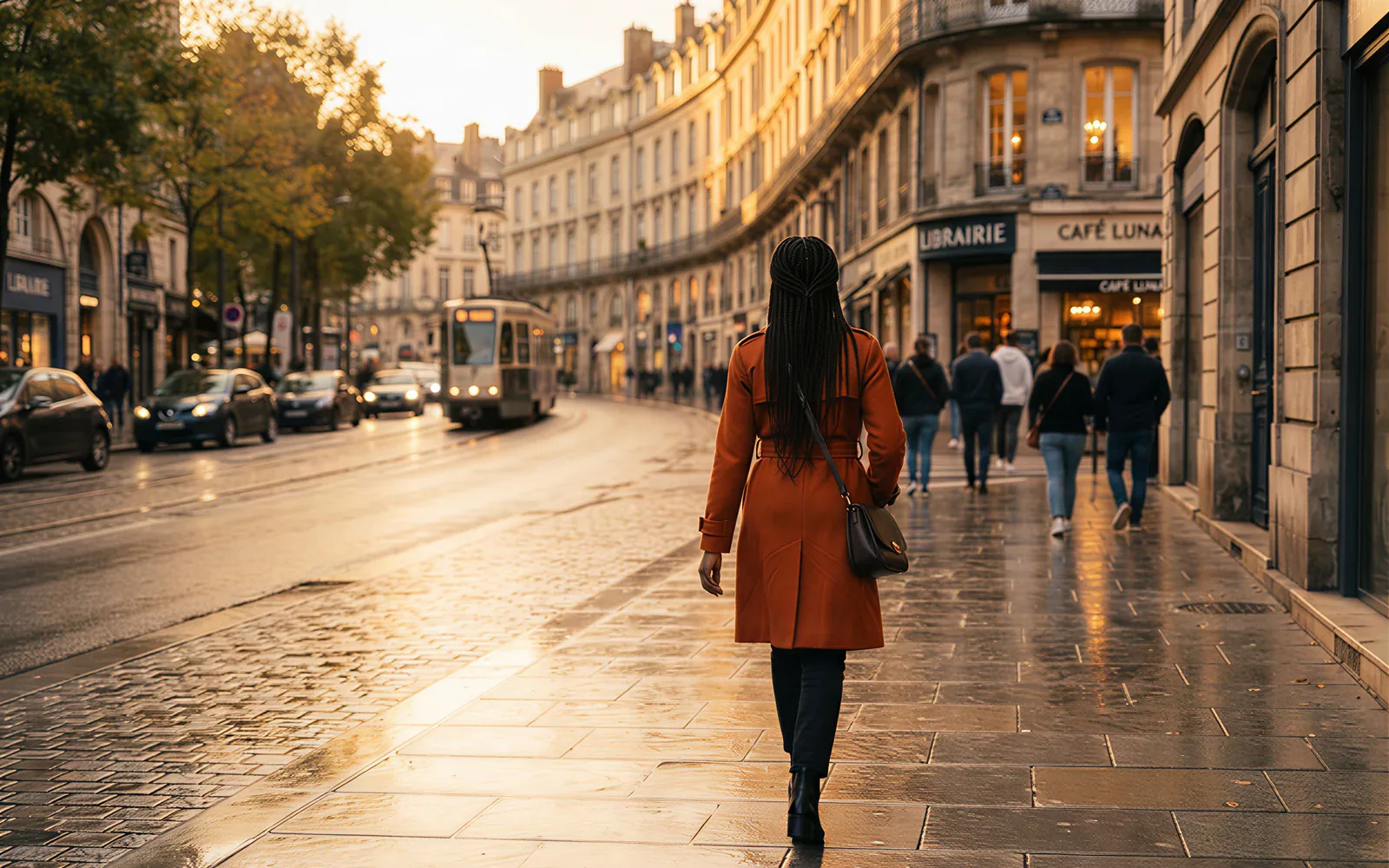
Lock a group with 30 image refs
Official Seedance 2.5 referencing takes up to 30 images, 10 videos, and 10 audio clips in one job. That is how a concert pit, a choir, or a product lineup stays recognizable.
- Attach face, wardrobe, and venue stills before you generate.
- Keep the same identity notes when you extend or timestamp-edit.
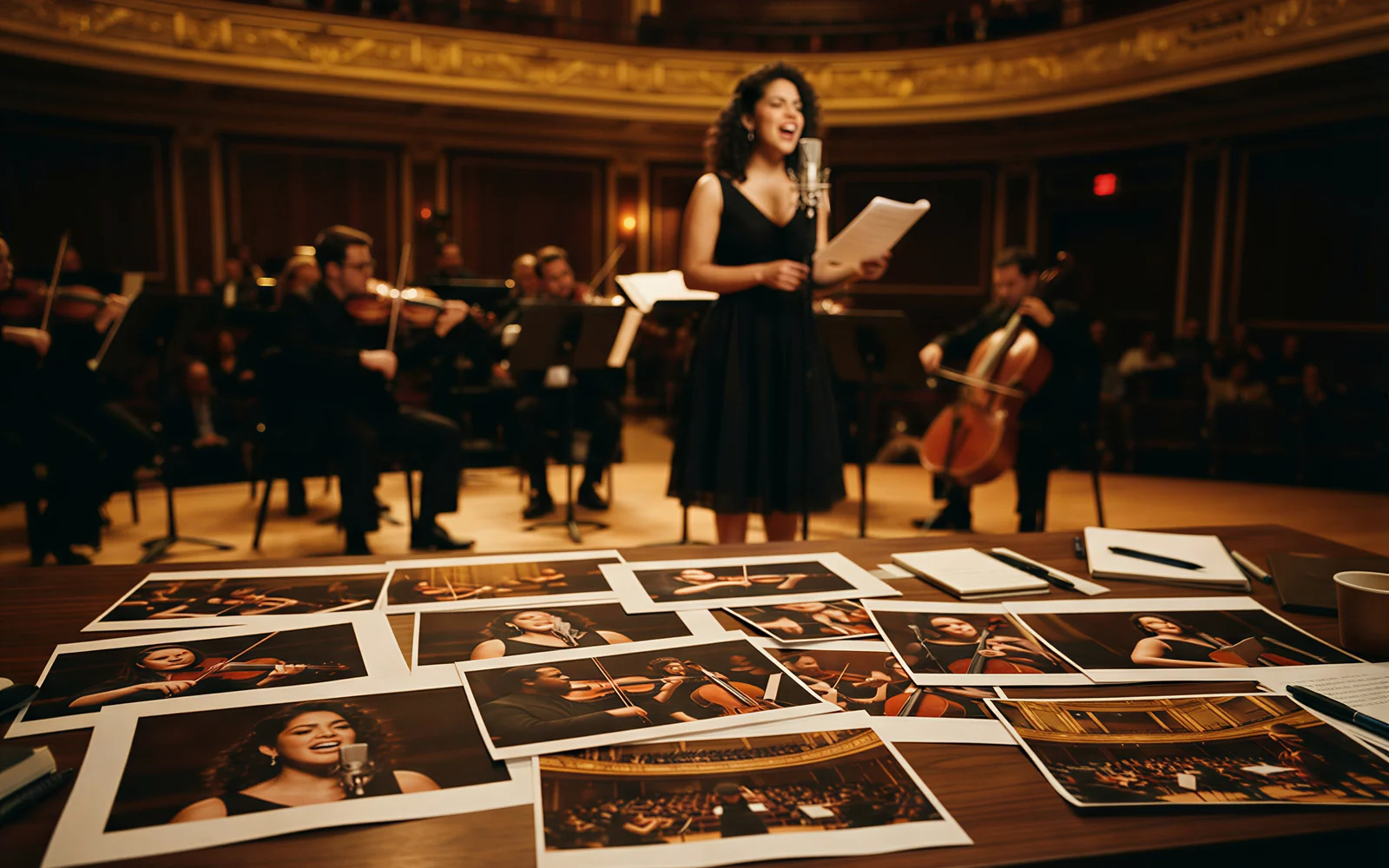
Edit one time range, keep the rest
Timestamp-level editing lets you change action, camera, or plot inside a named span. Green screen and camera-perspective edits sit in the same official suite.
- Say the seconds you want rewritten.
- Use Seedance 2.5 Edit on CamArt when a full re-roll would waste the good half of the clip.
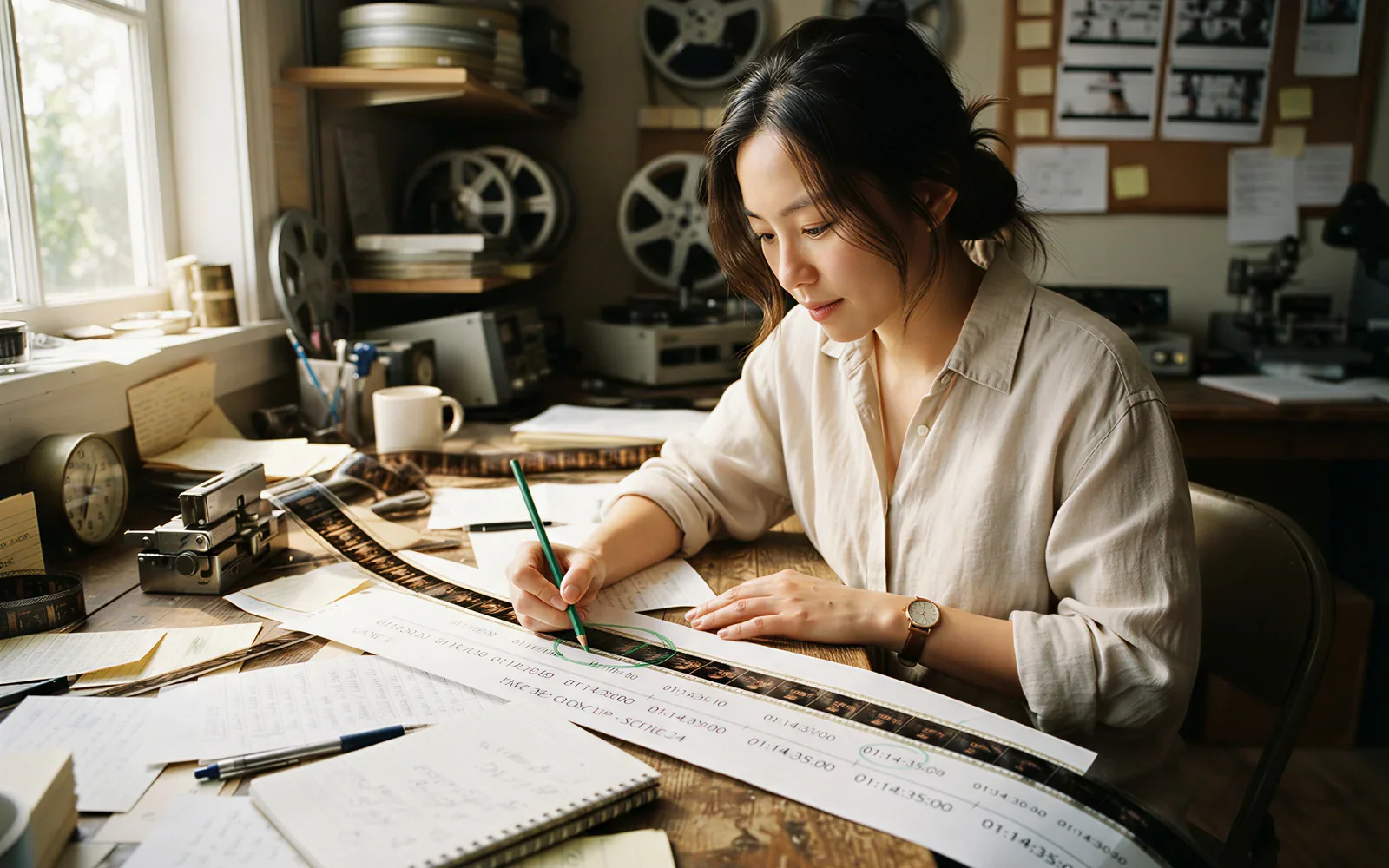
Clay-render the camera, then dress the shot
A textureless 3D block-in can set path, poses, and lighting. Seedance 2.5 reads that spatial lock and applies look refs on top, which is why assembly and classroom demos show up in the launch film.
- Upload the clay mesh when camera path matters more than a moodboard.
- Pair it with material stills so the finished surface matches the product.

How to Use Seedance 2.5 AI Video Generator in CamArt
Three steps from a 30-second brief to a saved clip.
-
STEP 01
Write the 30-second beat
Keep Seedance 2.5 selected. Describe setup, turn, and close, or upload a start frame. Note camera and sound in the same prompt.
-
STEP 02
Attach Omni refs and set length
Add the images, clips, or audio the picker allows, up to 30 / 10 / 10. Set duration and resolution. Turbo stays at 720p or 1080p. Standard can pick 4K as a CamArt SKU option.
-
STEP 03
Generate, preview, and save
Hit Generate. Preview picture and sound, then save from Creations. Use Edit for a timestamp change or Extend for a later shot.
Who Should Use Seedance 2.5 on CamArt
Seedance 2.5 fits briefs that need a 30-second story, a thick reference stack, or a timed rewrite. Shorter one-shot memes can stay on a lighter model.
-
Brand and performance marketers
A 30-second one-take can carry an opening, a product moment, and a close without stitching three short clips.
-
Filmmakers and storytellers
Use the 30-second window to test narrative beats, then extend when the next shot still belongs to the same audiovisual language.
-
UGC and social editors
Vertical talking-head and lifestyle refs can ride the same joint audio-video pass the issuer designed for speech and room tone.
-
Product and industrial teams
Clay-render blocking plus material stills is the official path for assembly, classroom, and spatial explainers.
-
Agencies pitching campaigns
Timestamp edits let you revise one span for a client note instead of burning a full re-roll.
-
Education and explainer teams
Dense image refs can keep a teacher, a board, and a room stable while the camera walks the lesson.
Explore More AI Video Models on CamArt
FAQs
How long can Seedance 2.5 generate in one pass?
ByteDance Seed documents up to 30 seconds per Seedance 2.5 generation, then multi-round extend for later shots with a consistent audiovisual language. On CamArt the duration picker follows the live Seedance 2.5 controls (4 to 30 seconds on generate SKUs). Use Extend when you want another beat after the first clip.
How many image, video, and audio references does Seedance 2.5 take?
ByteDance Seed documents up to 30 images, 10 video clips, and 10 audio clips in one Seedance 2.5 pass, including clay-render. Some ranking pages say 50 references; that number is the 30 plus 10 plus 10 mix, not 50 images. CamArt Omni Reference follows those caps on the Seedance 2.5 modes.
How does Seedance 2.5 differ from Seedance 2.0?
Seedance 2.0 is ByteDance Seed’s unified multimodal audio-video model with documented 15-second multi-shot output and mixed refs of 9 images, 3 videos, and 3 audio clips. Seedance 2.5 keeps that joint A/V stack and adds 30-second one-take storytelling, 30/10/10 refs, clay-render lock, and timestamp-level editing. This page defaults to Seedance 2.5 Turbo. The 2.0 page stays at /models/seedance-2-0-ai-video-generator.
Does Seedance 2.5 jointly generate picture and sound?
Yes. ByteDance Seed designed Seedance 2.5 as an audio-video joint generation model, so picture and sound come out together. On CamArt, generate with Seedance 2.5 selected and preview the clip with audio in Creations.
Can Seedance 2.5 edit a clip by timestamp?
Yes. Official Seedance 2.5 editing includes timestamp-level changes, green-screen replace, camera-perspective edit, and reference-based edit. On CamArt use the Seedance 2.5 Edit or Edit Turbo SKU when you need to revise a named time range instead of re-rolling the whole job.
What is clay-render referencing on Seedance 2.5?
A clay render is a textureless 3D block-in. Seedance 2.5 can read that mesh for spatial structure, poses, motion paths, camera angles, and lighting, then apply look refs on top. Use it when blocking, assembly, or camera path matter more than a still moodboard.
Does ByteDance list native 4K for Seedance 2.5?
ByteDance Seed pages for Seedance 2.5 do not publish a 4K or fps spec. Ranking pages often advertise 4K anyway. On CamArt, Seedance 2.5 Turbo offers 720p and 1080p. Seedance 2.5 Standard includes a 4K option in the picker via the credit table. Treat 4K as a CamArt Standard SKU choice, not an issuer guarantee.
Is Seedance 2.5 free on CamArt?
CamArt is not an unlimited free Seedance host. New accounts get 20 starter credits for low-cost models, not a Seedance free pass. Seedance 2.5 charges the credits shown on Generate. After that, use a subscription or credit pack on /pricing.
Do I need Jimeng, Doubao, or a BytePlus ModelArk key?
No. The Seedance 2.5 launch post names Jimeng AI, Doubao Pro, and BytePlus ModelArk as issuer channels. CamArt is a separate workspace. Sign in with Google or an email magic link and generate from this page. You do not set up those vendor apps.
Can I use Seedance 2.5 clips commercially on CamArt?
Yes. CamArt lets you use generated clips commercially on every plan (ads, client work, social), as long as you follow the law, third-party model terms, and the rights in any references you upload. CamArt does not promise exclusivity or that a clip can be copyright-registered.
Generate Videos with Seedance 2.5
Describe the 30-second story or upload a starting frame. Note camera and sound, then hit Generate when you're ready.