
Kling 3.0 AI Video Generator
Kling 3.0 generates 3 to 15 second clips with optional native sound, and image-to-video can lock a start frame plus an optional end frame. VIDEO 3.0 also plans Multi-Shot coverage from a written shot list in one 15 second pass.
What is Kling 3.0
Kling 3.0 is Kuaishou's VIDEO 3.0 AI video model. Standard, Pro, and 4K SKUs share the same generation family. It follows Kling 2.6 and sits beside Kling O3, which is the Omni Reference line rather than this Generate default.
3 to 15 seconds
One job can run any length in that range, not only a 5 second snippet.
Optional native sound
Kling 3.0 can attach synchronized audio in the same job. CamArt Sound stays on by default.
Start and end frames
Image-to-video can lock the opening still and an optional closing still.
Multi-Shot beats in the prompt
The issuer Auto and Custom Multi-Shot plan coverage. On CamArt, write Shot 1 and Shot 2 in the prompt.
16:9, 9:16, and 1:1
T2V matches YouTube, Shorts/Reels, and square feeds. I2V follows the still.
Standard, Pro, and 4K
Same duration window. Pick draft cost, Pro polish, or the native 4K SKU.
Examples of Kling 3.0 from X
Community clips on X made with Kling 3.0. Copy a prompt and try it in the editor.
-
Product Showcase
Met Gala couture sequence
PROMPTHigh-octane, hyper-realistic fashion sequence in the style of Christopher Nolan, shot on actual 70mm IMAX cameras at the Met Gala. Fast-paced multi-shot editing with quick, cinematic cuts timed at exactly one shot every 2 seconds across a complete 15-second timeline. A striking young woman in an haute couture gown arrives at the Met Gala surrounded by photographers and camera flashes. High-contrast Nolan-esque color grading with deep shadows, cold teals, and bright highlights. Blinding bursts of paparazzi flashes pierce the night, reflecting across the gown and marble steps. Rapid sequence of intense cuts: •Shot 1 (0-2s): Eye-level tracking shot of the woman ascending the Met Gala steps as photographers surround her. •Shot 2 (2-4s): Tight, detailed close-up of her face, makeup, jewelry, and camera flashes reflecting in her eyes. •Shot 3 (4-6s): Low-angle handheld camera whip-panning upward from the flowing couture gown to her silhouette against the illuminated museum facade. •Shot 4 (6-8s): Ground-level macro shot of intricate fabric, embroidery, gemstones, and couture details moving naturally. •Shot 5 (8-10s): Fast tracking shot behind the woman as she turns dramatically toward photographers, her gown sweeping through the air. •Shot 6 (10-12s): High-angle wide shot of the Met Gala staircase, crowd, photographers, celebrities, and the woman commanding center frame. •Shot 7 (12-14s): Shaky handheld tracking shot following her final dramatic pose as camera flashes erupt around her. •Shot 8 (14-15s): Hard cut to black with a lingering burst of camera flashes fading into darkness. Raw documentary-style camera textures, organic lens flares, lifelike physics, authentic fashion motion blur, realistic skin texture, natural crowd movement, and a glamorous sense of celebrity spectacle. Ultra-detailed, 4k resolution.
-
VFX & Surreal
Crystal dragons at golden hour
PROMPTBreathtaking first-person POV soaring through majestic floating mountains wrapped in glowing mist at golden hour. Ancient crystal dragons with shimmering scales slowly awaken from stone, spreading massive wings and roaring powerfully as golden sunlight rays pierce through clouds. Dramatic slow-motion camera flows between peaks, ethereal particles and light beams everywhere, ultra-realistic physics, epic cinematic scale and emotional atmosphere, vibrant warm lighting, 4K quality. This scene feels straight out of a movie
-
Cinematic
Bamboo forest duel
PROMPTHigh-intensity cinematic martial arts battle in a flooded bamboo forest during a violent monsoon storm. Dense bamboo forest, strong wind bending stalks, heavy rainfall, mist, and shallow floodwater covering the ground with constant ripples. A young female warrior (consistent facial identity, sharp focused eyes, wet hair sticking to face and neck, serious and determined expression) fights a humanoid wind spirit. The spirit is composed of swirling wind, rain, leaves, and debris — visible only as a semi-transparent vortex in a human silhouette, constantly shifting with turbulent motion and pressure. Fast, precise choreography: rapid hand-to-hand combat, fluid martial arts movements, spinning kicks, deflections, and mid-air collisions above water. Each impact produces ultra-detailed water splashes, suspended droplets, and expanding ripple shockwaves. The spirit’s attacks pull in rain and debris into aggressive spiraling strikes. When she blocks or redirects an attack, a circular pressure wave briefly clears the rain in a perfect radius. Physics-driven motion: realistic water interaction, surface tension, splash breakup, wind turbulence affecting rain direction and bamboo movement. Camera: cinematic 360-degree orbital shots, dynamic tracking, smooth motion, low-angle hero shots, close-ups on facial expressions, slow-motion at key impacts, seamless shot continuity. Occasional water droplets hitting and sliding across the lens for immersion. Lighting: moody storm lighting, soft diffused highlights, dark contrast, subtle rim light through rain and mist, reflections on water surface. Visual quality: ultra-realistic fluid simulation, high-detail particles, motion blur, shallow depth of field, volumetric rain and fog. Tone: intense, immersive, grounded realism with cinematic energy. Output quality: photorealistic, high detail, stable motion, consistent character identity, no distortion.
-
VFX & Surreal
Gravity-defying orrery
PROMPTA hyper-realistic, high-concept cinematic video set inside a vast gravity-defying observatory suspended above a stormy alien planet. At the center, a massive rotating orrery made of molten gold rings and fractured crystal spheres maps celestial motion, leaving glowing trails of stardust. An androgynous astrophysicist in a flowing translucent coat stands on one rotating ring. As the mechanism accelerates, they step forward and fall sideways across shifting gravity planes, gliding through space with controlled precision. Suddenly, the orrery destabilizes. Crystal planets shatter mid-orbit, releasing swarms of glowing glass-like fragments that move like a living murmuration, radiating ultraviolet and amber light. The camera shifts from smooth cinematic motion to chaotic handheld tracking, aggressively following the subject as they weave through the storm of shards. The scene becomes disorienting with tilted angles, rapid focus shifts, and intense parallax. A rupture opens in the sky, revealing a colossal pulsating star. Arcs of plasma burst through the observatory, bending light and distorting time. The physicist reaches out and touches a glowing fragment— Instant silence. Everything freezes mid-motion. Shards, plasma, and the subject hang suspended in a surreal still frame. Then the entire scene inverts. Sound slams back in with a deep subsonic pulse as the environment collapses inward, folding into a singularity that consumes everything.
-
Camera Magic
Hoverbike canyon FPV
PROMPTDynamic FPV chase camera following a sleek silver futuristic hoverbike with glowing orange rear dual thrusters, driven by a rider in a matte black helmet and dark suit. The bike speeds through a deep, narrow canyon gorge filled with densely packed, ancient-style blocky earth-toned buildings built directly into the towering rock walls. The camera aggressively banks and rolls, flying over stone bridges, under archways, and past clotheslines in the shadowed canyon city. The bike then bursts out of the narrow passage into a massive, bright, wide-open canyon landscape featuring towering multi-tiered waterfalls cascading into a blue basin, with a vibrant full rainbow arcing across the mist under a blue sky with scattered clouds. Photorealistic CGI, cinematic lighting, high-speed motion blur.
-
Camera Magic
One-take jungle drone chase
PROMPTStart high above a dense Amazonian rainforest canopy, an unbroken green ocean, as the camera drops in a vertical plunge through a gap in the trees. Below the canopy, a compact wasp-like reconnaissance drone tears through the mid-story at terrifying speed, dodging trunks and vines. Its design is insectoid and aggressive: iridescent dark green carapace, four articulated rotor-wings that fold and extend independently for impossible maneuvers, compound-lens camera eyes that glow amber, and a rear stinger antenna crackling with scanning pulses. Parrots explode from branches, leaves shred in its rotor wash, and spider webs snap like glass. Without a cut, the camera follows from wide canopy breach into an intimate chase through the green cathedral, revealing individual leaves slicing off vine stems, moisture misting off the rotors in spiral patterns, bark fragments spraying from near-miss tree trunks, and shafts of dappled sunlight strobing across the carapace. It darts ahead through a curtain of hanging moss for a dramatic reveal shot as the drone bursts through behind it, then spirals around a massive trunk alongside the drone in a synchronized helix. For the climax, the canopy ahead is choked by an enormous fallen tree draped in vines - a solid wall of vegetation. The drone folds all four rotor-wings flat against its body, becoming a dart, and fires its scanning pulse forward - the pulse illuminates a narrow gap in the debris. The drone threads the gap in a spinning corkscrew, vines whipping off its folded wings, and explodes out the other side into a hidden clearing where a massive waterfall cascades into a crystal pool. The camera spirals upward through the mist and rainbow spray for one final epic reveal - the secret paradise hidden within the endless green.
Key Features of Kling 3.0 AI Video Generator
What Kuaishou documents for VIDEO 3.0, written as controls you can actually prompt: 3 to 15 seconds, Multi-Shot beats in the prompt, start and end frames, native sound, and Standard, Pro, or 4K.
-
3 to 15 second one-pass clip
Kling 3.0 runs 3 to 15 seconds in one job, enough for a short multi-shot beat instead of a Kling 2.6 5 to 10 second fragment.
-
Multi-Shot coverage in the prompt
The issuer Auto and Custom Multi-Shot plan camera coverage. On CamArt, write Shot 1 and Shot 2 in the prompt. There is no Multi-Shot switch.
-
Start frame and optional end frame
Image-to-video can lock the opening still and an optional closing still on CamArt Start-End. Omni refs stay on Kling O3.
-
Native sound and lip sync
Kling 3.0 can attach synchronized audio in the same job. Name dialogue and language in the prompt. CamArt Sound stays on by default.
-
Character and product hold
VIDEO 3.0 upgrades overall realism versus Kling 2.6. A start frame plus a written identity keeps faces, clothes, and products steadier across cuts. Firefly Elements IDs are not a CamArt 3.0 control.
-
Standard, Pro, or 4K SKU
Same duration window. Standard drafts cheaper. Pro is the default on this page. 4K is the native 4K SKU.
Name Shot 1 and Shot 2 in the prompt.
Kling 3.0 follows that shot list plus camera and dialogue. CamArt does not expose a Multi-Shot switch.
Kling 3.0 Model Comparison
Kling 3.0 focuses on 3 to 15 second clips with optional Sound and a 4K SKU, whereas Seedance 2.5, Veo 3.1, and Wan 3.0 all take Omni refs.
| Fact | Kling 3.0 | Seedance 2.5 | Veo 3.1 | Wan 3.0 |
|---|---|---|---|---|
| Issuer | Kuaishou Kling 3.0 Standard, Pro, and 4K SKUs. | ByteDance Seed. 30-second one-take plus dense refs. | Google DeepMind Veo 3.1. | Alibaba Wan. Long one-take with native audio. |
| Best for | 3 to 15 second cinematic clips with a 4K SKU. | 30-second story takes with dense Omni refs. | Photoreal 4 to 8 second clips with a +7 second extend. | 30-second native-audio one-takes from mixed inputs. |
| Strength | Optional Sound and Multi-Shot from a written shot list. | One-pass audio-video story plus timestamp edit. | Native dialogue, effects, and ambience billed per job. | Omni 10 images / 5 videos / 5 audio in one pass. |
| Duration on CamArt | 3 to 15 seconds per Generate job. | 4 to 30 seconds, then multi-round extend. | 4 to 8 seconds, then a +7 second extend SKU. | 2 to 30 seconds per Generate job. |
| Resolution on CamArt | 720p to 4K in the picker, including a dedicated 4K SKU. | Turbo 720p / 1080p. Standard can pick 4K in the picker. | 720p, 1080p, or 4K. | 480p to 1080p. |
| Native audio | Optional Sound. Start and end frames sit on the same 3.0 card. | Yes. Joint picture and sound in one pass. | Yes. Native soundtrack on connected SKUs. | Yes. Native soundtrack on connected SKUs. |
| Modes and refs | T2V, I2V, Start-End. No Omni on CamArt 3.0 Generate. | Omni 30 images / 10 videos / 10 audio, clay-render, Start-End. Timestamp edit on Edit SKUs. | T2V, I2V, Omni 1 to 3 stills, Start-End. | T2V, I2V, Omni 10 images / 5 videos / 5 audio. |
| CamArt credits | Pro is 11.2 credits per second (56 at 5 seconds). | Turbo is 20 credits per second (100 at 5 seconds 720p). | 320 credits per job on Veo 3.1, not per second. Fast is 120 credits at 8 seconds. | Standard is 10 credits per second (50 at 5 seconds 720p). Prime is 15 per second. |
Sources: Kling VIDEO 3.0 guide; ByteDance Seedance 2.5; Google Veo 3.1; Alibaba Wan 3.0.
Why Choose Kling 3.0 AI Video Generator in CamArt
Choose Kling 3.0 when the job is a 3 to 15 second clip with optional native sound and start-end stills. CamArt defaults to Pro on this page, with Standard and 4K in the model control.
Hold a 15s beat without stitching 2.6 clips
Kling 3.0 generates 3 to 15 seconds in one pass. Kling 2.6 on CamArt is 5 to 10 seconds. Write the setup, the turn, and the close in one prompt instead of gluing leftover shorts.
- Set duration up to 15 seconds on CamArt before you Generate.
- Keep Kling 2.6 for shorter 5 to 10s jobs when you do not need the 3.0 window.
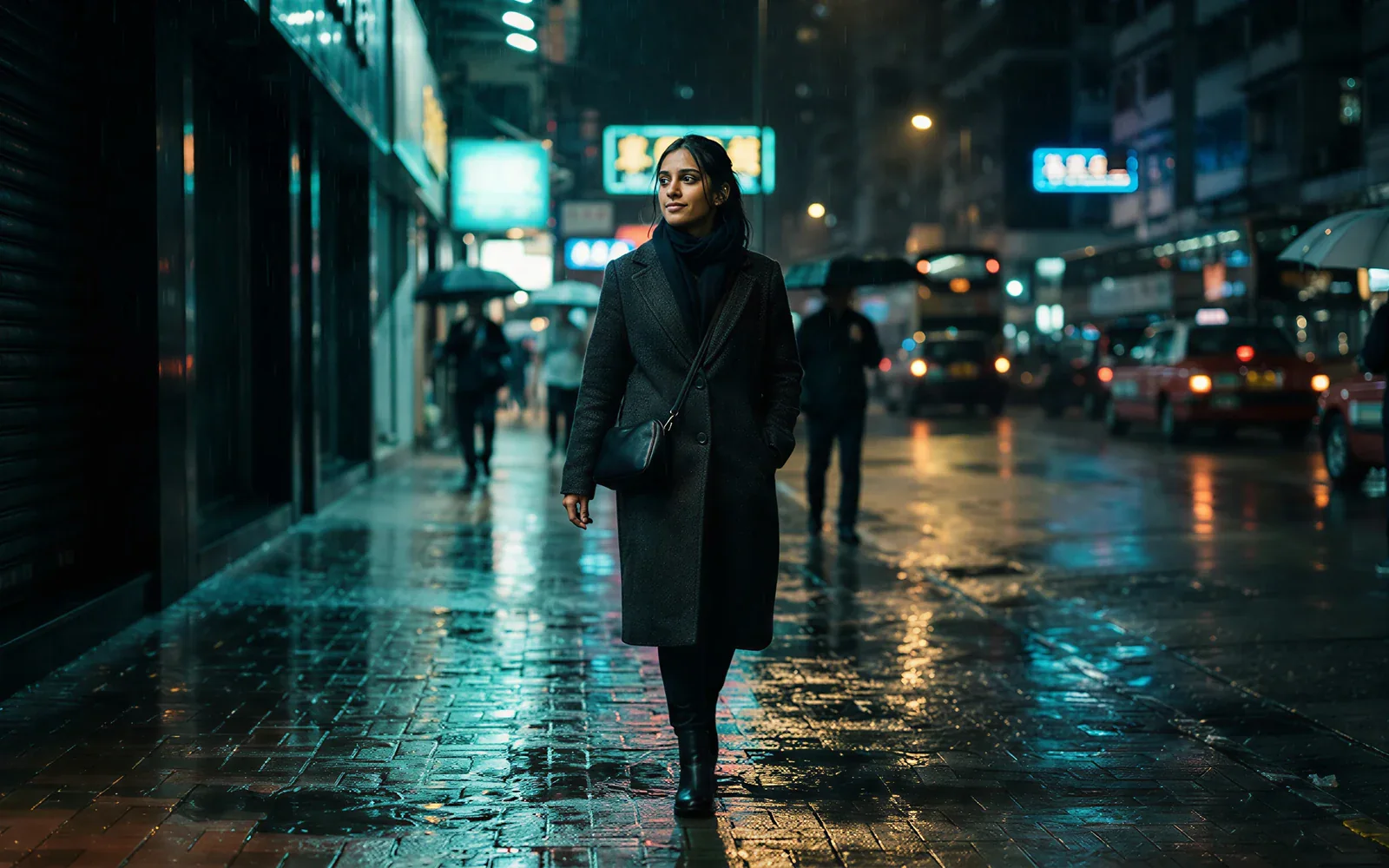
Guide image-to-video with two stills
CamArt Start-End locks the opening still and an optional closing still. Omni reference clips stay on Kling O3. Firefly Elements IDs are not a 3.0 Generate control.
- Upload a start frame, then add an end frame when the close matters.
- Write the motion between those two stills in the prompt.

Ship picture and sound together
Kling 3.0 can generate synchronized sound in the same job. Name dialogue and language in the prompt. You do not have to add a track later unless you want to.
- Leave Sound on unless the brief is silent.
- Preview the clip with audio in Creations before you download.
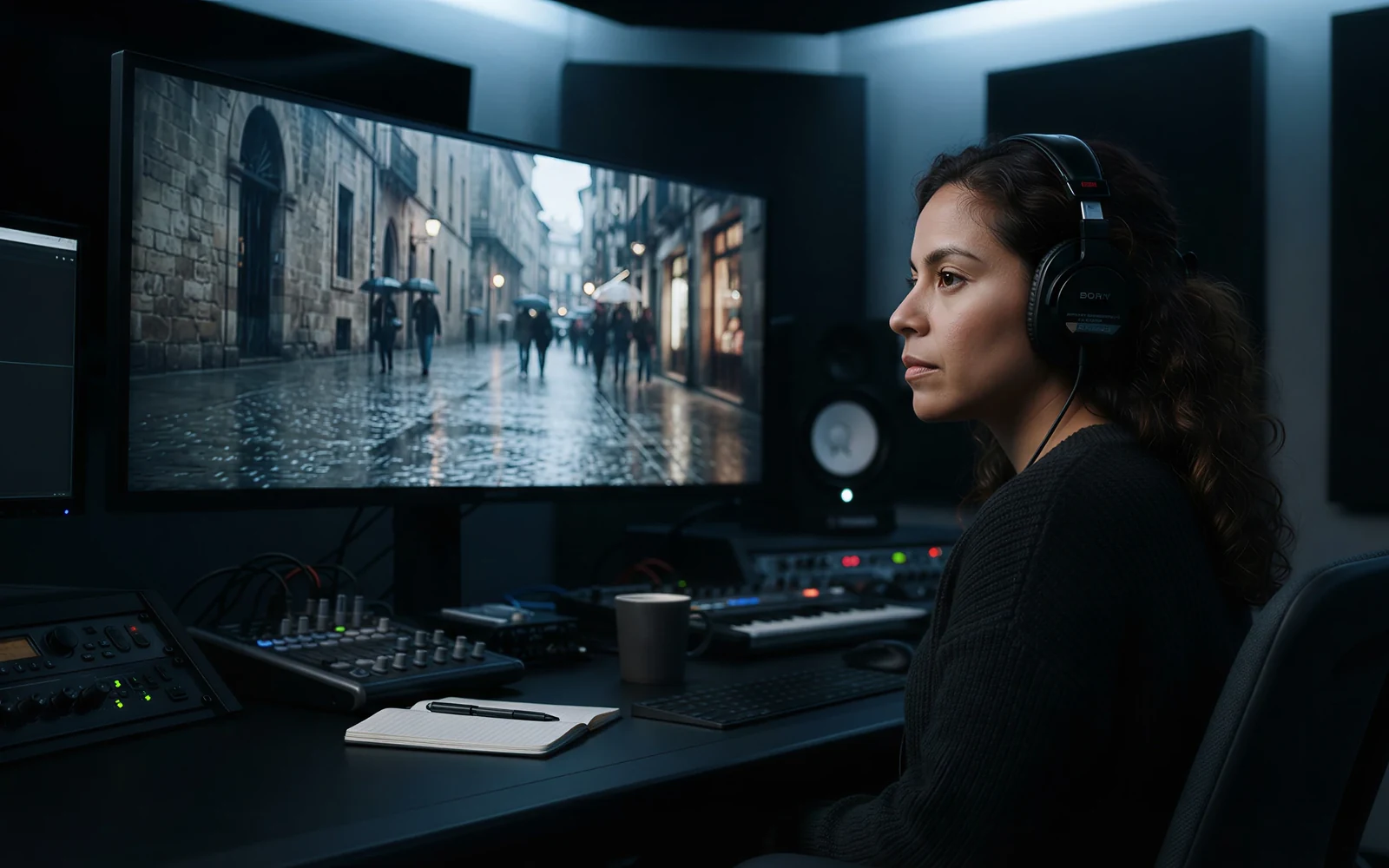
See Std, Pro, or 4K credits before you spend
CamArt bills 1 credit as $0.01 COGS. A 5 second Kling 3.0 job is 42 credits on Standard, 56 on Pro, and 210 on 4K. The button shows the charge before you start.
- Draft on Standard, finish on Pro.
- Pick the 4K SKU only when you need native 4K.

How to Use Kling 3.0 AI Video Generator in CamArt
Three steps from a 15 second brief to a saved clip.
-
STEP 01
Write the 15 second beat
Keep Kling 3.0 Pro selected. Write Shot 1 and Shot 2 if you want coverage, or upload a start frame and an optional end frame. Note camera and sound in the same prompt.
-
STEP 02
Set duration, sound, and SKU
Set duration from 3 to 15 seconds. Leave Sound on unless the brief is silent. Switch to Standard or 4K in the model control when the job needs a cheaper draft or native 4K.
-
STEP 03
Generate, preview, and save
Hit Generate. Credits shown on the button are deducted on start. Preview picture and sound, then save from Creations.
Who Should Use Kling 3.0 on CamArt
Kling 3.0 fits briefs that need a 15 second clip, optional native sound, and start-end stills. Shorter 5 to 10 second jobs can stay on Kling 2.6. Omni refs belong on Kling O3.
-
Brand and performance marketers
A 15 second pass can carry an opening, a product moment, and a close without stitching Kling 2.6 leftovers.
-
Filmmakers and previs teams
Use the 15 second window plus start and end frames to test a beat before a longer shoot.
-
UGC and social editors
9:16 on CamArt T2V plus native sound fits talking-head and lifestyle briefs.
-
Product explainers
Start-end stills keep pack shots on-model across a Pro or 4K clip.
-
Agencies pitching campaigns
Credits show on Generate, so a Standard draft and a Pro finish are priced before you spend.
-
Education teams
Prompt plus optional native sound can walk a short lesson. CamArt does not expose issuer document-to-video.
Explore More AI Video Models on CamArt
FAQs
How long can Kling 3.0 videos be?
Kling 3.0 generates 3 to 15 seconds per job on CamArt. Adobe Firefly documents up to 15 seconds with up to 6 shots in that window. Kling 2.6 on CamArt is 5 to 10 seconds.
Does Kling 3.0 generate audio with the picture?
Yes. Kling 3.0 can generate synchronized sound with the picture. The issuer lists Chinese, English, Japanese, Korean, and Spanish plus dialects. On CamArt, leave Sound on unless the brief is silent. There is no separate language picker.
What is the difference between Kling 3.0 Standard, Pro, and 4K on CamArt?
Standard, Pro, and 4K share the 3 to 15 second window and Start-End. On CamArt, 5 seconds costs 42 credits on Standard, 56 on Pro, and 210 on 4K (1 credit = $0.01 COGS). 4K is the native 4K SKU, not an upscale toggle on Standard.
How is Kling 3.0 different from Kling 2.6?
VIDEO 3.0 adds Multi-Shot coverage, a 15 second flexible window, multilingual native audio, and stronger start-frame plus element lock. Kling 2.6 on CamArt is 5 to 10 seconds, and Start-End cannot run with sound.
How is Kling 3.0 different from Kling O3?
Kling 3.0 on CamArt is text-to-video and image-to-video with Start-End. Kling O3 is the Omni Reference line for image and video refs. This page defaults to Kling 3.0 Pro. Pick O3 in the model control when you need Omni.
Does CamArt run Kling Elements or Omni on Kling 3.0?
No. CamArt Kling 3.0 Generate does not collect Kling Elements IDs or Omni reference clips. Start-End uses a start still and an optional end still. Omni lives on Kling O3. Kling 3.0 Motion Control is a Video Editor SKU, not this Generate default.
How do I generate a Kling 3.0 clip on CamArt?
Sign in with Google or an email magic link. Keep Kling 3.0 Pro selected, write the prompt (include Shot 1 and Shot 2 if you want coverage), set duration and ratio, then Generate. Credits shown on the button are deducted on start. Commercial use follows CamArt terms and third-party model terms.
Generate a 15 second Kling 3.0 clip
Describe the beat or upload a starting frame. Note camera, sound, and Shot 1 / Shot 2, then hit Generate.