
GPT Image 2.5 Generator
GPT Image 2.5 renders stills with more natural lighting and richer textures than GPT Image 2, and it holds people and products from your reference photos while you change one instruction. OpenAI ships Flare for everyday speed and Sunburst for extra precision.
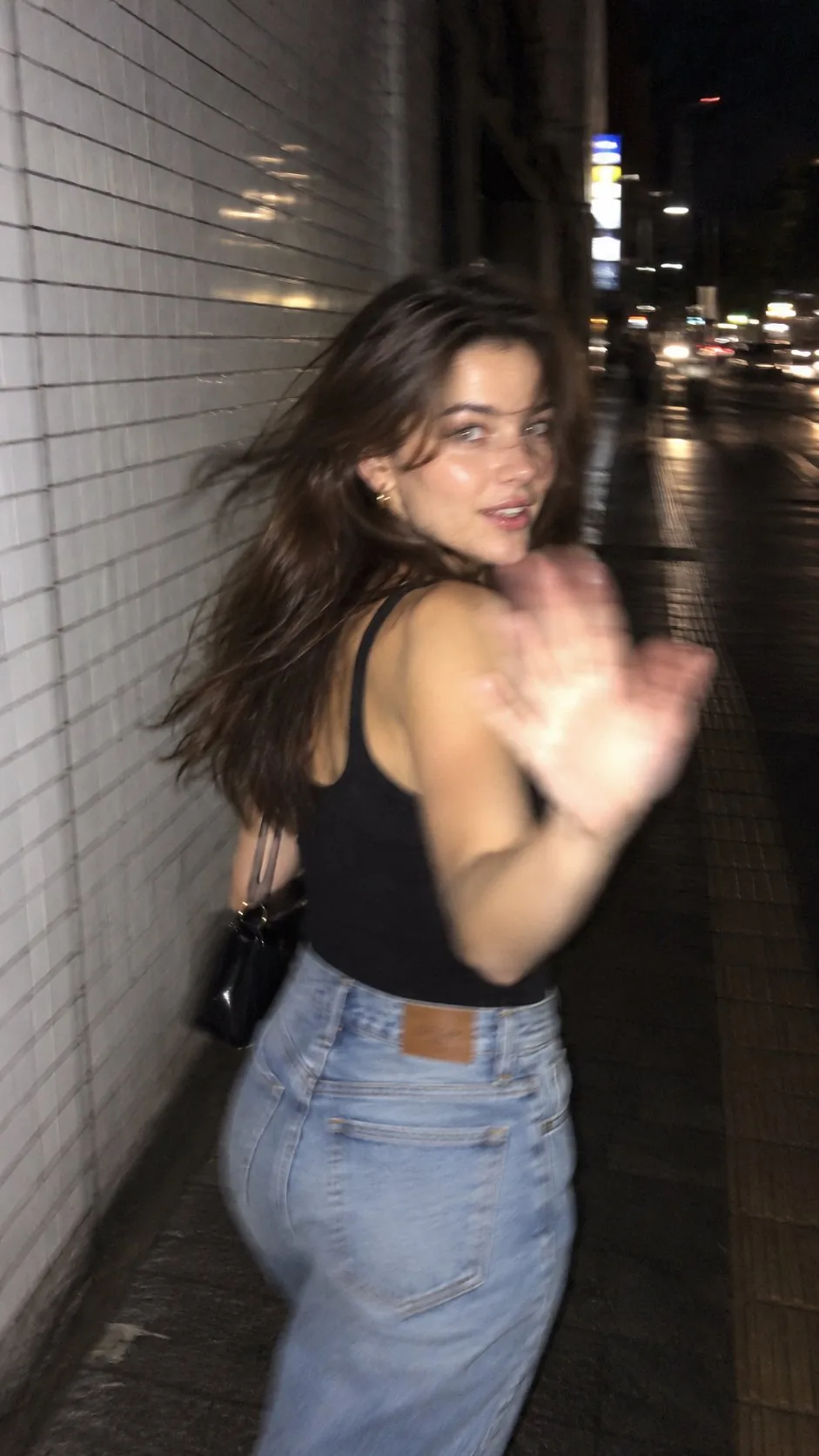
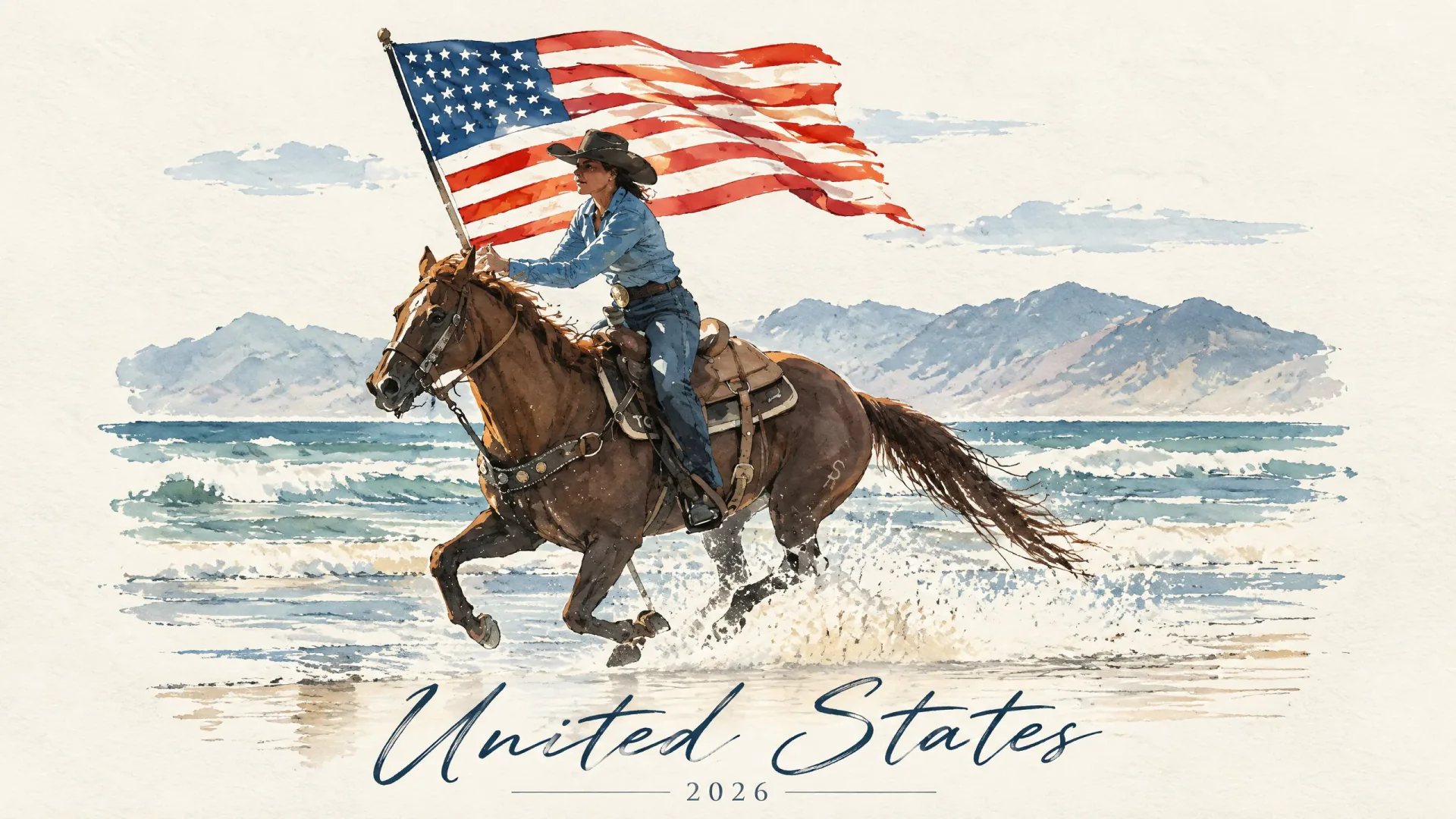
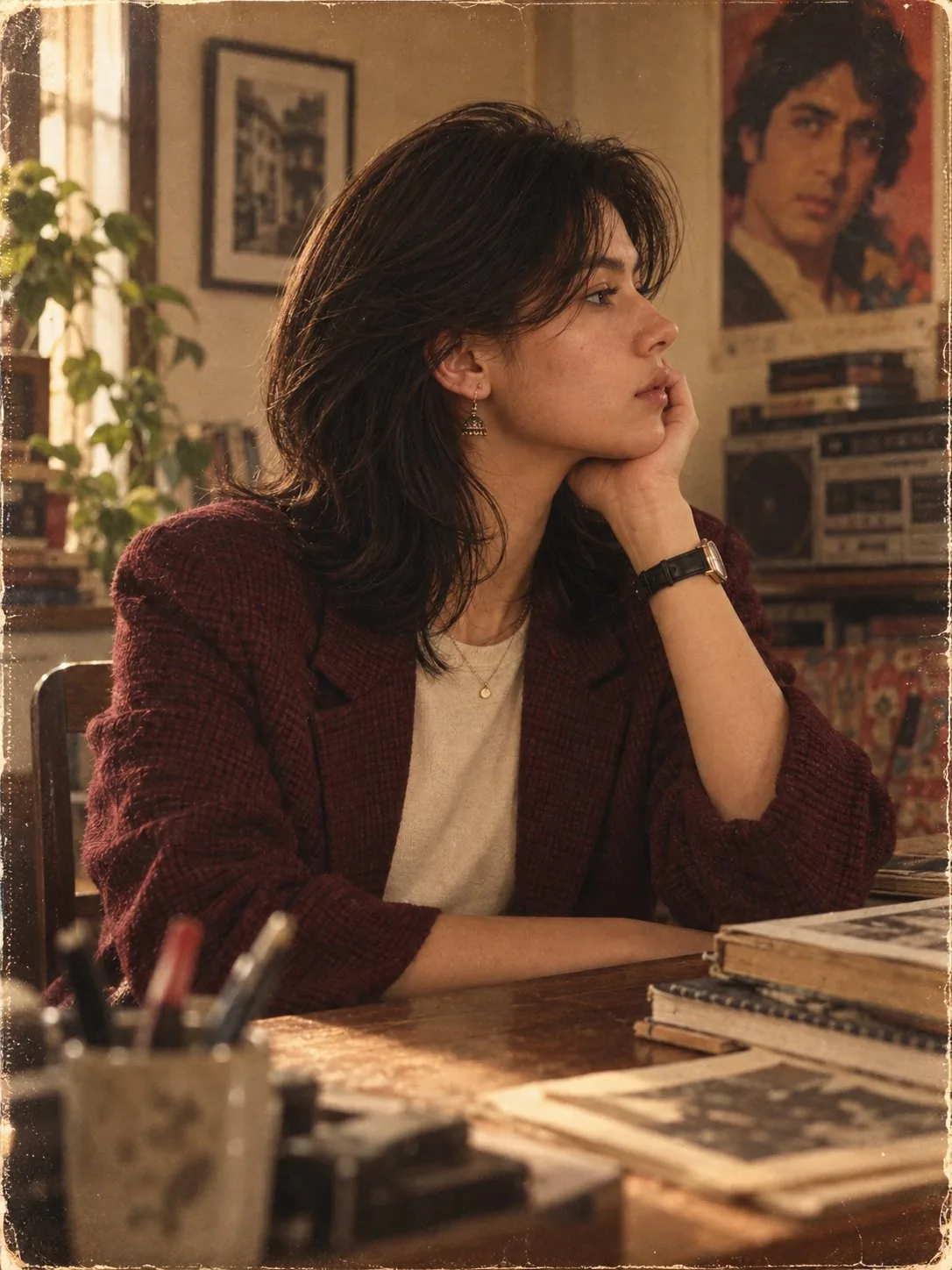
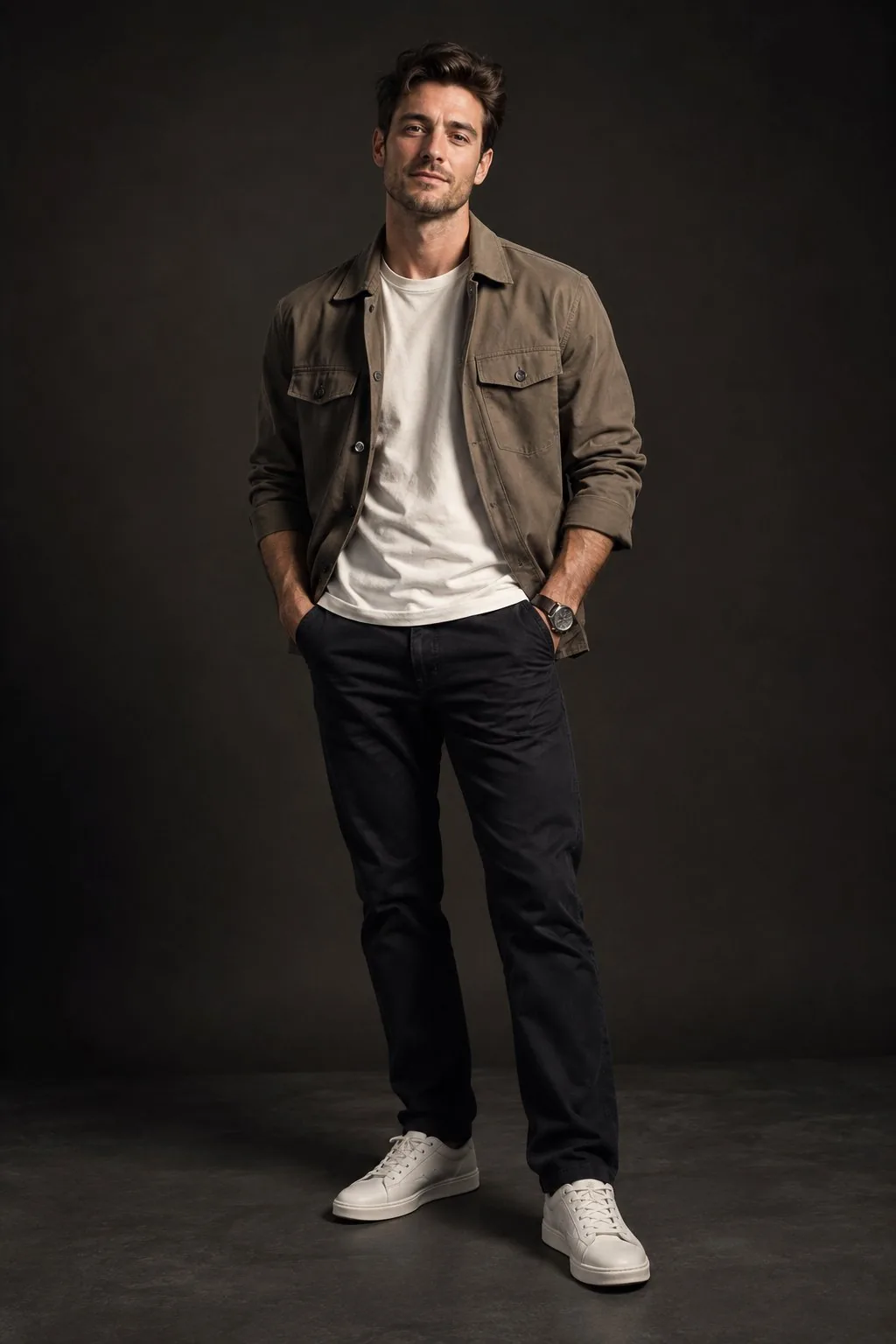
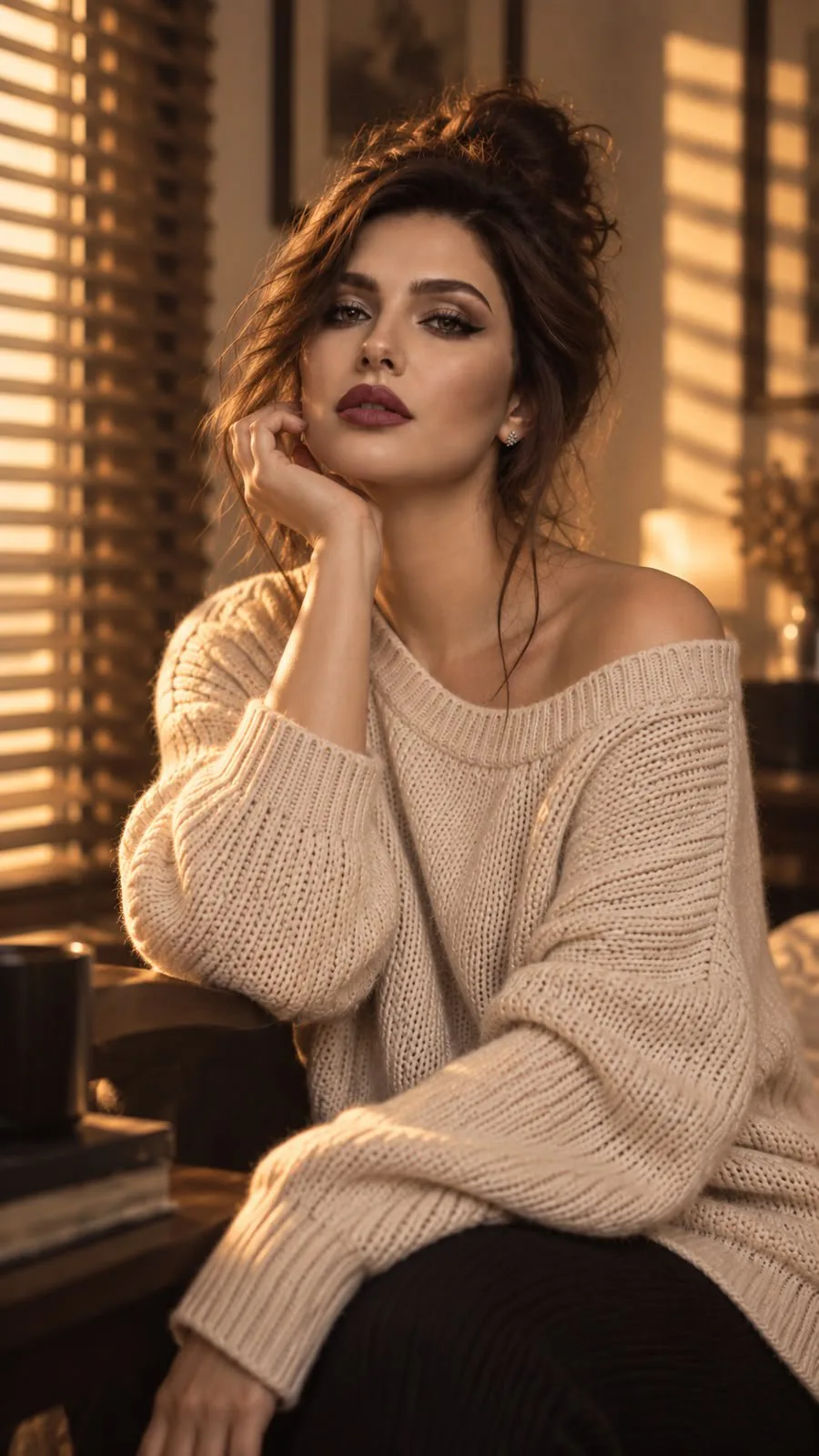
What is GPT Image 2.5
GPT Image 2.5 is OpenAI's image generation and editing model, launched 8 September 2026 as ChatGPT Images 2.5 and as the API names gpt-image-2.5-flare and gpt-image-2.5-sunburst. It turns a text prompt into a still, and it can edit uploaded reference images. It is the successor to GPT Image 2.
OpenAI / ChatGPT Images 2.5
Same stack as gpt-image-2.5-flare and gpt-image-2.5-sunburst. CamArt defaults to Flare.
Text to image
Natural-language prompts become stills, including posters and product shots.
Image edit
Describe changes to one or more reference photos. CamArt accepts up to 16 refs.
Reference hold
OpenAI's lead upgrade vs Images 2.0: subjects in refs stay more recognizable across new settings.
Quality and size
API quality low through max. CamArt resolution picker 1K, 2K, or 4K.
Flare or Sunburst
Flare is the everyday speed SKU. Sunburst spends longer for extra precision. Same CamArt credit table.
Examples of GPT Image 2.5 from X
Community stills on X made with GPT Image 2.5. Copy a prompt and try it in the editor.
-
Interiors & Spaces
NYC Subway Matcha Ride
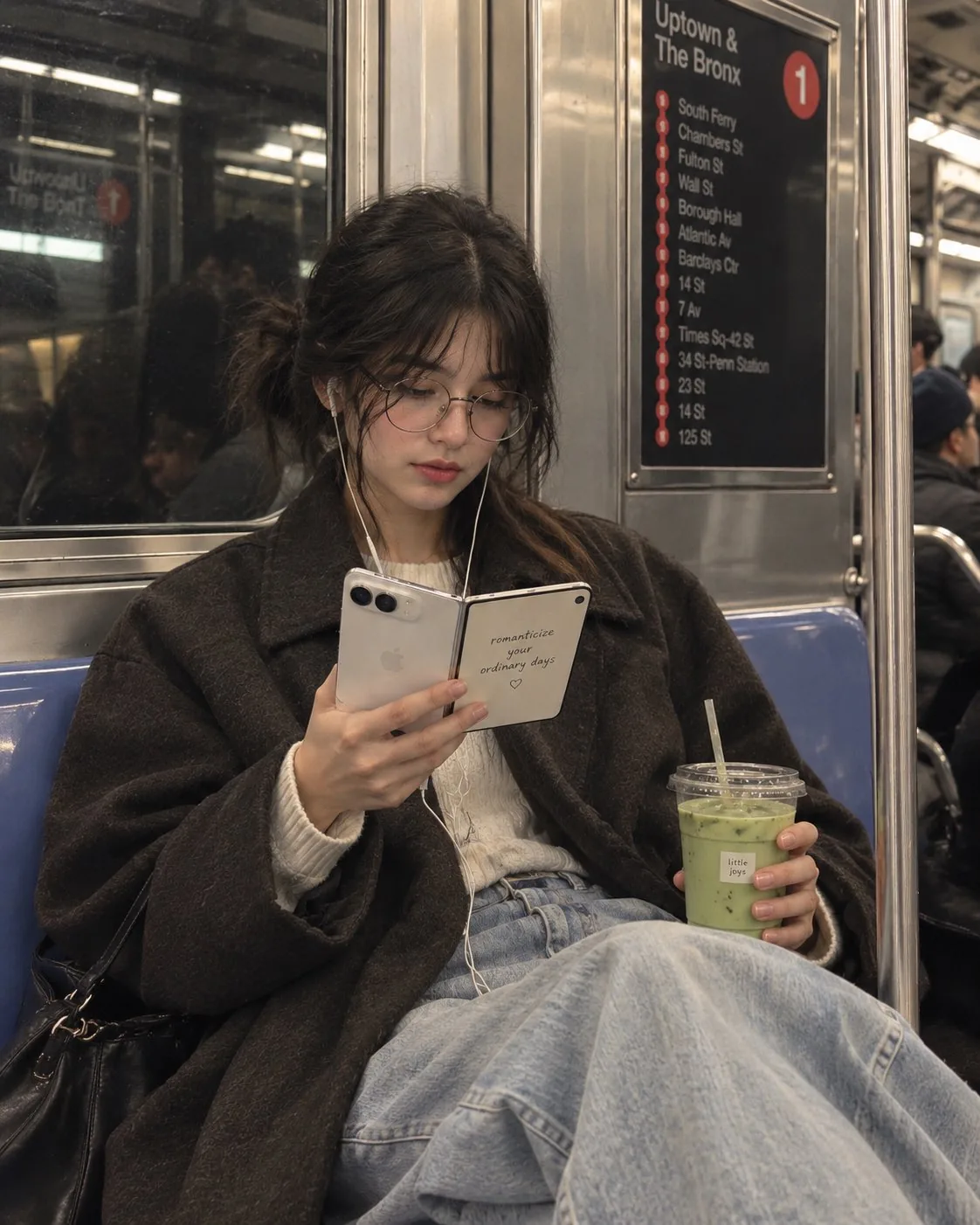 PROMPT
Create a cinematic, candid lifestyle photograph inspired by the reference image, but featuring a young woman sitting comfortably inside a New York City subway. She has soft, natural features, slightly messy dark hair tied loosely, round vintage-style glasses, and white wired earphones. She is wearing an oversized charcoal-brown coat over a cozy cream knit sweater and relaxed light-wash wide-leg jeans. Her posture is relaxed and natural, with her legs comfortably stretched forward. She is quietly looking down at an open foldable smartphone in her hands, while holding an iced matcha latte in the other hand. The phone should look premium and realistic, with a clean minimal design. IMPORTANT — PHONE SCREEN: Replace the original book/quote completely. On the inner screen of the foldable phone, display the elegant handwritten-style quote: “romanticize your ordinary days ♡” Make the text clearly visible, beautifully typeset, and naturally integrated into the phone screen. Set the scene inside a realistic stainless-steel NYC subway carriage, with blue seats, metal panels, subway window reflections, vertical poles, and softly blurred passengers in the background. Include a subtle subway route/sign panel in the background for authentic NYC atmosphere. The iced matcha cup should have a small minimalist café-style label reading: “little joys” Photography & Mood * candid street-photography aesthetic * cozy, introspective, effortless mood * muted earthy tones * soft natural fluorescent subway lighting * realistic skin texture * subtle film grain * gentle shadows * slightly desaturated editorial color grading * shallow depth of field * authentic reflections and imperfections * premium fashion-editorial photography * not overly posed * not glamorous or studio-like * photorealistic, believable everyday moment Composition: vertical 4:5, medium-full body framing, woman centered slightly toward the left, phone and matcha clearly visible, subway environment surrounding her, natural perspective, highly detailed. give one more style
-
Figures & Toys
Puzzle-Piece City Diorama
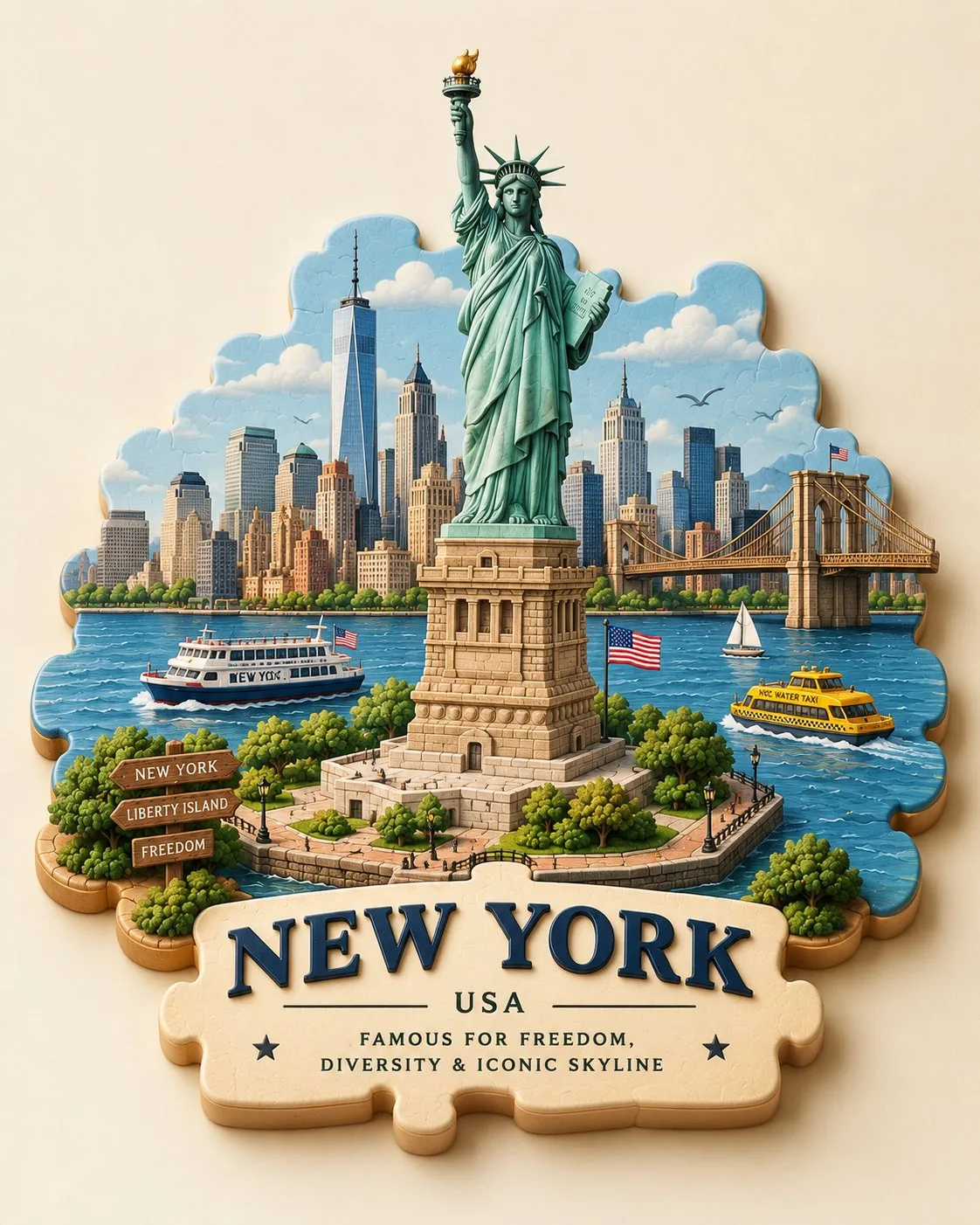 PROMPT
Create a charming 3D puzzle-piece travel scene of [CITY, COUNTRY], designed as a single cohesive miniature world. Build the city from beautifully interlocking puzzle pieces, with [ICONIC LANDMARK] as the central focal point. Surround it with recognizable local architecture, streets, trees, transportation, landscape, and small cultural details. Make the puzzle pieces slightly raised with visible seams, rounded edges, layered depth, and soft realistic shadows. Use a sophisticated palette inspired by the city, subtle handcrafted textures, warm studio lighting, clean cream background, playful yet premium collectible-diorama aesthetic. Add elegant 3D lettering: “[CITY]” and underneath “[COUNTRY] • [FAMOUS FOR]”. Highly polished, cute, artistic, detailed, and instantly recognizable.
-
Characters & Fantasy
Landmark Reflection City
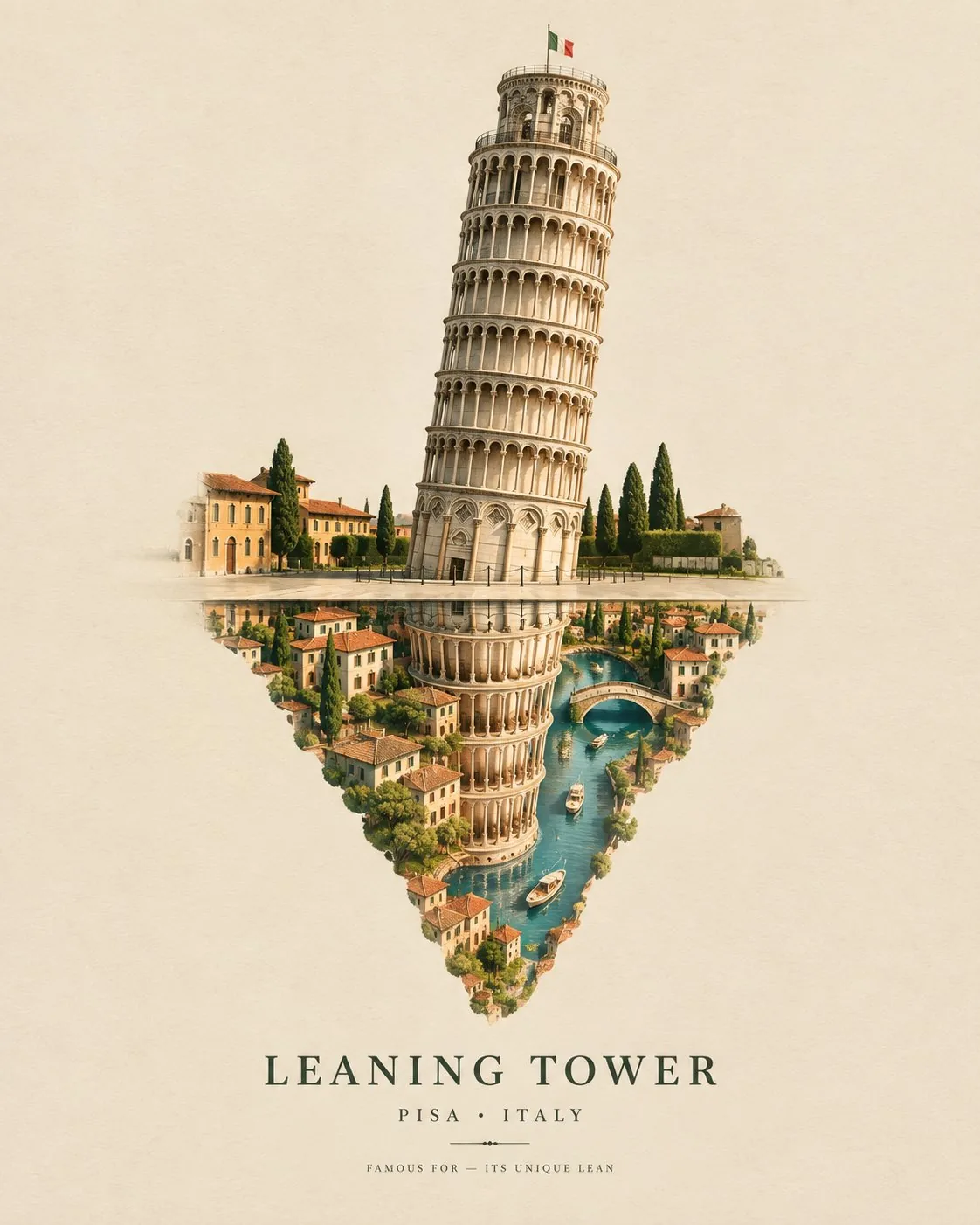 PROMPT
Create a sophisticated surreal travel artwork featuring [ICONIC STRUCTURE], [CITY, COUNTRY] as the main subject. Show the structure standing above a perfectly reflective surface, but instead of a normal reflection, the reflection transforms into a miniature dreamlike version of the city—tiny streets, rooftops, trees, rivers, and cultural details emerging naturally beneath the structure. Use a warm ivory architectural-paper background, soft shadows, subtle 3D depth, elegant sculptural modeling, and a refined editorial aesthetic. Keep the actual landmark highly recognizable and beautifully detailed, while its reflection becomes imaginative and slightly surreal. Add a small architectural label reading “[STRUCTURE NAME]”, with [CITY, COUNTRY] beneath it and a tiny line “FAMOUS FOR — [SIGNATURE FEATURE]”. Minimal composition, no people, no clutter, premium museum-poster feel, sophisticated typography, subtle paper grain, soft studio lighting, collectible architectural art, vertical 4:5 format.
-
Fashion & Style
Cobalt Cube Streetwear
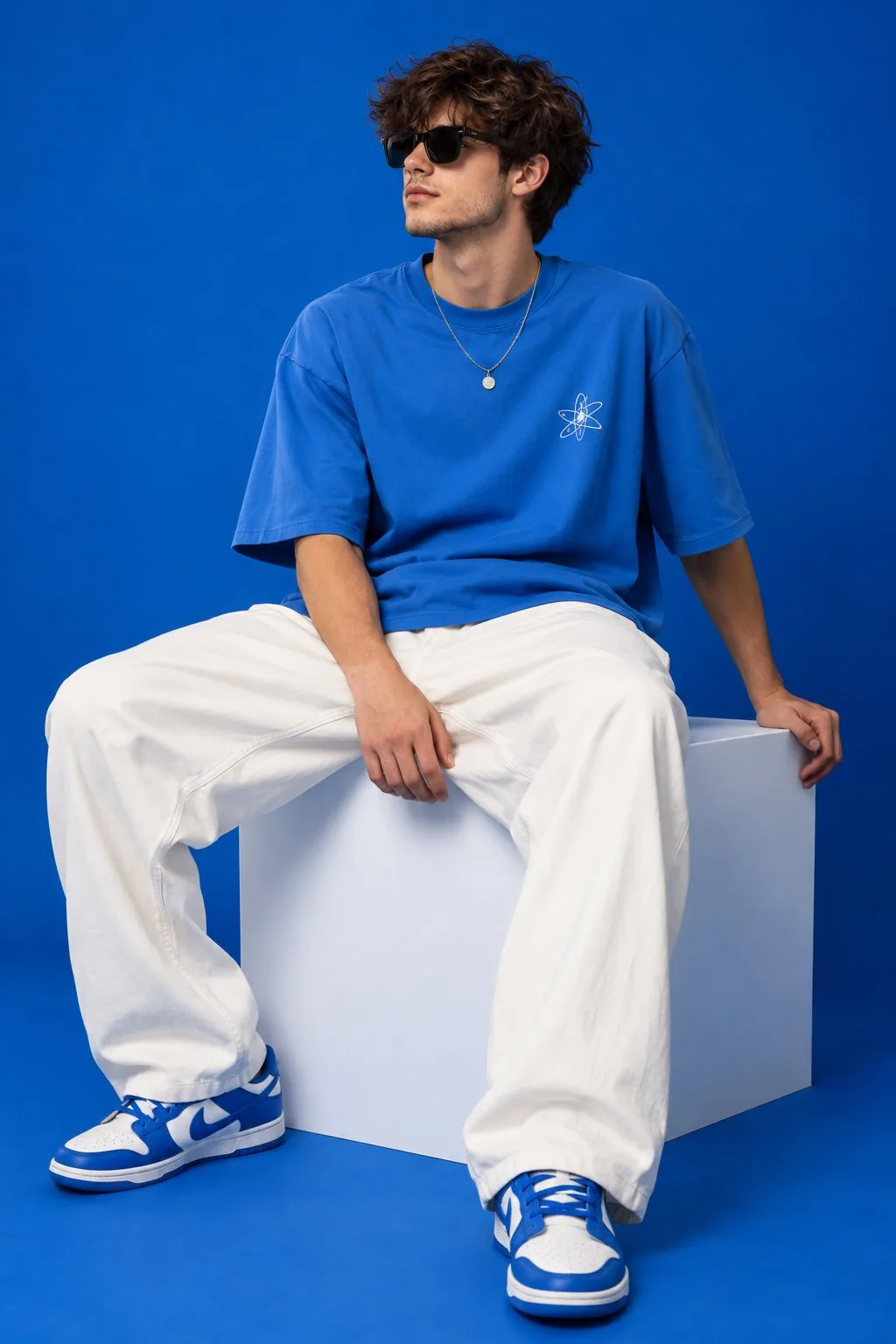 PROMPT
2:3 vertical streetwear editorial, young male model seated on a large white cube, legs positioned apart, one hand resting beside him, wearing black sunglasses, oversized bright-blue T-shirt, very loose white trousers, blue-white sneakers. Solid cobalt-blue studio background and floor. Sony A7R V, 50mm lens, f/4, eye-level perspective, soft diffused lighting, subtle shadow, realistic skin texture, natural proportions, detailed cotton fabric, crisp premium streetwear photography with strong color-blocker composition.
-
Portraits & Selfies
Korean Cafe Smartphone Selfie
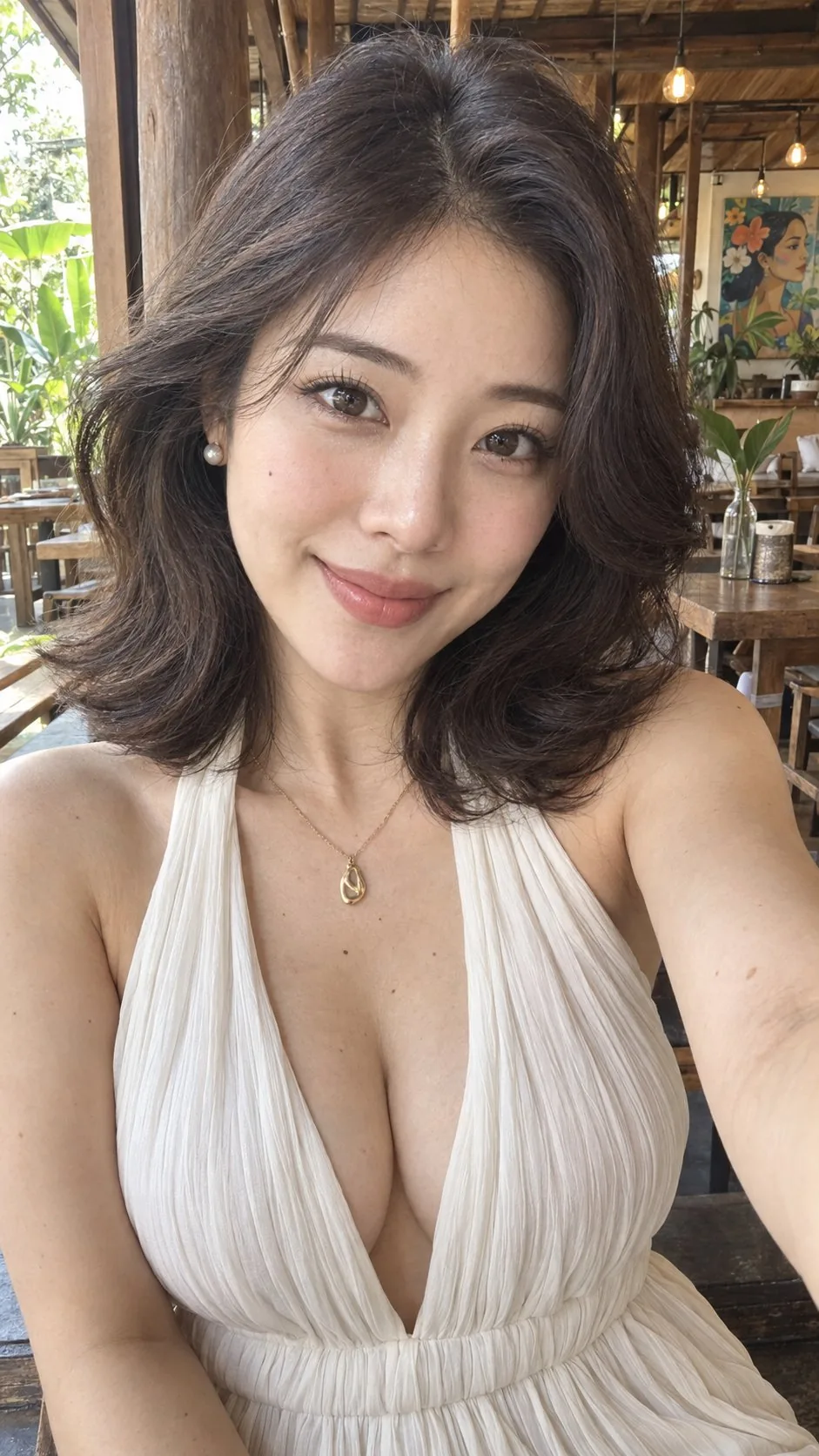 PROMPT
Ultra-photorealistic vertical 9:16 close-up smartphone selfie of an exceptionally beautiful adult Korean woman sitting inside a warm rustic open-air café. The camera is held at arm’s length and slightly above eye level, framing her from the top of her hair to the lower chest. Her face fills most of the upper half of the image while the shoulders, neckline, necklace and upper bodice remain clearly visible. Subtle front-camera wide-angle perspective, intimate natural social-media photo rather than a formal studio portrait. She has a small refined oval face with softly rounded cheeks, a gently tapered V-shaped jawline, smooth delicate cheekbones and a short rounded chin. Large but believable dark-chocolate almond-shaped eyes, softly defined double eyelids, long separated eyelashes, fine brown eyeliner, natural lower lashes and bright realistic catchlights. Slim softly arched dark-brown eyebrows, a small straight nose with a narrow bridge and rounded tip, and naturally full coral-pink lips forming a gentle closed-mouth smile. Luminous warm-ivory complexion with subtle peach blush, faint natural pores, soft peach fuzz and restrained beauty-camera smoothing. A tiny beauty mark is visible on the cheek at frame-left, with a few subtle natural beauty marks on the upper chest. She looks directly into the camera with a warm, calm and quietly confident expression. leveraged Machine Context omitted. Her hair is deep espresso brown, nearly black, cut into a voluminous shoulder-length layered lob. A deep side part creates lifted roots and a broad sweep across the forehead. Large soft blowout waves curve around both cheeks and jaw, with outward-feathered curls resting across the shoulders. Individual strands, fine flyaways and subtle warm-brown highlights in the daylight. Small round pearl stud earrings and a delicate fine gold necklace with an irregular sculptural gold pendant centered on her upper chest. She wears an ivory-white halter dress made from lightweight vertically crinkled chiffon. Wide halter straps rise around the neck, leaving the shoulders and collarbones exposed. A very deep plunging V neckline, softly gathered fabric beneath the bust, fine vertical pleats, realistic lightweight drape and subtle fabric texture. The garment remains securely fitted and naturally structured. Exact pose: her torso faces almost directly toward the camera with the shoulder at frame-right slightly closer to the lens. Her head stays level with the chin gently lowered. One arm extends toward the camera from frame-right to hold the unseen phone, creating natural selfie foreshortening; the other arm remains outside the lower crop. Maintain symmetrical facial proportions and direct eye contact. Warm natural-wood café interior with exposed timber posts, wooden beams, dark polished flooring and an open wood-framed window at frame-left revealing bright green foliage. A rustic table, reusable drink bottles, broad tropical leaves, hanging exposed-bulb pendant lights and a colorful hand-painted wall artwork appear softly in the background. Keep the environment recognizable but visually secondary to the woman. Soft diffused daylight enters from frame-left, producing even luminous facial exposure, delicate eye reflections and gentle highlights across the dark curls. Warm reflected light from the wooden interior fills the shadows. Natural white balance, soft contrast, realistic skin tone, restrained sharpening and mild depth of field. Sharpest focus on the eyes and face, with the café background gently softened. Real photographic texture: fine skin pores around the nose and cheeks, subtle under-eye texture, natural lip lines, realistic iris detail, individual eyelashes, fine baby hairs at the hairline, believable chiffon fibers, authentic pearl and gold reflections, slight sensor grain and subtle lens falloff. Avoid an anime face, excessively enlarged eyes, plastic skin, extreme smoothing, exaggerated facial proportions, distorted neckline, malformed shoulders or arms, visible phone, extra fingers, heavy background blur, text, logo and watermark.
-
Travel & Scenery
1990s Coastal Travel Editorial
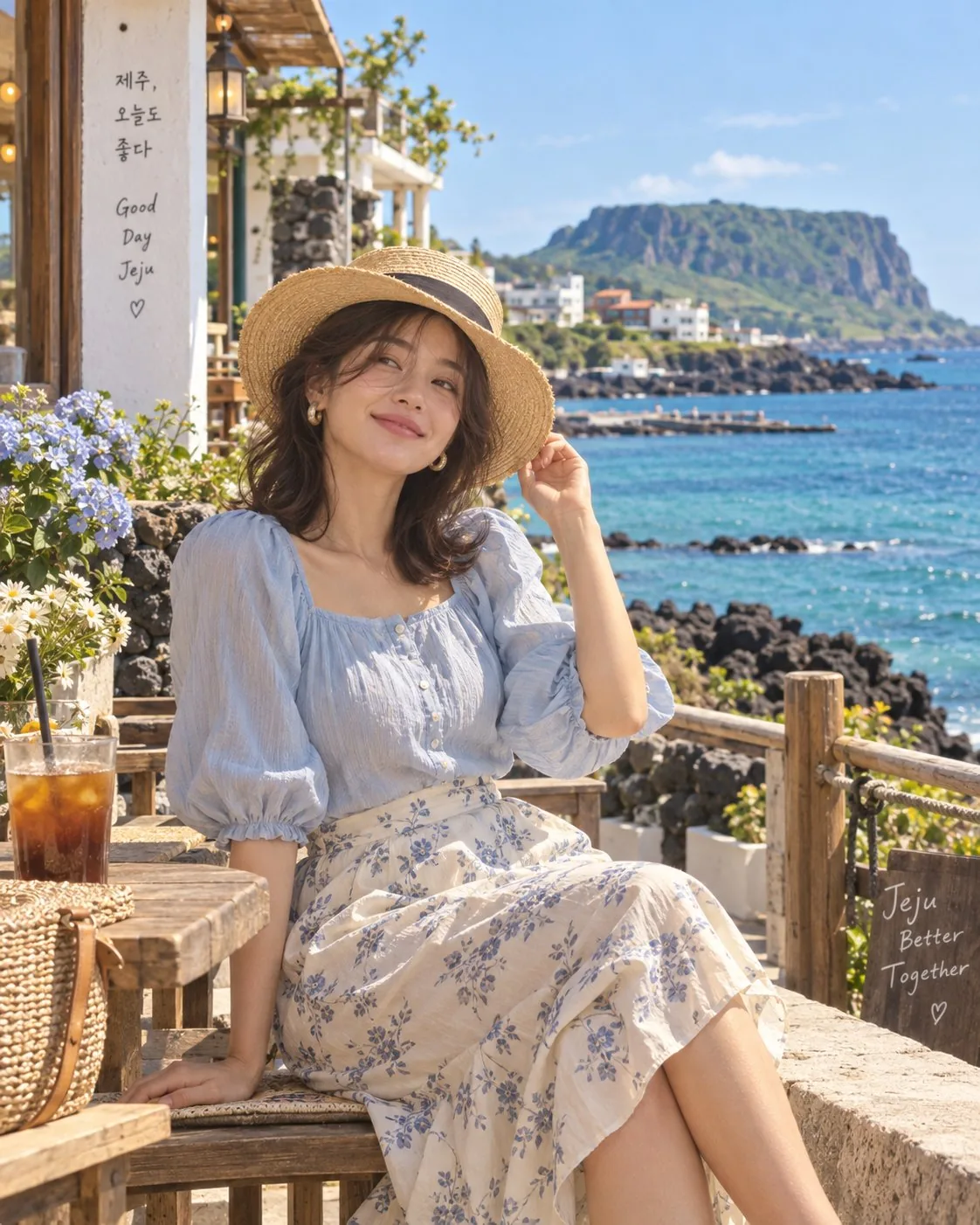 PROMPT
Create an ultra-realistic late-1990s summer travel editorial featuring a stylish young woman and a stylish young man in two separate portrait frames with the exact same visual theme and color grading. The setting is a dreamy coastal destination inspired by Jeju Island and the Greek islands, with crystal-blue sea, rocky coastline, white seaside cafés, flowering plants, distant mountains, small boats, warm wooden furniture, and bright clear summer skies. The woman is seated naturally at a charming seaside café. She wears a modest but fashionable pastel-blue puff-sleeve blouse with a flowing cream floral midi skirt, elegant minimal jewelry, and a relaxed straw hat. Her outfit must be tasteful and not revealing. Give her soft, slightly wavy shoulder-length hair with natural movement. Her pose should feel spontaneous and stylish—one hand resting lightly near her hat or hair, the other relaxed beside her, with a gentle natural smile. The man is seated casually in the same coastal atmosphere, wearing a cream linen shirt, relaxed beige trousers, classic sunglasses, minimal wristwatch, and clean white sneakers. Give him naturally messy wavy hair and an effortless vintage European summer look. One arm rests casually on the chair while the other hand is near his face, creating a relaxed editorial pose. Use warm 1990s film photography, subtle Kodak-style grain, slightly faded highlights, soft golden sunlight, realistic skin texture, gentle shadows, natural imperfections, rich ocean blues, creamy whites, muted pastels, and nostalgic analog color grading. Make both portraits look like they were photographed for a rare 1998 international summer travel magazine, candid rather than posed, sophisticated but effortless, cinematic yet completely realistic. No modern influencer look, no heavy makeup, no bold/revealing clothes, no artificial CGI appearance, no plastic skin, no excessive blur, no text or logos. Vibe: “A forgotten summer somewhere by the sea — 1998.”
Key Features of GPT Image 2.5 Generator
What OpenAI documents for GPT Image 2.5, written as things you can prompt: more natural lighting, instruction-only edits, reference-subject hold, readable type, 1K to 4K, and quality from low through max.
-
Natural lighting and richer textures
OpenAI's Images 2.5 launch leads with more natural lighting and richer textures than GPT Image 2. Ask for window light, tungsten, or a specific material, then judge the still.
-
Instruction-led prompt follow
GPT Image 2.5 is built to follow a natural-language brief: subject, layout, lighting, and copy in one pass, not a one-line style tag.
-
Instruction-only edits that hold the rest
OpenAI positions Images 2.5 to edit only what you asked for. Change a background, a product, or a line of copy while the rest of the frame stays put.
-
Reference-subject hold
Subjects in your reference photos stay more recognizable across new settings. CamArt accepts up to 16 refs on the edit path.
-
Readable type on posters and labels
Launch stills include posters, invitations, and bilingual sticker type. Name the headline in the prompt, then check spelling before you ship.
-
Quality low through max, 1K to 4K
CamArt exposes quality low, medium, high, xhigh, and max, plus 1K, 2K, or 4K. Default is medium at 1K (3 credits). xhigh and max are new versus GPT Image 2.
Change one element. Keep the rest.
GPT Image 2.5 is built to edit only what you asked for while the people and products in your reference photos stay recognizable. Write the change, not a full restart.
GPT Image 2.5 Model Comparison
GPT Image 2.5 focuses on reference-subject hold and instruction-only edits at Flare latency, whereas Nano Banana Pro, Seedream 5.0 Pro, and Qwen Image 3.0 split on premium type, infographics, or cheaper dense layouts.
| Fact | GPT Image 2.5 | Nano Banana Pro | Seedream 5.0 Pro | Qwen Image 3.0 |
|---|---|---|---|---|
| Issuer | OpenAI GPT Image 2.5 (ChatGPT Images 2.5). | Google Gemini 3 Pro Image (Nano Banana Pro). | ByteDance Seed Seedream 5.0 Pro. | Alibaba Qwen Image 3.0. |
| Best for | Stills that keep a face or product from refs while you change one instruction. | Premium brand stills and multilingual in-image type. | Dense infographics and layout-aware stills. | Dense layouts and long prompts with readable multilingual type. |
| Strength | Natural lighting plus instruction-only edits at Flare latency. | Pro-class reasoning for packs, posters, and multi-person stills. | Infographic hierarchy that holds labels in one still. | Long briefs into nested layouts in one pass. |
| In-image text | Readable type on posters and labels. Check spelling before you ship. | Readable multilingual lettering on packs and posters. | Native multilingual type on charts, posters, and decks. | Official story is dense, small multilingual lettering on posters and decks. |
| Generate and edit | T2I plus up to 16 reference stills on Edit. | T2I plus up to 8 reference stills. | T2I plus Edit with up to 8 images. | T2I plus 1 to 3 edit stills. |
| CamArt credits | 3 credits at medium 1K. Sunburst shares this table. | 14 credits per still. | 5 credits per still. | 3 credits on Standard. Qwen Image 3 Pro is 4. |
| Resolution on CamArt | 1K, 2K, or 4K. Quality low through max. | 1K or 2K. Not CamArt 4K. | 1K or 2K. Do not treat issuer 4K talk as this picker. | 1K or 2K. |
Sources: OpenAI ChatGPT Images 2.5; Google Nano Banana Pro; ByteDance Seedream 5.0 Pro; Alibaba Qwen Image 3.0.
Why Choose GPT Image 2.5 Generator in CamArt
Choose GPT Image 2.5 when a face or product has to hold while you change one instruction. CamArt defaults to Flare. Sunburst is in the same picker at the same credit table.
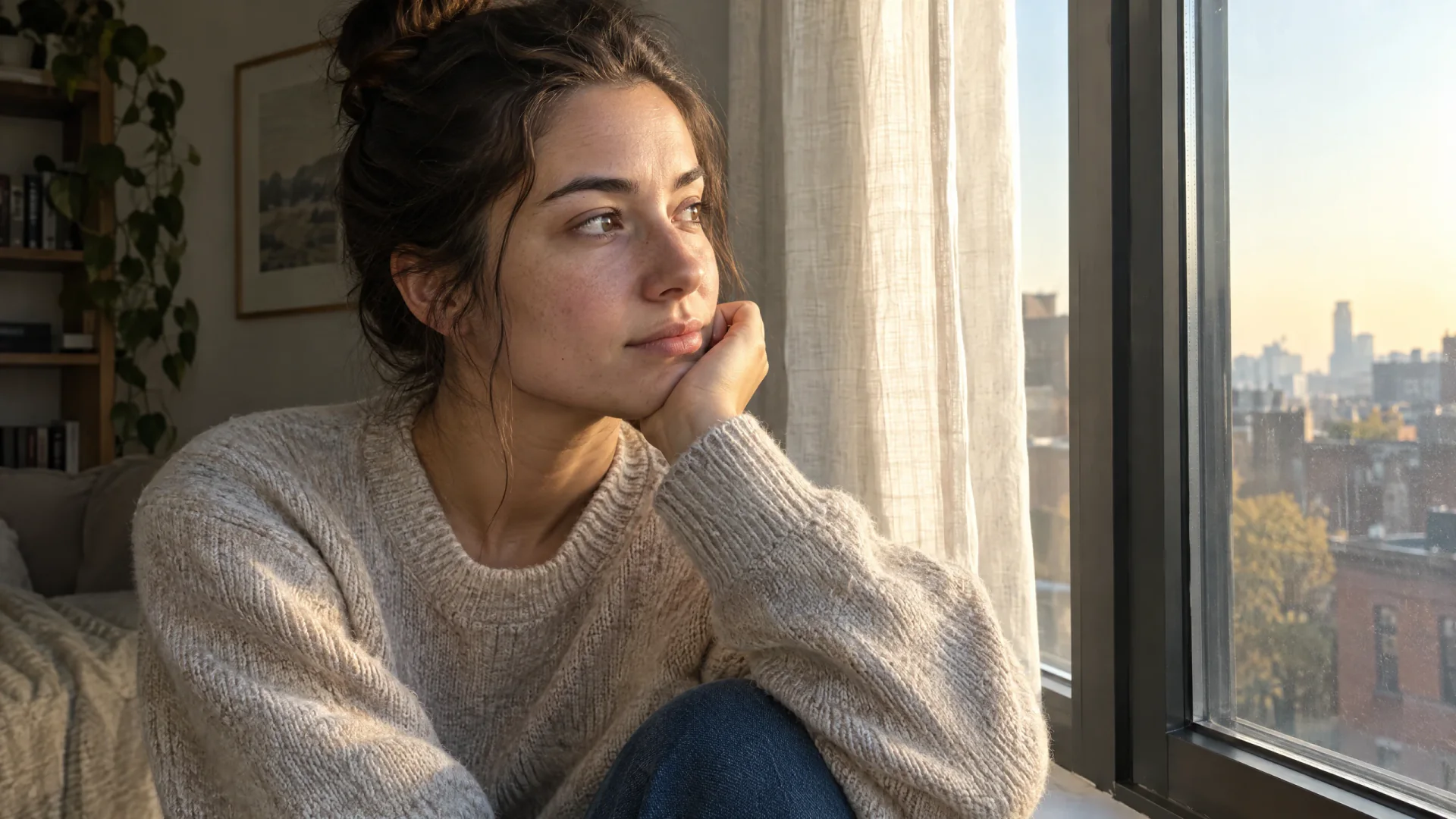
Stills that look like ordinary light hit a real surface
OpenAI's Images 2.5 launch is more natural lighting and richer textures than GPT Image 2. That is the first test: skin, fabric, and product surfaces that do not look plastic.
- Name the light and the material in the prompt, not a generic photoreal tag.
- This page does not claim the still is indistinguishable from a camera.
Briefs that name layout, lighting, and copy
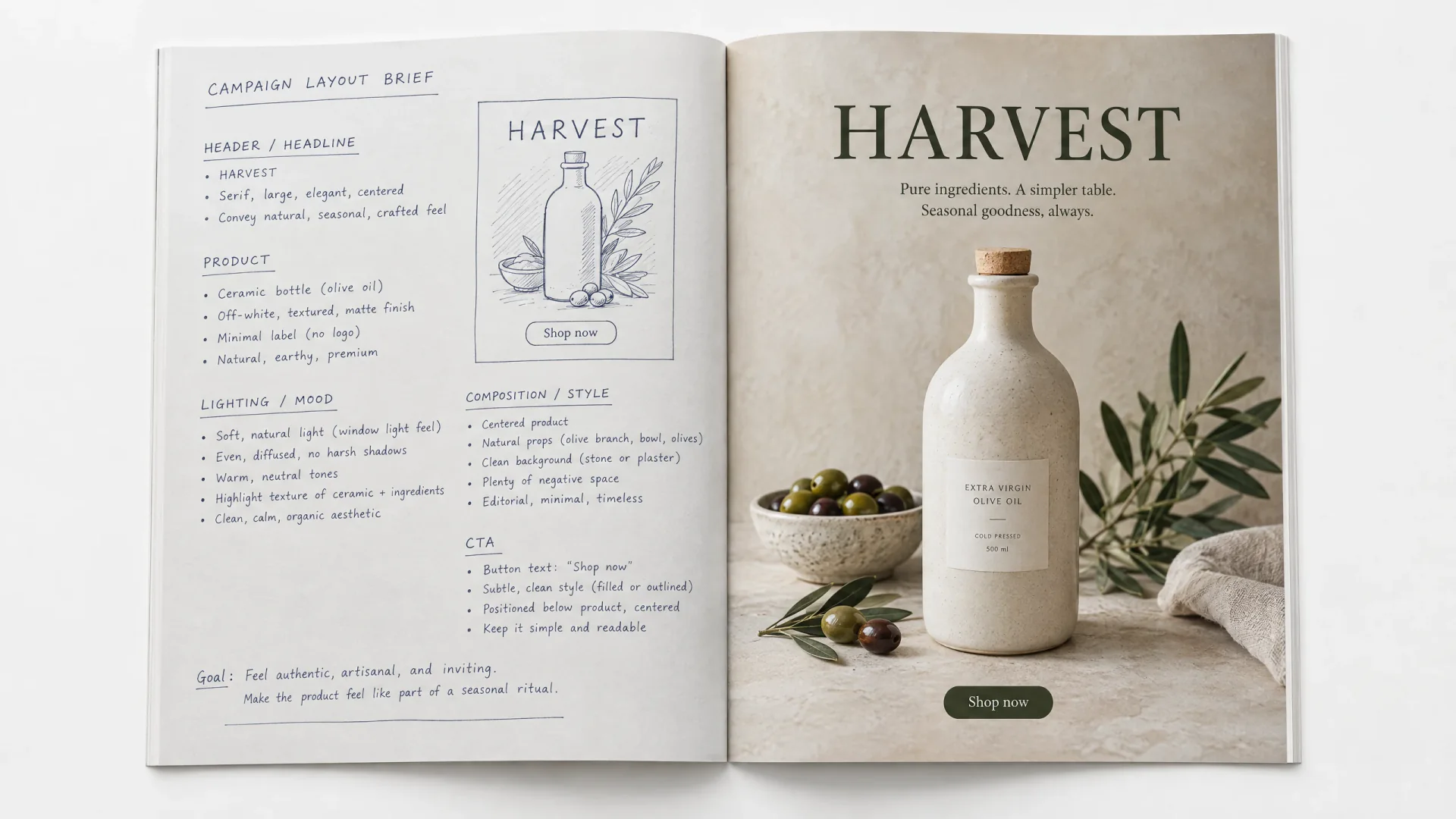
GPT Image 2.5 is framed for complex visual instructions. A natural-language brief can list the header, product, lighting, and CTA instead of a one-line style tag.
- List each layout zone and the exact words that belong there.
- Keep Flare selected unless the brief needs Sunburst precision.
Change one element without rebuilding the frame
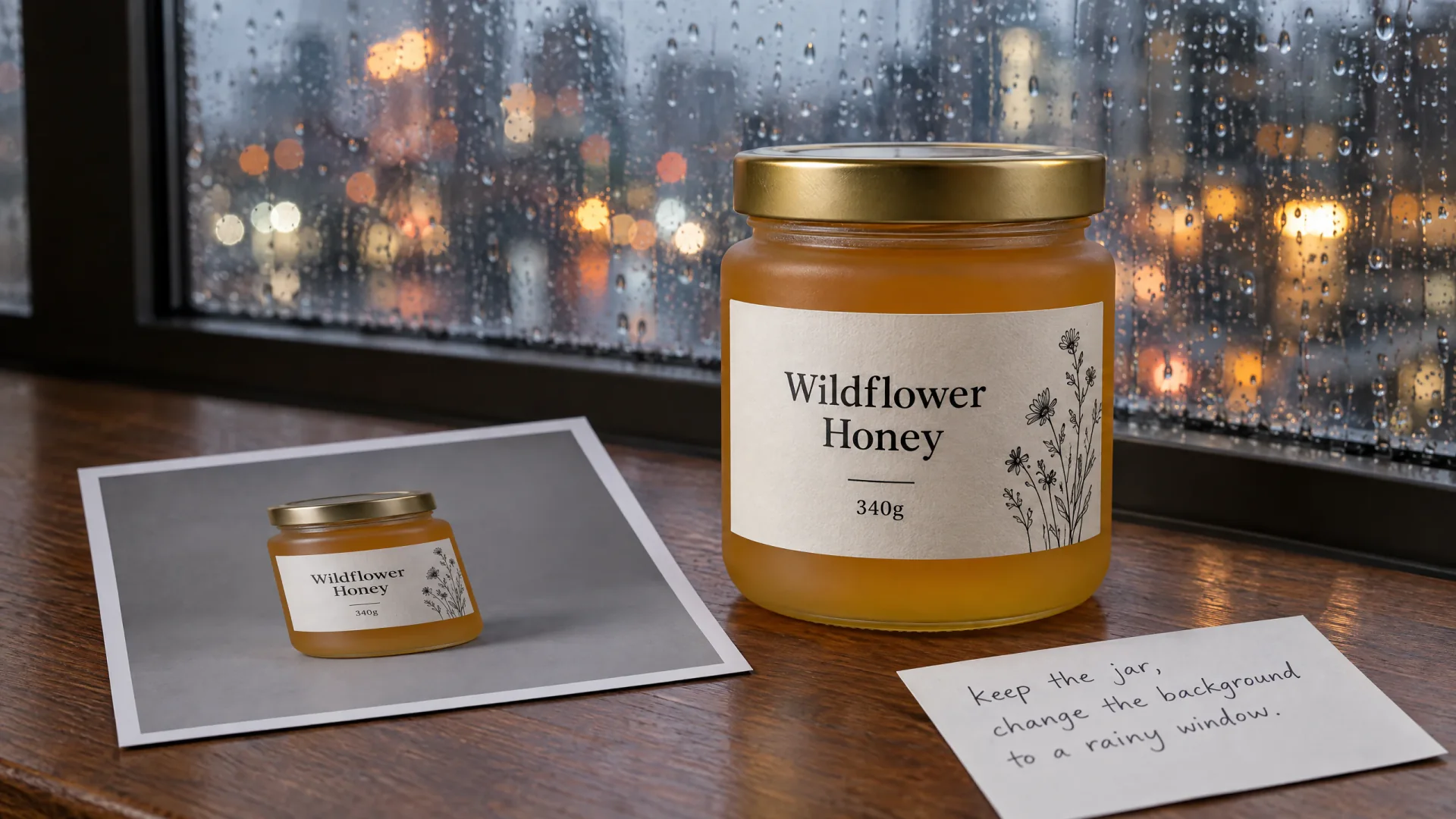
OpenAI positions Images 2.5 to edit only what you asked for while subjects in reference photos stay recognizable. Add the stills, write the change, and keep GPT Image 2.5 Flare selected so Generate switches to the edit path.
- Upload up to 16 refs when identity or a pack must hold.
- Keep the instruction specific: what stays, what changes.
Posters and labels that have to be read, not assumed
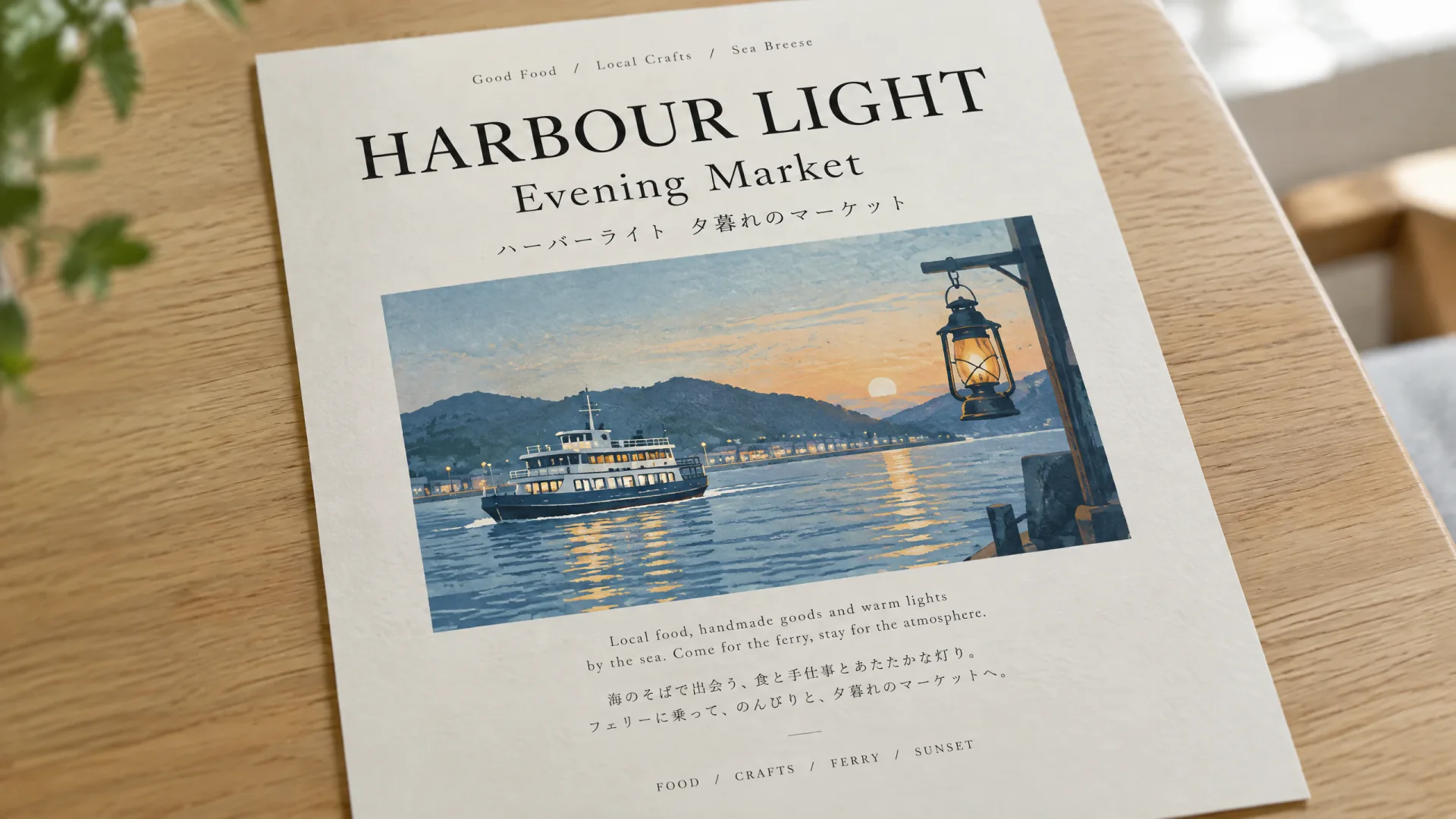
Launch stills include posters, invitations, and bilingual captions. GPT Image 2.5 can place type in the still. You still check spelling before a poster or label ships.
- Name the headline, language, and placement in the prompt.
- This page does not claim a 99% text-accuracy score.
How to Use GPT Image 2.5 Generator in CamArt
Three steps from a brief to a saved still.
-
STEP 01
Write the still
Keep GPT Image 2.5 Flare selected. Write subject, lighting, textures, and any on-image copy. CamArt's prompt field is 2000 characters.
-
STEP 02
Set ratio, resolution, quality, and refs
Set aspect ratio, 1K, 2K, or 4K, and quality from low through max. Add up to 16 reference photos when you need an instruction edit.
-
STEP 03
Generate, check the still, and save
Generate, check lighting, identity, and spelling in the preview, then save from Assets. Credits on Generate are deducted on start (1 credit = $0.01 COGS). Default medium 1K is 3 credits.
Who Should Use GPT Image 2.5 Generator on CamArt
GPT Image 2.5 fits briefs that need a subject from a photo to hold, one instruction change, or a faster Flare still. Simple style-tag sketches can stay on a lighter model.
-
Portrait teams who need a face to hold
Upload a reference and restage the person in new light or a new room. OpenAI's lead upgrade vs Images 2.0 is that hold.
-
Product and e-commerce stills
Keep a jar, bottle, or pack consistent while you change the scene. Add refs when the product has to stay recognizable.
-
Marketers who change one line of copy
Rewrite a headline or a label without rebuilding the rest of the ad. That is the instruction-only edit test.
-
Poster and packaging teams
Launch stills include posters and invitations. Name the type, then check spelling before you ship.
-
People who want Flare speed
Flare is the everyday SKU on this page. OpenAI measures lower latency versus Images 2.0. Quality is comparable to GPT Image 2.
-
Editors who pick Sunburst for a tight chain
Sunburst spends longer for extra precision. Same CamArt credits as Flare. Switch it in the picker when the edit has to land first try.
Explore More AI Image Models on CamArt
FAQs
Is GPT Image 2.5 the same as ChatGPT Images 2.5?
Yes. ChatGPT Images 2.5 is the consumer name in ChatGPT. The API names are gpt-image-2.5-flare and gpt-image-2.5-sunburst. CamArt lists them as GPT Image 2.5 Flare and GPT Image 2.5 Sunburst. This page defaults to Flare.
What is the difference between Flare and Sunburst?
Flare is OpenAI's everyday speed SKU, with quality comparable to GPT Image 2 and lower latency. Sunburst spends longer for extra precision and higher quality than GPT Image 2. CamArt bills both on the same credit table. Pick Flare for most stills. Pick Sunburst when a tight edit chain needs the extra precision.
How is GPT Image 2.5 different from GPT Image 2?
OpenAI's launch for Images 2.5 is sharper detail, more natural lighting, richer textures, better reference-subject hold, more reliable instruction-only edits, and up to 50% lower generation latency versus Images 2.0. CamArt also exposes quality xhigh and max, plus up to 16 refs on edit. Create's site-wide Image Generate default is still GPT Image 2.
Can GPT Image 2.5 edit from reference photos?
Yes. Generate is text-to-image. Edit is image-to-image: add reference photos and write the instruction. CamArt accepts up to 16 reference images. Jobs are one Generate or Edit at a time, not a ChatGPT multi-turn thread.
Is the GPT Image 2.5 generator free on CamArt?
No. CamArt is credit-based. Default medium quality at 1K is 3 credits. Sign in with Google or an email magic link. Starter credits do not cover every job. Ranking pages that advertise unlimited free generations are not CamArt.
What resolution and quality can I generate?
CamArt exposes 1K, 2K, and 4K, plus quality low, medium, high, xhigh, and max. Default is medium at 1K. OpenAI treats outputs above about 2560x1440 pixels as experimental. Use 1K for drafts, 2K for most posts, and 4K when you need the larger picker size.
How much do GPT Image 2.5 credits cost on CamArt?
One credit equals $0.01 of generation cost. Text-to-image at medium quality is 3, 4, or 7 credits at 1K, 2K, or 4K. Low is 1, 2, or 3. High is 9, 15, or 27. xhigh is 16, 27, or 48. max is 36, 60, or 100. Edit quotes start higher and add 2 credits per extra reference image. Credits on Generate are deducted on start. Flare and Sunburst share this table.
Does CamArt include ChatGPT Sketch or templates?
No. Sketch, poster templates, on-image comments, and shareable prompts are ChatGPT product features. CamArt GPT Image 2.5 jobs take a prompt and optional reference photos.
Can I use GPT Image 2.5 images commercially on CamArt?
CamArt plans allow commercial use of outputs subject to law and third-party model terms. Review OpenAI's current terms for GPT Image 2.5. CamArt does not promise exclusivity or that an output is free of third-party rights.
How do I generate a GPT Image 2.5 still on CamArt?
Sign in, keep GPT Image 2.5 Flare selected, write the prompt, set ratio, resolution, and quality, then Generate. Add reference photos when you need an instruction edit. Switch to Sunburst in the same picker when you want extra precision. Credits shown on the button are deducted on start.
Generate Images with GPT Image 2.5
Describe the still, lighting, and any on-image text. Add a reference photo when you need an instruction edit, then hit Generate when you're ready.