
Z Image AI Image Generator
A 6 billion parameter single-stream model from Tongyi MAI. Turbo is the 8-step photoreal distill with bilingual English and Chinese on-image text. Base keeps CFG and negative prompts for more controllable stills.
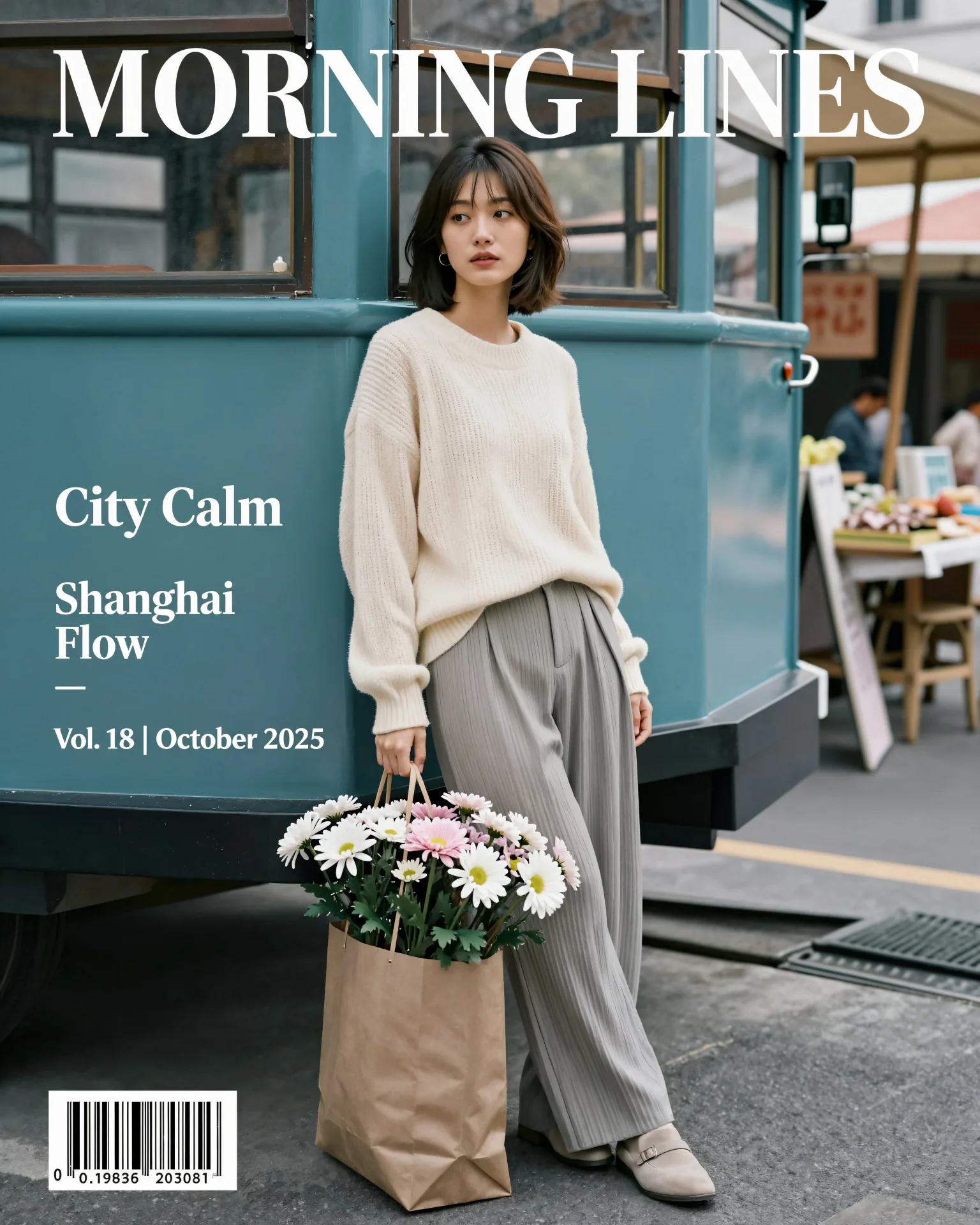
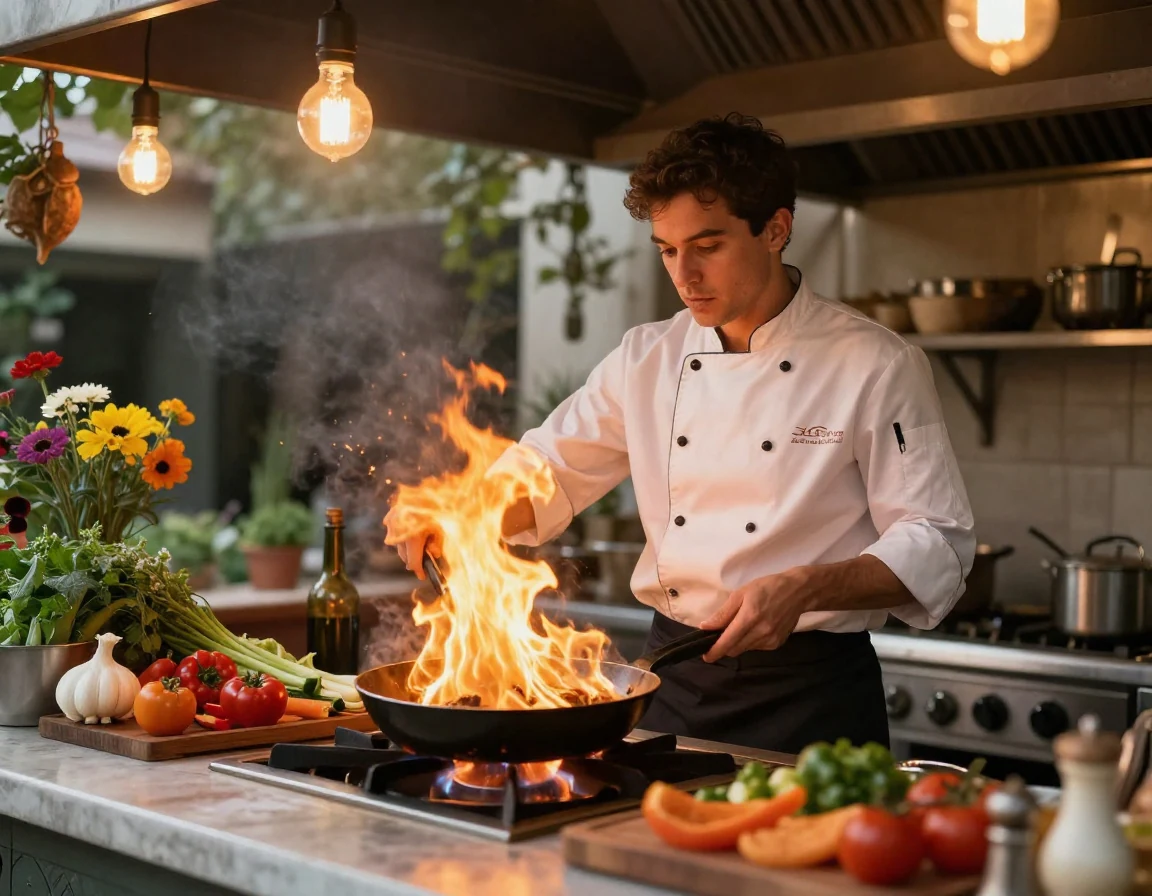
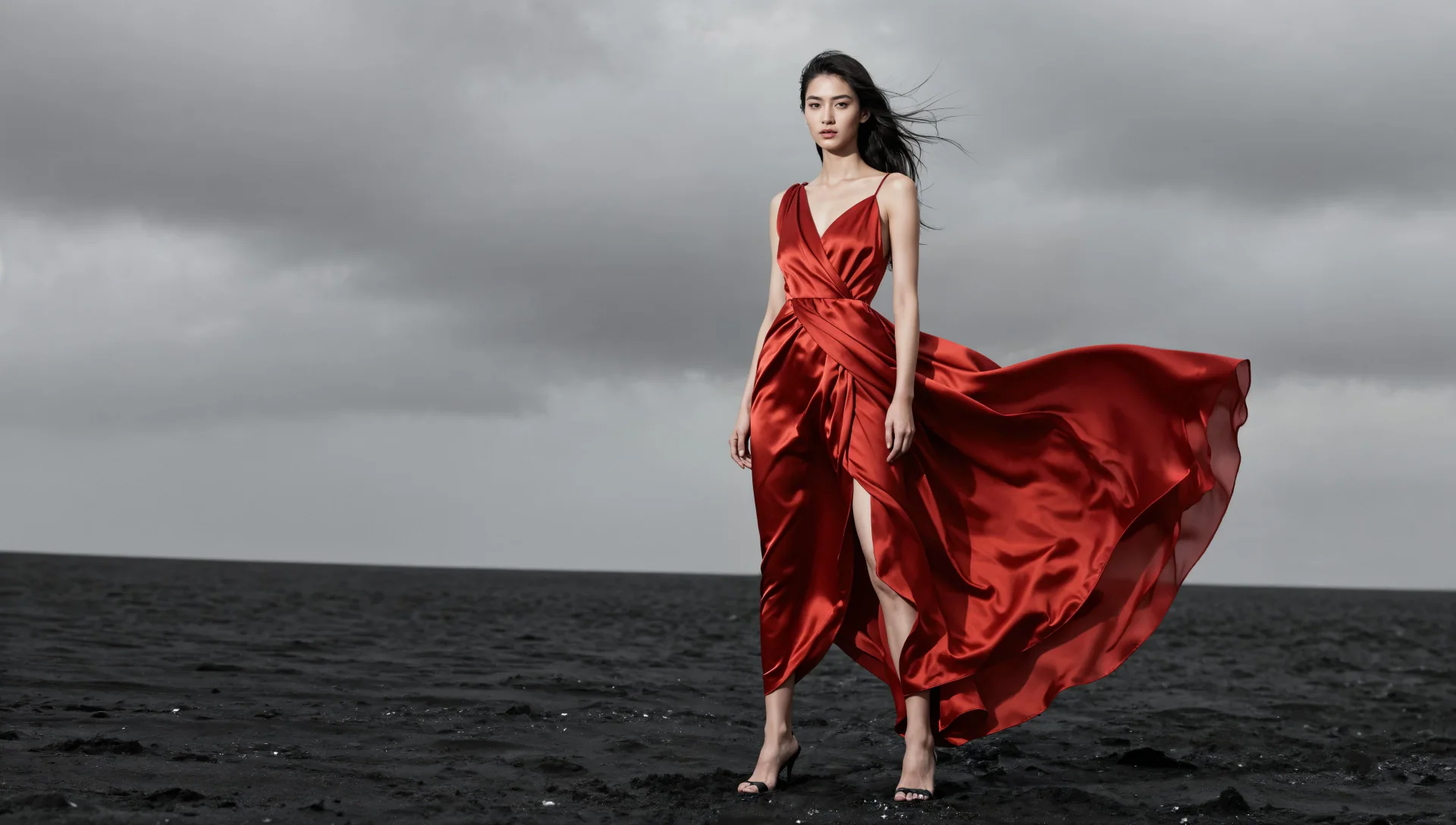
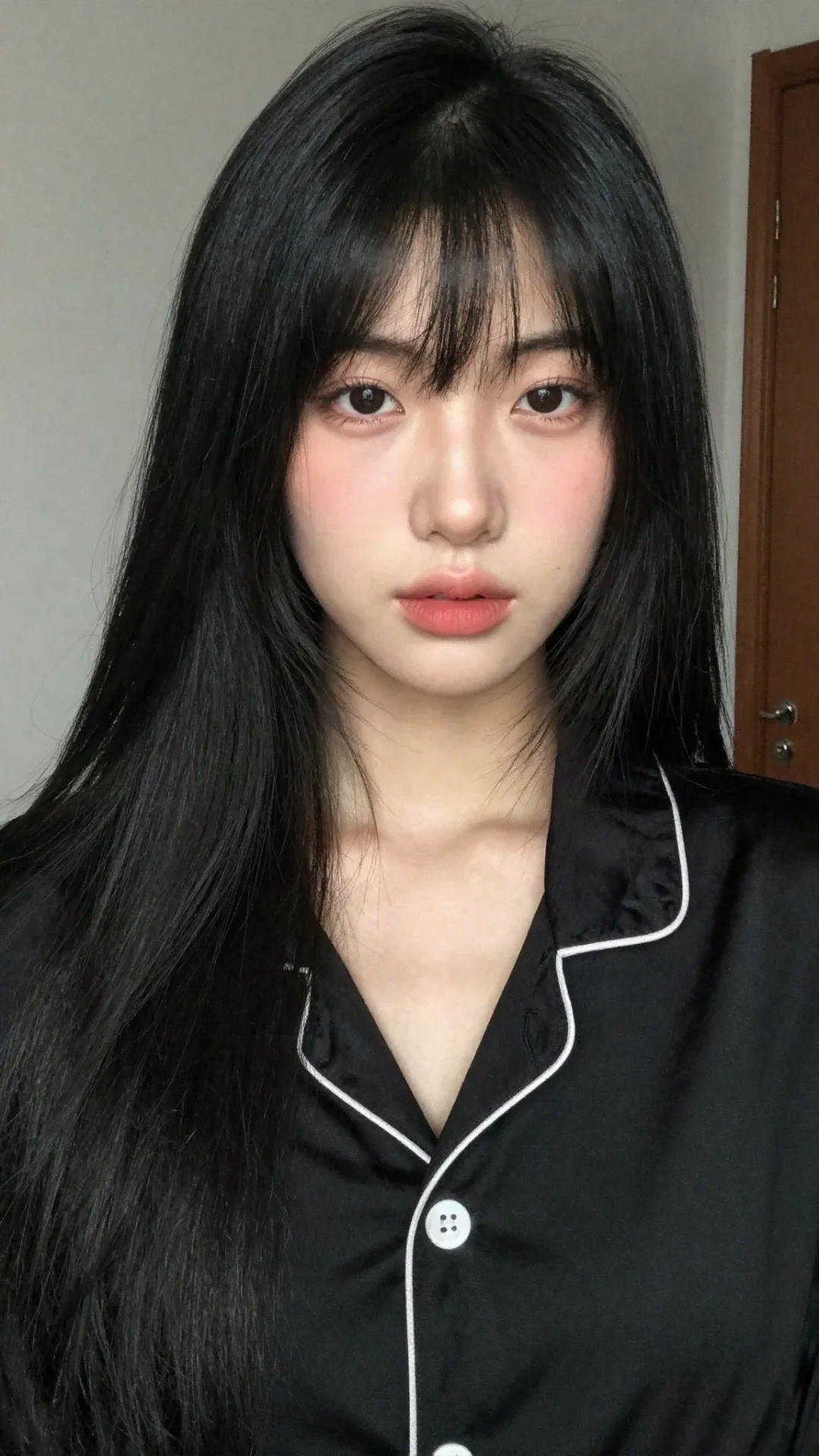
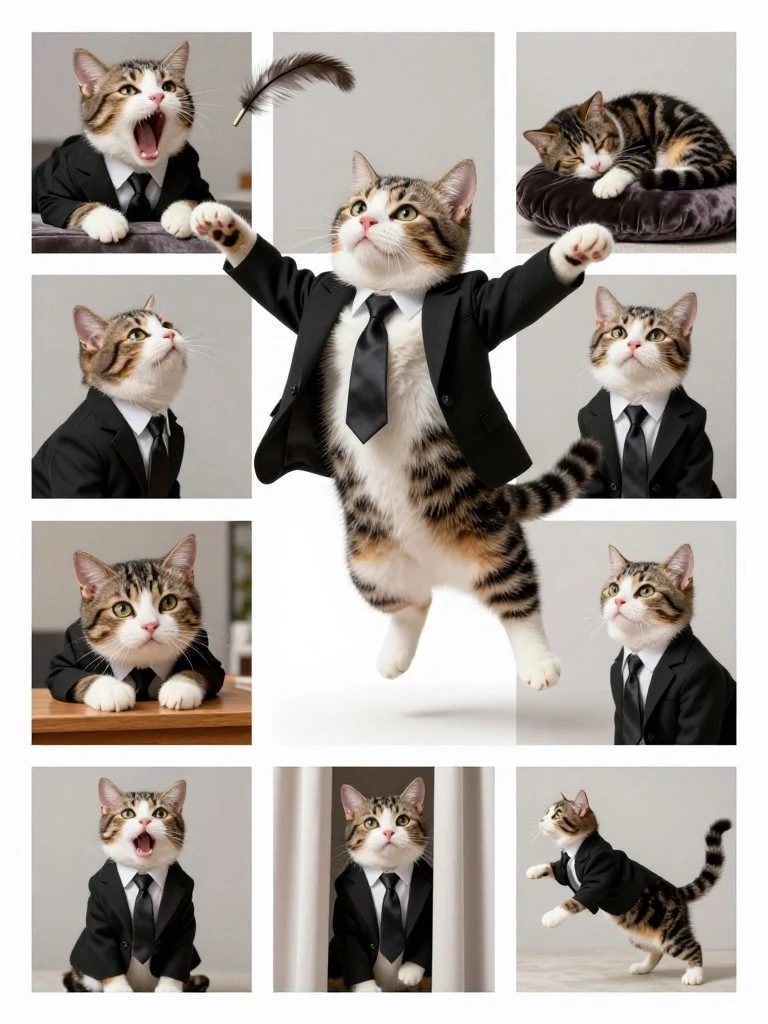
What is Z Image
Z Image is an AI image generator family from Tongyi MAI at Alibaba Group. It uses a scalable single-stream diffusion transformer. Public weights include distilled Z-Image-Turbo for few-step stills and the foundation Z-Image checkpoint for CFG-guided generation. Checkpoints are Apache 2.0 on Hugging Face.
S3-DiT, 6B
Text and image tokens share one transformer stream, which Tongyi MAI designed for efficiency rather than a 20B-class closed model.
Turbo, 8 steps
Z-Image-Turbo is the distilled generation SKU. CamArt defaults to this row.
Base, CFG
The foundation checkpoint supports guidance and negative prompts in issuer recipes. CamArt lists it as Z Image Base.
Photoreal stills
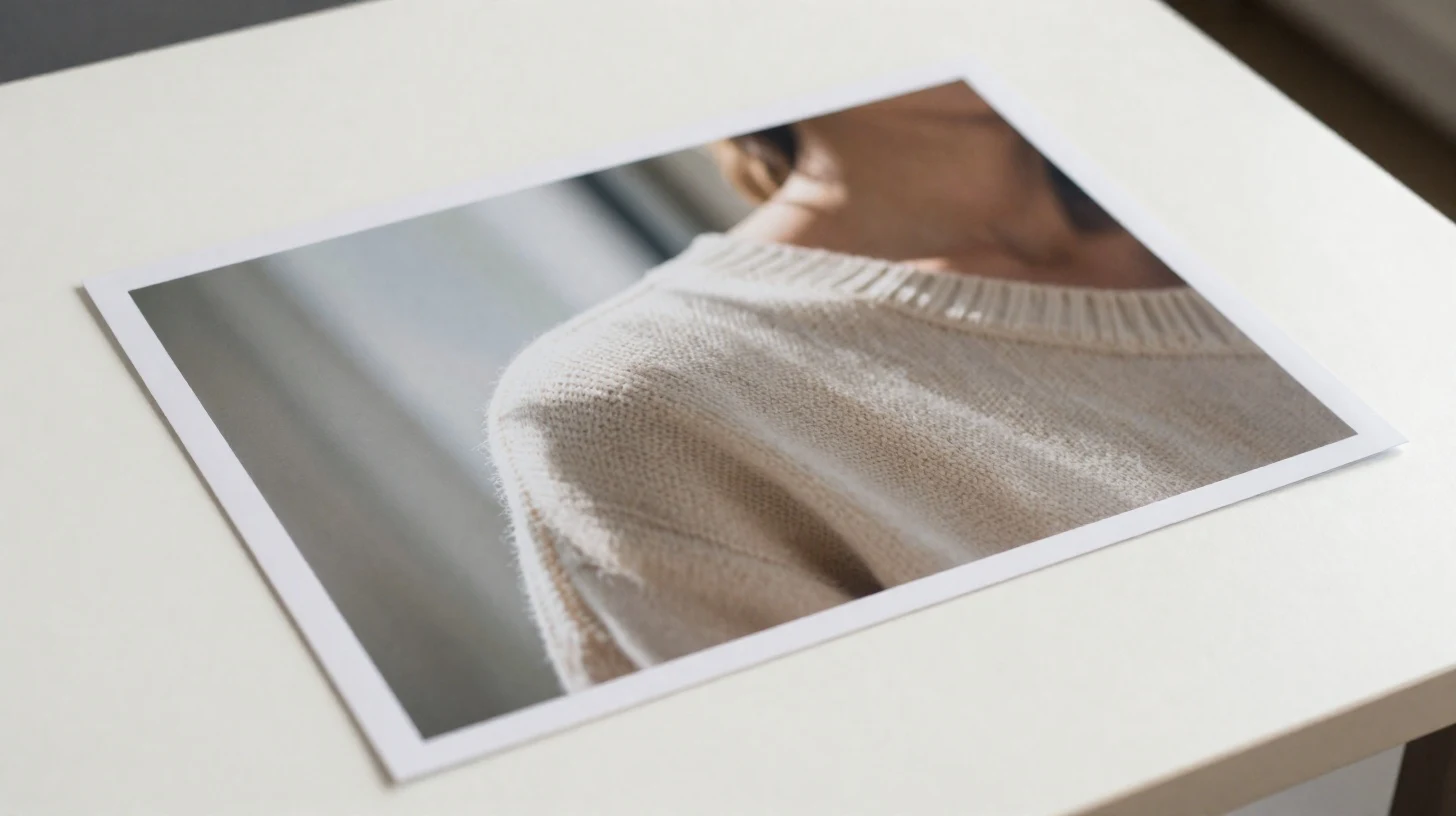
Official Turbo copy stresses photography-level light, texture, and aesthetic composition.
Bilingual on-image text
Issuer showcases readable English and Chinese type in posters and cards.
Open weights, hosted Generate
Checkpoints are Apache 2.0 on Hugging Face and ModelScope. This page runs Turbo or Base at 1 credit, not a local ComfyUI graph.
Examples of Z Image from X
Community stills on X made with Z Image. Copy a prompt and try it in the editor.
-
Portraits & Selfies
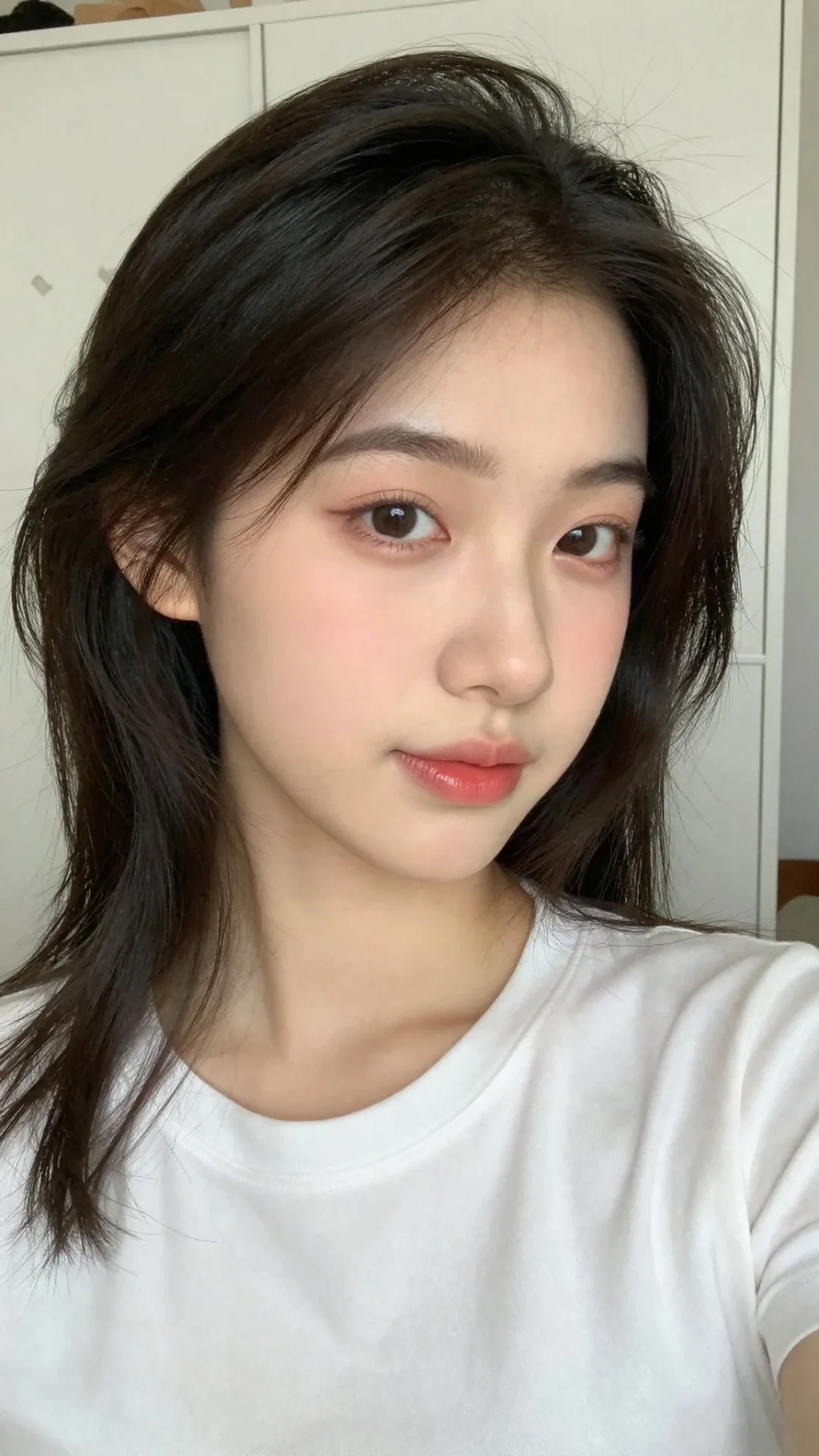
White Tee Closet Selfie
 PROMPT
ar 9:16 A close-up selfie of a young East Asian woman with fair, smooth skin and soft natural makeup. She has dark brown to black hair styled in soft, slightly wavy layers with volume on top, loose strands framing her face, and some hair gently pulled back. Her face is turned slightly toward the camera with a gentle head tilt, soft doe-like eyes looking into the lens, light pink eyeshadow, subtle blush on the cheeks, well-groomed straight brows, and glossy soft pink-red lips in a relaxed, slightly pouty expression. She is wearing a plain white short-sleeve crew-neck t-shirt. The photo is taken in a bright indoor setting with a white wardrobe/closet door background that has faint patterned stickers or designs visible on the sides. Soft natural lighting, high detail on skin texture and hair strands, realistic photography style, vertical portrait composition, casual and cute aesthetic.
-
Fashion & Style
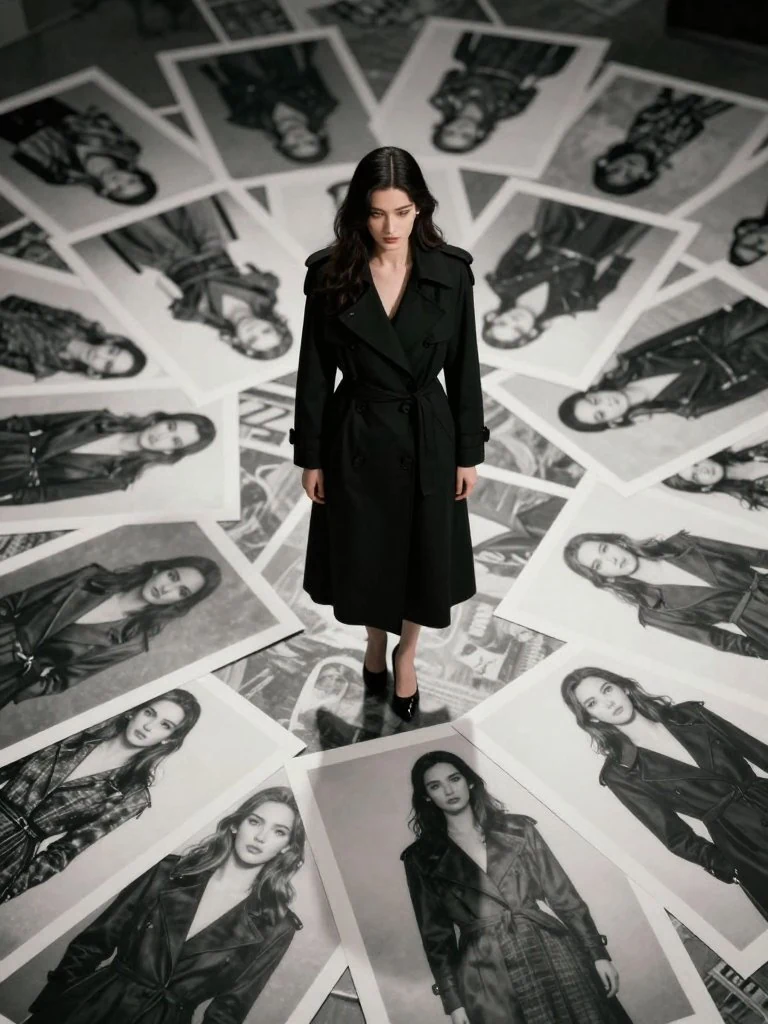
LOMO High-Angle Fashion Collage
 PROMPT
这是一张LOMO Ic-a风格的高清摄影作品。 采用高角度俯拍视角(High angle shot), 镜头聚焦于一位绝美的电影女演员。 她身穿黑色长风衣。 她正站在铺满地面的无数黑白时尚广告牌之上, 由于视角的缘故, 可以看到地面上所有广告牌的模特造型也全都是她本人的不同时尚写真, 仿佛她站在自己的无数分身之上。
-
Food Photography
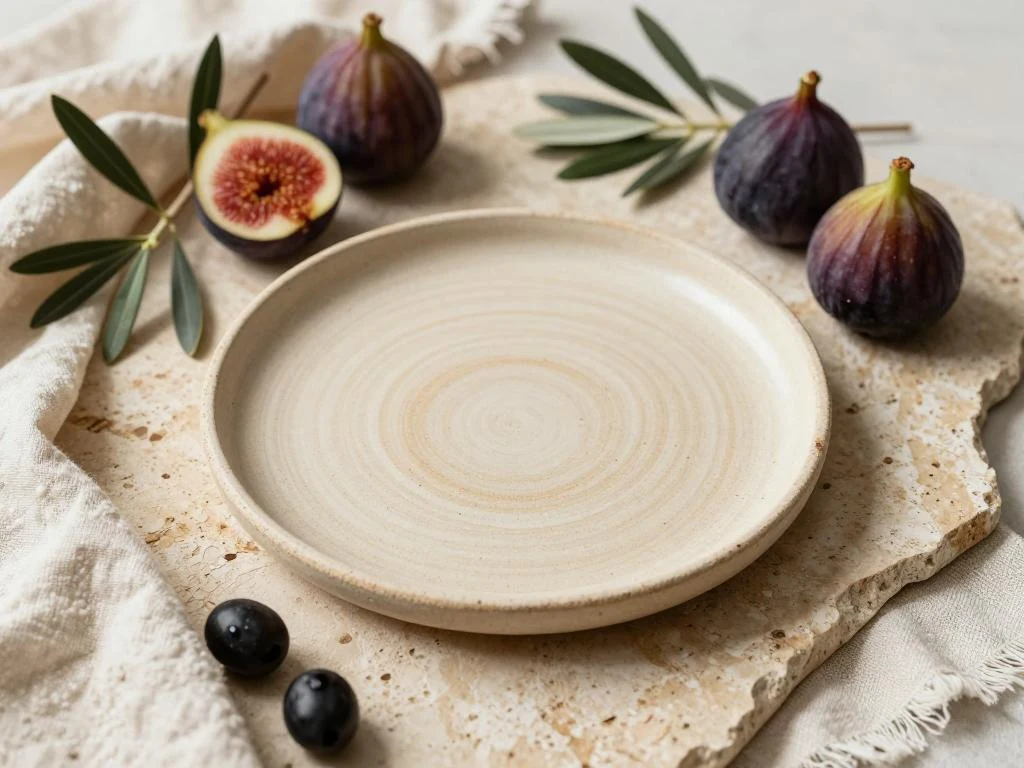
Ceramic Plate with Figs
 PROMPT
editorial shot of a handmade ceramic dinner plate, placed on textured travertine, surrounded by fresh figs, olive branches, and a rustic linen tablecloth, soft window lighting from the side, medium depth of field, warm tones, aspirational lifestyle photography, shot on medium format, organic aesthetic, subtle texture details, editorial lighting setup
-
Portraits & Selfies
Sunlit Cafe Window Coffee
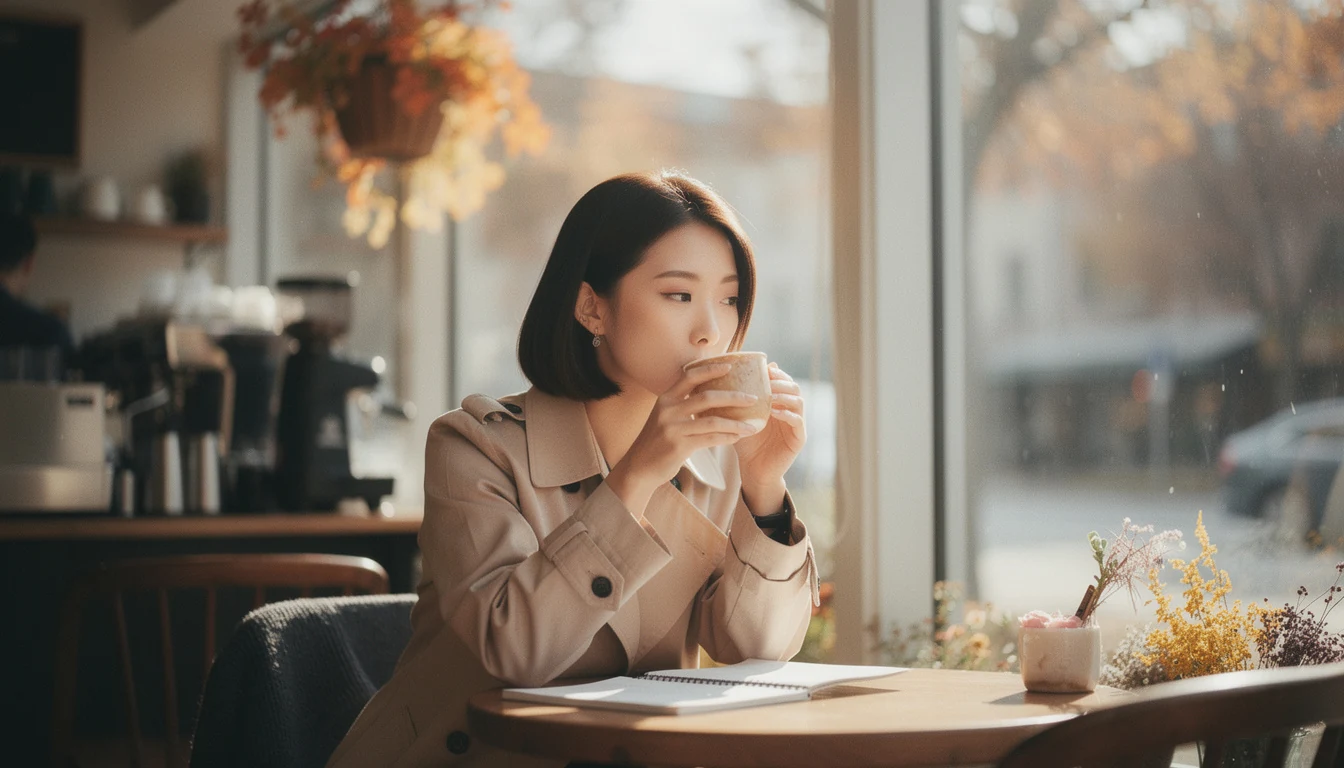 PROMPT
A candid shot of a woman sipping coffee by a sunlit café window, soft morning glow, shallow depth of field, subtle film grain.
-
Anime & 2D
Field Gaze at Ring Construct
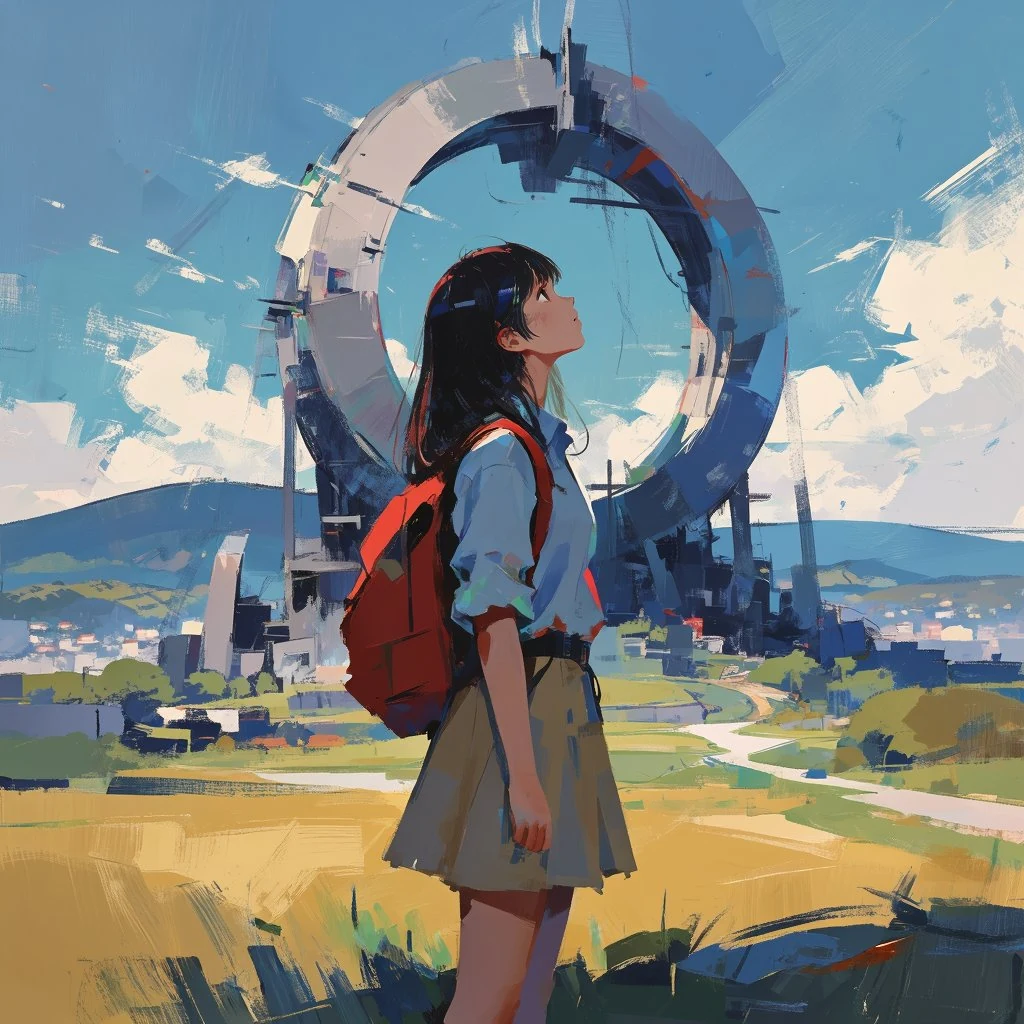 PROMPT
The palette is dominated by dark tones. The texture is pronounced, with brushstrokes and traces of paint visible, imitating the process of painting using multi-layered tones. The composition is centered around the figures, and the background flows smoothly in color and tone. The style is abstract, almost sculptural. The style is abstract, almost sculptural. Free, gestural brushstrokes create a sense of movement and action. The muted color palette includes subtle variations in tone. The sense of depth is achieved through different densities of brushstrokes. The light source is diffused, giving the image a slightly cool and mysterious shade. The style of painting is reminiscent of abstract realism and expressionism. Soft shadows that reflect every detail and add volume to the scene. In a field bathed in soft, natural light, stands a 21-year-old young woman of East Asian descent. She wears a light blue short-sleeved shirt, a short khaki skirt, and a vibrant red backpack, suggesting a casual, energetic, and adventurous spirit. Her dark hair is long-cut. The young woman stands with her back to the viewer, her head tilted up as she gazes with wonder into the distance. Her focus is on a colossal, ring-shaped structure dominating the skyline. The gigantic construct, composed of metallic and industrial elements, is positioned in the mid-ground, creating a stark contrast with the idyllic landscape. The surrounding landscape features a golden field in the foreground, transitioning to a winding path that leads toward rolling hills. A small town is nestled on the hillsides. The sky above is a bright blue canvas dotted with puffy white clouds, further emphasizing the vivid contrast with the mechanical monolith. The overall mood is one of discovery, awe, and quiet contemplation. Rendered in a detailed anime style with a strong emphasis on environmental storytelling.
-
Interiors & Spaces
1950s Sunlit Kitchen Breakfast
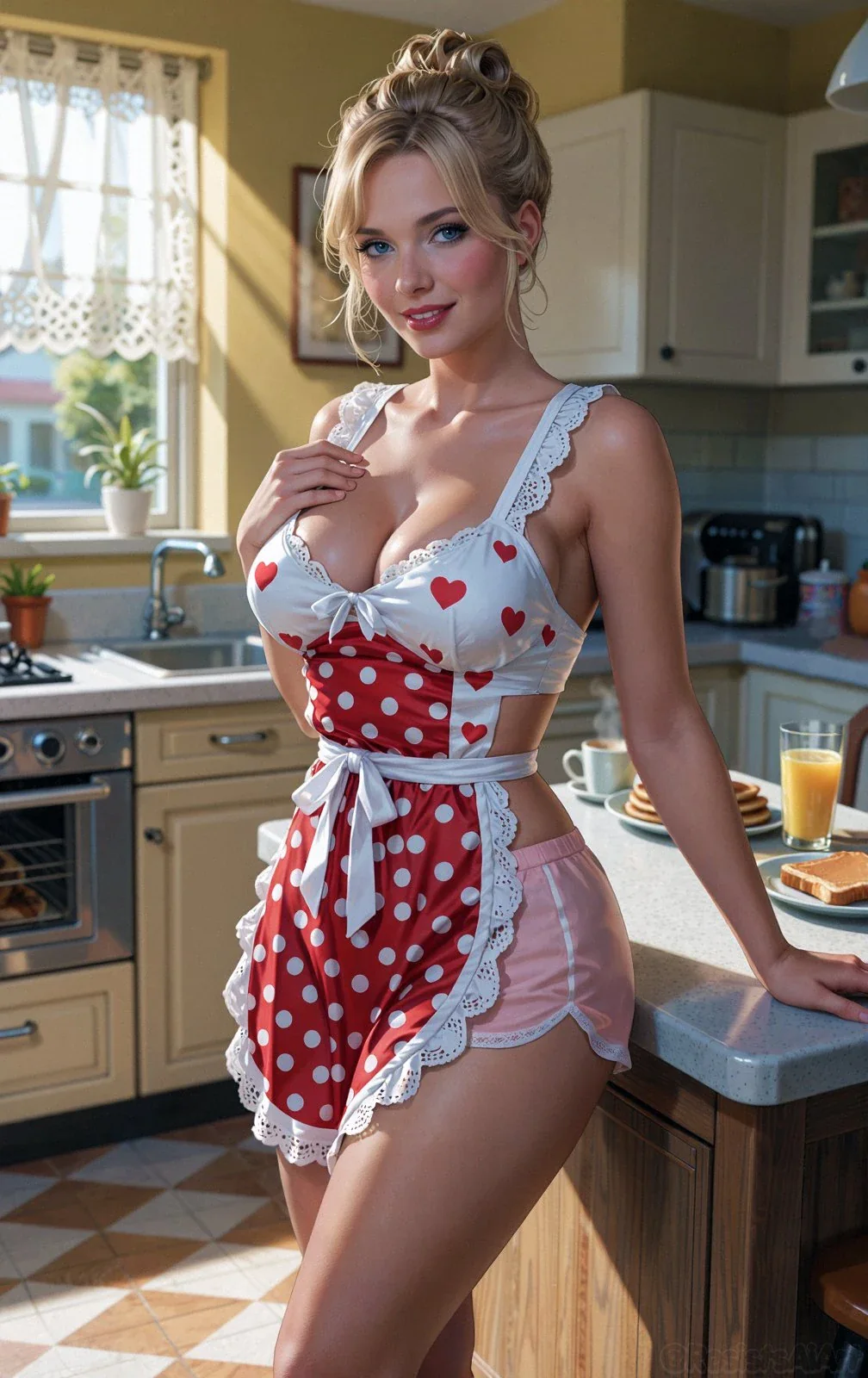 PROMPT
Ai-Generated illustration of a blonde woman with elegant updo and bright blue eyes poses confidently in a sunlit 1950s kitchen. She wears a white lace heart-patterned crop top, red polka-dot apron with white ruffles and sash, and pink lace-trimmed shorts. Breakfast spread (pancakes, toast, orange juice, coffee) on the counter beside her. Bright morning light streams through lace curtains. Forged using #Comfyui.
Key Features of Z Image AI Image Generator
What Tongyi MAI documents for Z Image stills, written as things you can prompt: photoreal text to image, bilingual type, instruction follow, Turbo versus Base, one-still restyle, and style range.
-
Photoreal text to image
Z-Image-Turbo is Tongyi MAI's distilled still path. Issuer copy stresses photography-level light, texture, and composition from a written prompt.
-
Bilingual English and Chinese type
Turbo showcases readable English and Chinese in posters and cards. Prompt the exact words. Check small type in preview.
-
Prompt follow, including bilingual instructions
Issuer Turbo claims robust instruction follow, including bilingual briefs. Name subject, camera, lighting, and on-image copy instead of a one-word style tag.
-
Turbo 8-step vs Base CFG
Turbo is the 8 NFE distill and the CamArt default. Z Image Base is the foundation checkpoint with CFG and negative prompts for more controllable stills.
-
One-still restyle with strength
CamArt image-to-image on Turbo or Base takes one source still plus a strength slider. That is not issuer Z-Image-Edit, which GitHub still marks as to be released.
-
Photoreal plus illustration looks
Base is documented for a wide range of artistic styles. Turbo leans photoreal. CamArt has no separate style menu. Put the look in the prompt.
1 credit a still.
Z Image Turbo and Z Image Base are listed at 1 credit. Turbo is on the free-tier model list. Credits on Generate are deducted on start. Clone sites that promise unlimited no-login runs are not CamArt.
Z Image Model Comparison
While Z Image Turbo is a 1-credit 512 to 1K draft still, GPT Image 2, Seedream 5.0 Pro, and Qwen Image 3.0 run 1K or 2K at a higher credit cost.
| Fact | Z Image Turbo | GPT Image 2 | Seedream 5.0 Pro | Qwen Image 3.0 |
|---|---|---|---|---|
| Issuer | Tongyi MAI Z Image. Turbo is the default on this page. | OpenAI GPT Image 2. | ByteDance Seed Seedream 5.0 Pro. | Alibaba Qwen Image 3.0. |
| Best for | Fast, cheap drafts before you spend on a heavier stills SKU. | Instruction-heavy briefs and readable in-image type. | Dense infographics and layout-aware stills. | Dense layouts and long prompts with readable multilingual type. |
| Strength | 8-step photoreal distill at 1 credit with bilingual EN/ZH labels. | Natural-language instruction follow plus identity-holding edits. | Infographic hierarchy that holds labels in one still. | Long briefs into nested layouts in one pass. |
| In-image text | Short labels hold. Not a dense-poster engine. | Readable lettering, including Japanese, Korean, Chinese, Hindi, and Bengali. | Native multilingual type on charts, posters, and decks. | Official story is dense, small multilingual lettering on posters and decks. |
| Generate and edit | T2I plus single-image I2I with strength. Not an 8-ref editor. | T2I plus up to 8 reference stills on Edit. | T2I plus Edit with up to 8 images. | T2I plus 1 to 3 edit stills. |
| CamArt credits | 1 credit on Turbo (free-tier). Base is also 1 credit with full CFG. | 6 credits per still. | 5 credits per still. | 3 credits on Standard. Qwen Image 3 Pro is 4. |
| Resolution on CamArt | 512 to 1K. Not CamArt 2K or 4K. | 1K or 2K. CamArt does not connect ChatGPT thinking or web search. | 1K or 2K. Do not treat issuer 4K talk as this picker. | 1K or 2K. |
Sources: Tongyi Z Image; OpenAI ChatGPT Images 2.0; ByteDance Seedream 5.0 Pro; Alibaba Qwen Image 3.0.
Why Choose Z Image AI Image Generator in CamArt
Choose Z Image when you want Tongyi photoreal drafts, bilingual type, or Base CFG control at 1 credit. CamArt defaults to Turbo.
Turbo is 1 credit and on the free-tier list
Z-Image-Turbo is Tongyi MAI's 8-step distill. CamArt defaults to it at 1 credit. Use it to try many photoreal prompts before you switch to Base for CFG control.
- Keep Z Image Turbo selected for everyday drafts.
- Credits on Generate are deducted on start.
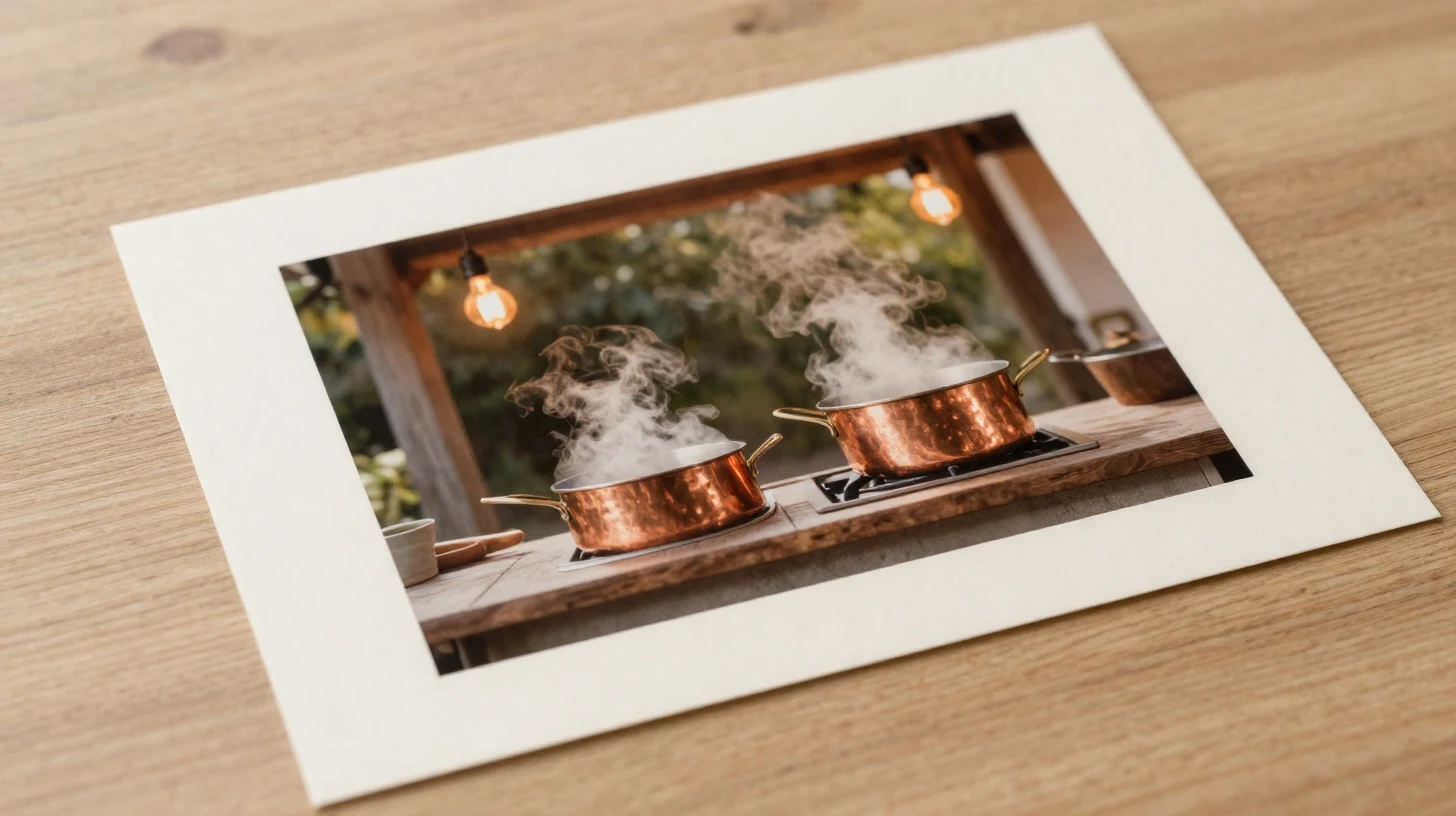
Photography-level texture from a written prompt
Issuer Turbo copy stresses light, texture, and aesthetic composition. Name the camera, time of day, and materials so the still can hold up in preview.
- Call out lens, lighting, and surface detail in the prompt.
- Judge skin and fabric in the saved still before you crop for a campaign.
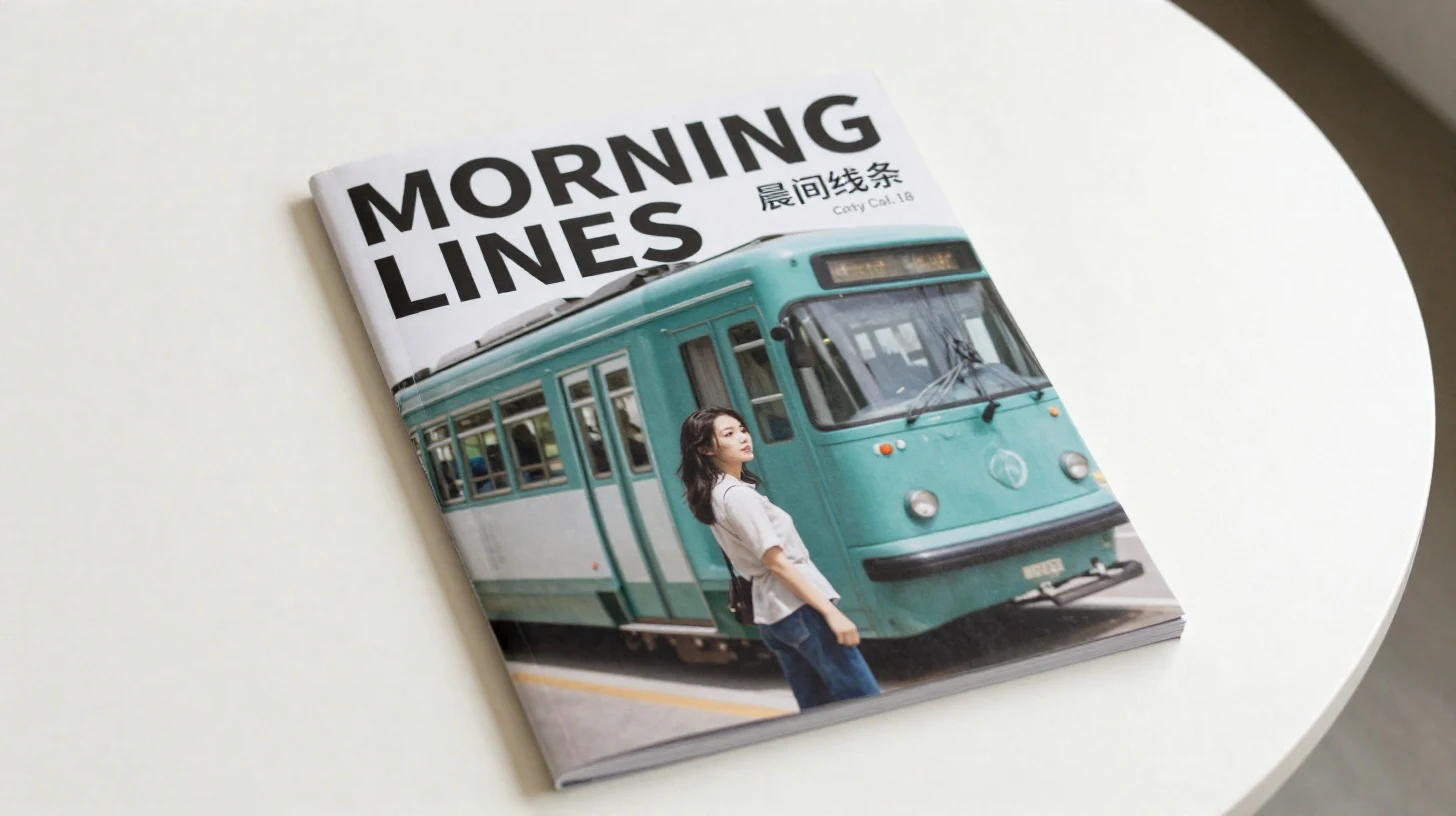
English and Chinese type belong in the prompt
Tongyi MAI showcases readable English and Chinese on-image text. Prompt the exact cover lines. Check spelling. Small type can still fail.
- Write the cover words in the language you need.
- Keep Z Image Turbo selected when you are iterating poster layouts.
Image, video, and audio jobs land in Assets
Z Image stills use the same Create workspace as CamArt's other image models. Results stay in Assets. Credits show on Generate before you start.
- Stay in Create if you need to switch to Qwen Image or Grok Imagine.
- Open Assets for the saved still.
How to Use Z Image AI Image Generator in CamArt
Three steps from a prompt to a saved still.
-
STEP 01
Write the still
Keep Z Image Turbo selected, or switch to Z Image Base. Write subject, style, camera, lighting, and any English or Chinese cover type. CamArt's prompt field is 2000 characters.
-
STEP 02
Set ratio and one ref
Set aspect ratio. CamArt lists 512-1K for this family. Add one reference still when you need a restyle with strength. That is not issuer Z-Image-Edit.
-
STEP 03
Generate, check, and save
Generate, check the preview, then save from Assets. Credits on Generate are deducted on start. Unusable drafts are a retry, not a guaranteed hit rate.
Who Should Use Z Image AI Image Generator on CamArt
Z Image fits briefs that need Tongyi photoreal stills, bilingual cover type, or Base CFG control at 1 credit. Video belongs on a CamArt video SKU, not this Generate island.
-
Poster and packaging teams
Issuer Turbo showcases bilingual English and Chinese type. Prompt the cover lines and check spelling in preview.
-
Photographers iterating photoreal drafts
Turbo is the 8-step distill at 1 credit. Use it when you need many lighting and camera tests in one sitting.
-
Art directors who want CFG control
Switch to Z Image Base for guidance and negative prompts. CamArt lists Base at 1 credit, not as a local 28-step ComfyUI graph.
-
Product stills on a tight credit budget
Turbo and Base stills are listed at 1 credit. Turbo is on the free-tier model list. There is no unlimited no-login generator.
-
Illustration and cultural looks
Base is documented for a wide range of artistic styles. Put the look in the prompt. CamArt has no style menu.
-
Teams already generating in CamArt
Keep the job in Create so Z Image stills sit next to other image, video, and audio results in Assets.
Explore More AI Image Models on CamArt
FAQs
Z Image Turbo vs Z Image Base?
Turbo is the 8-step distill. CamArt defaults to it at 1 credit and lists it on the free tier. Base is the CFG foundation checkpoint, also 1 credit, for more control and negative prompts. Pick Base in the model menu when you want that path.
Is Z Image free on CamArt?
No unlimited free generator. CamArt is credit-based. Turbo and Base stills are listed at 1 credit each. Turbo is on the free-tier model list. Sign in with Google or an email magic link. Clone sites that promise unlimited no-login runs are not CamArt.
Can Z Image render English and Chinese text in the image?
Issuer Turbo showcases bilingual on-image text. Prompt the exact words you want. Check spelling in preview. Small type can still fail.
Does CamArt run Z-Image-Edit?
No. GitHub still marks Z-Image-Edit and Z-Image-Omni-Base as to be released. CamArt image-to-image on Turbo or Base is one source still plus a strength slider, not the issuer Edit SKU.
What resolution does CamArt Z Image use?
CamArt lists 512-1K for Z Image Turbo and Base. Issuer Base recipes mention up to 2048 on local pipelines. This page does not claim CamArt 2K or 4K.
Can I use Z Image images commercially on CamArt?
CamArt plans allow commercial use of outputs subject to law and third-party model terms. Issuer weights are Apache 2.0. Review current Tongyi and CamArt terms for your use.
Do I need a GPU or ComfyUI to use Z Image on CamArt?
No. This page is CamArt hosted Generate. Local 16GB VRAM, Hugging Face Spaces, and ModelScope demos are issuer or community paths, not the CamArt live tool.
Generate Image with Z Image
Describe the still and any English or Chinese cover type. Add one reference photo when you need a restyle, then hit Generate when you are ready.