
Nano Banana Pro AI Image Generator
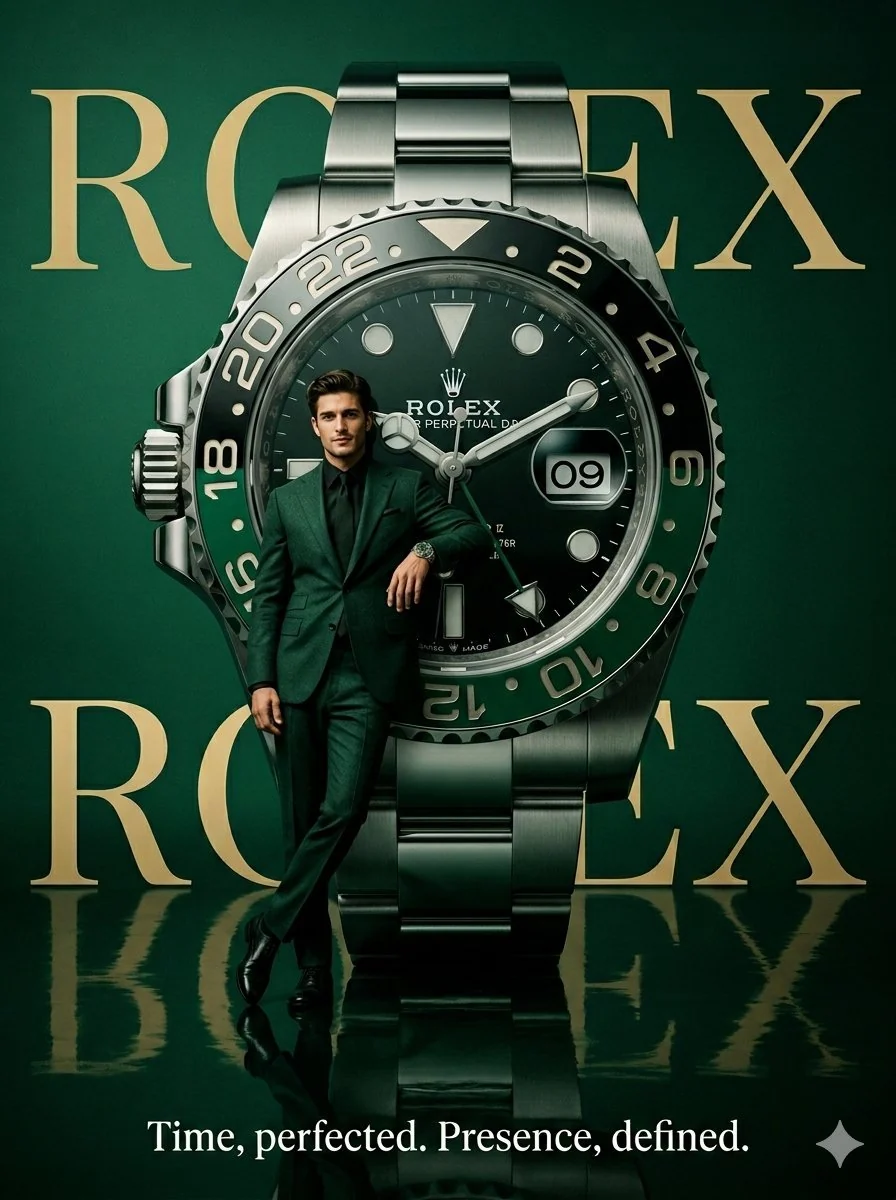
Studio stills with Pro-class reasoning: dense briefs, legible multilingual type in posters and mockups, and up to five people from as many as 14 reference images.
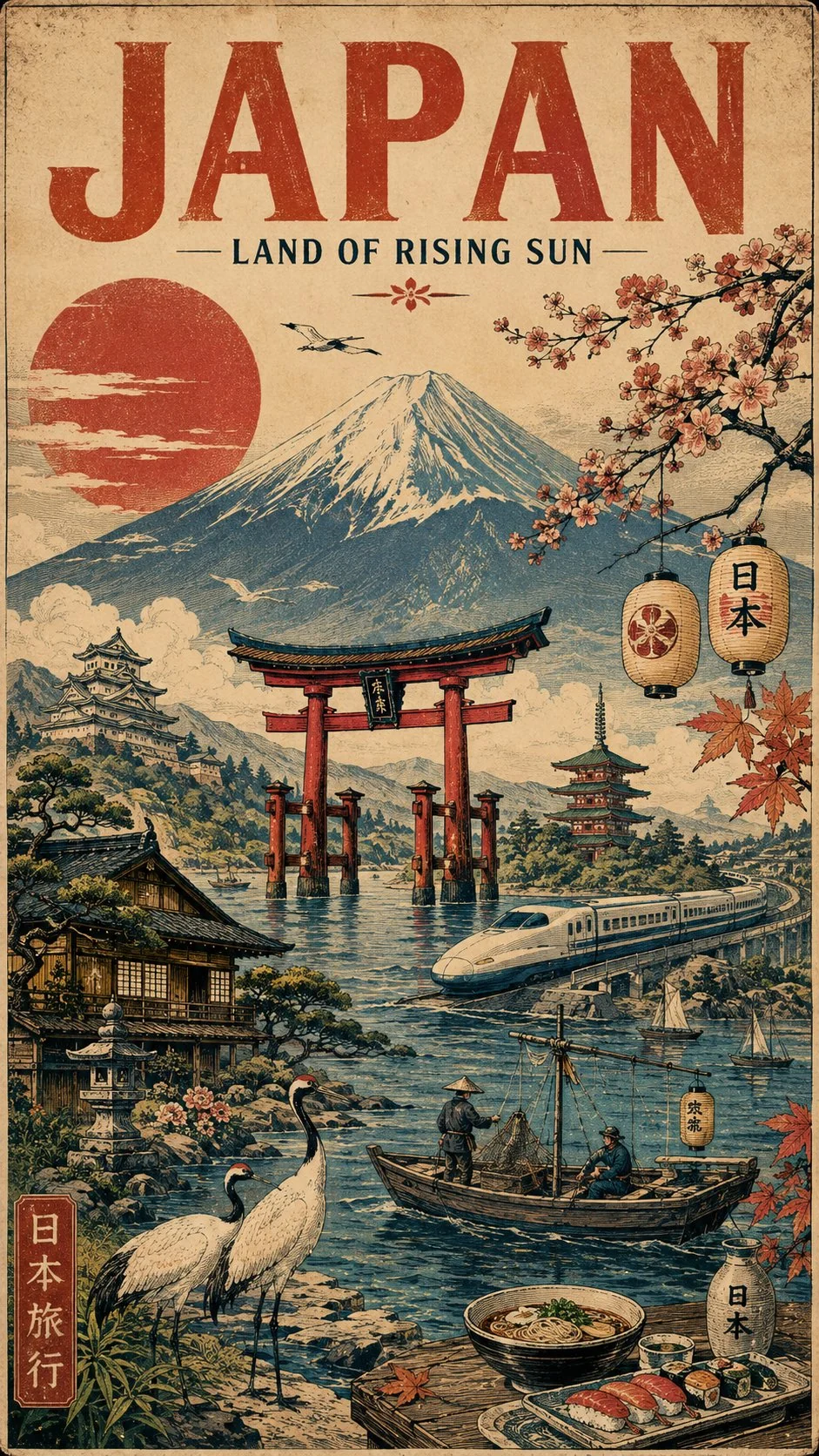
What is Nano Banana Pro
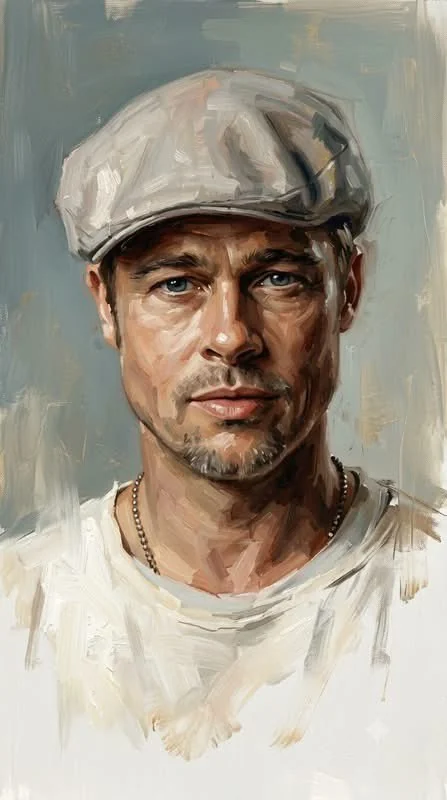
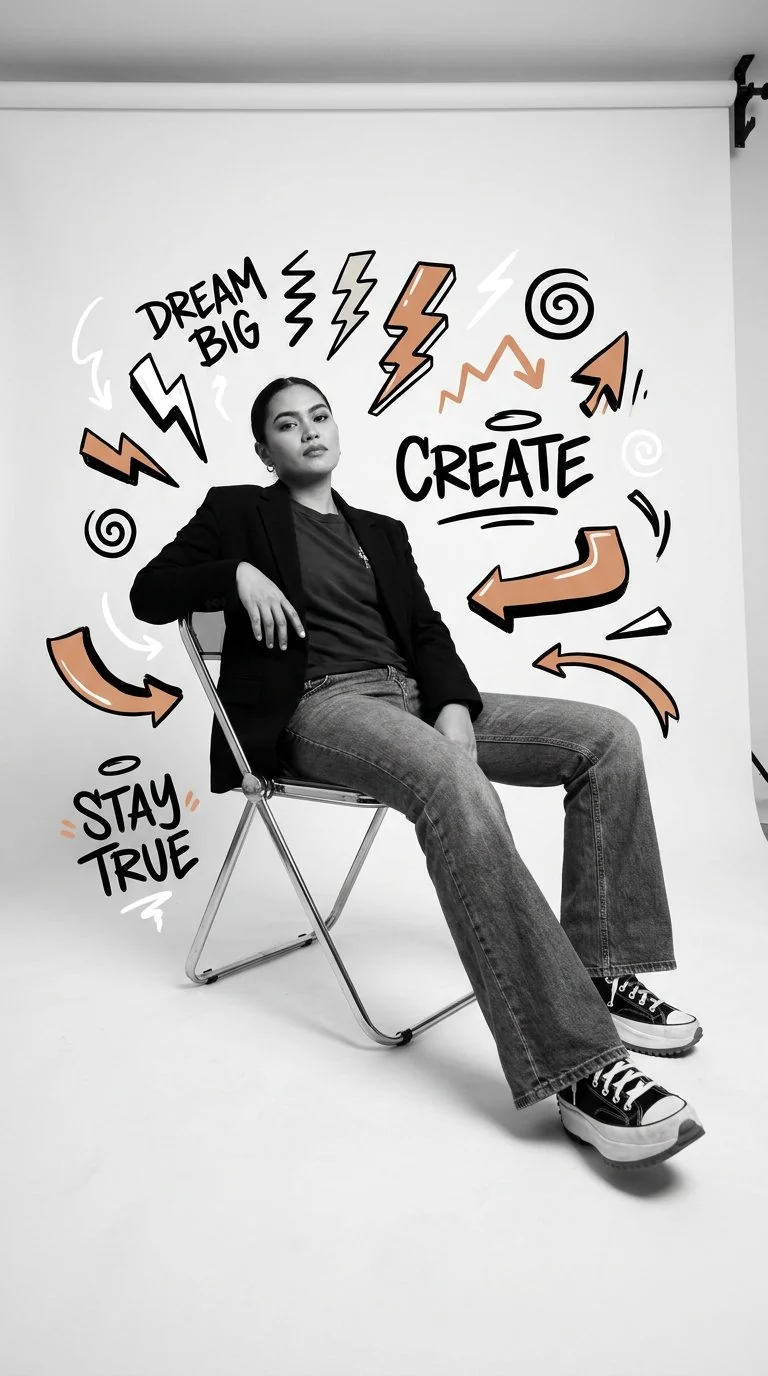
Nano Banana Pro is Google DeepMind's Gemini 3 Pro Image model for generating and editing stills. It is the professional Nano Banana SKU beside original Nano Banana (Gemini 2.5 Flash Image) and Nano Banana 2 (Gemini 3.1 Flash Image). Google documents 1K, 2K, and 4K output.
Google DeepMind
Gemini 3 Pro Image, the professional Nano Banana SKU.
Text to image
Generate a still from a complex prompt, including infographics and posters.
Image edit
Natural-language edits with reference photos. CamArt accepts up to 8.
On-image text
Issuer demos of readable multilingual copy, mockups, and localization.
Multi-ref consistency
Issuer: up to 14 inputs and 5 people. CamArt Edit accepts 8.
1K / 2K on CamArt
Google also lists 4K. CamArt picker is 1K or 2K.
Examples of Nano Banana Pro from X
Community stills on X made with Nano Banana Pro. Copy a prompt and try it in the editor.
-
Anime & 2D
Cinematic Anime Portrait
 PROMPT
Cinematic 2D digital illustration, polished semi-realistic anime aesthetic, clean bold linework, smooth cel shading blended with soft painterly gradients, expressive detailed facial rendering, subtly exaggerated proportions, glossy eyes, natural skin texture, dimensional hair with individual flowing strands, warm rim lighting, moody teal-and-amber color grading, muted vintage tones, soft ambient shadows, slightly grainy texture, nostalgic 1990s/2000s editorial-poster vibe, atmospheric indoor lighting, highly polished character art, crisp details, depth and cinematic composition, vertical 9:16.
-
Characters & Fantasy
Rebel Arc Concept Poster
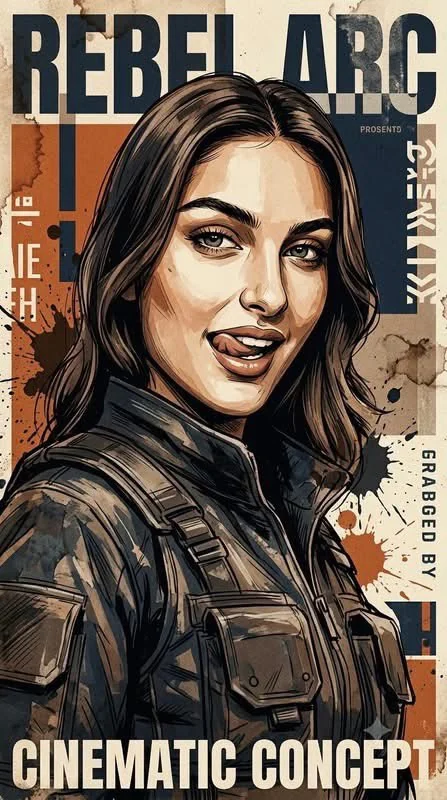 PROMPT
This poster illustration, created using the attached subject, adheres entirely to the aesthetic of modern cinematic concept art. It features a highly dynamic composition, a dramatic low-angle perspective, detailed and realistic clothing rendering, and a weathered texture achieved through semi-realistic, layered brushstrokes combined with sharp, ink-like contours. The illustration employs a limited earthy color palette dominated by warm burnt orange, deep navy blue, soft cream, sepia brown, charcoal black, and faded steel gray. The background incorporates abstract geometric blocks, distressed poster textures, rough paper grain, ink stains, paint splatters, and partially erased graphic elements. Key features include high-contrast lighting, moody shadows, subtle vintage print effects, a textured matte finish, and a highly detailed editorial poster 9:16!
-
Pro Headshots
Golden Hour Urban Portrait
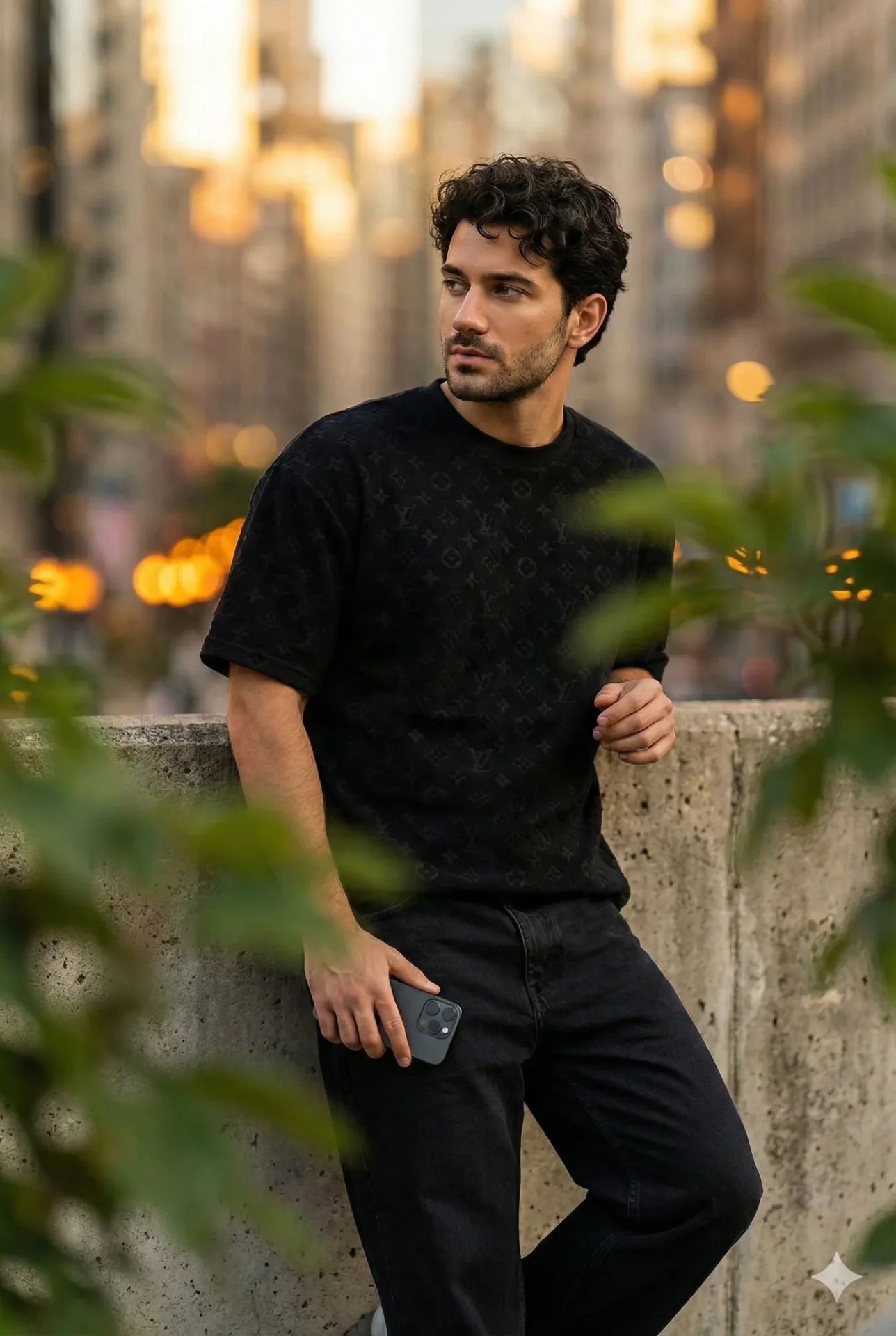 PROMPT
{ "Objective": "Generate an 8K ultra-realistic cinematic portrait based on the user's reference image.", "Scene_Description": { "Environment": { "Setting": "Urban location with soft warm city lights", "Background": "Vibrant bokeh city lights creating a warm cinematic atmosphere", "Foreground": "Blurred green leaves adding depth and framing" }, "Subject": { "Identity": "Maintain facial features and hairstyle consistent with the provided reference image", "Type": "Handsome slim-fit young male with curly hair", "Pose": { "Body": "Leaning casually against a wall", "Hands": "Holding an iPhone 17 Pro", "Expression": "Thoughtful, looking slightly off-camera" }, "Appearance": { "Skin": "Flawless, glowing, natural texture" } } }, "Wardrobe": { "Top": "Black textured oversized LV T-shirt", "Pants": "Black loose jeans" }, "Visual_Style": { "Resolution": "8K ultra-realistic", "Aesthetic": "Warm cinematic mood", "Lighting": "Soft warm tones with glowing highlights", "Detail_Characteristics": "High-detail skin texture, fabric realism, smooth bokeh, depth-enhancing foreground leaves" }, "Output_Requirements": { "Format": "Image", "Quality": "Photorealistic, high-detail, editorial-grade" } }
-
Travel & Scenery
Wooden Boat Editorial
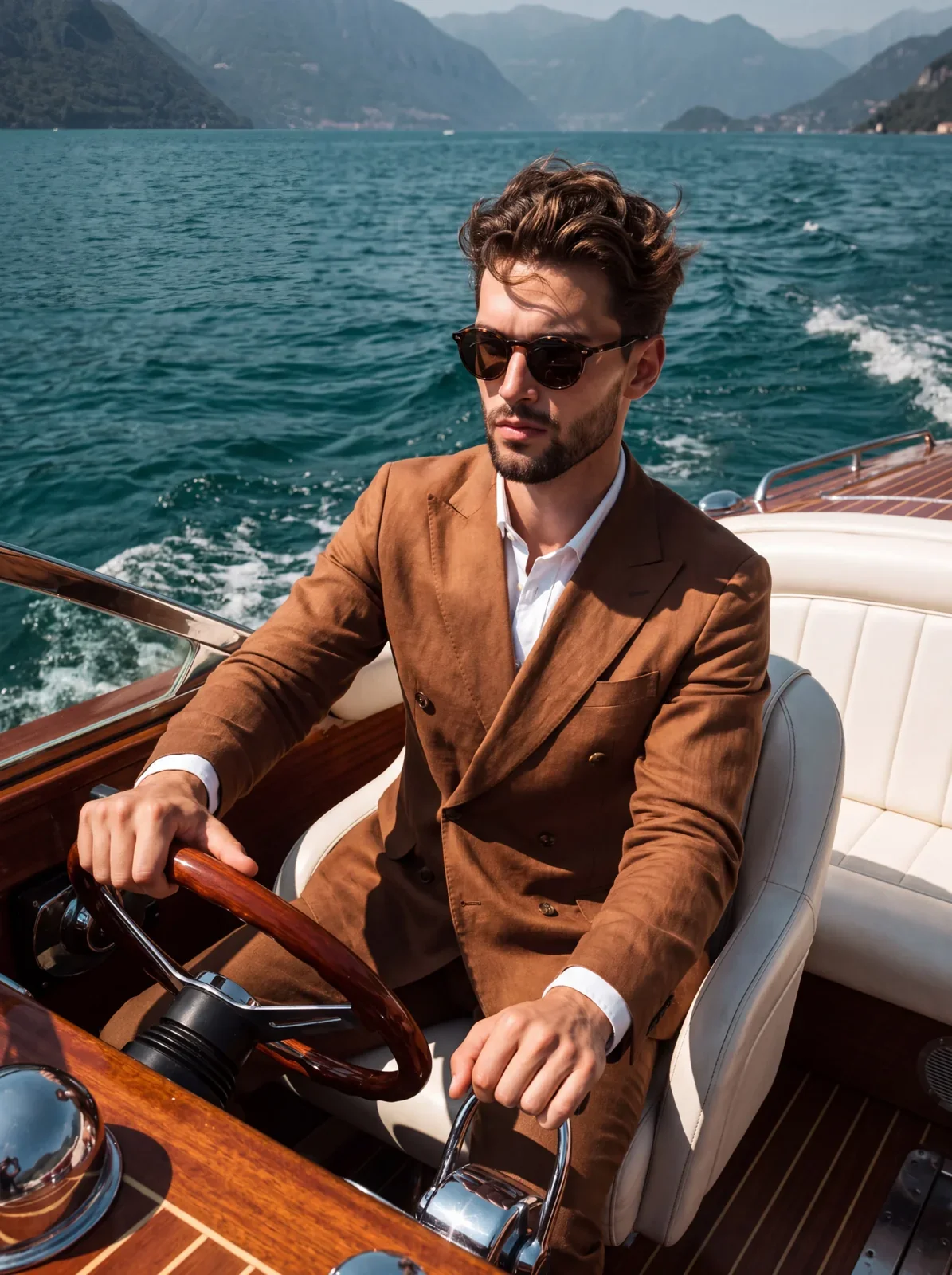 PROMPT
A confident young handsome male sits upright with a slight lean forward, angled forty-five degrees to the left in the pristine white leather seat of a classic wooden boat. He wears a highly textured warm brown linen double-breasted suit jacket over a crisp white collared shirt with exposed cuffs, accessorized with classic dark round tortoiseshell sunglasses masking a neutral, serious expression with firmly closed lips as he gazes off-camera. His medium-length wavy brown hair is pushed back with a windblown, unstructured texture, showcasing natural imperfections, distinct flyaways, and organic volume without a defined part. His left hand firmly grips the ten o'clock position of a pristine, glossy mahogany steering wheel featuring rivet details and chrome spokes, fingers wrapped securely around the rim with knuckles slightly visible, while his relaxed right hand rests casually on a chrome and black throttle lever beside him with fingers gently draped. He is navigating deep turquoise-blue lake water characterized by choppy white wakes, surrounded by the boat's luxurious interior featuring pristine white leather seating with visible piping and stitching. In the deep background, large sloping green mountains are softened by atmospheric blue haze and distance under a clear, expansive sky blue horizon. The energetic, luxurious scene is bathed in bright, highly directional mid-day natural sunlight hitting from the front-top-left, creating a highly saturated, high-contrast palette of warm browns and cool blues. Harsh, deeply defined black shadows carve into the fabric folds, under his jaw, across the right side of his face and neck, beneath his arms, and deep inside the boat cockpit, while brilliant specular highlights punch bright reflections onto his hair, nose, the wooden steering wheel rim, chrome fittings, and the water surface. Captured from a straight-on perspective from the adjacent passenger seat using a full-frame digital camera with a 35mm lens, an aperture of f/5.6 for a medium depth of field that keeps the subject and boat tack sharp while smoothly falling off toward the distant alpine mountains, and a fast shutter speed to freeze the motion. This hyperrealistic, Slim Aarons-inspired editorial lifestyle photograph features an enhanced contrast S-curve, a slight warming filter to emphasize the sunlit atmosphere, boosted clarity on the clothing and wood textures, and is perfectly framed in a 3:4 vertical aspect ratio.
-
Portraits & Selfies
Stairwell Mirror Selfie
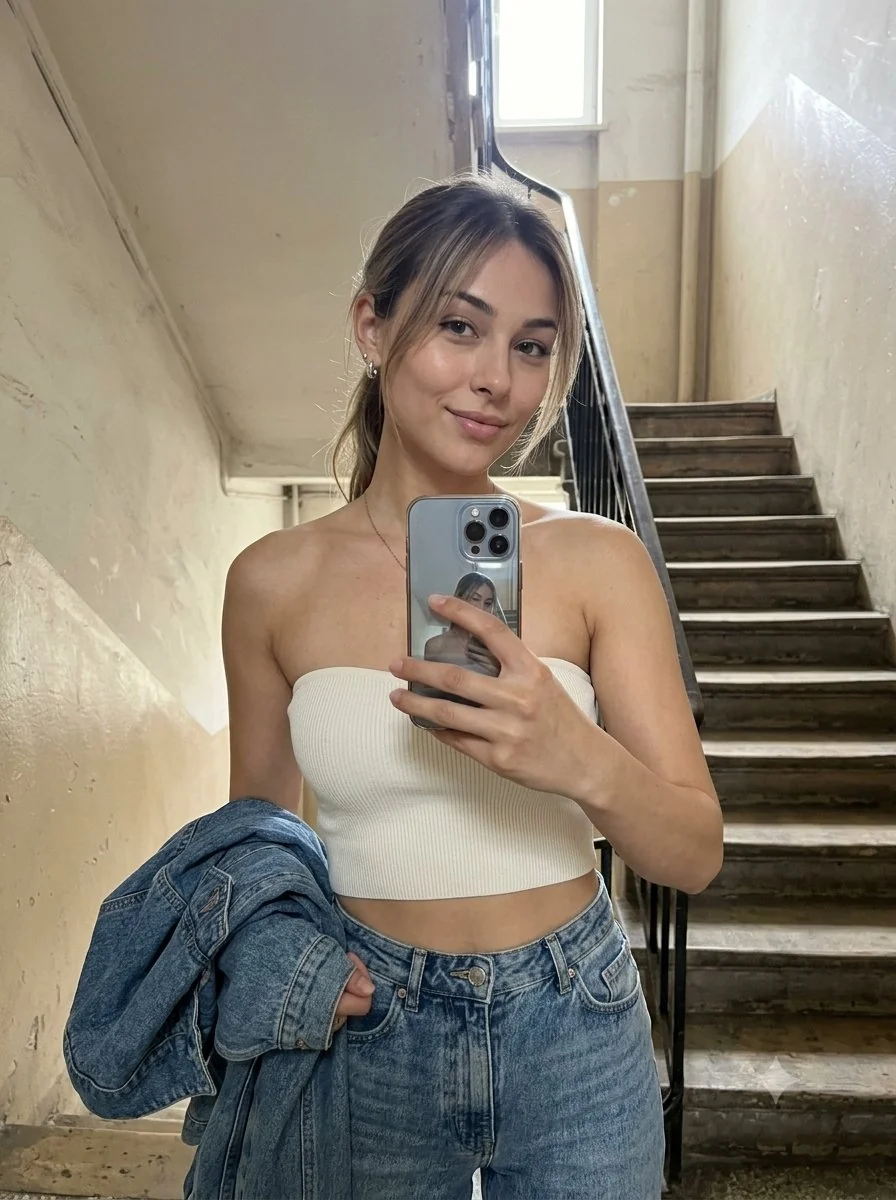 PROMPT
3:4 vertical ultra-realistic smartphone selfie of a adult East Asian woman in an old apartment stairwell. She holds the phone at arm's length and gives a soft, natural closed-lip smile. Dark-brown almond eyes, natural ivory skin texture, loose low ponytail with wispy fringe. She wears an ivory-white strapless rib-knit crop top, high-waisted washed-blue jeans, silver earrings and a delicate pendant, with a denim jacket folded over her left arm.
-
Fashion & Style
Park Bench Striped Top
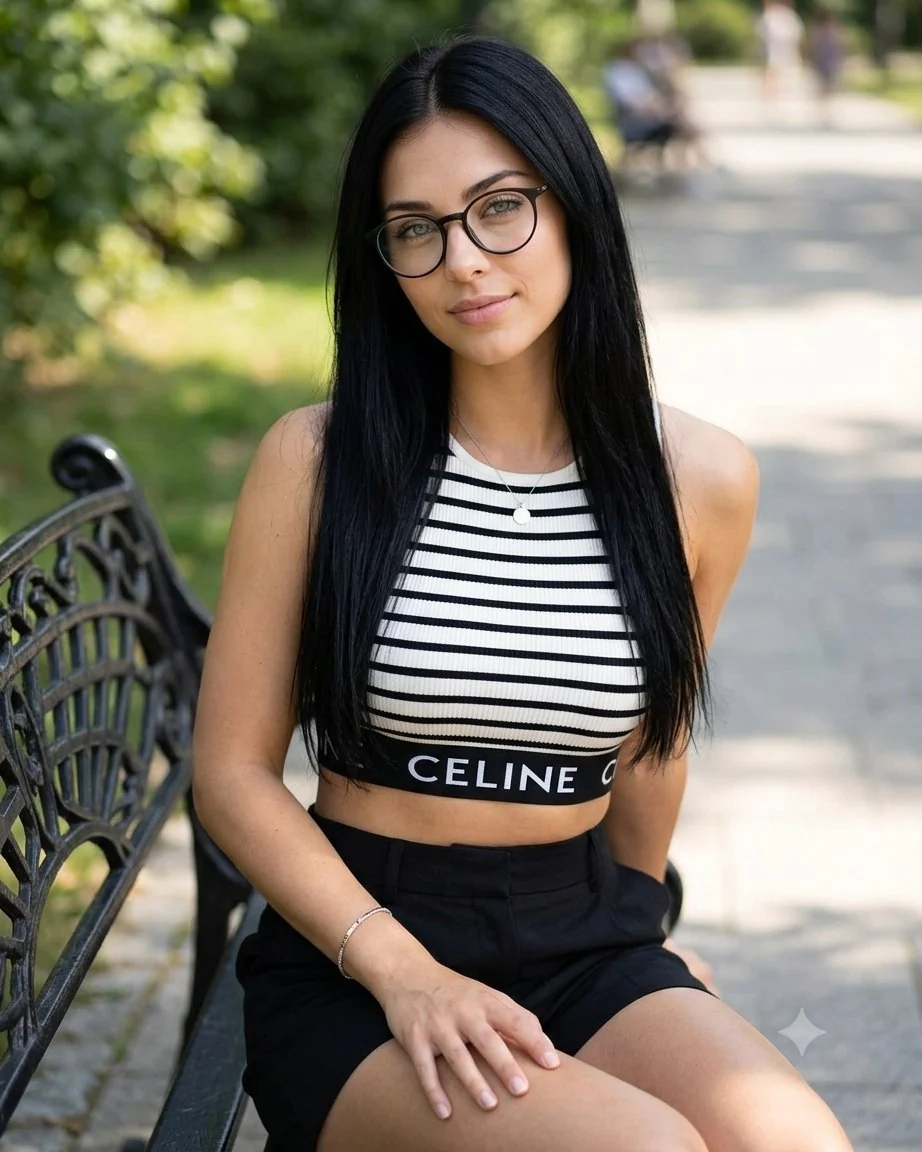 PROMPT
A beautiful young East Asian woman with long straight black hair, fair skin, and soft makeup sitting outdoors on a sunny day. She is wearing thin black round eyeglasses, a black-and-white horizontal striped ribbed crop top with a black band at the bottom that has the word "CELINE" in white capital letters, and black high-waisted shorts. She has a delicate silver necklace with a small pendant and a thin bracelet on her wrist. She is seated on a black metal.
Key Features of Nano Banana Pro AI Image Generator
What Google documents for Nano Banana Pro, written as things you can prompt: reasoning-led composition, multilingual type, consistency, studio lighting, instruction edits, and infographics.
-
Reasoning-led composition
Nano Banana Pro is built on Gemini 3 Pro. Dense briefs about layout, people, and on-image copy land composed, not as a nearby guess.
-
Legible multilingual in-image text
Google positions Nano Banana Pro for correctly rendered type in posters, mockups, and localization. Check spelling before you ship.
-
Character and product consistency
The issuer documents up to 5 people and up to 14 inputs in one composite. CamArt Edit accepts up to 8 reference photos.
-
Studio lighting, camera, and color grade
Ask for wide, medium, or close-up, plus lighting and focus. The model is framed for studio stills, not a slot-machine look.
-
Natural-language image edit
Add reference photos and write the change. CamArt switches to the edit endpoint when you use + Ref.
-
Infographics and information-dense stills
Google demos diagrams, recipe cards, and explainers. Name the facts and labels you want on the page.
Write a dense brief, not a style tag.
Nano Banana Pro is built on Gemini 3 Pro reasoning. Name subject, layout, on-image copy, language, lighting, and camera in one prompt so the still lands composed, not as a nearby guess.
Nano Banana Pro Model Comparison
Nano Banana Pro focuses on 14-credit premium multilingual type, whereas GPT Image 2, Seedream 5.0 Pro, and Qwen Image 3.0 run at 6, 5, and 3 credits.
| Fact | Nano Banana Pro | GPT Image 2 | Seedream 5.0 Pro | Qwen Image 3.0 |
|---|---|---|---|---|
| Issuer | Google Gemini 3 Pro Image (Nano Banana Pro). | OpenAI GPT Image 2. | ByteDance Seed Seedream 5.0 Pro. | Alibaba Qwen Image 3.0. |
| Best for | Premium brand stills and multilingual in-image type. | Instruction-heavy briefs and readable in-image type. | Dense infographics and layout-aware stills. | Dense layouts and long prompts with readable multilingual type. |
| Strength | Pro-class reasoning for packs, posters, and multi-person stills. | Natural-language instruction follow plus identity-holding edits. | Infographic hierarchy that holds labels in one still. | Long briefs into nested layouts in one pass. |
| In-image text | Readable multilingual lettering on packs and posters. | Readable lettering, including Japanese, Korean, Chinese, Hindi, and Bengali. | Native multilingual type on charts, posters, and decks. | Official story is dense, small multilingual lettering on posters and decks. |
| Generate and edit | T2I plus up to 8 reference stills. | T2I plus up to 8 reference stills on Edit. | T2I plus Edit with up to 8 images. | T2I plus 1 to 3 edit stills. |
| CamArt credits | 14 credits per still. | 6 credits per still. | 5 credits per still. | 3 credits on Standard. Qwen Image 3 Pro is 4. |
| Resolution on CamArt | 1K or 2K. Not CamArt 4K. | 1K or 2K. CamArt does not connect ChatGPT thinking or web search. | 1K or 2K. Do not treat issuer 4K talk as this picker. | 1K or 2K. |
Sources: Google Nano Banana Pro; OpenAI ChatGPT Images 2.0; ByteDance Seedream 5.0 Pro; Alibaba Qwen Image 3.0.
Why Choose Nano Banana Pro AI Image Generator in CamArt
Choose Nano Banana Pro when the still needs readable type, a brand composite, or an instruction edit. CamArt runs Nano Banana Pro at 1K or 2K.
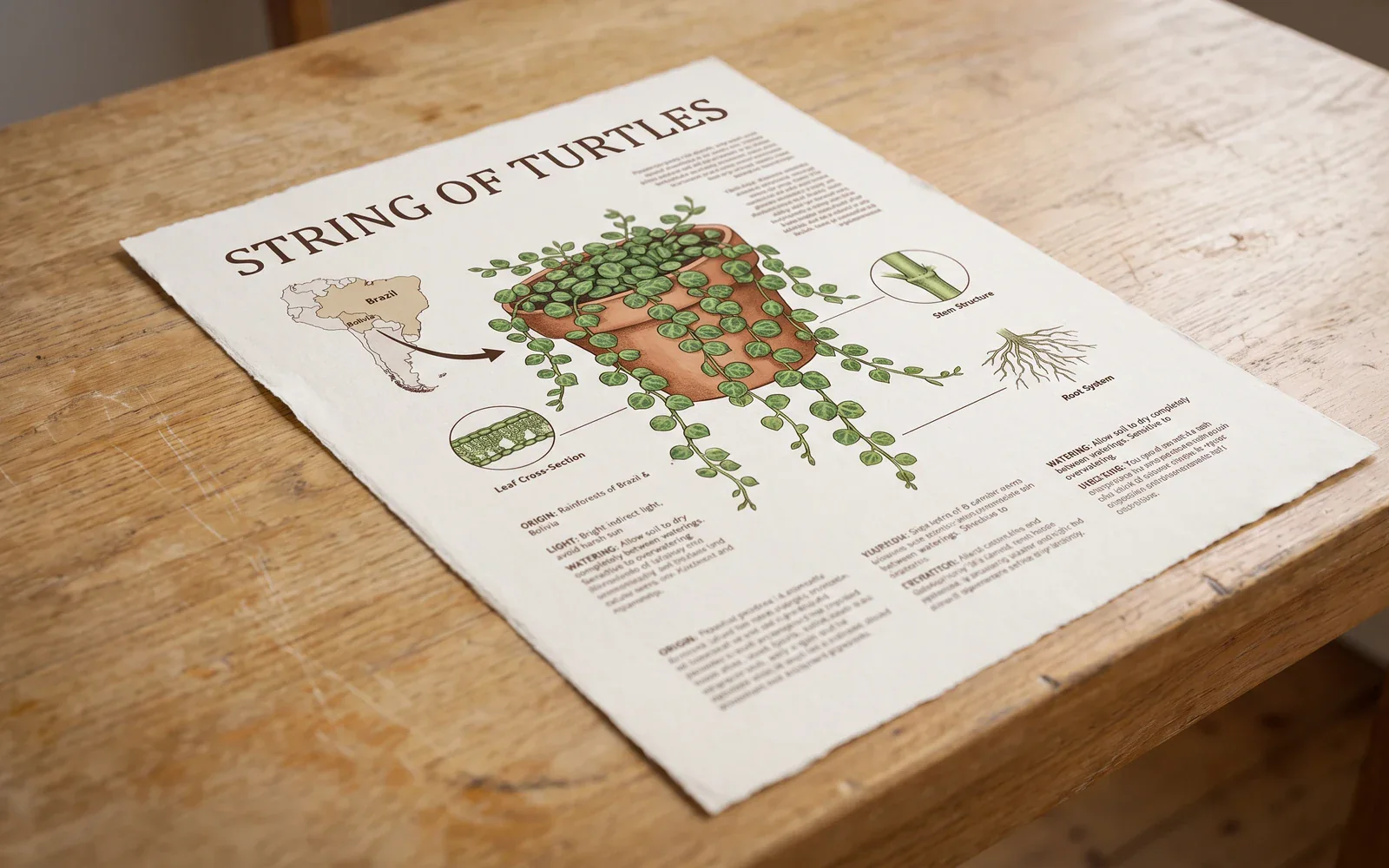
Type that stays readable on posters and mockups
Google positions Nano Banana Pro for correctly rendered, legible text in the picture, including multilingual copy. That is the SERP hook: posters, labels, and packaging type that stay readable.
- Name the on-image copy in the prompt, including language and placement.
- Check spelling in the preview before you ship a poster or mockup.
Identity that holds across composites
Google documents up to 5 people and up to 14 inputs. CamArt Edit accepts 8. Keep likeness and wordmarks when you restage a product or a person.
- Upload references when identity or a logo must hold.
- Keep the instruction specific: what stays, what changes.
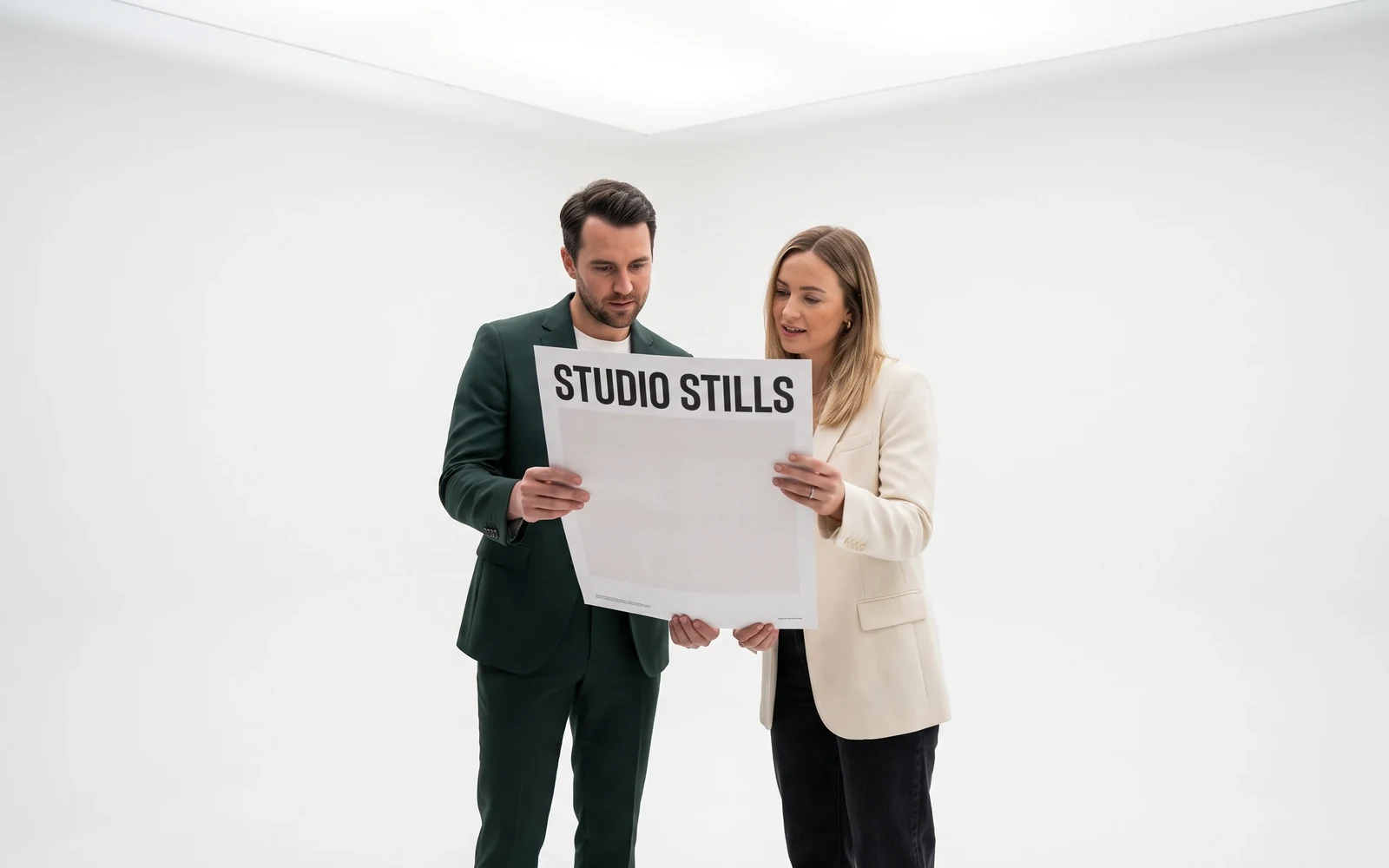
Studio lighting, focus, and color grade
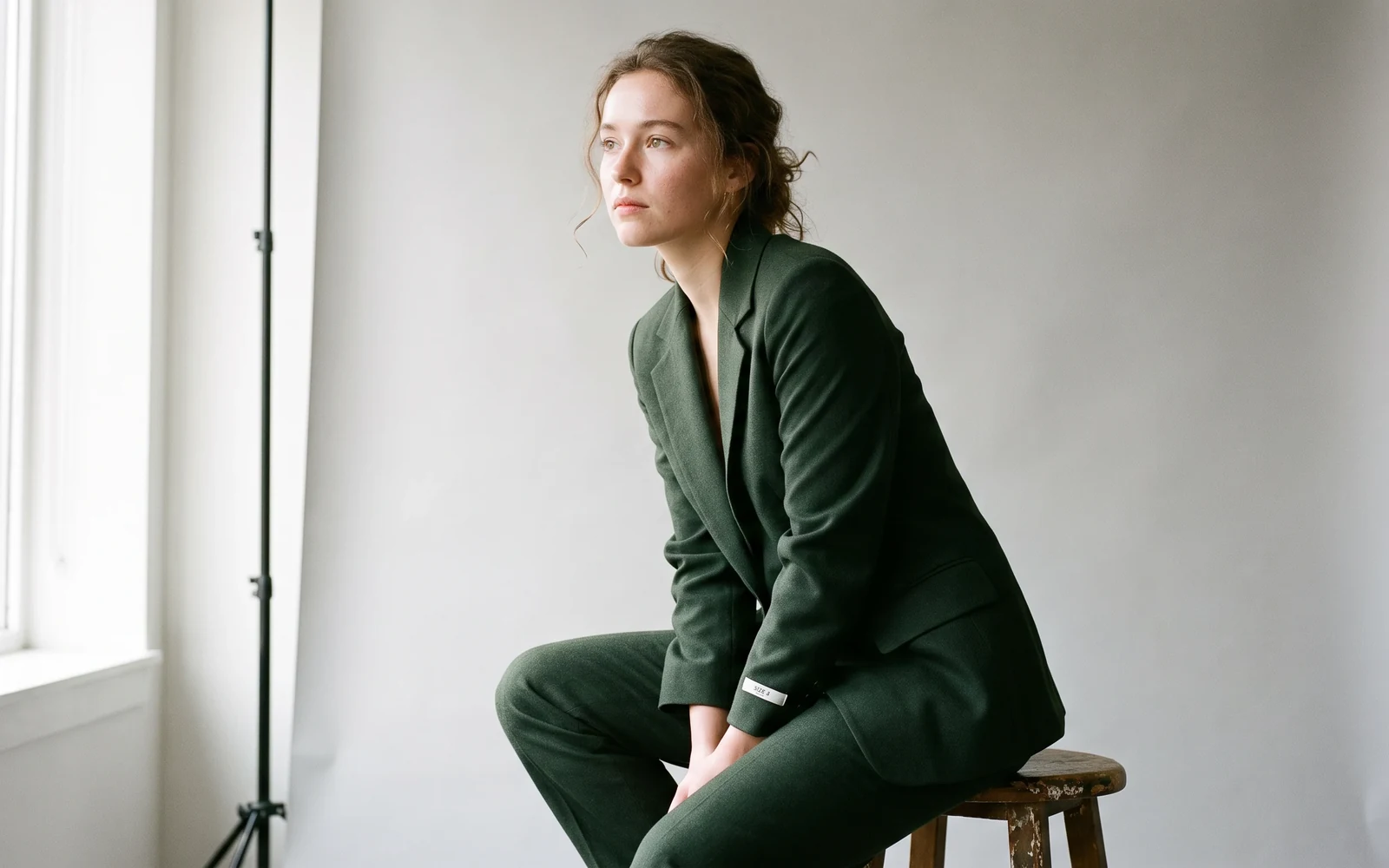
Nano Banana Pro is framed for camera, lighting, and color grade, not a plastic AI finish. Ask for the shot size and the light, then judge the still.
- Call out lighting, lens, and any on-garment type in the brief.
- There is no public CamArt 4K picker on this page. Use 1K or 2K.
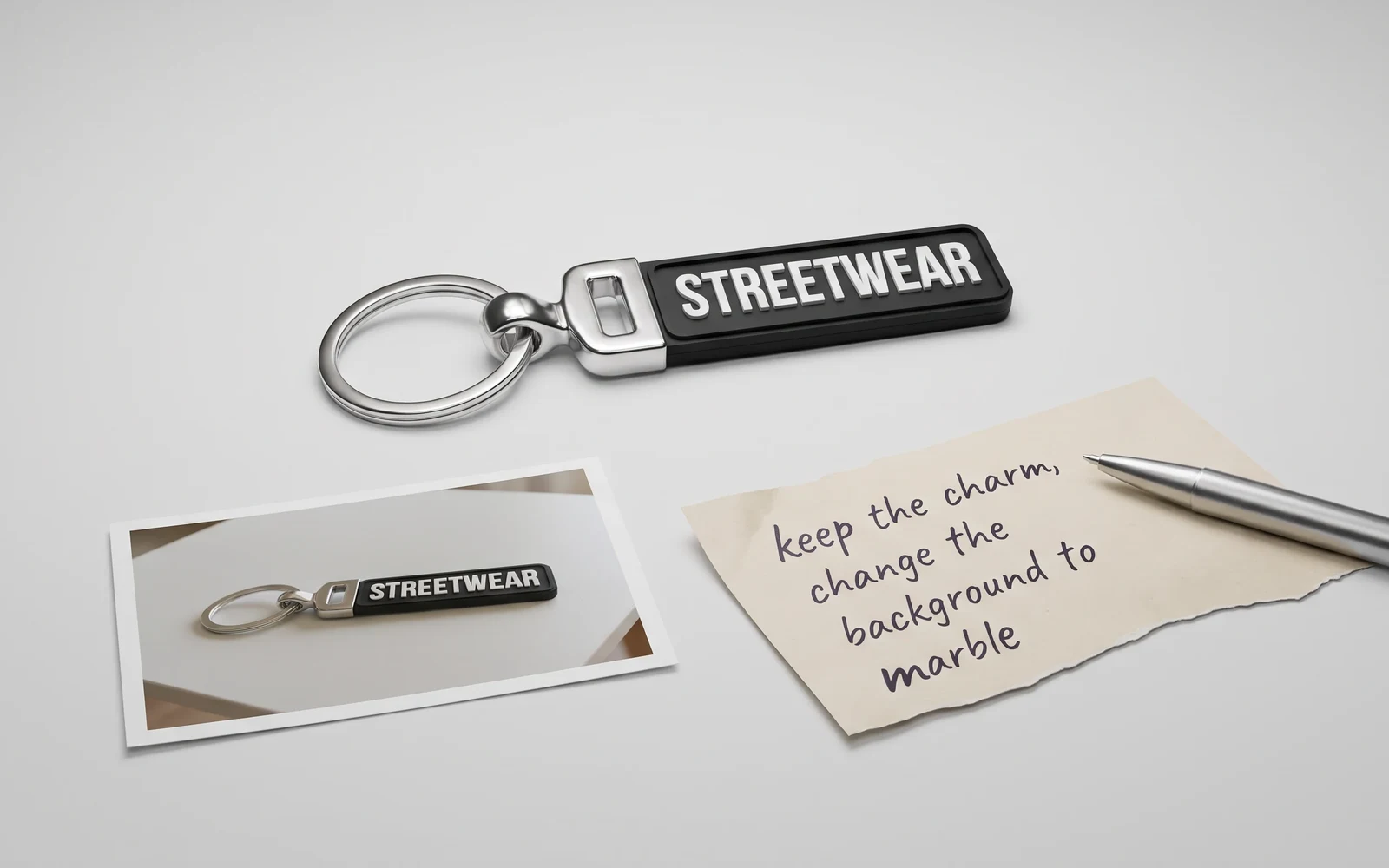
Keep a subject while you rewrite the scene
The same family edits from a prompt plus reference photos. Add the stills, write the change, and keep Nano Banana Pro selected so Generate switches to the edit SKU.
- Upload up to eight refs when identity or layout must hold.
- Keep the instruction specific: what stays, what changes.
How to Use Nano Banana Pro AI Image Generator in CamArt
Three steps from a brief to a saved still.
-
STEP 01
Write the still
Keep Nano Banana Pro selected. Write subject, on-image copy, language, lighting, and any people to keep. CamArt's prompt field is 2000 characters.
-
STEP 02
Set ratio, resolution, and refs
Set aspect ratio and 1K or 2K. Add up to eight reference photos when you need an instruction edit.
-
STEP 03
Generate, check type, and save
Generate, check spelling and likeness in the preview, then save from Creations. Credits on Generate are deducted on start (14 credits; 1 credit = $0.01 COGS).
Who Should Use Nano Banana Pro AI Image Generator on CamArt
Nano Banana Pro fits briefs that need readable type, a brand composite, or an instruction edit. Simple style-tag portraits can stay on a lighter Flash SKU.
-
Poster and packaging teams
Put headlines, legal lines, and brand marks in the still. Nano Banana Pro is built for on-image type, not a blank moodboard.
-
Infographic and education designers
One pass can hold a plant card, a recipe diagram, or a labeled explainer instead of many cropped gens.
-
Brand and product mockup makers
Composite a logo, a person, and a product into one scene. CamArt Edit accepts up to 8 refs.
-
Fashion and editorial stills
Ask for studio light, camera, and fabric. Check likeness and type in the preview.
-
E-commerce packaging and accessory mocks
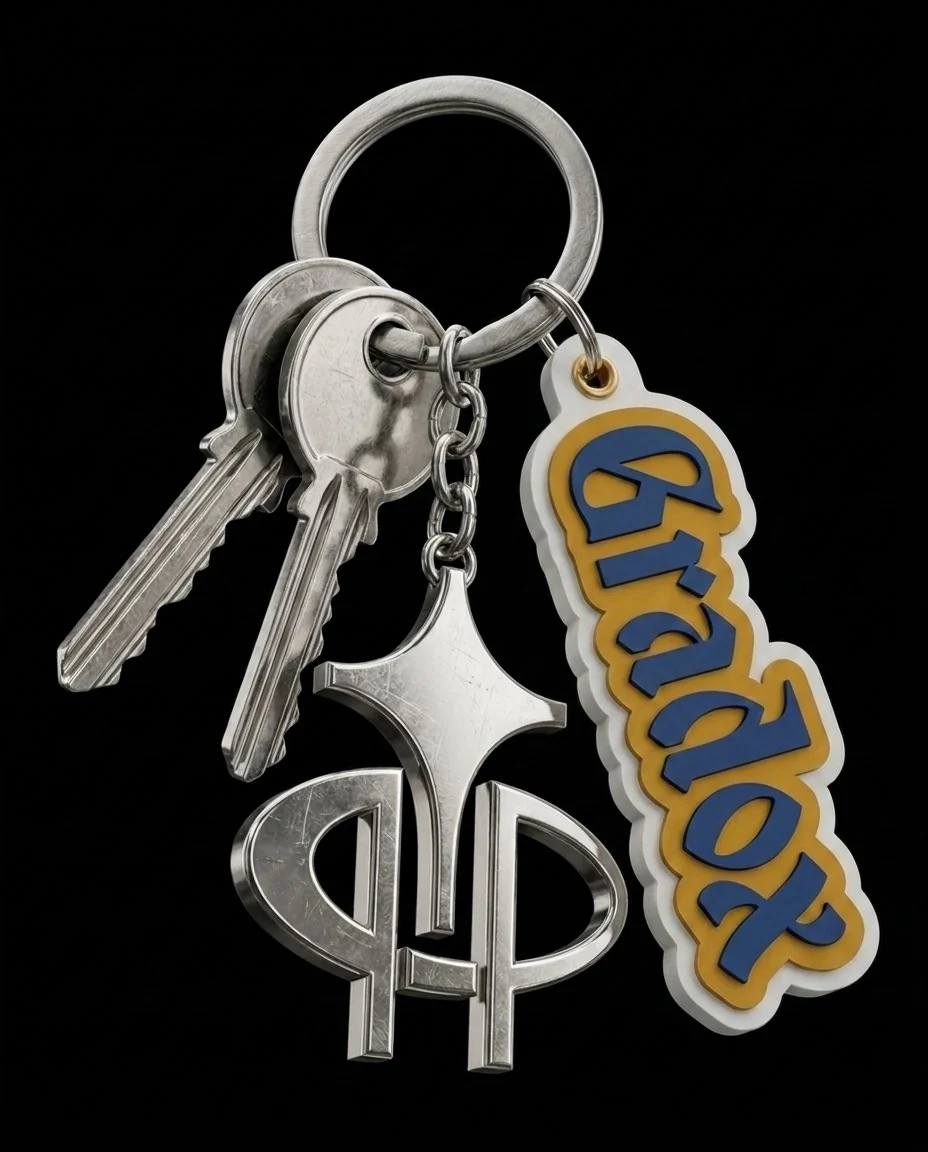
Keychains, cans, and packs need readable wordmarks. Stay on 1K or 2K in the CamArt picker.
-
Photographers who need instruction edits
Add reference photos and rewrite the scene in language instead of starting from a blank canvas.
Explore More AI Image Models on CamArt
FAQs
Is Nano Banana Pro the same as Gemini 3 Pro Image?
Yes. Nano Banana Pro is Google's consumer name for Gemini 3 Pro Image (gemini-3-pro-image).
How does Nano Banana Pro compare with original Nano Banana and Nano Banana 2?
Original Nano Banana is Gemini 2.5 Flash Image, framed for fast, casual edits. Nano Banana 2 is Gemini 3.1 Flash Image, the Flash-speed SKU. Pro is Gemini 3 Pro Image, the professional SKU. On CamArt, Pro is 14 credits at 1K or 2K. Nano Banana 2 is listed at 6 credits.
Does Nano Banana Pro render text in the image?
Google positions Nano Banana Pro as the Nano Banana SKU for correctly rendered, legible text, including short taglines, longer paragraphs, and multilingual copy. Always check spelling before you ship a poster or mockup.
Can Nano Banana Pro edit photos?
Yes. The same family edits from a prompt plus reference images. On CamArt, add up to 8 photos with + Ref to switch to the edit endpoint.
Does CamArt output 4K with Nano Banana Pro?
Google documents 4K. CamArt's picker for this model is 1K or 2K. This page does not claim Generate on CamArt outputs 4K.
Is Nano Banana Pro free on CamArt?
No. CamArt is credit-based. Nano Banana Pro text-to-image and edit are listed at 14 credits at 1K and 2K. Sign in with Google or an email magic link. Starter credits do not cover every job.
Can I use Nano Banana Pro images commercially on CamArt?
CamArt plans allow commercial use of outputs subject to law and third-party model terms. Review Google's current terms for Gemini 3 Pro Image.
How many reference images can I use on CamArt?
Google documents up to 14 inputs. CamArt Edit for Nano Banana Pro accepts up to 8 source images.
How do I generate a Nano Banana Pro still on CamArt?
Sign in, keep Nano Banana Pro selected, write the prompt, set ratio and 1K or 2K, then Generate. Credits shown on the button are deducted on start.
Generate Images with Nano Banana Pro
Describe the still and any on-image text. Add a reference photo when you need an edit, then hit Generate when you're ready.