
Nano Banana 2 AI Image Generator
Pro-class stills, reasoning, and world knowledge at Flash speed. Nano Banana 2 follows complex instructions, keeps up to five characters consistent, and renders readable in-image text you can localize.
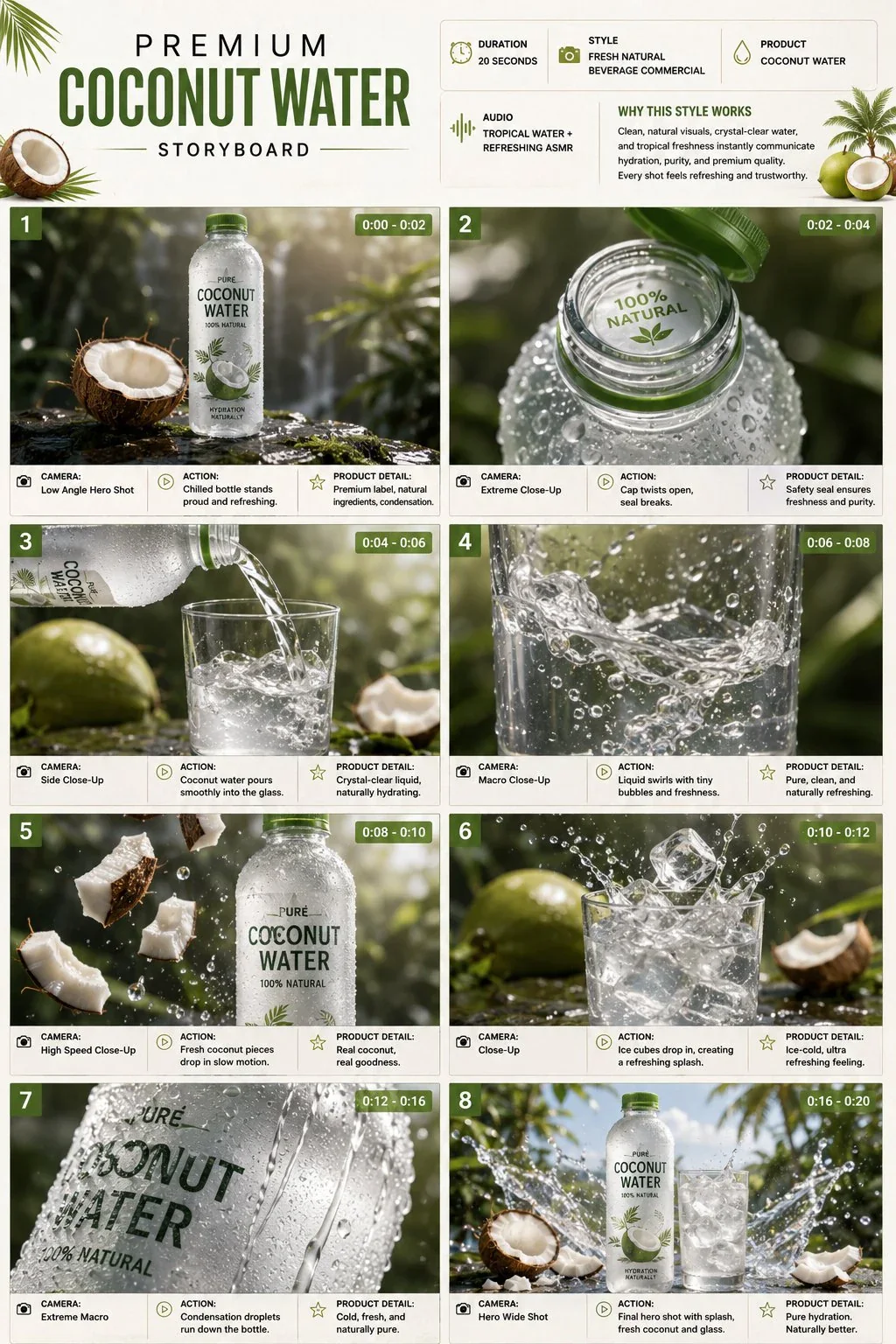
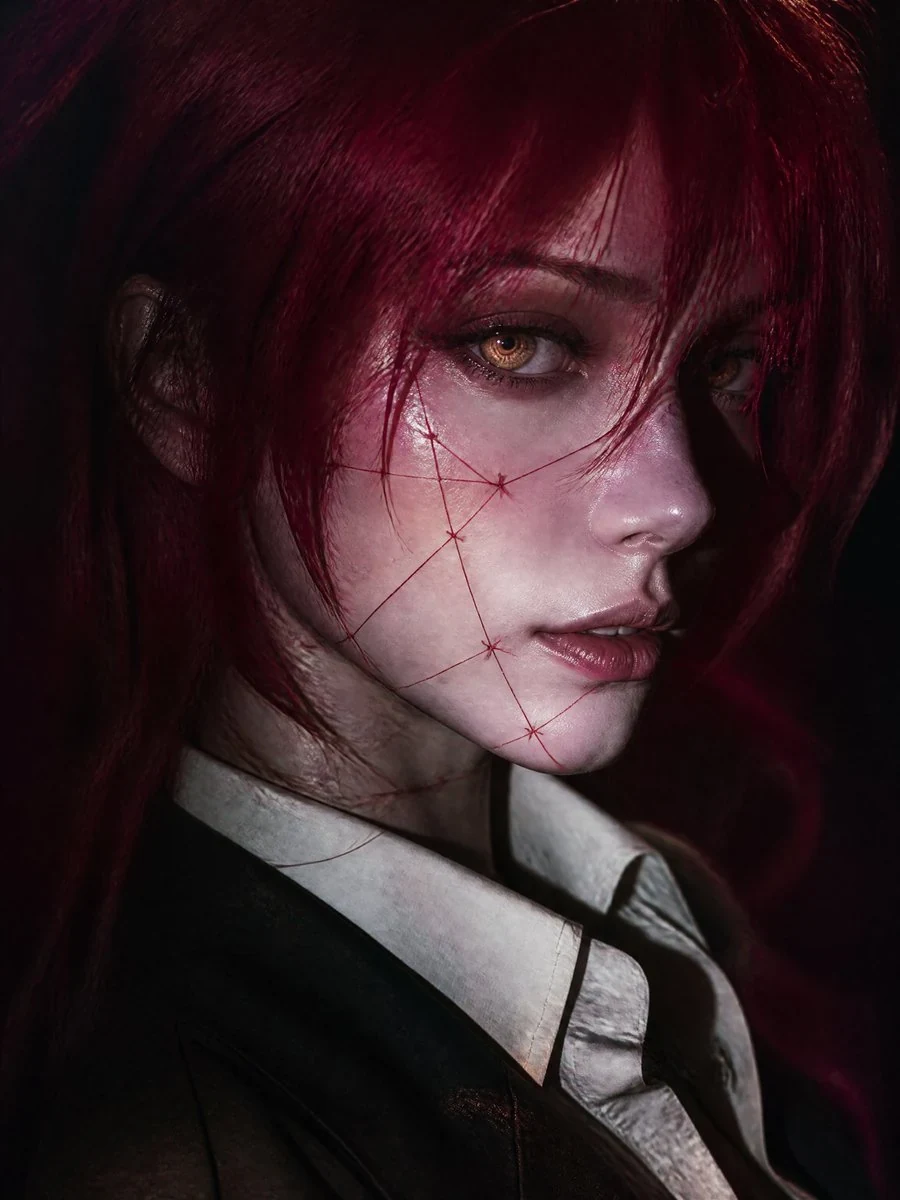
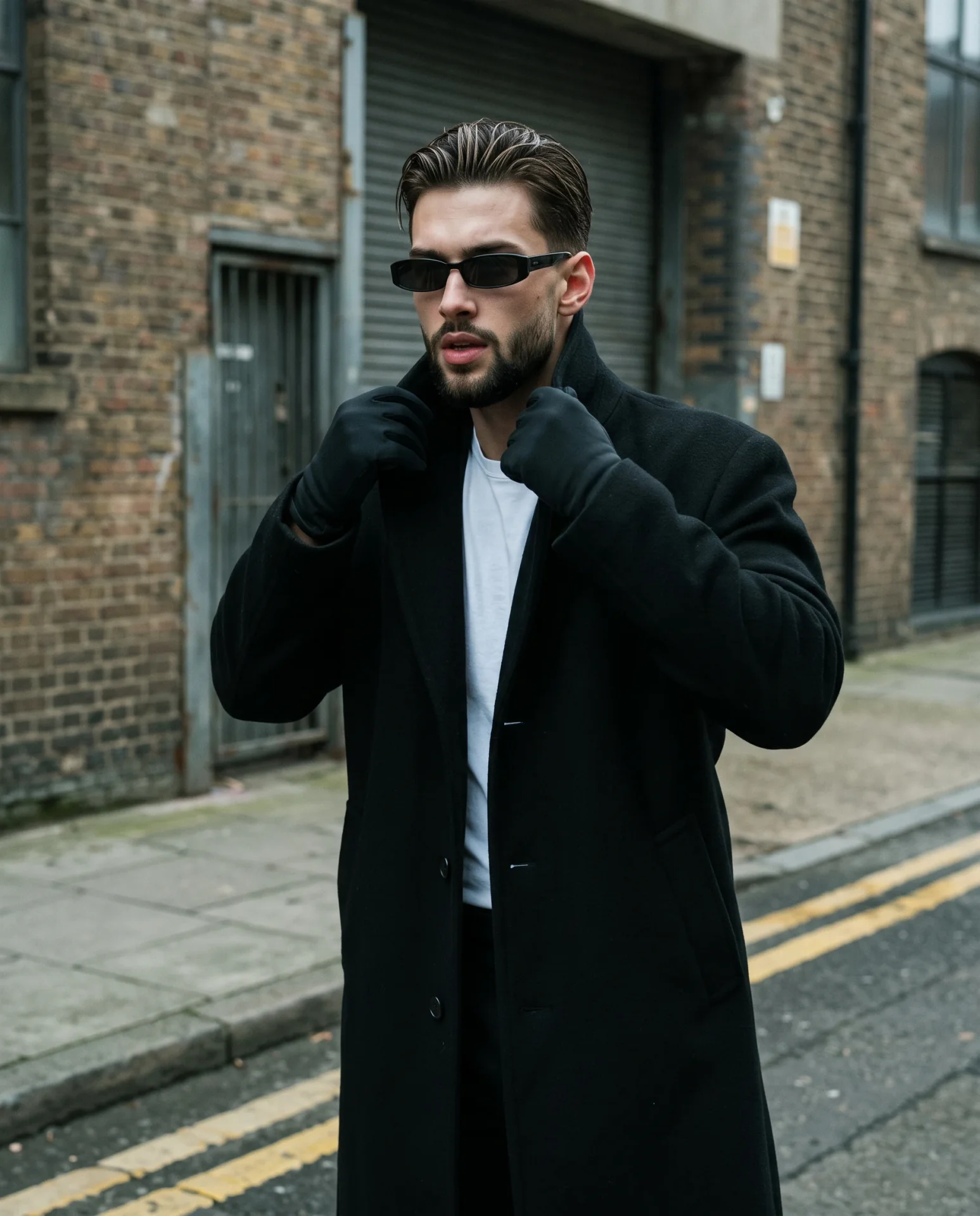
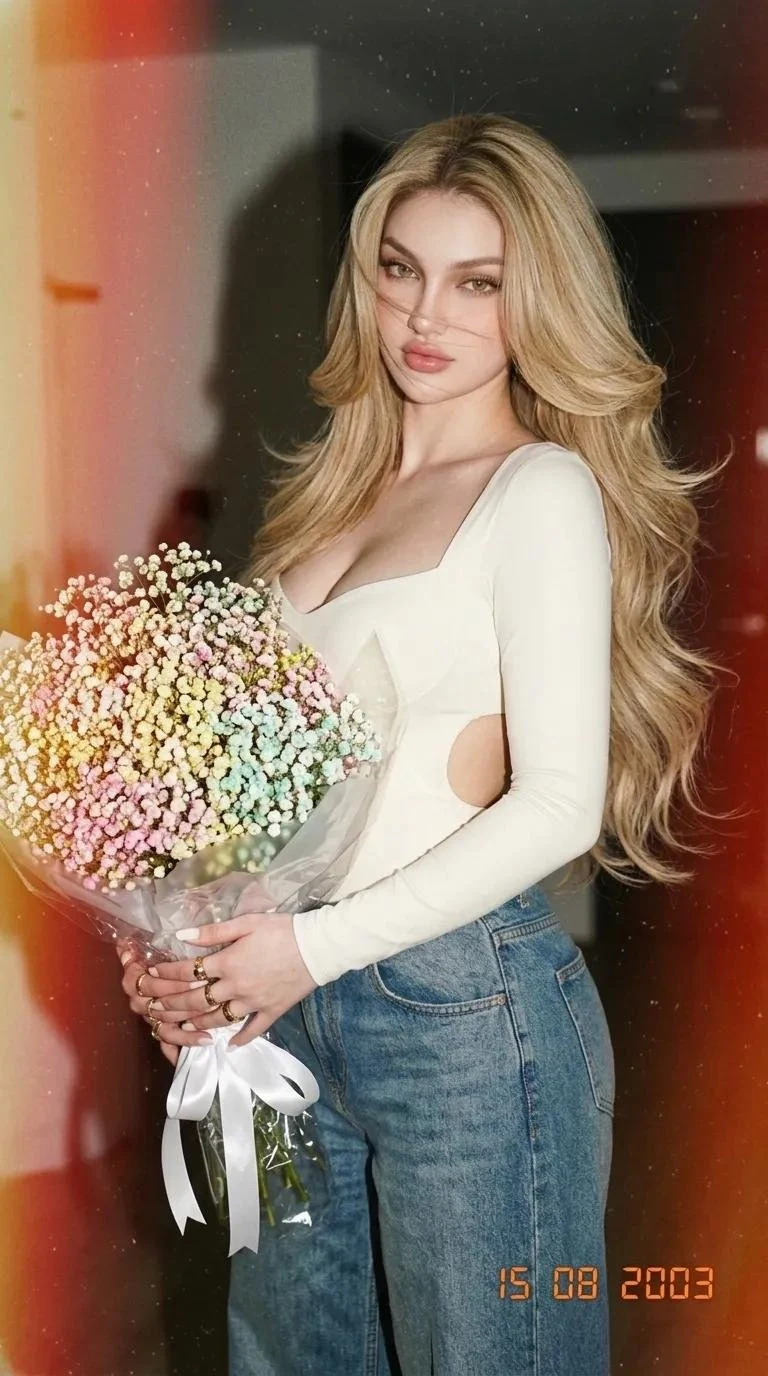
What is Nano Banana 2
Nano Banana 2 is Google's Gemini 3.1 Flash Image model for still generation and editing. It follows original Nano Banana (Gemini 2.5 Flash Image) and sits beside Nano Banana Pro (Gemini 3 Pro Image) as the Flash-speed SKU. Google keeps Pro for higher-fidelity work that needs maximum factual accuracy.
Google / Gemini 3.1 Flash Image
Consumer name Nano Banana 2. Flash-tier sibling of Nano Banana Pro.
Text to image
Stills from a prompt, including infographics and photoreal scenes.
Image edit
Instruction edits from uploaded references (CamArt up to 8).
Readable in-image text
Mockups, cards, and localized signs.
Subject consistency
Up to five characters and many objects in one workflow.
1K or 2K on CamArt
Issuer also lists 512px and 4K. This workspace picker is 1K or 2K.
Examples of Nano Banana 2 from X
Community stills on X made with Nano Banana 2. Copy a prompt and try it in the editor.
-
Food Photography
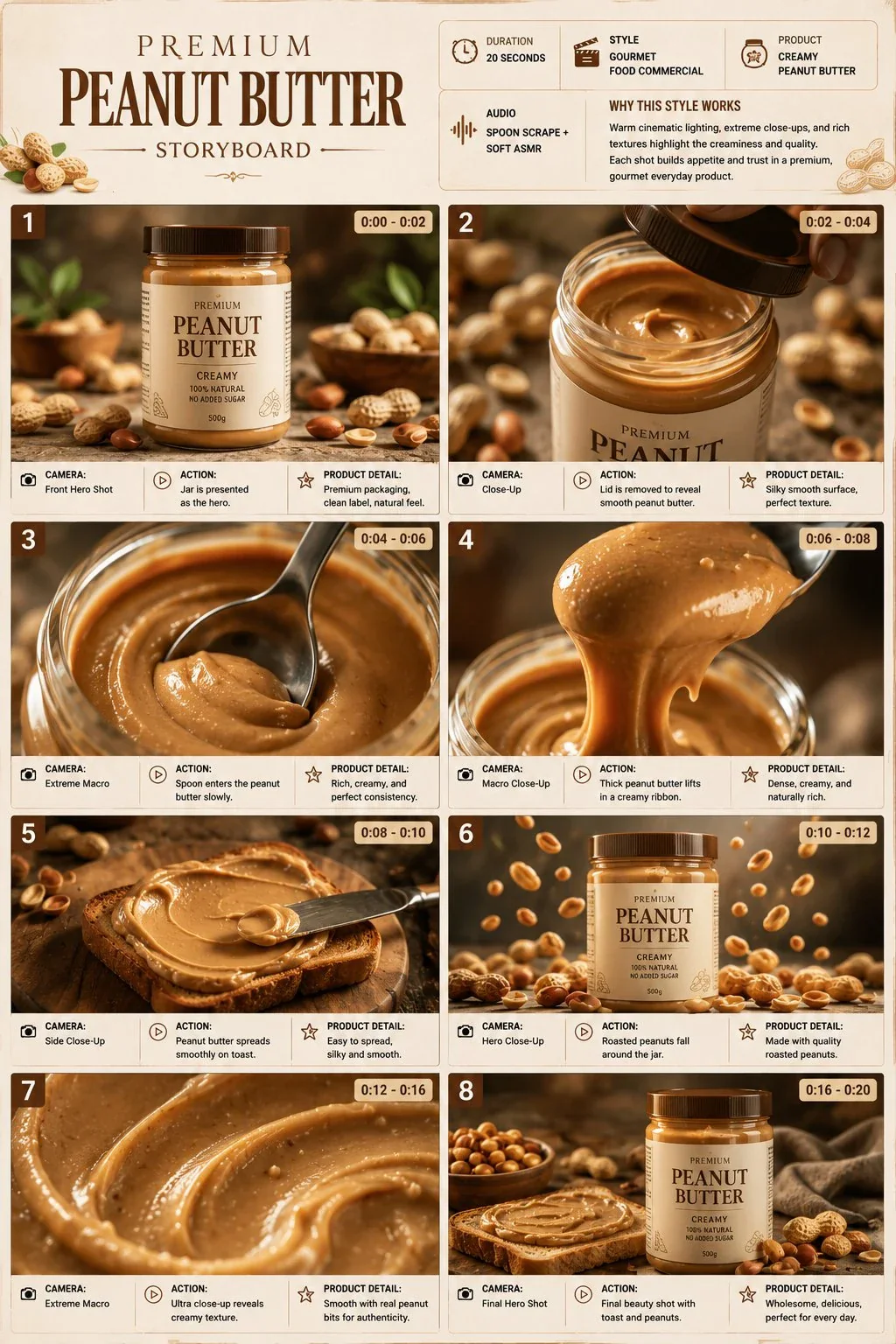
Peanut Butter Storyboard
 PROMPT
TITLE: Premium Peanut Butter Product Commercial Storyboard FORMAT: • Single-page premium storyboard • 3:4 Portrait ratio • Gourmet breakfast product campaign • 8 cinematic product-focused scenes • Product remains the main hero • Luxury advertising presentation HEADER: • Elegant serif typography • Information cards: - Duration: 20 Seconds - Style: Gourmet Food Commercial - Product: Creamy Peanut Butter - Audio: Spoon Scrape + Soft ASMR • Why This Style Works section • Warm beige, caramel and brown aesthetic • Minimal peanut-inspired decorative elements STORYBOARD: 1. Peanut butter jar positioned on a premium stone surface with whole peanuts around it 2. Jar lid being removed, revealing perfectly smooth peanut butter 3. Spoon entering the jar in an extreme macro shot 4. Thick peanut butter slowly lifting from the spoon in a long creamy ribbon 5. Peanut butter spreading smoothly across warm toasted bread 6. Roasted peanuts falling around the jar in slow motion 7. Extreme macro showing creamy texture with tiny peanut particles 8. Final hero jar beside toast and scattered roasted peanuts EVERY PANEL: • Scene number • Duration badge • Camera direction • Visual • Action • Product detail CAMERA: Extreme macro, slow-motion spread, overhead composition, creamy texture close-up, controlled ingredient drop, smooth product push-in. STYLE: Ultra-realistic food photography, rich creamy texture, realistic viscosity, roasted peanut details, warm natural lighting, premium glass packaging, sophisticated breakfast advertising, 8K.
-
Figures & Toys
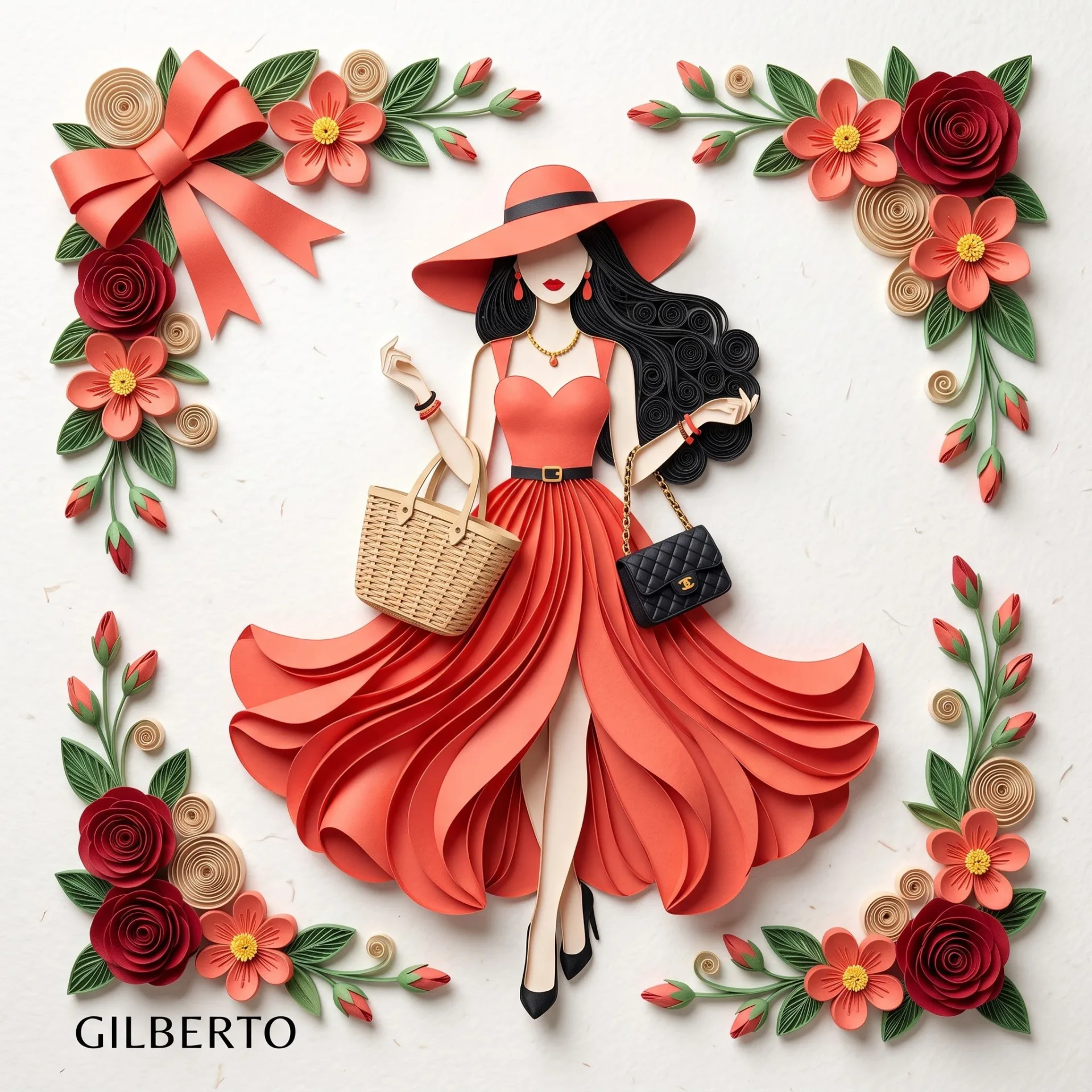
Coral Paper Couture
 PROMPT
3D paper quilling and layered paper craft art of an elegant fashion illustration, flat lay view on a clean, off-white textured paper backdrop with soft overhead studio lighting and subtle drop shadows. In the center stands a stylized woman crafted entirely from layered cut paper. She wears a striking coral-red sleeveless dress with a sweetheart neckline, a thin black waist belt accented with a tiny gold buckle, and a dramatically layered, flowing petal skirt with a high front slit. On her head is a matching wide-brimmed coral-red sun hat with a thin black band. She has long, voluminous black quilled hair cascading in soft curls, a minimalist faceless design with red lipstick, dangling red drop earrings, and black pointed high heels. She gracefully holds a woven beige wicker tote bag in one hand and carries a small quilted black handbag over her forearm. The composition is framed along all four corners with intricate quilled paper floral arrangements containing deep red roses, coral-red five-petal flowers with bright yellow centers, beige quilled spiral roses, green leaves, and small red buds. The top-left corner is accented by a large, elegant coral-red folded paper bow.
-
Travel & Scenery
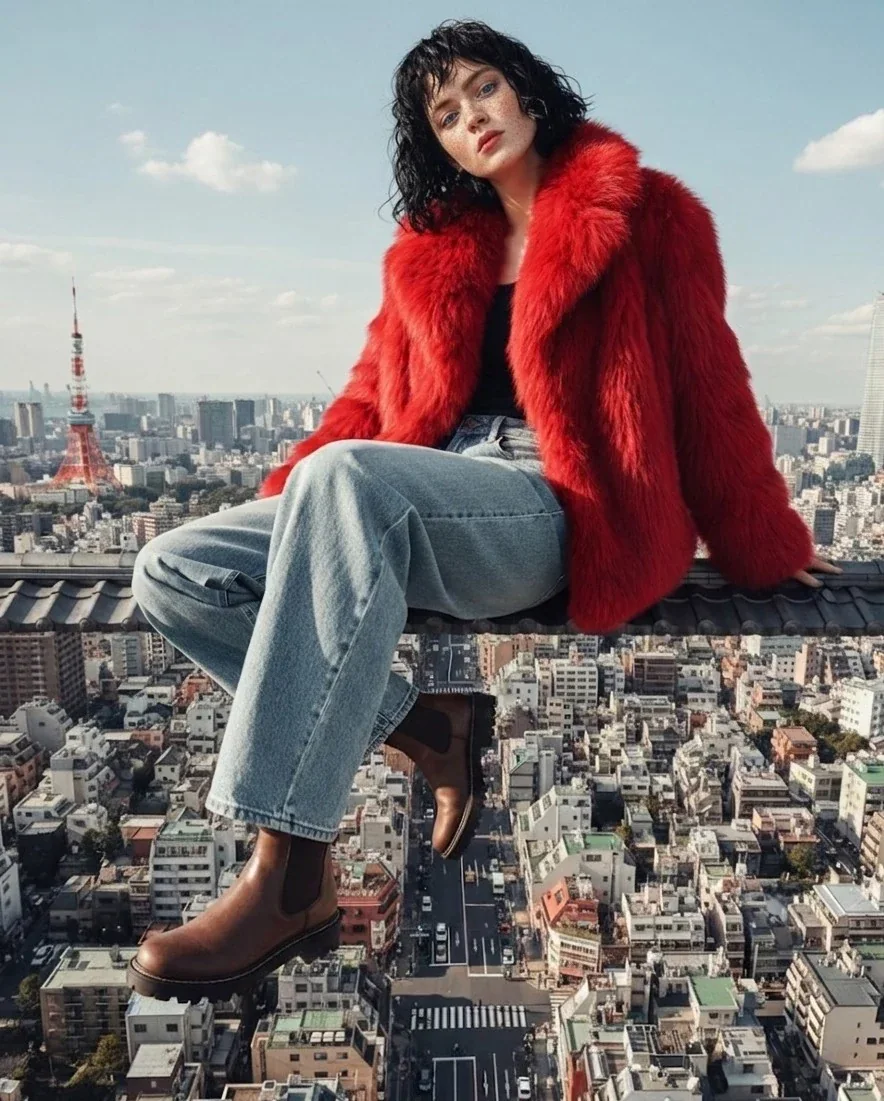
Rooftop City Overlook
 PROMPT
A stylish young woman sitting casually on the edge of a rooftop overlooking a dense modern city, wearing a bold red faux fur coat, light blue relaxed-fit jeans, and brown leather ankle boots. She has short, slightly messy black hair and a calm, confident expression. The city below is highly detailed with streets, cars, and buildings stretching into the distance, with a famous tower visible in the background. Shot in natural daylight with soft shadows, cinematic composition, wide-angle perspective, ultra-realistic, high fashion editorial style, shallow depth of field, 8k detail.
-
3D Cartoon & Pixar
Flat-Color Character Sheet
 PROMPT
Create a CHARACTER DESIGN based on the photograph for a modern Western animated series — a chest-up portrait. This is NOT a realistic portrait and not a careful redraw: it is a stylized cartoon character inspired by a specific person. Recognizability should come from distinctive features and accessories, not photographic accuracy. SIMPLIFICATION IS THE MOST IMPORTANT THING. Remove everything from the face except what matters most. No gradients, midtones, transparency, soft blending, or fine rendering. Every surface must be filled with FLAT color: * Skin — EXACTLY TWO tones: base color and shadow, no third tone; * Hair — EXACTLY TWO tones: base color and shadow; * Clothing — two, maximum three tones. The boundary between light and shadow must be a sharp, angular line, as if cut out with scissors. Shadows must be a rich, dark version of the same color, never gray. FEATURES MUST BE STRONGLY EXAGGERATED — this is a caricature, not a portrait. Proportions should be intentionally distorted; that is the essence of the style: * The HEAD should be approximately one and a half times larger than anatomically correct relative to the shoulders and occupy most of the frame; * The NECK should be noticeably thinner and longer than in real life; * The SHOULDERS should be narrow, simplified with straight angular lines, without realistic anatomy; * The MOUTH AND FACIAL EXPRESSION must match the photograph. If the person is smiling, the character smiles exactly the same way: subtle if subtle, broad if broad. Do not stretch the smile or add one if there isn’t one; * The NOSE should be tiny, simplified into two or three lines, with no detailed nostrils; * The EYES should be large and almond-shaped, with large irises; eyelashes should consist of only three or four strokes; * The EYEBROWS should be thick, solid shapes positioned high above the eyes. Exaggerate the PROPORTIONS and simplify the forms — but do not change the facial expression. The face should read as an animated series character, not simply as a person who looks similar. HAIR should consist of two or three LARGE, SOLID MASSES with sharp angular edges, as if cut from paper. No individually drawn hairs, no thin strands, and no gradients within the hair masses. The hairstyle, parting, and length must come from the photograph. TAKE FROM THE PHOTOGRAPH: hair color and texture, parting and length; skin tone; eye color; neckline, style, and color of clothing; age; and facial expression. These are the identifying features and must be preserved. However, facial and head proportions should NOT be copied — they must be exaggerated according to the rules above. ACCESSORIES — ONLY THOSE PRESENT IN THE PHOTOGRAPH. Do not add anything: no glasses if there are no glasses, no earrings if there are no earrings, no necklace if there isn’t one. Any accessories genuinely present should be drawn larger and more noticeable than in real life and emphasized, as they help identify the character. If the person is holding an object rather than wearing it, it should remain in their hand or be left out of the frame entirely — never move it onto the face. OUTLINE — dark burgundy or dark brown, NOT black. Use variable line thickness: thicker around the outer silhouette, thinner inside, and disappearing entirely in some areas where shapes are defined by the meeting of two flat colors. ACCENTS. Add a warm blush as a flat shape on the cheeks and tip of the nose. Include one bright highlight in a simple geometric shape on the forehead. Metal should be rendered as dense gold flat shapes with sharp, straight highlights. BACKGROUND. Behind the head, place one flat polygon in a saturated color, rotated slightly, with straight edges, as if it were a sheet of colored paper placed behind the character. The head and shoulders should partially overlap it, with parts of the figure extending beyond its edges. Surround everything with a clean white background. No gradients, patterns, or textures. PALETTE should be limited to three or four colors, but the COLORS MUST BE RICH AND HIGHLY SATURATED. Every shade should be at maximum saturation: clothing, background shape, and hair should feel bold and vivid, like paint straight from a can rather than muted pastels. Skin should feel warm and alive, with noticeable blush. The background shape should use a clean, open color that contrasts with the main accent color in the person’s appearance. No faded, dusty, washed-out, or desaturated palette. COMPOSITION. Chest-up portrait: head, neck, shoulders, and upper chest. The head occupies most of the frame, turned in a three-quarter view, with the eyes looking toward the camera. DO NOT INCLUDE: faded, dusty, washed-out, or pastel colors; photorealism; digital painting; realistic portraiture; soft blended shadows; gradients; transparency; midtones; individually rendered hair strands; detailed skin with pores or wrinkles; volumetric facial modeling; 3D rendering; anime; uniform black outlines; anatomically accurate head and shoulder proportions; a carefully realistic portrait-style nose; ADDED accessories not present in the photograph; glasses on a person who does not wear glasses in the photo; altered facial expression; a stretched smile where none existed; missing accessories that are present in the photograph; paper or canvas texture; noise; any text, letters, captions, logos, or watermarks in the image.
-
Product & Commerce
Watermelon Lip Balm
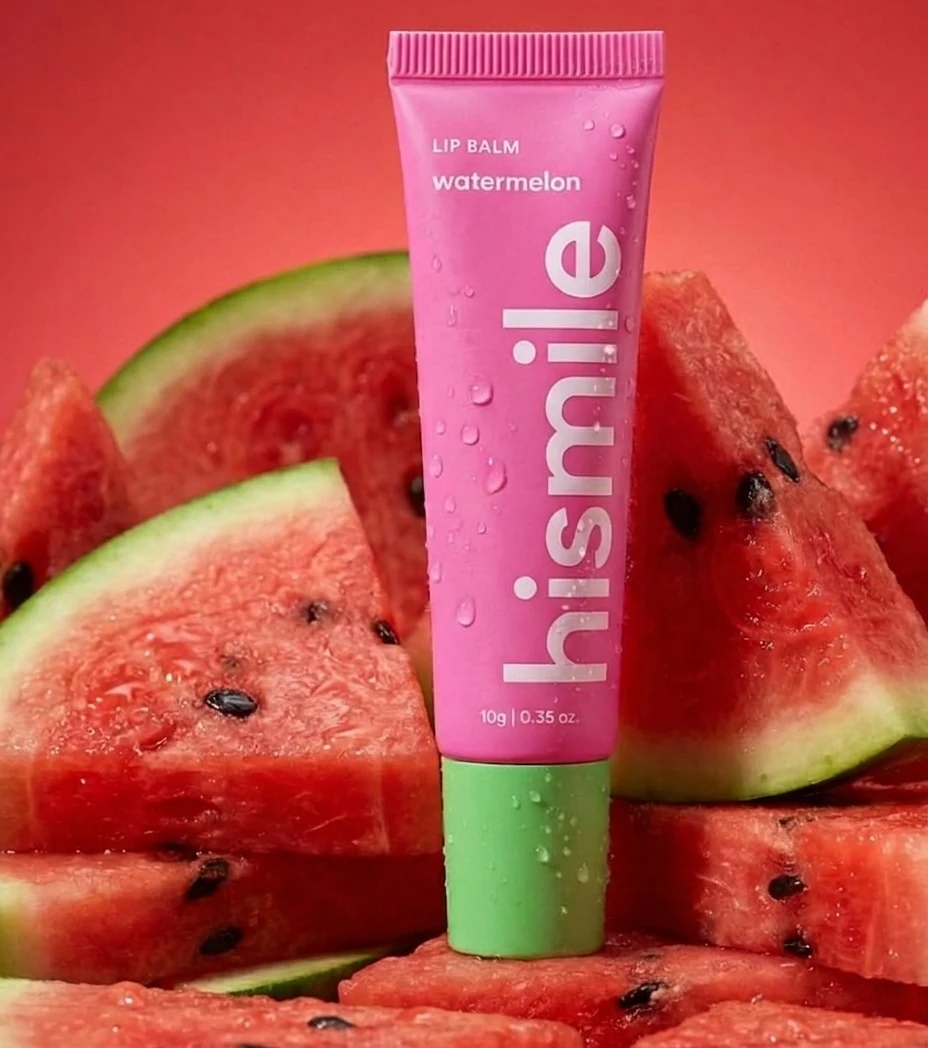 PROMPT
A vibrant studio product shot of a pink watermelon lip balm tube standing upright among freshly cut watermelon slices, glossy water droplets on both the product and fruit, rich juicy red textures with visible seeds, green rind contrast, soft diffused lighting with subtle highlights, clean gradient background in warm red tones, hyper-realistic, macro photography, sharp focus, commercial beauty ad style, centered composition, high detail, 4K, minimal shadows
-
Interiors & Spaces
Riviera Terrace Chair
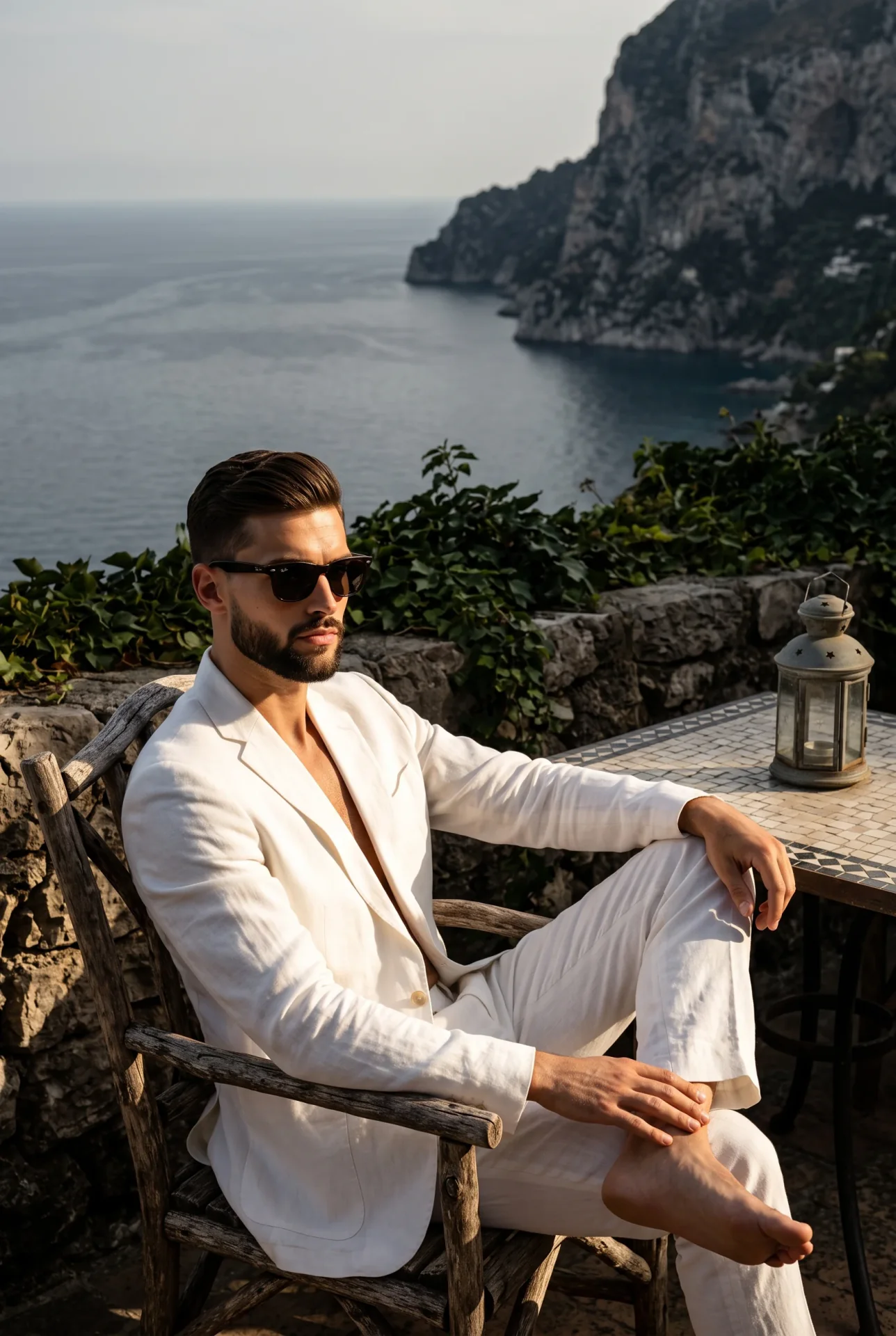 PROMPT
A ruggedly handsome man sits casually facing the camera in the bottom left quadrant, exuding a candid, serious expression with neutral lips and his gaze directed off-camera to the left, hidden behind classic dark wayfarer sunglasses. He is dressed in a crisp yet slightly rumpled white linen suit, unbuttoned at the top to reveal warm, realistic skin textures, completely barefoot with his legs crossed. His relaxed shoulders center his weight as his left hand drapes naturally over his raised right shin, while his right forearm rests comfortably on the armrest of his chair, fingers pointing down and softly obscured by shadow. He is seated in a weathered, thick branch-like rustic wooden armchair featuring a white cushion and distinct orange rope bindings on the front leg, resting on large pale grey square floor tiles separated by prominent dark grout lines. To his immediate left in the midground, a vintage, tall dark metal lantern with intricate cutouts sits atop a square table edged in dark iron with a black, white, and grey geometric tile top, all positioned in front of a dominant, thriving wall of rough, matte stone entirely consumed by deeply shadowed, lush dark green ivy. To the right, the deep spatial depth opens up to a pristine background where steep rocky cliffs drop into a sweeping expanse of calm, dark blue-grey ocean waters beneath a slightly hazy sky, creating an asymmetrical balance that draws the eye from the man across to the sea. The scene is illuminated by a single, highly directional source of bright, warm golden natural sunlight from the front, producing a dramatic, dappled effect that casts harsh, defined, deep black shadows under the subject and against the foliage. This hard light generates a split-complementary color palette of moderate saturation, striking high contrast by intentionally blowing out the highlights on the linen white clothing without any ambient fill, perfectly capturing a sophisticated, luxurious Mediterranean summer afternoon of effortless Old Money elegance. Captured as a tack-sharp, grain-free digital editorial photograph shot straight on with a 50mm lens at f/8, 1/500s, and ISO 100 to maintain a deep depth of field from the structured foreground to the distant cliffs, the image channels Classic Hollywood Riviera styling, enhanced in post-processing with deepened shadows, pushed highlights on the linen to emphasize the harsh sunlight, and a slight desaturation of the oceanic blues for a vintage cinematic feel, all perfectly framed in a 2:3 aspect ratio.
Key Features of Nano Banana 2 AI Image Generator
What Google documents for Nano Banana 2, written as things you can prompt: Flash-speed stills, instruction following, readable in-image text, subject consistency, reference edits, and 1K or 2K output.
-
Flash-speed Pro-class stills
Nano Banana 2 is Gemini 3.1 Flash Image: issuer copy frames Pro-class lighting, texture, and reasoning at Flash speed. No CamArt wall-clock SLA.
-
Instruction-following prompts
Google positions Nano Banana 2 for layered briefs: camera, layout, on-image copy, and what must stay. Keep the CamArt prompt specific rather than a one-line style tag.
-
Readable in-image text
Issuer demos of mockups, cards, and localized signs with type you can actually read. Check spelling in the preview before you ship.
-
Subject consistency
Issuer claim: up to five characters and many objects in one workflow. CamArt Edit accepts up to 8 reference photos.
-
Image edit from references
Add stills with + Ref and write the change. CamArt switches to the Nano Banana 2 edit endpoint. Some listings allow more refs; this picker caps at 8.
-
1K or 2K still output
Google documents 512px through 4K. CamArt exposes 1K or 2K. This page does not claim a 4K picker.
Name the still you actually want.
Nano Banana 2 is built to follow a layered brief: subject, camera, lighting, on-image copy, and what must stay consistent. Keep the CamArt prompt specific rather than a one-line style tag.
Nano Banana 2 Model Comparison
While Nano Banana 2 keeps up to five characters consistent at Flash speed and 6 credits, GPT Image 2, Seedream 5.0 Pro, and Qwen Image 3.0 follow instruction type, infographics, or cheaper dense layouts.
| Fact | Nano Banana 2 | GPT Image 2 | Seedream 5.0 Pro | Qwen Image 3.0 |
|---|---|---|---|---|
| Issuer | Google Gemini 3.1 Flash Image (Nano Banana 2). | OpenAI GPT Image 2. | ByteDance Seed Seedream 5.0 Pro. | Alibaba Qwen Image 3.0. |
| Best for | Fast character-consistent stills at Flash cost. | Instruction-heavy briefs and readable in-image type. | Dense infographics and layout-aware stills. | Dense layouts and long prompts with readable multilingual type. |
| Strength | Flash-speed stills with up to five-character consistency. | Natural-language instruction follow plus identity-holding edits. | Infographic hierarchy that holds labels in one still. | Long briefs into nested layouts in one pass. |
| In-image text | Readable in-image words on cards and UI mockups. | Readable lettering, including Japanese, Korean, Chinese, Hindi, and Bengali. | Native multilingual type on charts, posters, and decks. | Official story is dense, small multilingual lettering on posters and decks. |
| Generate and edit | T2I plus Edit with up to 8 refs. Up to 5-character consistency. | T2I plus up to 8 reference stills on Edit. | T2I plus Edit with up to 8 images. | T2I plus 1 to 3 edit stills. |
| CamArt credits | 6 credits per still. | 6 credits per still. | 5 credits per still. | 3 credits on Standard. Qwen Image 3 Pro is 4. |
| Resolution on CamArt | 1K or 2K. Not CamArt 4K. | 1K or 2K. CamArt does not connect ChatGPT thinking or web search. | 1K or 2K. Do not treat issuer 4K talk as this picker. | 1K or 2K. |
Sources: Google Nano Banana 2; OpenAI ChatGPT Images 2.0; ByteDance Seedream 5.0 Pro; Alibaba Qwen Image 3.0.
Why Choose Nano Banana 2 AI Image Generator in CamArt
Choose Nano Banana 2 when the still needs Flash-speed photoreal, readable type, or an instruction edit. CamArt runs Generate or Edit in the same picker.
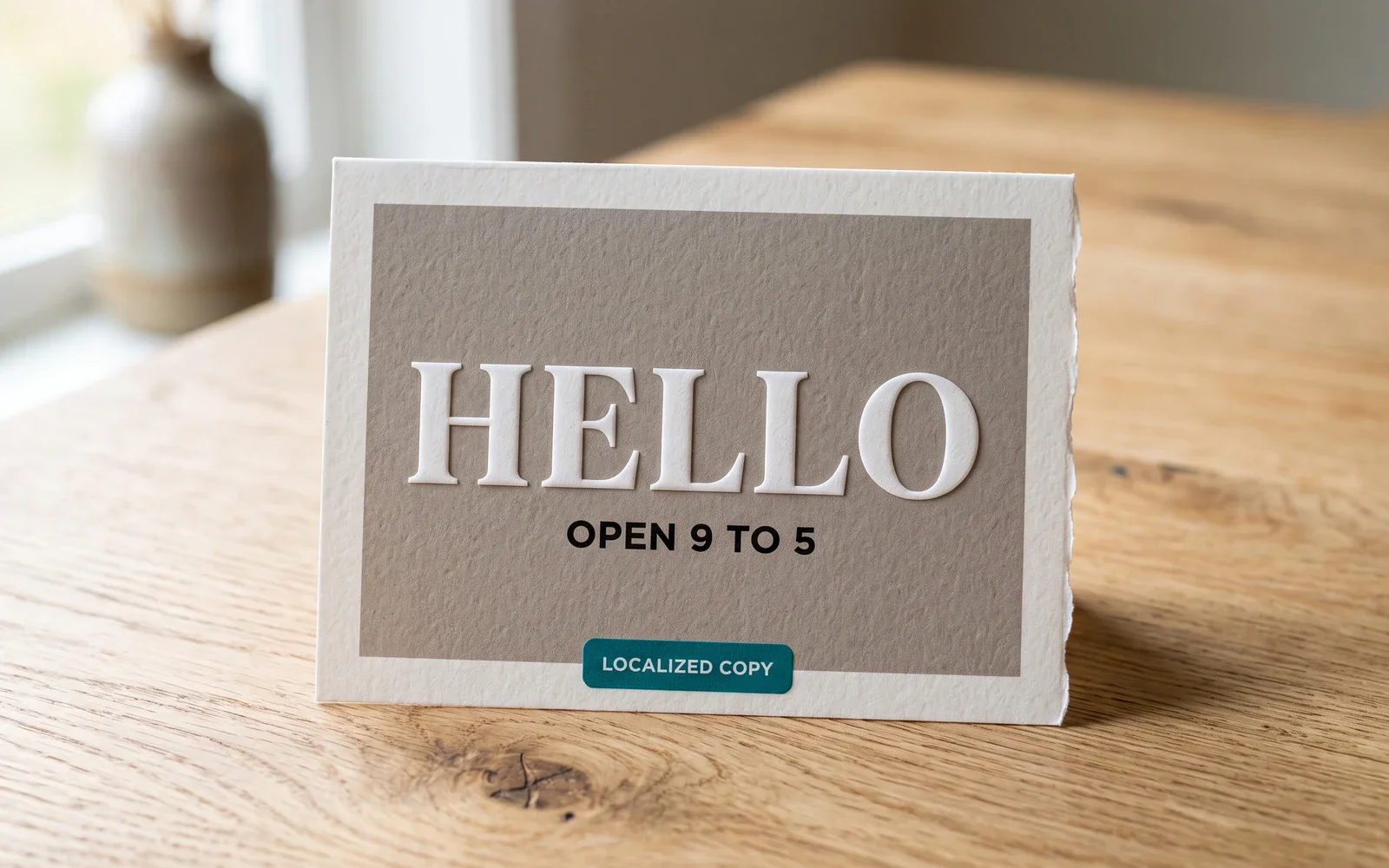
Posters and cards with type you can actually read
Google's Nano Banana 2 launch highlights precision text rendering and in-image localization. Name the copy, language, and placement in the prompt, then check spelling in the preview.
- Write the on-image words in the brief, including any localization.
- Check spelling and kerning in the preview before you ship a mockup.
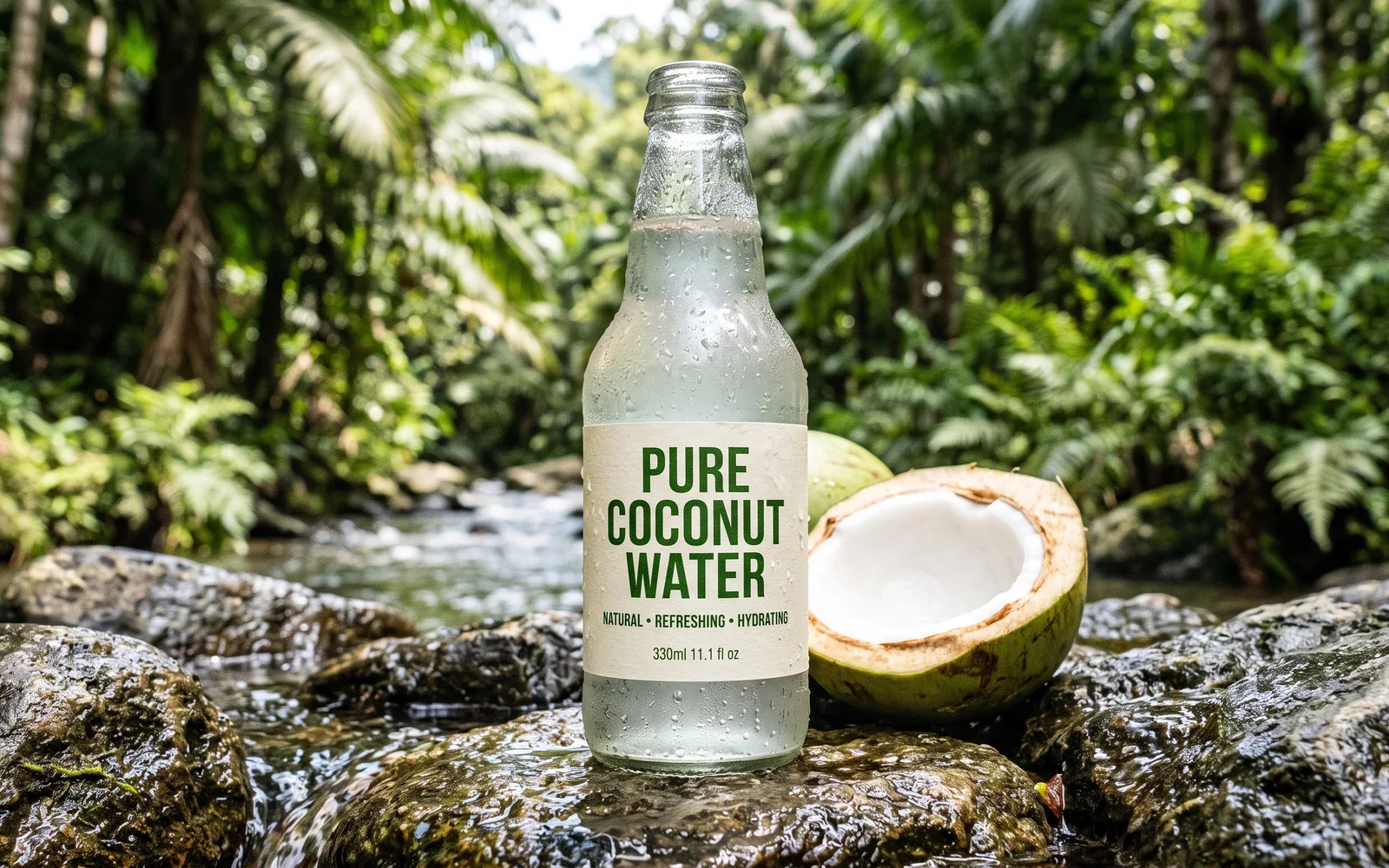
Flash-speed stills with texture you can inspect
Issuer copy frames Pro-class lighting and surface detail at Flash speed. Prompt the material, condensation, and light, then judge the still rather than a wall-clock claim.
- Call out material, lighting, and product geometry in the brief.
- There is no CamArt seconds SLA on this page. Judge the still.
Characters that hold across a sequence
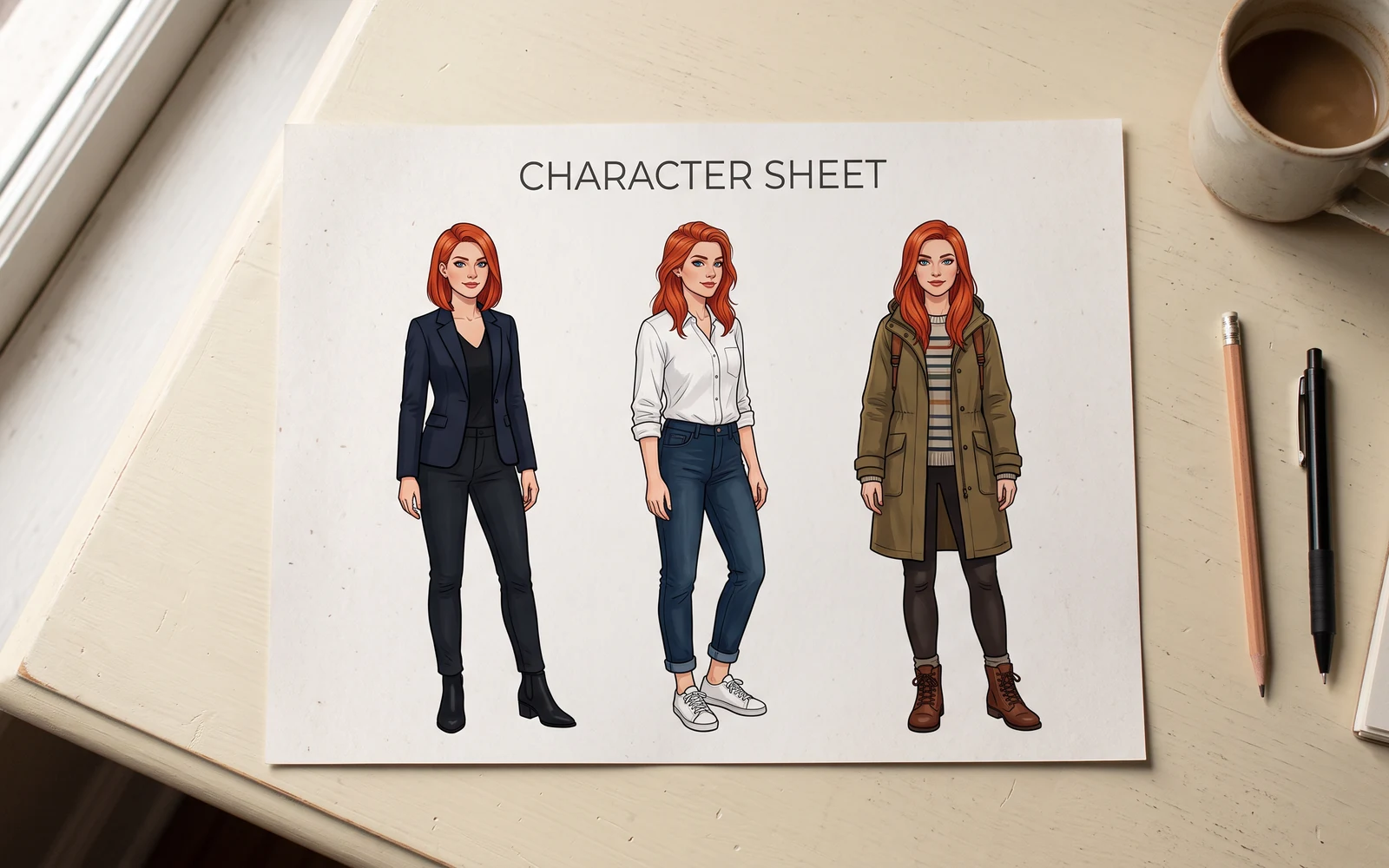
Google documents up to five characters and many objects in one workflow. Keep the same names and traits in the brief so faces and products do not drift between stills.
- Name each character and what must not change.
- CamArt Edit accepts up to 8 reference photos.
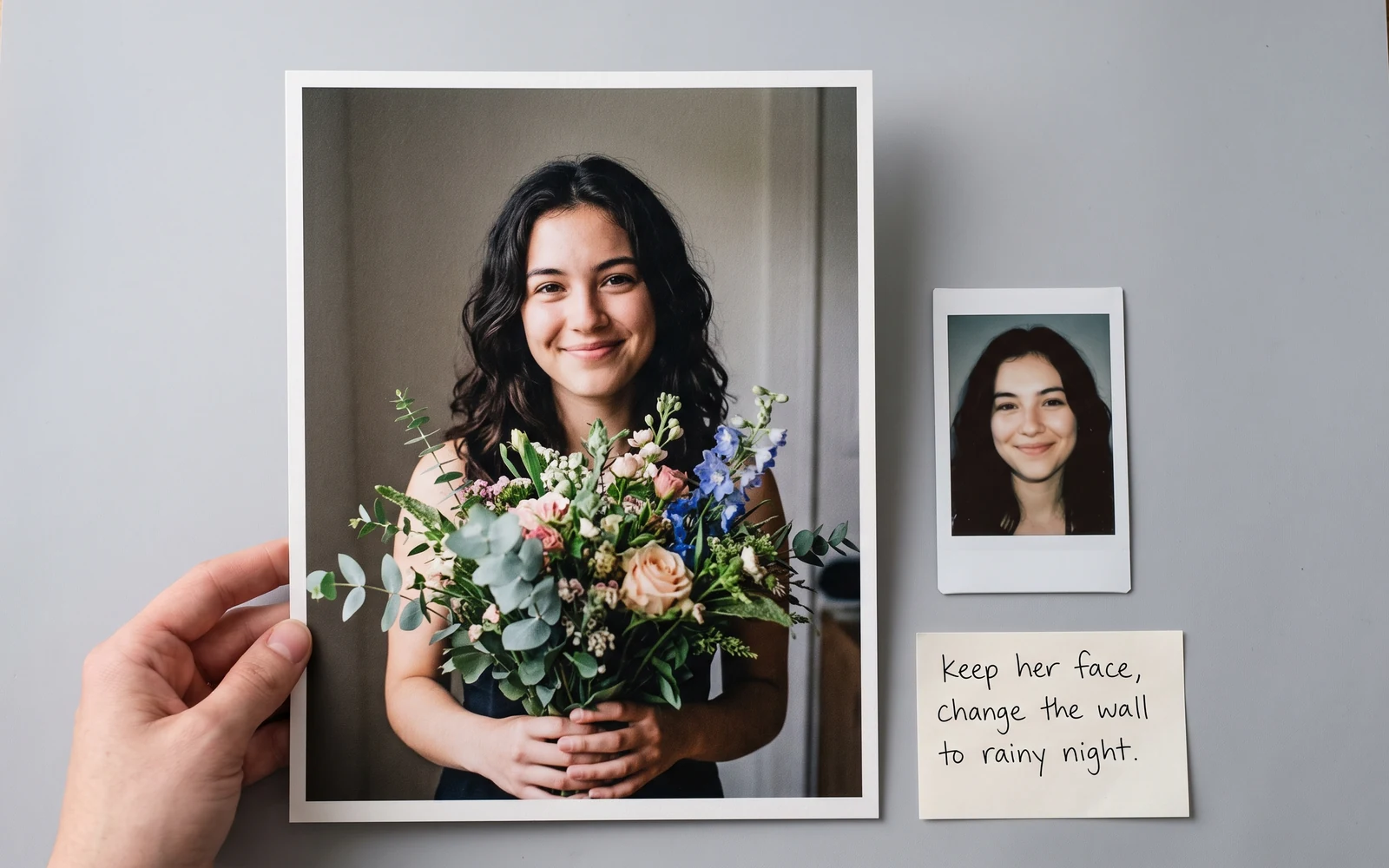
Keep a subject while you rewrite the scene
Add a reference photo with + Ref and describe the change. CamArt uses the Nano Banana 2 edit endpoint. Keep the instruction specific: what stays, what changes.
- Upload refs when identity or packaging must hold.
- Write the edit as a sentence, not a one-word style tag.
How to Use Nano Banana 2 AI Image Generator in CamArt
Three steps from a still brief to a saved image.
-
STEP 01
Write the still
Keep Nano Banana 2 selected. Write the still: subject, lighting, on-image copy, and any localization.
-
STEP 02
Set ratio, resolution, and refs
Set aspect ratio and 1K or 2K. Add reference photos (up to 8) when you need an instruction edit.
-
STEP 03
Generate, check type, and save
Generate, check spelling and faces in the preview, then save from Creations. Credits on Generate are deducted on start (1 credit = $0.01 COGS).
Who Should Use Nano Banana 2 AI Image Generator on CamArt
Nano Banana 2 fits briefs that need Flash-speed photoreal, readable type, or an instruction edit. Pick Nano Banana Pro when you want the higher-credit SKU.
-
Social stills teams
Need Flash-speed portraits, storyboards, and localized cards without opening Gemini or AI Studio.
-
Poster and packaging designers
Put headlines and brand marks in the still. Nano Banana 2 is built for readable in-image text.
-
Infographic and diagram makers
Issuer demos include notes-to-diagram and labeled layouts. Name every label in the prompt.
-
Storyboard and comic sequential artists
Keep up to five characters consistent across panels. Repeat names and wardrobe in the brief.
-
E-commerce product stills
Product photos that need on-pack type can stay on 1K or 2K. Same 6-credit list for Generate and Edit.
-
Photographers who need instruction edits
Add up to 8 reference photos and rewrite the scene in language instead of starting from a blank canvas.
Explore More AI Image Models on CamArt
FAQs
Do I need the Gemini app or Google AI Studio to use Nano Banana 2 on CamArt?
No. Nano Banana 2 is Google's Gemini 3.1 Flash Image model. CamArt runs Nano Banana 2 from this page. You can also use it in the Gemini app, Google AI Studio, and Vertex AI.
How do I create a Nano Banana 2 photo on CamArt?
Sign in, keep Nano Banana 2 selected, write a prompt, set ratio and 1K or 2K, then Generate. Add a reference photo when you want an edit. Credits shown on the button are deducted on start.
How do I combine two images with Nano Banana 2?
On CamArt, add reference photos with + Ref (up to 8) and describe how they should combine. That uses the Nano Banana 2 edit endpoint. The Gemini app can also take uploads in a chat.
How much does a Nano Banana 2 image cost on CamArt?
CamArt lists Nano Banana 2 text-to-image and edit at 6 credits (1 credit = $0.01 COGS). Sign in with Google or an email magic link. Starter credits do not cover every job.
Is the Nano Banana 2 generator free on CamArt?
No. CamArt is credit-based. Ranking pages that say no sign-up or APK are not this workspace.
How does Nano Banana 2 compare with original Nano Banana and Nano Banana Pro?
Original Nano Banana is Gemini 2.5 Flash Image. Nano Banana 2 is Gemini 3.1 Flash Image, the Flash-speed SKU. Pro is Gemini 3 Pro Image, aimed at maximum fidelity. On CamArt, 2 is 6 credits and Pro is 14 credits. Both pickers are 1K or 2K.
What resolution does Nano Banana 2 output on CamArt?
Google documents 512px through 4K. CamArt exposes 1K or 2K. This page does not claim a 4K picker.
Does Nano Banana 2 use Google Search on CamArt?
Google documents web and image search grounding. Some APIs have optional flags. CamArt Create does not expose those toggles, so this page does not claim live search on generate.
Can I use Nano Banana 2 images commercially on CamArt?
CamArt plans allow commercial use of outputs subject to law and third-party model terms, including Google's. Review Google's current terms for Gemini image output.
Generate Images with Nano Banana 2
Describe the still and any on-image text. Add a reference photo when you need an edit, then hit Generate when you're ready.