
GPT Image 2.6 Generator
GPT Image 2.6 renders stills faster than GPT Image 2.5 and holds a character, product, or brand detail more steadily while you edit. OpenAI ships Flare for a quick first pass and Sunburst when the details have to survive the next round, at 1K, 2K, or 4K.
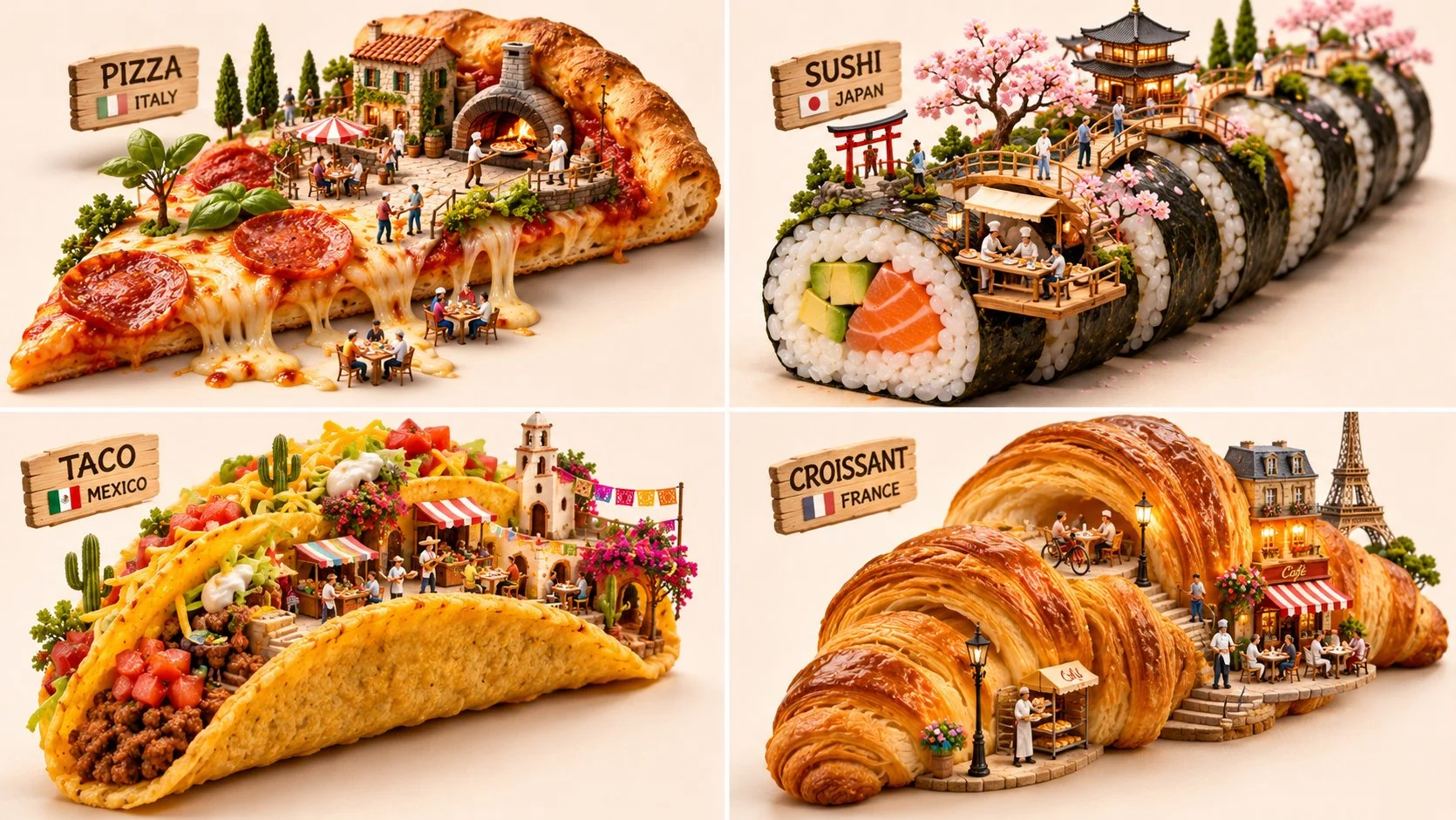
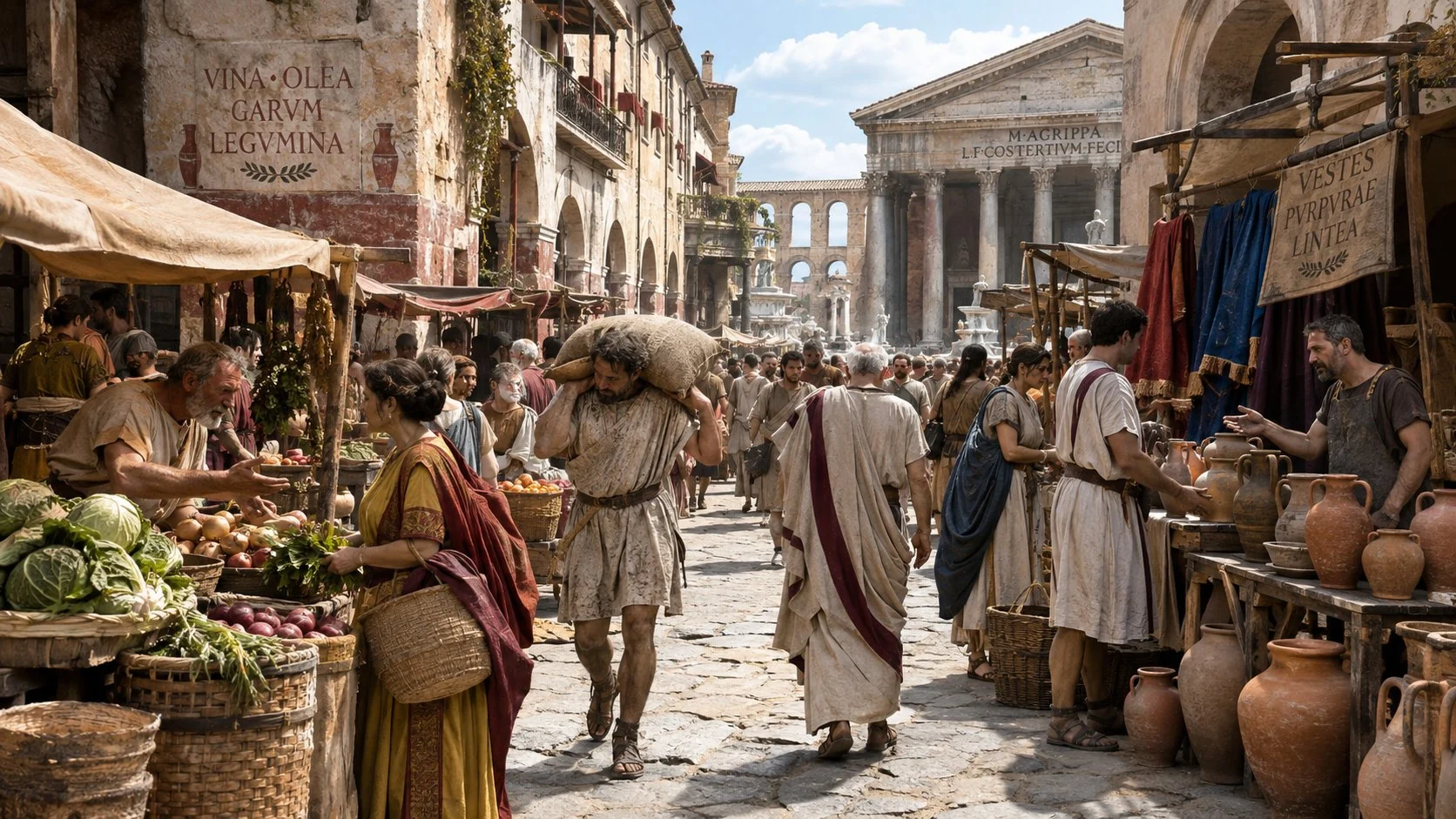
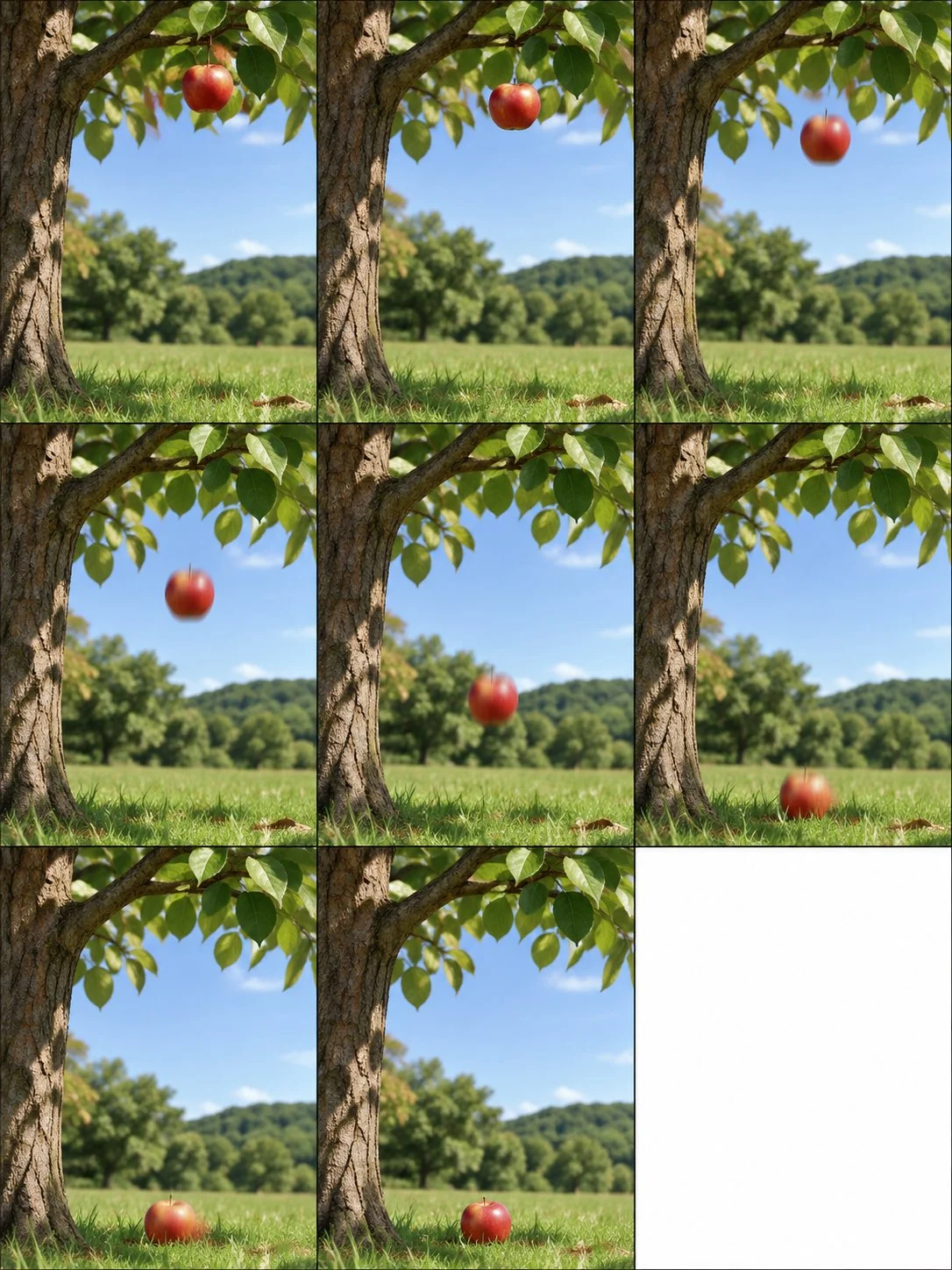
What is GPT Image 2.6
GPT Image 2.6 is OpenAI's image generation and editing model, launched 4 November 2026 as ChatGPT Images 2.6 and as the API names gpt-image-2.6-flare and gpt-image-2.6-sunburst. It turns a text prompt into a still, and it can edit reference photos. It is the successor to GPT Image 2.5.
OpenAI / ChatGPT Images 2.6
Same stack as gpt-image-2.6-flare and gpt-image-2.6-sunburst. CamArt lists them as GPT Image 2.6 Flare and Sunburst.
Text to image
A written brief becomes a still: poster, product shot, or a scene with type.
Image edit
Add reference photos and write the one change. CamArt accepts up to 16 refs.
Flare or Sunburst
Flare is the fast first pass. Sunburst is the detail pass. Same credits on CamArt.
Readable type
Name the headline in the prompt, then check spelling. Small type is safer at 2K or 4K.
1K, 2K, or 4K
Default is medium 1K. Quality runs from low through max.
Examples of GPT Image 2.6 from X
X posts that name GPT Image 2.6 and include a reusable prompt. Copy one into the editor and keep GPT Image 2.6 selected. The hero samples above are separate posts.
-
Fashion & Style
Bedroom POV Selfie
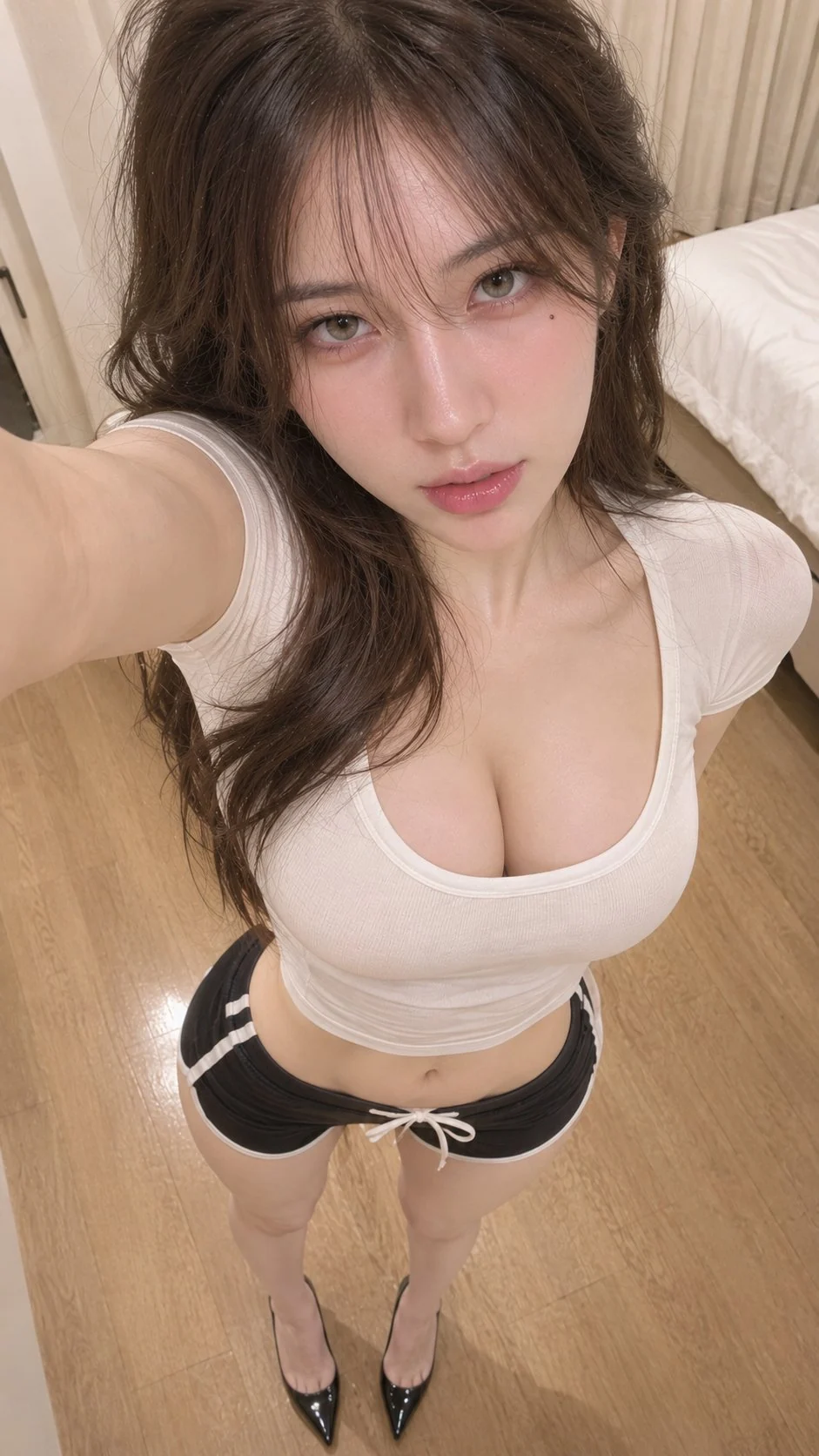 PROMPT
A crisp, high-fidelity vertical POV selfie photograph captured from an extreme high angle with a 20mm ultra-wide lens perspective — looking straight down at an exceptionally gorgeous young East Asian woman standing in her bedroom, her outstretched arm framing the upper corner. She possesses elite influencer beauty, wavy dark brown hair with see-through air bangs, light gray-green contact lenses, a tiny beauty mark beneath her right eye, igari-style pink blushed cheeks, and glossy lips. She has a slender hourglass figure, wearing a tight white scoop-neck cropped short-sleeve tee, black retro dolphin shorts with white piped edges and a front drawstring, and glossy black patent leather pointed-toe stiletto pumps on her bare feet. The room features light oak hardwood flooring, soft cream curtains, and a white bed edge softly blurred in the background. Clean, diffuse indoor overhead ambient lighting illuminates her features naturally, casting gentle, physically accurate contact shadows beneath her heels. Captured with natural wide-angle perspective stretching height from head to feet, with deep depth of field and fine organic 35mm grain. Authentic skin texture with delicate pores, biological warmth, realistic cotton fabric stretch, and crisp patent leather reflections — strictly no CGI, no 3D render, no plastic skin, no artificial smoothing, no waxy AI look.
-
Portraits & Selfies
Studio Portrait
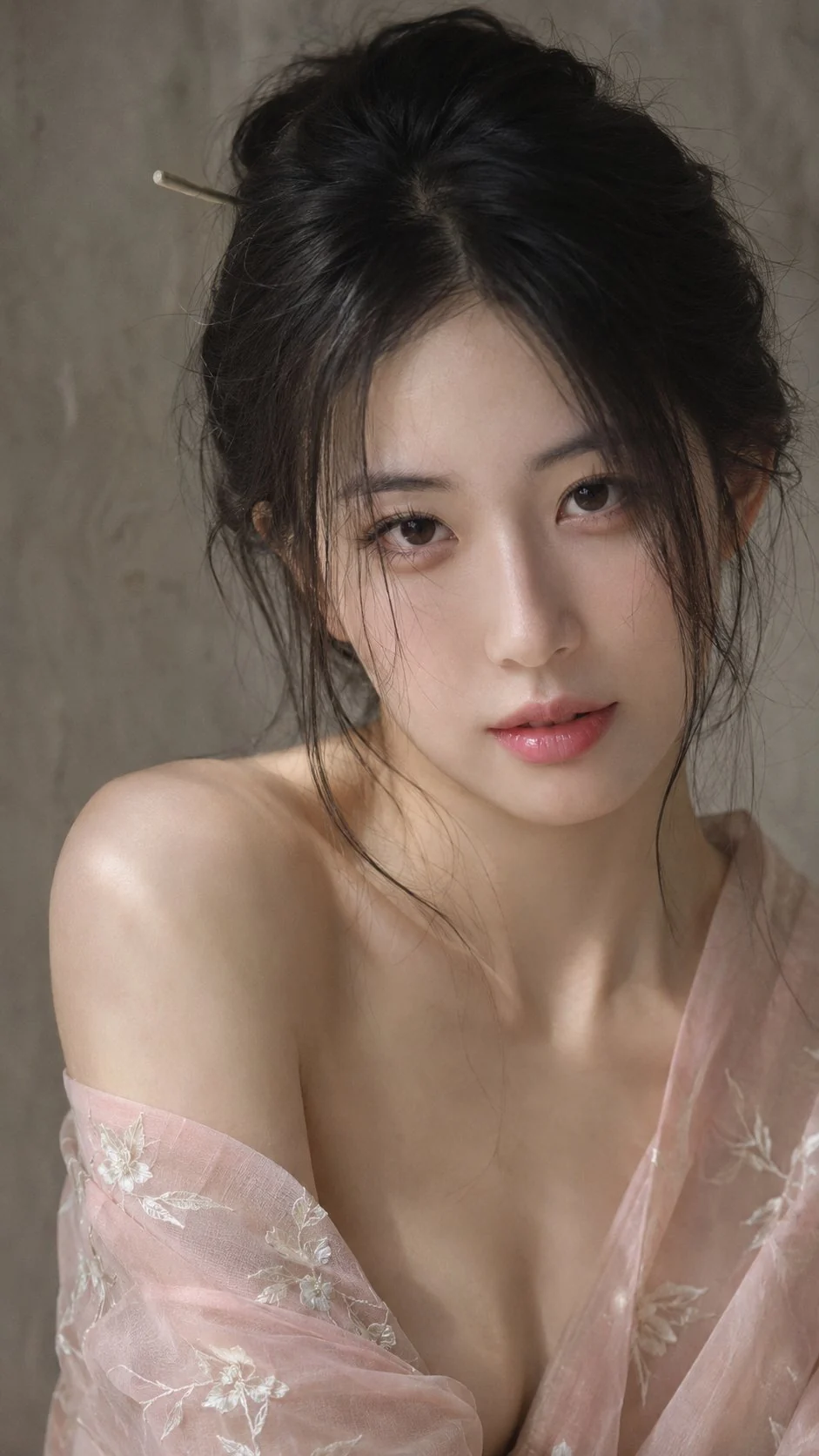 PROMPT
A high-fidelity intimate portrait photograph captured on a 50mm prime lens — a chest-up close portrait of an exceptionally gorgeous young East Asian woman looking directly into the camera with a calm, alluring, and tender expression. She possesses top-tier celebrity beauty with a delicate oval face, clear expressive dark eyes, refined bone structure, and soft hydrated pink lips. Her dark black hair is loosely gathered into an effortless updo secured with a minimalist hairpin, leaving soft wispy tendrils falling gently along her cheeks and neck. She wears a semi-sheer pastel-pink lightweight robe featuring delicate white floral embroidery, draped loosely off her right shoulder to reveal smooth bare collarbones and natural shoulder contours. The setting is an understated studio space against a neutral warm-gray textured plaster wall. Soft diffuse window light from camera-left sculpts her features with subtle, physically accurate shadow transitions across her jaw and neck, giving the frame an organic, intimate stillness. Captured at f/1.8 with natural shallow depth of field, gentle highlight roll-off, and fine 35mm film grain in an M2 intimate studio portrait register. Genuine human skin with delicate fine pores, subtle peach fuzz along the jawline, and natural biological subsurface scattering — strictly no CGI, no 3D render, no plastic skin, no artificial beauty smoothing, no waxy AI texture.
Key Features of GPT Image 2.6 Generator
What OpenAI documents for GPT Image 2.6, written as things you can set: a faster still, an edit that keeps the subject, Flare or Sunburst, up to 16 references, and quality from low through max at 1K, 2K, or 4K.
-
Faster everyday stills
OpenAI says Images 2.6 generates images 50% faster than before. That is an API note, not a CamArt clock. Judge the still: light, fabric, and skin.
-
Edits that keep the subject
The launch pitch is a character, product, or brand detail that stays put while the instruction changes. Write what changes and what must stay.
-
Flare for the first pass
OpenAI's prompting guide points Flare at posters and product shots when response time matters. If a GPT Image 2.5 Flare workflow is already working, test 2.6 Flare first.
-
Sunburst for the detail pass
Start with Sunburst when layout, small type, or the next edit has to hold. On CamArt, Flare and Sunburst share one credit table.
-
Up to 16 reference images
Generate is text to image. Add reference photos and the edit path runs. CamArt accepts up to 16 stills. One reference at medium 1K is 7 credits. Each extra reference adds to the quote.
-
Quality low through max, 1K to 4K
CamArt exposes quality low, medium, high, xhigh, and max, plus 1K, 2K, or 4K. Default is medium at 1K (5 credits). Medium 2K is 10. Medium 4K is 18.
Change one thing. Keep the subject.
GPT Image 2.6 is built so a character, product, or brand detail survives the next instruction. Write the change, and name what must stay.
GPT Image 2.6 Model Comparison
GPT Image 2.6 is OpenAI's faster stills and edit model with Flare and Sunburst at 1K to 4K, whereas Nano Banana 2.1, Seedream 5.0 Pro, and Qwen Image 3.0 are other-brand stills with different resolution and reference limits.
| Fact | GPT Image 2.6 | Nano Banana 2.1 | Seedream 5.0 Pro | Qwen Image 3.0 |
|---|---|---|---|---|
| Issuer | OpenAI ChatGPT Images 2.6. API names Flare and Sunburst. | Google Gemini Nano Banana 2.1. | ByteDance Seedream 5.0 Pro. | Alibaba Qwen Image 3.0. |
| Best for | A faster poster or product still, then an edit that keeps the subject. | Everyday stills and identity-preserving edits at Flash cost. | Dense layouts and readable type on a ByteDance SKU. | Long briefs and multilingual type. |
| Strength | Flare for the draft, Sunburst for the detail pass, same CamArt credits. | Sharper stills and tighter edits than Nano Banana 2, at 1K to 4K. | Layout-aware stills with strong type. | Dense, small multilingual lettering. |
| In-image text | Name the headline. Check spelling. Safer at 2K or 4K. | Enhanced text. Small type is safer at 2K or 4K. | Native type on charts and posters. | Dense multilingual lettering. |
| Generate and edit | Text to image, plus up to 16 reference stills on Edit. | Text to image, plus up to 14 reference stills. | Text to image, plus Edit with up to 8 images. | Text to image, plus 1 to 3 edit stills. |
| CamArt credits | 5 credits at medium 1K. 10 at 2K. 18 at 4K. | 4 credits at 1K. 6 at 2K. 14 at 4K. | 5 credits per still. | 3 credits on Standard. |
| Resolution on CamArt | 1K, 2K, or 4K. Quality low through max. | 1K, 2K, or 4K. | 1K or 2K. | 1K or 2K. |
Sources: OpenAI Images 2.6; Google Gemini Nano Banana 2.1; ByteDance Seedream 5.0 Pro; Alibaba Qwen Image 3.0.
Why Choose GPT Image 2.6 Generator in CamArt
Choose GPT Image 2.6 when the still has to look finished and the next edit has to keep the subject. Flare is the fast draft. Sunburst is the detail pass. On CamArt they share one credit table.
Stills that look closer to a photograph
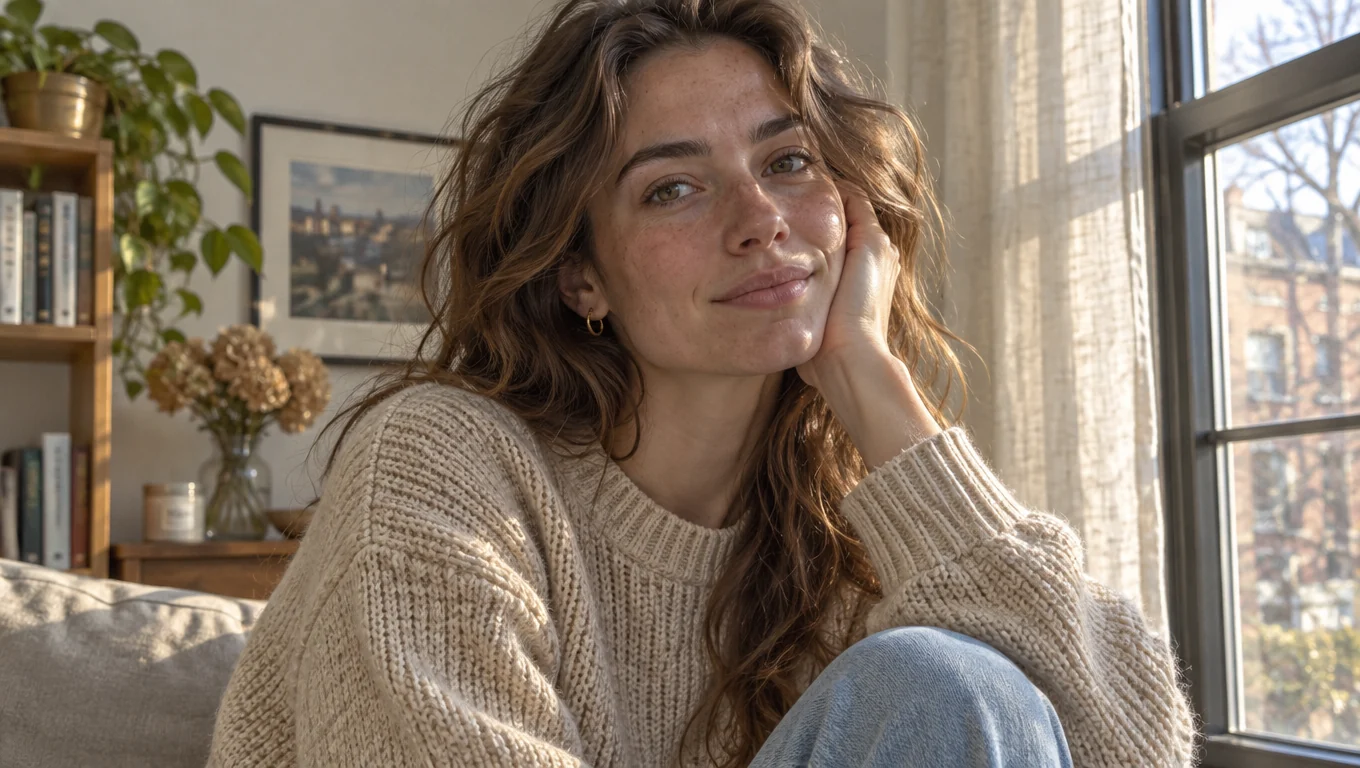
OpenAI frames Images 2.6 as a faster, more professional still than the previous line. The test is ordinary light on skin, fabric, and a product surface, not a generic photoreal tag.
- Name the light and the material in the prompt.
- This page does not claim the still is indistinguishable from a camera.
Posters with type you can read
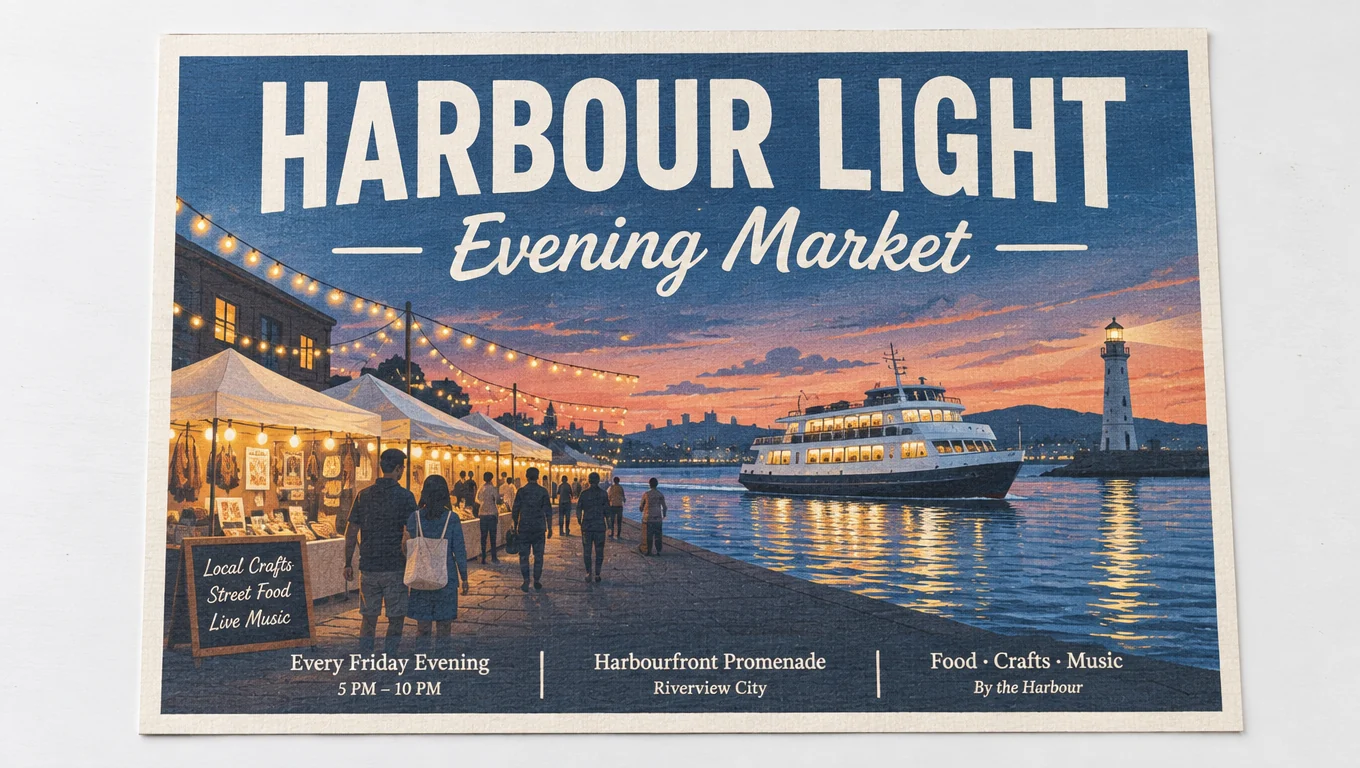
Launch notes include posters and labels. GPT Image 2.6 can place a headline in the still. You still read it before the poster ships.
- Name the headline, the language, and where it sits.
- Small type is safer at 2K or 4K. Medium 2K is 10 credits. Medium 4K is 18.
A product that stays the product
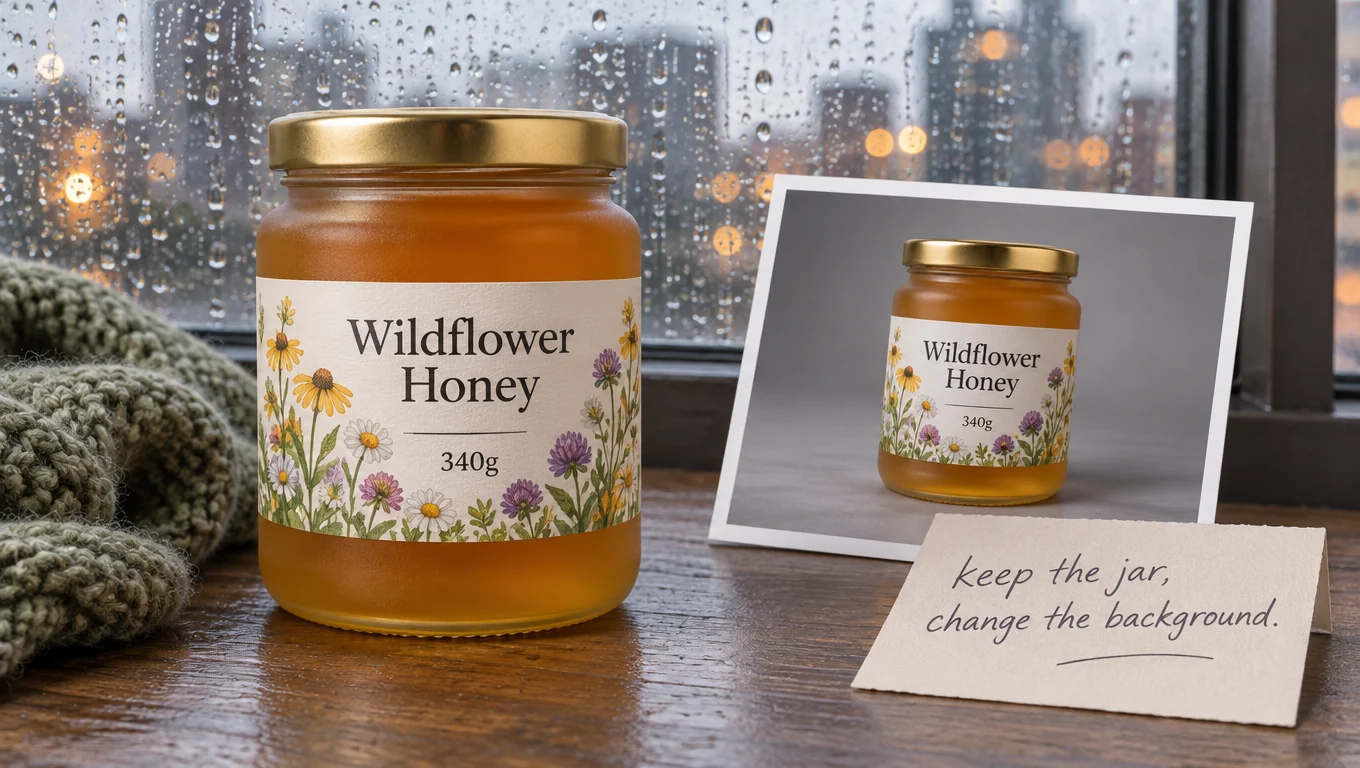
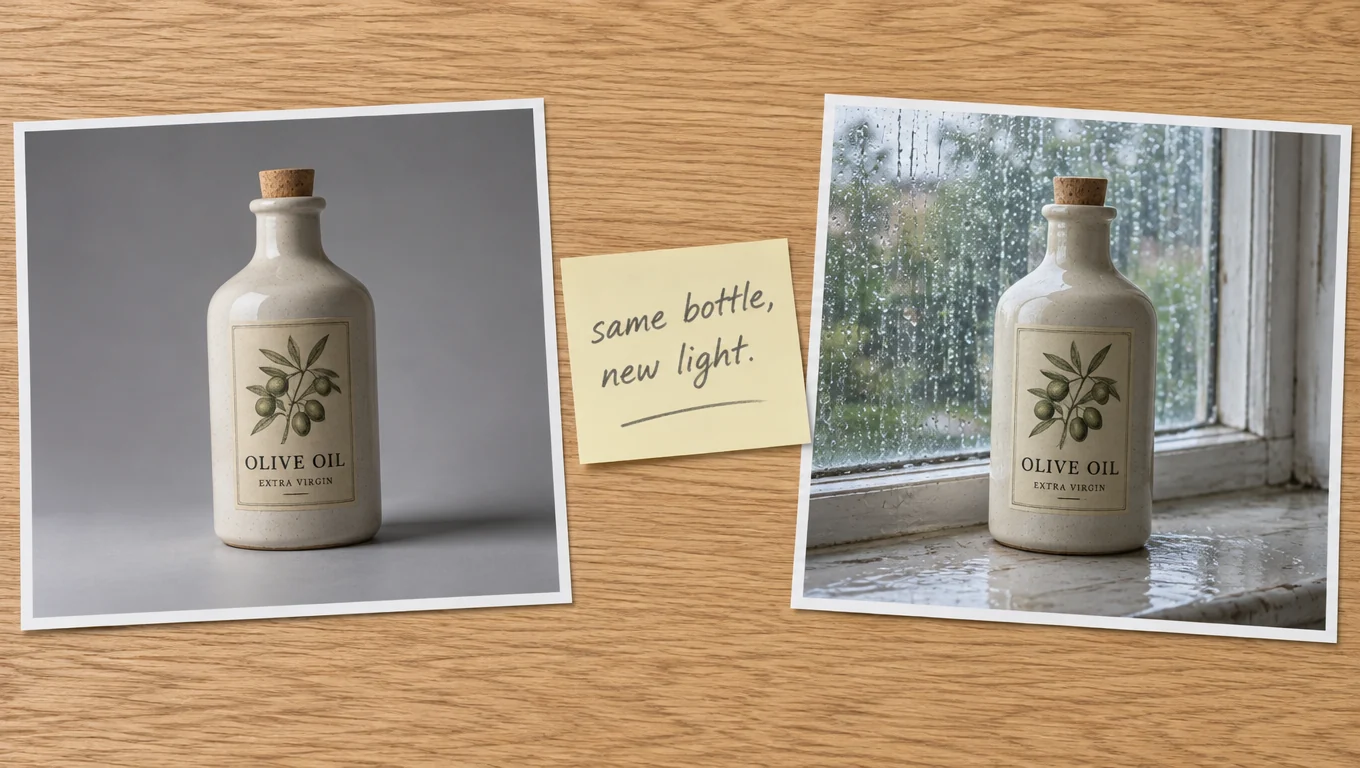
OpenAI positions 2.6 to hold a character, product, or brand detail across edits. Upload the pack, write the one change, and keep GPT Image 2.6 selected so the edit path runs.
- CamArt accepts up to 16 reference stills.
- One reference at medium 1K is 7 credits. Extra references add to the quote.
Flare first, Sunburst when it has to hold
OpenAI's guide says start with Flare when speed matters, and Sunburst when detail, layout, or edit accuracy is the bar. Same credits either way.
- If a 2.5 Flare workflow is moving, test 2.6 Flare first.
- If a 2.5 Sunburst workflow is moving, test 2.6 Sunburst first.
How to Use GPT Image 2.6 Generator in CamArt
Three steps from a GPT Image 2.6 prompt to a still you can check.
-
STEP 01
Write the still
Keep GPT Image 2.6 Flare selected, or switch to Sunburst. Write the subject, the light, and any words on the image. Recreate can fill the prompt from an Inspiration post. The prompt field allows 16,000 characters.
-
STEP 02
Set ratio, quality, and refs
Set aspect ratio, quality from low through max, and 1K, 2K, or 4K. Medium 1K is 5 credits. Add up to 16 reference photos when the edit has to keep a person or a pack. One reference at medium 1K is 7 credits.
-
STEP 03
Generate, check the still, and save
The credit count shows before Generate. Credits are deducted on start. Check light, the subject, and any spelling, then keep the still in Assets. Output is a PNG still.
Who Should Use GPT Image 2.6 Generator on CamArt
GPT Image 2.6 fits a poster, a product shot, or an edit that has to keep the subject. A one-line style sketch can stay on a lighter model.
-
Marketers finishing a poster
Name the headline, the language, and where it sits. Check the spelling before the poster ships. Small type is safer at 2K or 4K.
-
Product teams keeping a pack
Upload the bottle or box, then change only the scene. OpenAI's 2.6 pitch is that the product and the brand detail stay put.
-
People drafting on Flare
Flare is the speed pass for a poster or a product shot. Medium 1K is 5 credits, so a few drafts stay readable on the quote.
-
People finishing on Sunburst
Sunburst is the detail pass when layout or the next edit has to hold. Same CamArt credits as Flare. Switch it in the picker.
-
Editors with a stack of refs
CamArt accepts up to 16 stills on the edit. Say what stays and what changes. One reference at medium 1K is 7 credits.
-
People comparing 2.5 and 2.6
GPT Image 2.5 stays in the picker at 3 credits for medium 1K. This page does not claim 2.6 wins every still. Test the same prompt on both.
Explore More AI Image Models on CamArt
FAQs
Is GPT Image 2.6 the same as ChatGPT Images 2.6?
Yes. ChatGPT Images 2.6 is the name in ChatGPT. The API names are gpt-image-2.6-flare and gpt-image-2.6-sunburst. OpenAI published the launch on 4 November 2026. CamArt lists them as GPT Image 2.6 Flare and GPT Image 2.6 Sunburst. This page defaults to Flare.
How is GPT Image 2.6 different from GPT Image 2.5?
OpenAI positions 2.6 as a faster generation and editing update, with steadier characters, products, and brand details across edits. Flare and Sunburst both return. On CamArt, medium 1K is 5 credits. GPT Image 2.5 medium 1K is 3 credits.
Should I use Flare or Sunburst?
Use Flare for a quick first pass on a poster or product shot. Use Sunburst when the still has to hold detail or survive another edit. On CamArt the two share one credit table. OpenAI's six-second note is for Flare at low quality on the API. CamArt does not promise a clock time.
Can GPT Image 2.6 edit from reference photos?
Yes. Generate is text to image. Add reference photos and write the change to run the edit. CamArt accepts up to 16 reference images. Jobs are one Generate or Edit at a time.
Can I generate 4K stills with GPT Image 2.6 on CamArt?
Yes. CamArt exposes 1K, 2K, and 4K, plus quality low, medium, high, x-high, and max. Default is medium 1K (5 credits). Medium 2K is 10 credits. Medium 4K is 18 credits.
Is the GPT Image 2.6 generator free on CamArt?
No. CamArt is credit based. Medium 1K is 5 credits. Sign in with Google or an email magic link. Ranking pages that advertise unlimited free generations are not CamArt.
How much do GPT Image 2.6 credits cost on CamArt?
One credit equals $0.01 of generation cost. Text to image at medium is 5, 10, or 18 credits at 1K, 2K, or 4K. Edit at medium 1K with one reference is 7 credits. Extra references add to the quote, up to 16 stills. Credits on Generate are deducted on start.
Does CamArt export GIF, SVG, or markup for GPT Image 2.6?
No. OpenAI's API can return a GIF or SVG, and it can take a markup layer or a complexity setting. CamArt GPT Image 2.6 jobs take a prompt, optional reference photos, ratio, quality, and 1K, 2K, or 4K, and return a PNG still. Saved named references in ChatGPT are not a CamArt control.
Can I use GPT Image 2.6 images commercially on CamArt?
CamArt plans allow commercial use of outputs subject to law and third-party model terms. Review OpenAI's current terms for GPT Image 2.6. CamArt does not promise exclusivity or that an output is free of third-party rights.
Generate a GPT Image 2.6 still
Write the subject, the light, and any words on the image. Add a reference photo when the edit has to keep the subject.