
Grok Imagine
A prompt becomes a still, and a written instruction can edit one source photo. Issuer Quality Mode is Imagine Image 2.0 for layout, type, and identity. CamArt defaults to Standard stills, with Quality as the higher-detail 1K or 2K SKU.
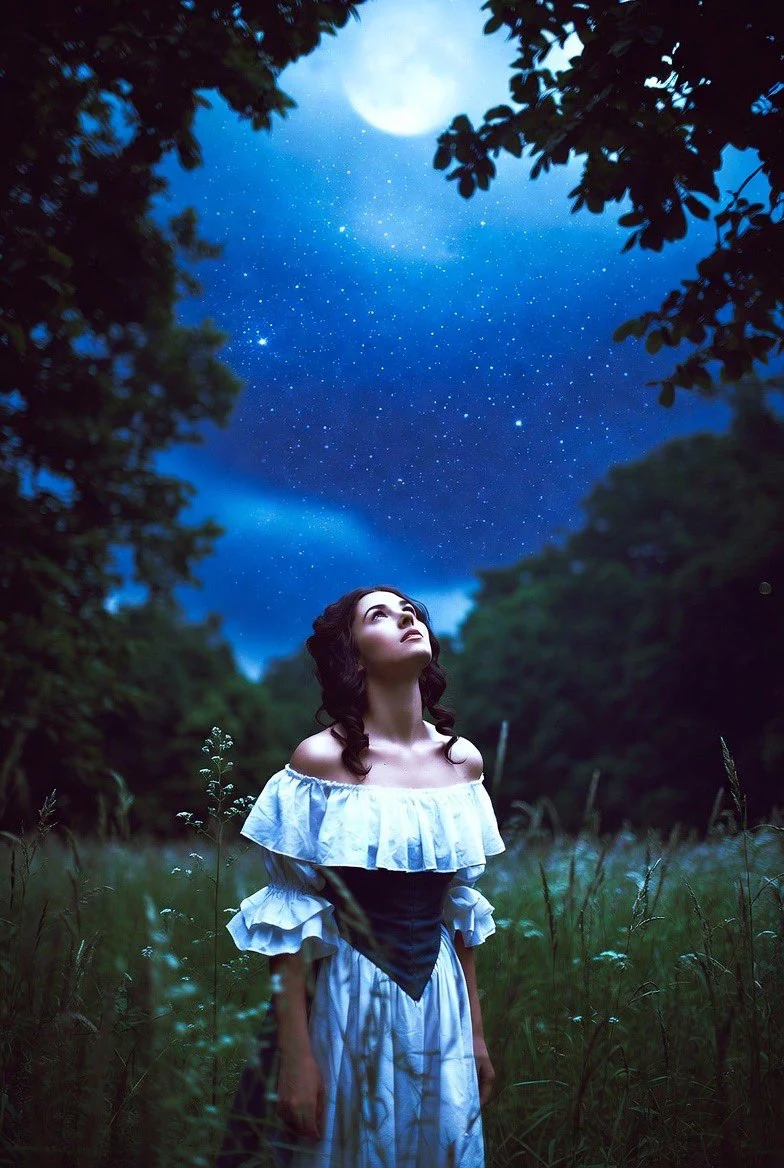
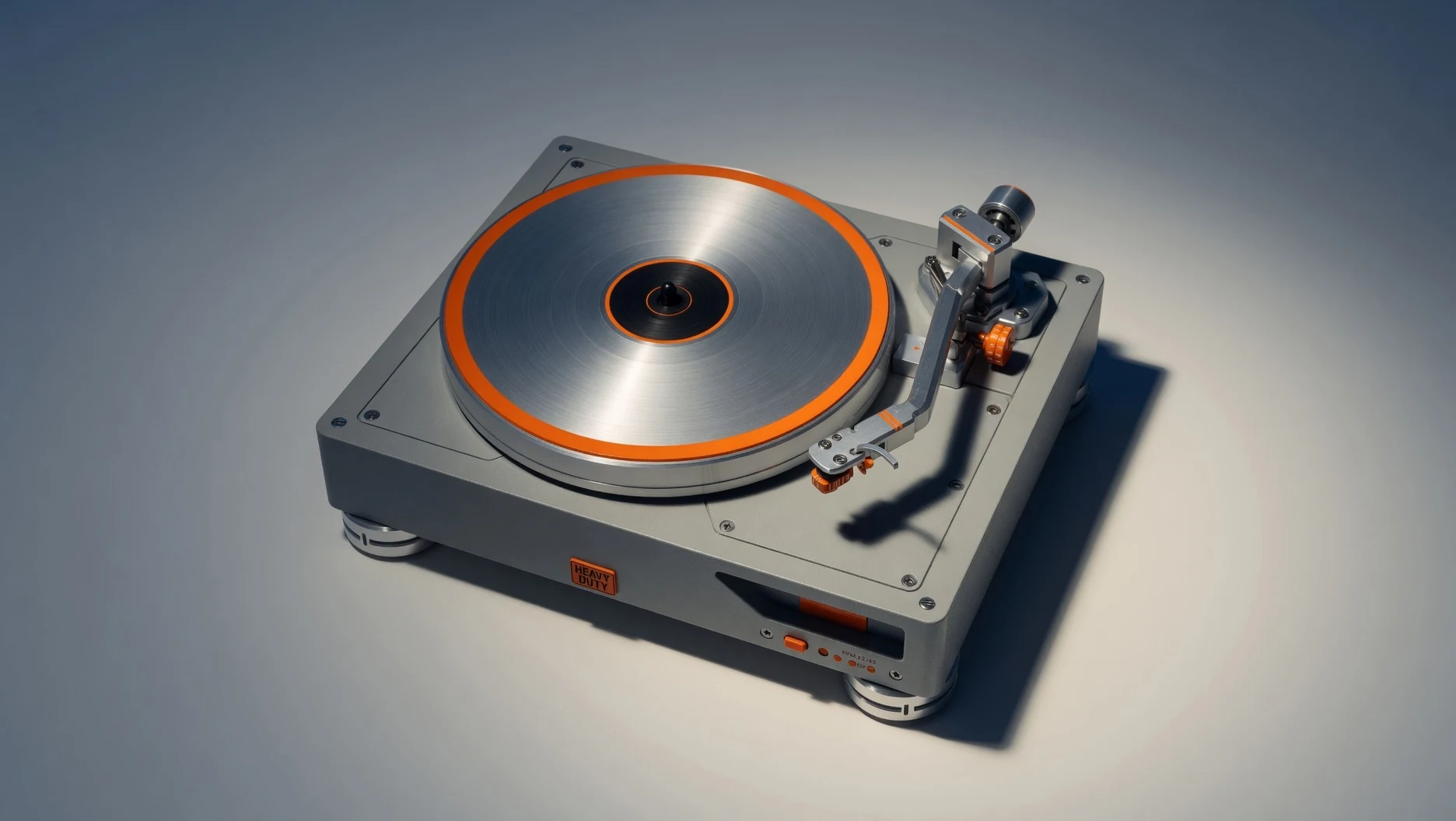
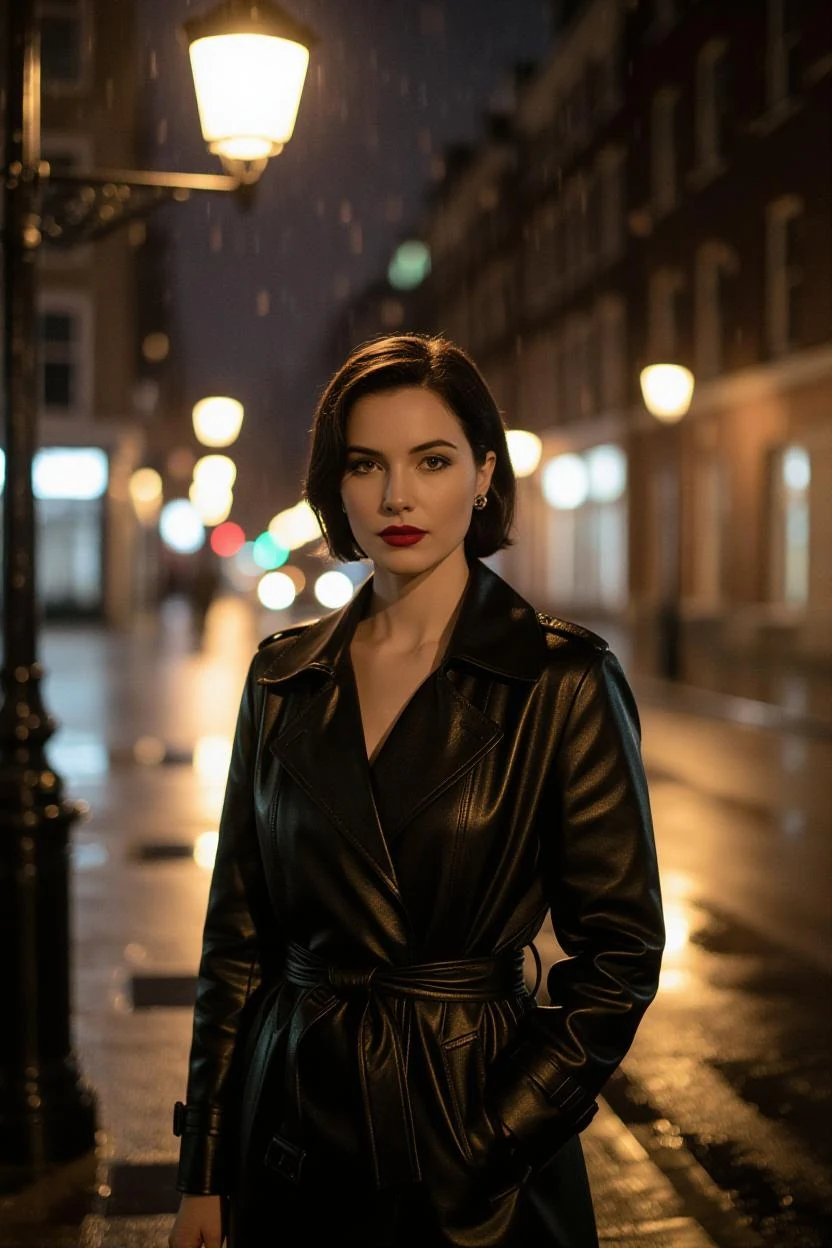
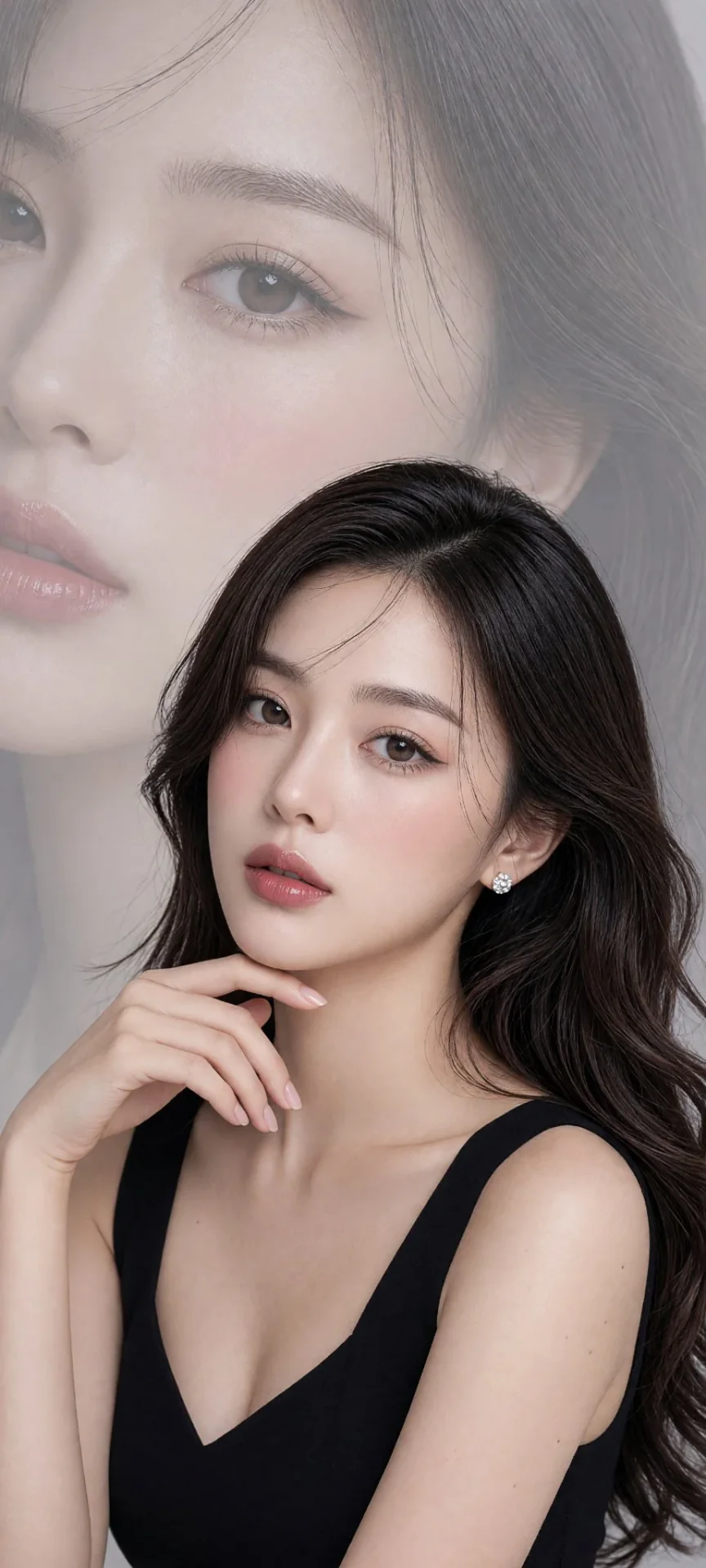
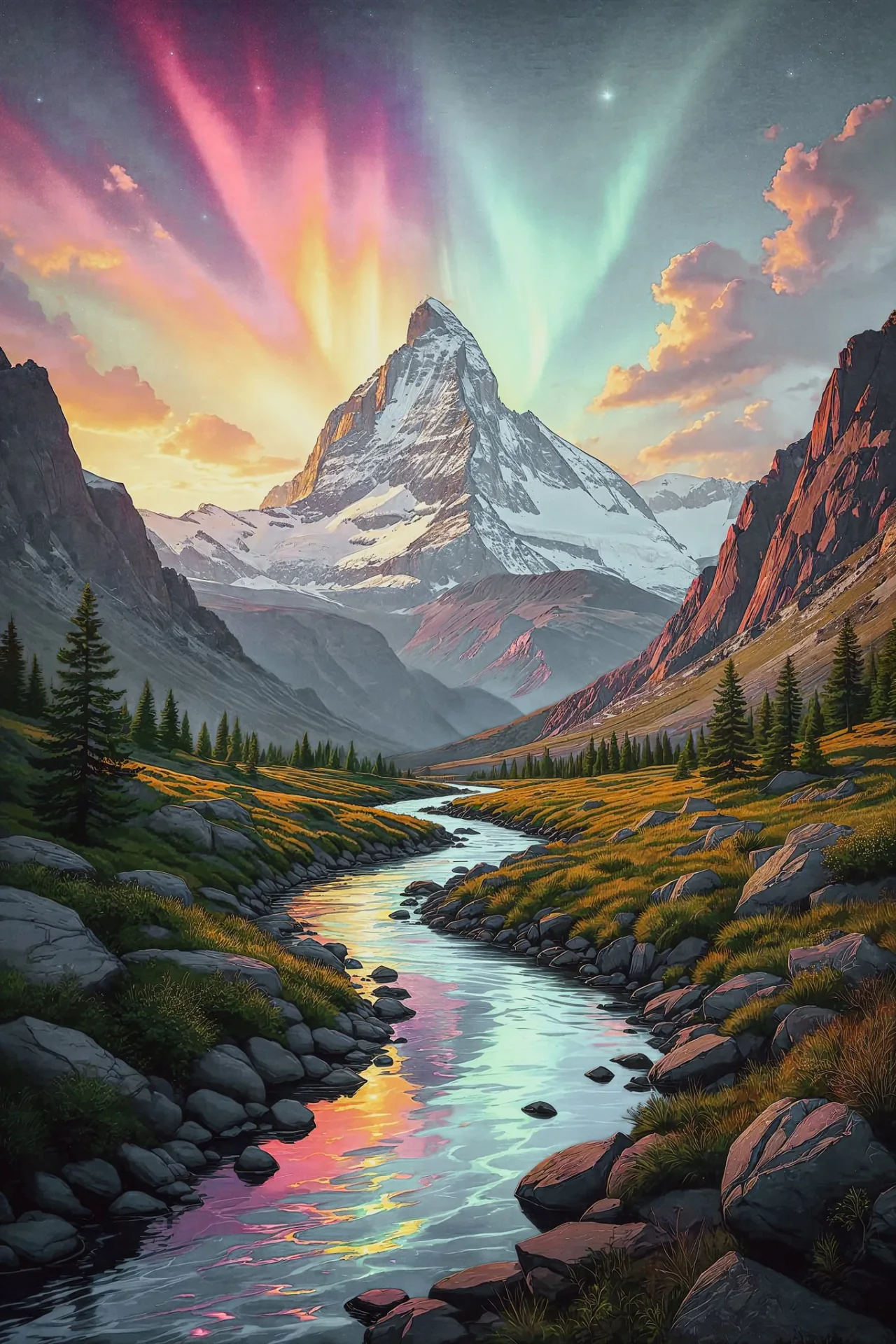
What is Grok Imagine
Grok Imagine is xAI's image generation product. On grok.com/imagine the current Quality Mode is Imagine Image 2.0. This page is stills, not Grok Imagine Video.
Text to image
Describe the scene, style, and framing; Grok Imagine returns a still.
Prompt edit
Add a source photo and write the change; CamArt Edit uses one reference image.
Standard and Quality
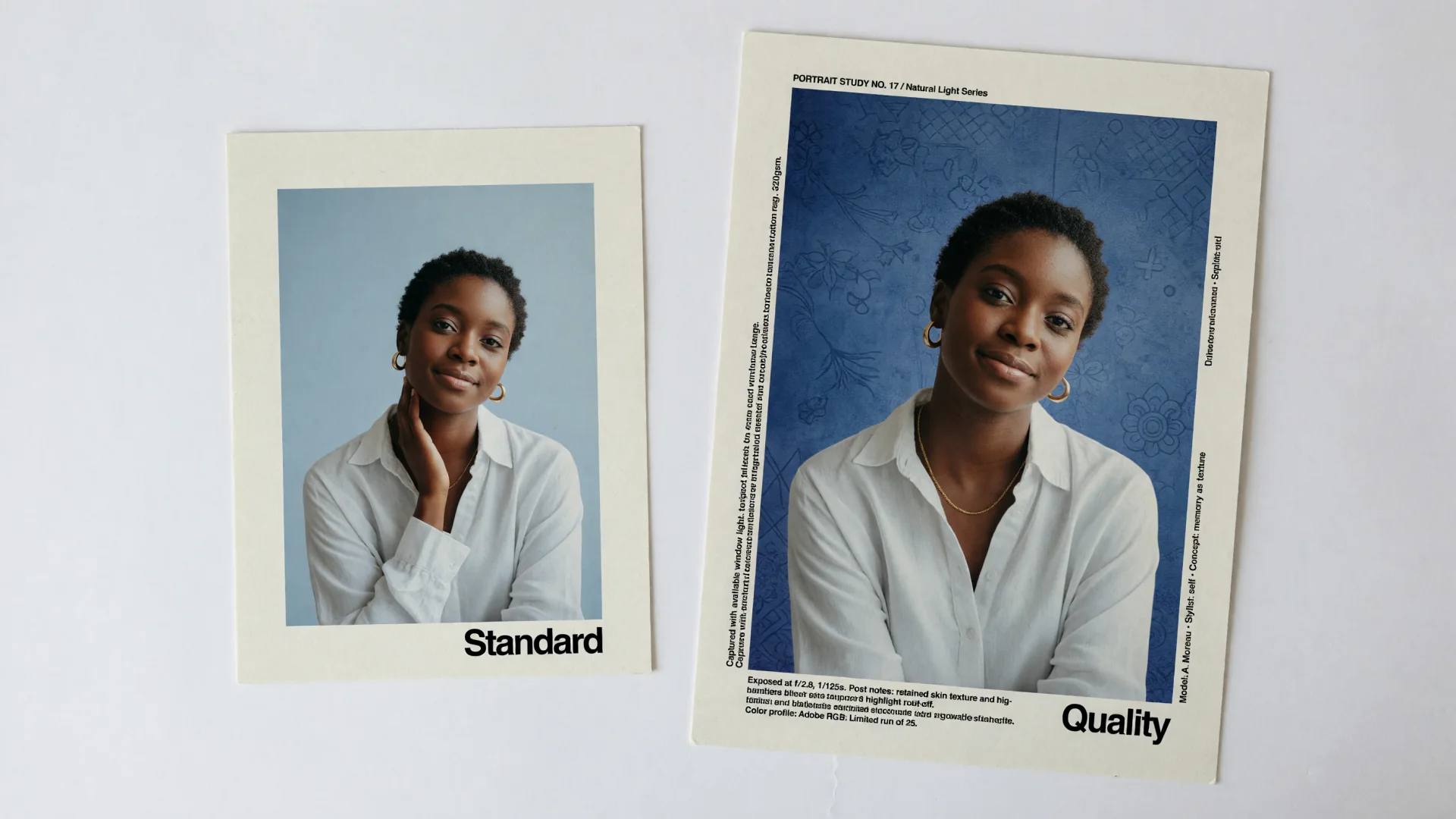
Standard is the default CamArt SKU; Quality is the higher-detail 1K or 2K row.
1K and 2K
CamArt lists 1K or 2K for both SKUs; Quality bills more at 2K.
Aspect ratios
Square, story, landscape, and other Create image chips, including 16:9 and 9:16.
xAI Imagine family
The same Imagine name also covers short video on grok.com and a separate CamArt video SKU; this page generates stills.
Examples of Grok Imagine from X
Community stills on X made with Grok Imagine. Copy a prompt and try it in the editor.
-
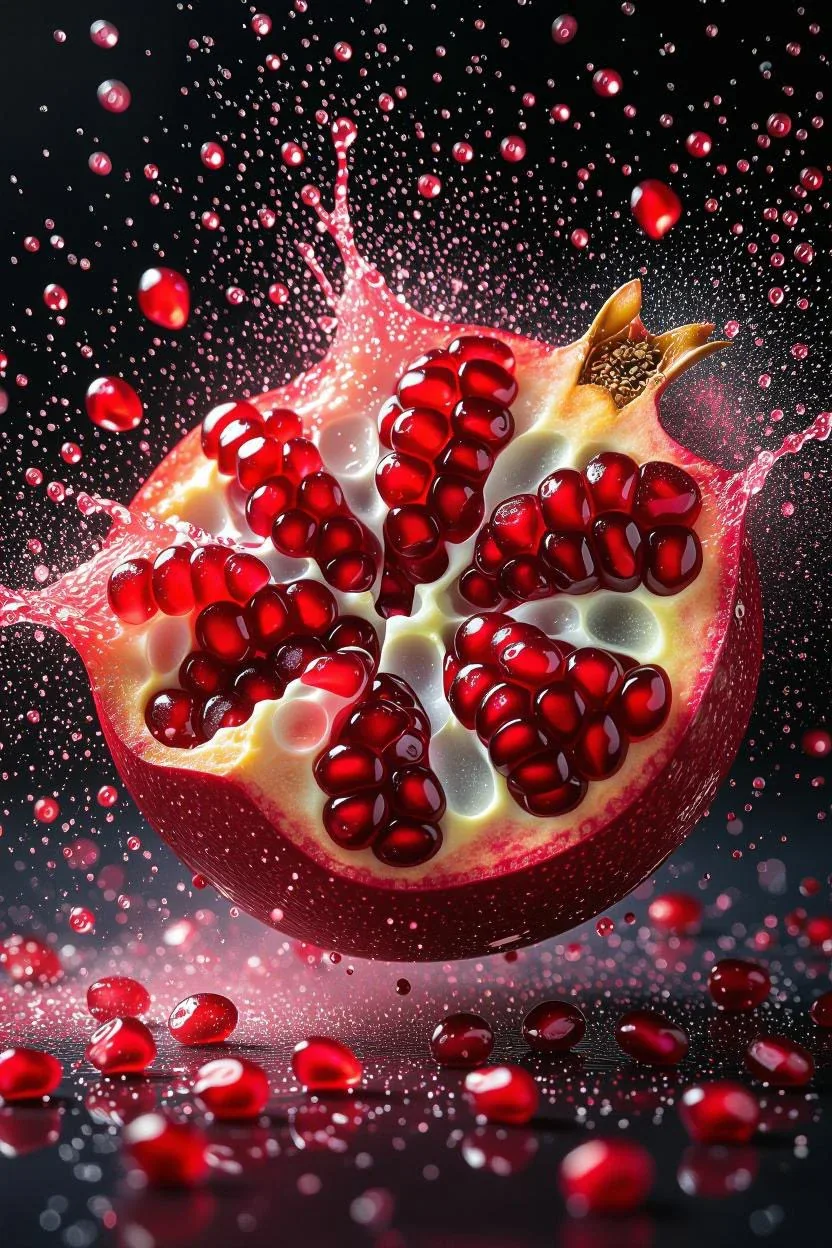
Food Photography
Bursting Pomegranate
 PROMPT
A dramatic close-up of a ripe pomegranate bursting open in midair, scattering vibrant ruby-red seeds and fine juice droplets against a deep black background. The glossy pomegranate arils glisten with fresh moisture, with ultra-sharp focus capturing every droplet and texture of the fruit’s inner flesh and rough outer skin. The explosion of seeds and misty red juice particles creates a dynamic, high-speed motion effect, frozen in time with cinematic clarity, ultra-detail textures, and 8K hyper-realism, evoking the essence of a luxury food photography shot.
-
Travel & Scenery
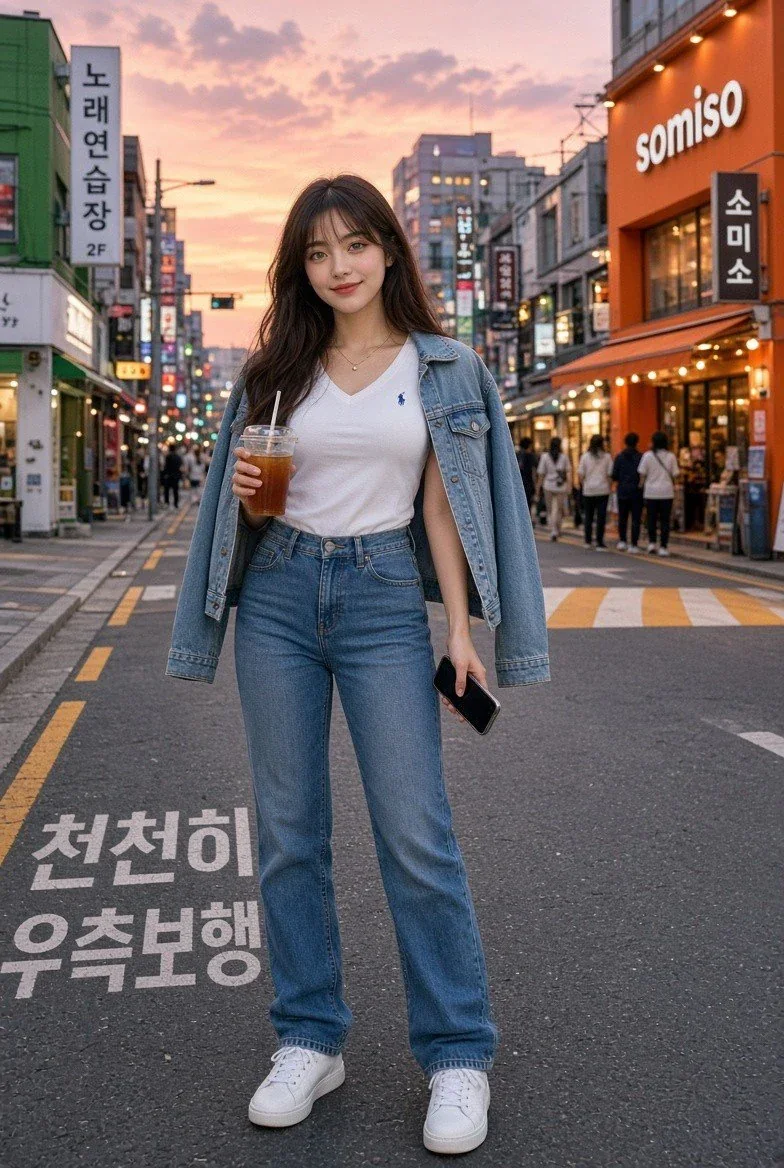
Seoul Sunset Street
 PROMPT
A korean girl, full-body photorealistic street-style portrait walking on a busy Seoul city street at sunset, long dark wavy hair with soft bangs, natural Korean makeup and clear skin, wearing a white polo shirt, blue denim jacket draped over her shoulders, high-waisted light blue jeans, and white sneakers. Holding an iced coffee in one hand and a black smartphone in the other, relaxed gentle smile, colorful Korean storefront signs and pedestrians in the background, warm golden-hour lighting, cinematic depth of field, realistic urban atmosphere, high detail.
-
Characters & Fantasy
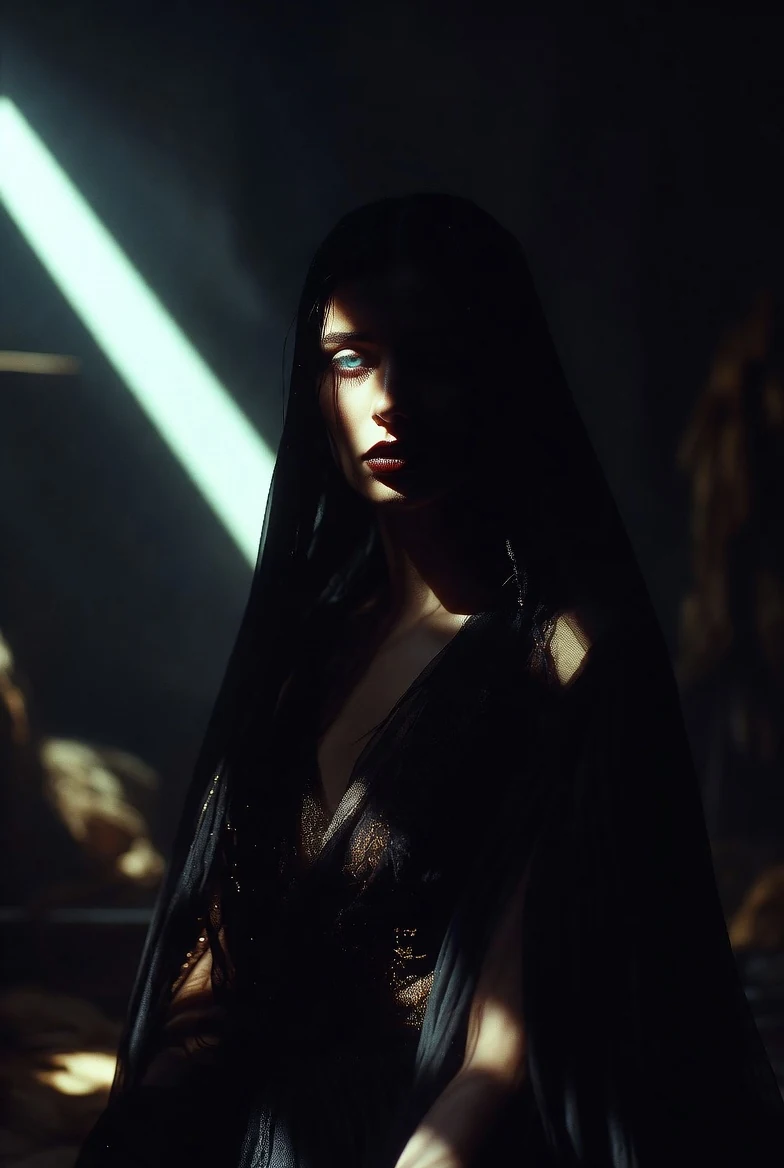
Spotlight Sorceress
 PROMPT
A Mysterious Sorceress portrayed in a Dramatic Spotlight style, with a single, intense light source casting deep shadows and highlighting key features. Use high-contrast shading to create a sense of drama and tension. Made in @grok Imagine
-
VFX & Surreal
Skull Fractal Portrait
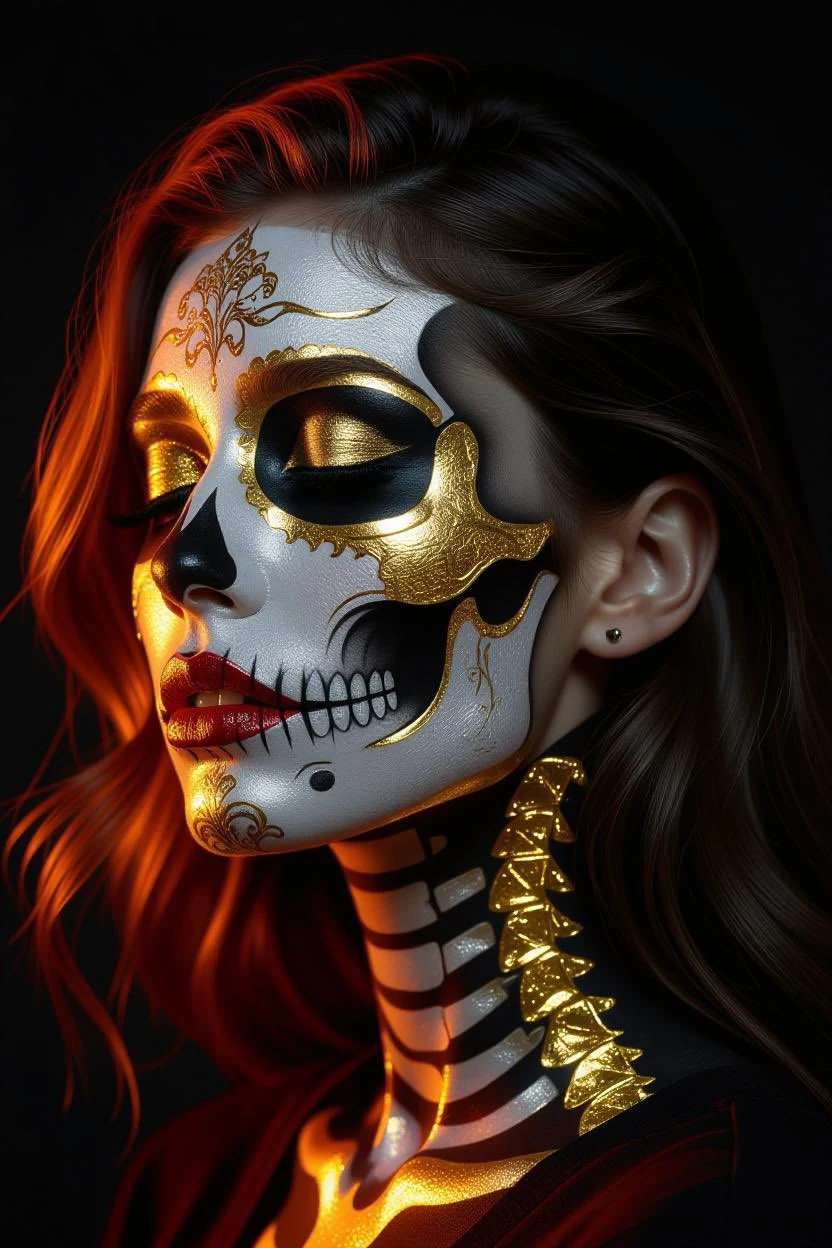 PROMPT
A woman’s face painted as a skull, reaching the critical point of gold depicted as silver fractal shapes blending together, in chiaroscuro neon style, with gold and crimson light-dark contrast in neon, abrasive authenticity , ambient occlusion, depth...
-
Fashion & Style
Korean White Street Look
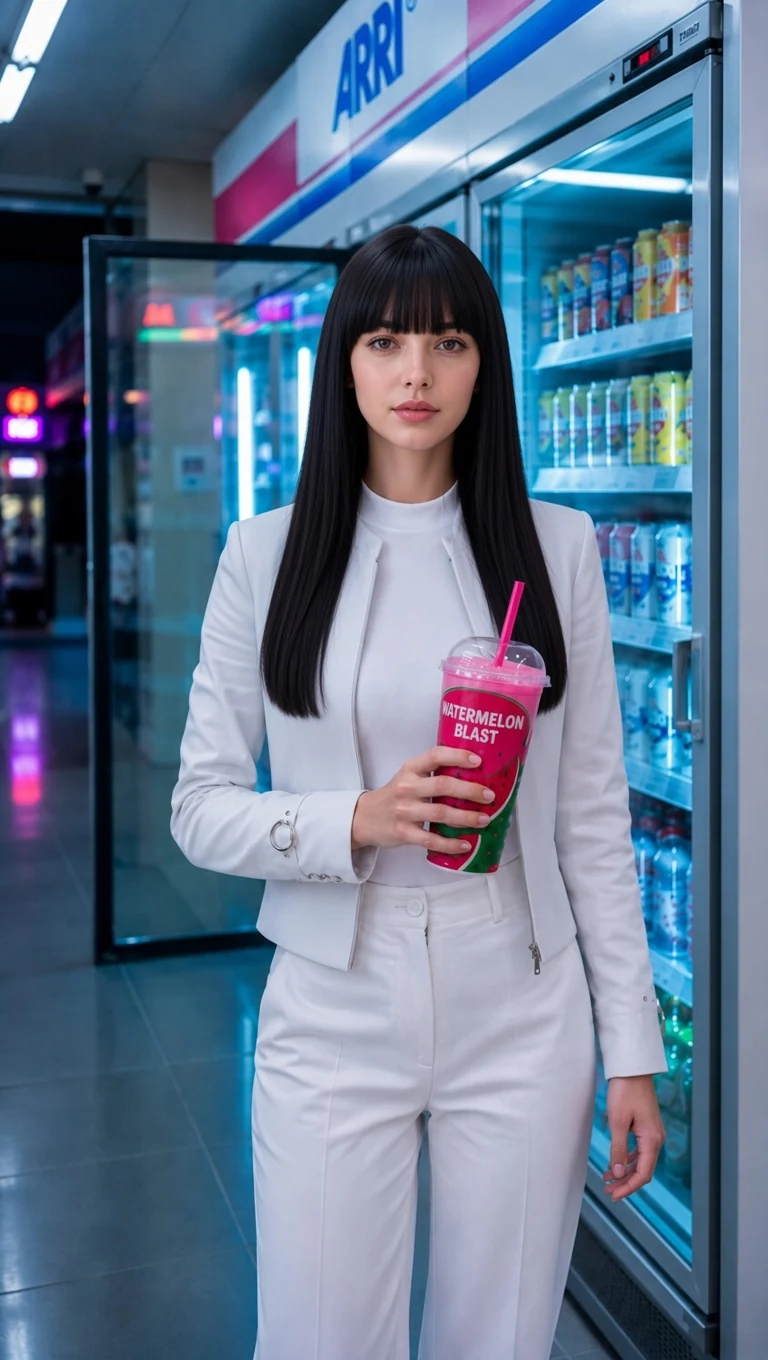 PROMPT
Korean girl, elegant modern Korean style, long black wavy center-parted hair, soft natural makeup, wearing a white fitted jacket with a high-neck white top and matching white trousers. Holding the same pink watermelon drink with straw. Standing inside the same bright convenience-store juice market, colorful drink refrigerators, cool blue lighting, neon reflections, photorealistic cinematic style, natural pose, 9:16 vertical.
-
Interiors & Spaces
Blossom Interior Editorial
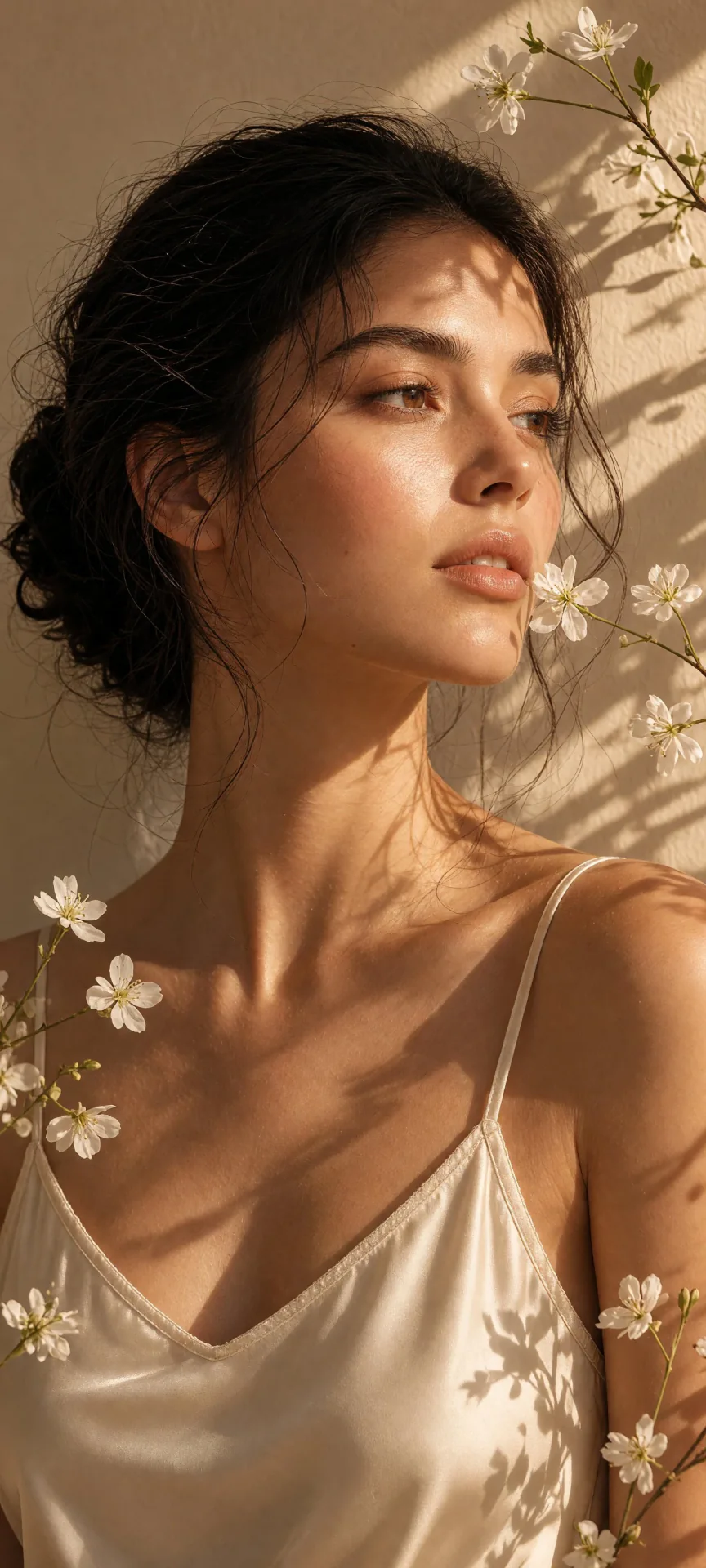 PROMPT
Create a vertical 4:5 ultra-realistic dreamy beauty-editorial portrait featuring a woman photographed closely against the same simple warm neutral interior wall, surrounded by a few delicate white blossoms on slender natural stems. Frame the portrait from approximately the upper chest upward, with her face slightly turned toward the incoming sunlight. Position small flowers naturally beside her cheek, lips, forehead, and shoulder so they become part of the composition without obscuring her facial features. Dress her in a refined minimalist luxury summer camisole made from champagne-ivory silk with ultra-thin straps, a softly sculpted neckline, subtle hand-finished edging, and understated couture construction. Style her dark hair into an effortless low textured bun with loose wispy strands escaping around her temples, ears, and jawline. Keep the makeup very fresh and luminous: natural glowing skin with visible pores, softly feathered brows, delicate lashes, champagne-peach eyelids, warm blush, a faint sun-kissed glow, and naturally glossy nude-peach lips. Preserve the same plain warm wall and delicate flower arrangement while allowing strong golden sunlight to create organic bands of light and botanical shadows across her forehead, eyes, nose, cheeks, neck, and shoulder. The overall mood should feel dreamy and poetic while remaining exceptionally photographic. Keep her eyelashes, iris detail, flyaway hairs, flower petals, stems, skin texture, clothing fibers, and wall texture clean and sharply rendered. No artificial depth-of-field blur, no excessive glow, no hazy facial features. Fine-art editorial beauty photography, golden-hour intimacy, quiet summer femininity, natural shadow play, warm analog-film tones, sophisticated minimalist styling, high-resolution realistic detail.
Key Features of Grok Imagine
What xAI documents for Grok Imagine stills, written as things you can prompt: text to image, one-photo edit, Quality Mode follow and type, identity hold, style range, and 1K or 2K output.
-
Text to image stills
Grok Imagine turns a written prompt into a still. xAI positions Imagine Image 2.0 for photography, design, and illustration fidelity you can use in real work.
-
Natural-language photo edit
Write the change instead of masking layers. CamArt Edit takes one source image. Issuer apps may accept more refs; this page does not.
-
Quality Mode instruction follow
On grok.com/imagine, Quality Mode is Imagine Image 2.0, built to follow layout and type instructions closely. CamArt exposes Quality as a separate picker row.
-
Identity across generate and edit
Image 2.0 is framed as preserving the subject you put in while the scene changes. Keep the instruction specific about what stays.
-
Photo, illustration, and campaign looks
Prompt the look: photoreal product, fashion editorial, or stylized concept. CamArt has no separate style menu.
-
1K or 2K still output
xAI documents 1024 and 2048. CamArt lists 1K or 2K for Standard and Quality. This page does not claim 4K.
Name the still in the prompt.
Grok Imagine follows a written brief: subject, camera, lighting, and any on-image type. Quality Mode on grok.com is Imagine Image 2.0 for tight instruction follow. Standard is the faster creative still path. Keep the CamArt prompt specific rather than a one-line style tag.
Grok Imagine Model Comparison
Grok Imagine stills start at 4 credits on Standard with a one-photo prompt edit, whereas GPT Image 2, Nano Banana 2, and Seedream 5.0 Pro cost more and take more refs.
| Fact | Grok Imagine | GPT Image 2 | Nano Banana 2 | Seedream 5.0 Pro |
|---|---|---|---|---|
| Issuer | xAI Grok Imagine stills. | OpenAI GPT Image 2. | Google Gemini 3.1 Flash Image (Nano Banana 2). | ByteDance Seed Seedream 5.0 Pro. |
| Best for | Cheap Standard stills plus a one-photo prompt edit. | Instruction-heavy briefs and readable in-image type. | Fast character-consistent stills at Flash cost. | Dense infographics and layout-aware stills. |
| Strength | Standard drafts at 4 credits. Quality is the type-heavy SKU. | Natural-language instruction follow plus identity-holding edits. | Flash-speed stills with up to five-character consistency. | Infographic hierarchy that holds labels in one still. |
| In-image text | Usable type on posters when the prompt names the words. Not a typography-first engine. | Readable lettering, including Japanese, Korean, Chinese, Hindi, and Bengali. | Readable in-image words on cards and UI mockups. | Native multilingual type on charts, posters, and decks. |
| Generate and edit | T2I plus single-image prompt edit. | T2I plus up to 8 reference stills on Edit. | T2I plus Edit with up to 8 refs. Up to 5-character consistency. | T2I plus Edit with up to 8 images. |
| CamArt credits | Standard 4 credits. Quality is 6 at 1K / 2K. | 6 credits per still. | 6 credits per still. | 5 credits per still. |
| Resolution on CamArt | Quality unlocks 1K or 2K. This page is not Grok Imagine Video. | 1K or 2K. CamArt does not connect ChatGPT thinking or web search. | 1K or 2K. Not CamArt 4K. | 1K or 2K. Do not treat issuer 4K talk as this picker. |
Sources: xAI Grok Imagine; OpenAI ChatGPT Images 2.0; Google Nano Banana 2; ByteDance Seedream 5.0 Pro.
Why Choose Grok Imagine in CamArt
Choose Grok Imagine when you want xAI stills, a one-photo prompt edit, or the Quality 1K or 2K row. CamArt runs Standard by default.
Photoreal product and campaign frames, not a demo mosaic
xAI frames Grok Imagine Image 2.0 as images you can use in real work: product, photography, and illustration fidelity. Standard on CamArt is the everyday still path.
- Name material, lighting, and camera in the prompt.
- Judge the still in preview before you ship a campaign crop.
Layout and type belong in the prompt, especially on Quality
Imagine Image 2.0 is the issuer Quality Mode for tight instruction follow, typography, and multi-part posters. CamArt Quality is the 1K or 2K row, not grok.com templates.
- Call out on-image copy, placement, and ratio.
- Switch to Grok Imagine Quality when type has to hold.
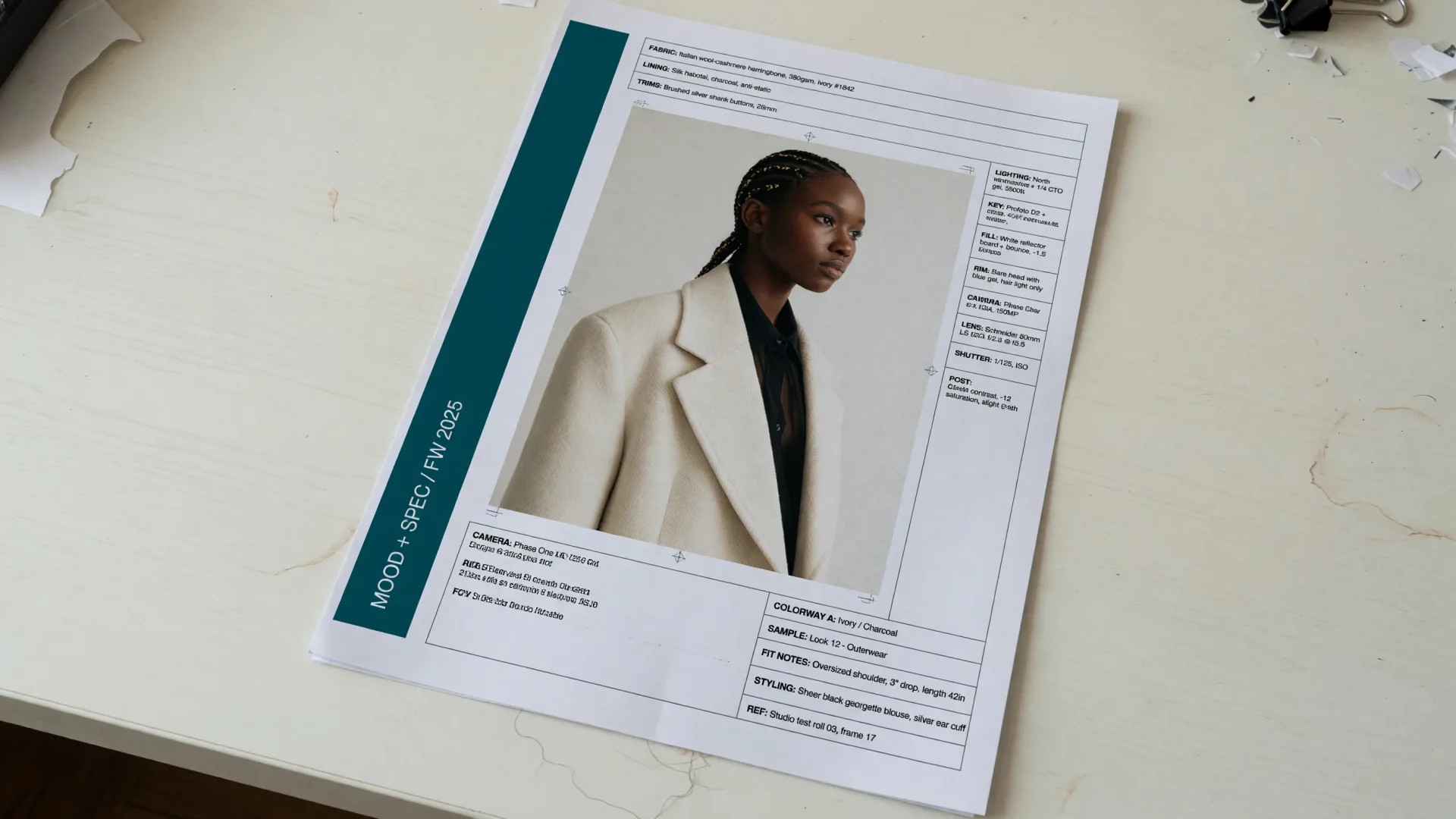
One source photo plus a written change
Grok Imagine can edit a photograph from natural language. On CamArt, add one reference still and keep Grok Imagine selected so Generate switches to the edit SKU.
- Upload one source image. CamArt does not take 3 to 5 refs.
- Write what stays and what changes.
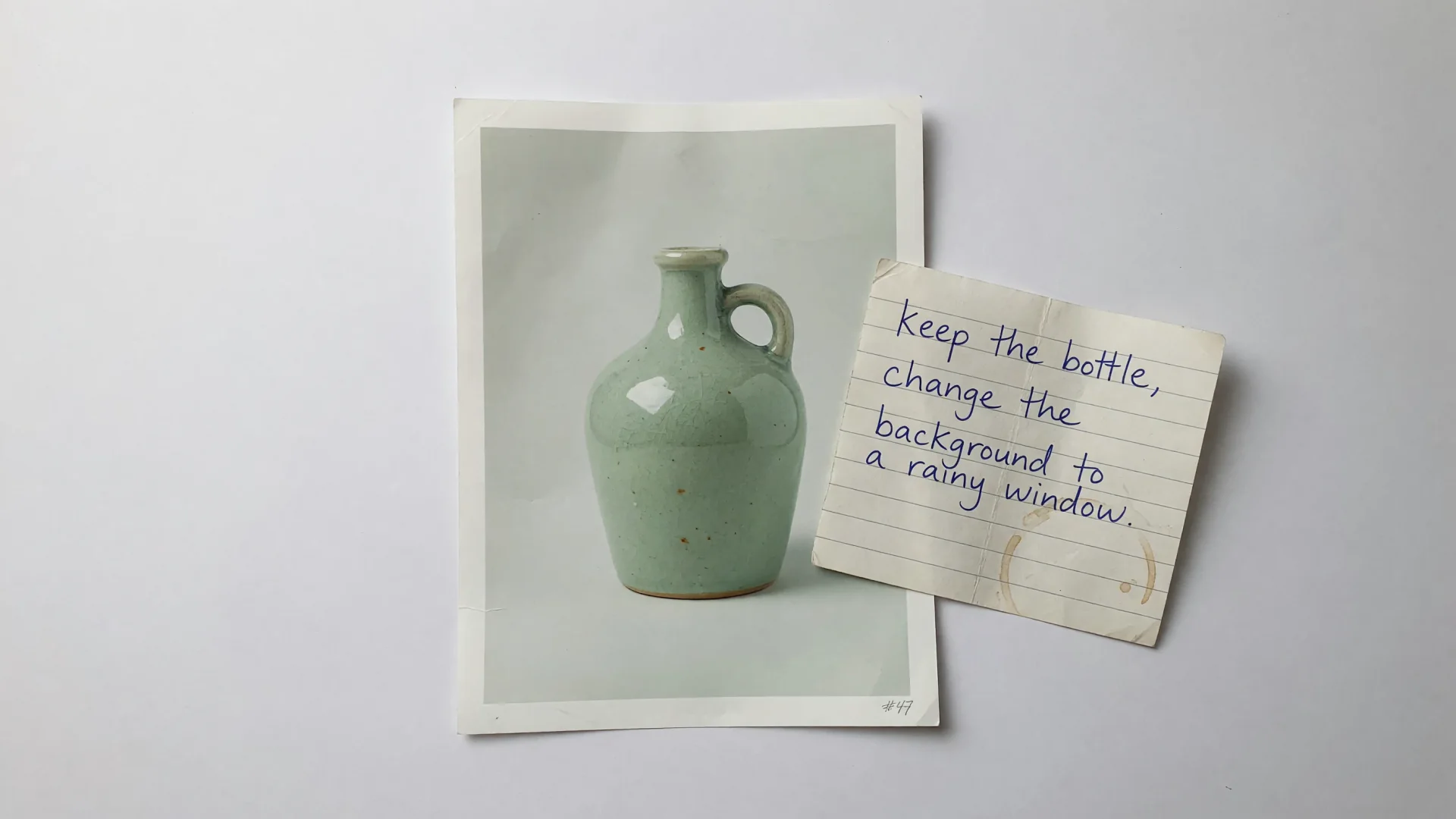
4 credits on Standard, more at Quality 2K
Standard text-to-image is listed at 4 credits. Quality is 6 credits at 1K and 8 at 2K. Edit is 5 credits on Standard, or 7 and 9 on Quality. 1 credit equals $0.01 COGS.
- Stay on Standard for drafts and broad ratios.
- Pick Quality when you want the higher-detail 1K or 2K SKU.
How to Use Grok Imagine in CamArt
Three steps from a prompt to a saved still.
-
STEP 01
Write the still
Keep Grok Imagine selected, or switch to Grok Imagine Quality. Write subject, style, camera, lighting, and any on-image copy. CamArt's prompt field is 2000 characters.
-
STEP 02
Set ratio, resolution, and one ref
Set aspect ratio and 1K or 2K. Add one reference photo when you need a prompt edit.
-
STEP 03
Generate, check, and save
Generate, check the preview, then save from Creations. Credits on Generate are deducted on start (1 credit = $0.01 COGS).
Who Should Use Grok Imagine on CamArt
Grok Imagine fits briefs that need an xAI still, a one-photo prompt edit, or the Quality 1K or 2K row. Short video belongs on the Grok Imagine Video SKU, not this Generate island.
-
Campaign and product stills teams
Grok Imagine is built for usable product and campaign frames. Prompt material, lighting, and camera instead of a blank moodboard.
-
Fashion and beauty editors
Editorial portraits and clothing stills are a common Imagine Image 2.0 class. Check identity and fabric in preview.
-
Character and concept artists
Fantasy and stylized stills work from a written brief. Standard is the cheaper creative path.
-
Photographers who need a prompt edit
Add one source photo and write the change. CamArt Edit is one reference image, not a 5-ref composite.
-
Social stills in square, 9:16, or 16:9
CamArt exposes Create image chips including 16:9 and 9:16. Generate one still per job.
-
Layout work that needs on-image type
Issuer Quality Mode is Imagine Image 2.0 for posters and type. Switch to Grok Imagine Quality when labels have to hold.
Explore More AI Image Models on CamArt
FAQs
Is Grok Imagine an image generator or a video generator?
Both, on grok.com/imagine. This CamArt page generates stills. Grok Imagine Video is a separate CamArt SKU (6 to 10 seconds, 720p or 1080p, no native audio in the CamArt picker).
Grok Imagine vs Grok Imagine Quality / Image 2.0?
Standard is the default CamArt still SKU (4 credits). Quality is the higher-detail 1K or 2K row (6 credits at 1K, 8 at 2K). grok.com Quality Mode is Imagine Image 2.0. CamArt does not list grok-imagine-image-2.0 as its own picker key; Quality still routes to grok-imagine-image-quality.
Can Grok Imagine edit a photo?
Yes. Write the change and add one source image. CamArt Edit is 5 credits on Standard, or Quality edit at 7 credits (1K) and 9 credits (2K). Issuer apps may accept 3 to 5 refs; CamArt Edit is one image.
Is Grok Imagine free on CamArt?
No. CamArt is credit-based. Standard text-to-image is listed at 4 credits. Sign in with Google or an email magic link. Starter credits do not cover every job. grok.com SuperGrok quotas are not CamArt credits.
What resolution does Grok Imagine use?
xAI documents 1K (1024) and 2K (2048). CamArt exposes 1K or 2K for Standard and Quality. This page does not claim 4K.
What is the Grok Imagine limit?
CamArt Generate is one image per job. Issuer API batch of 10 is not a CamArt control. Prompt field is 2000 characters. NSFW is not allowed.
Can I use Grok Imagine images commercially on CamArt?
CamArt plans allow commercial use of outputs subject to law and third-party model terms. Review xAI's current terms for Grok Imagine.
How do I generate a Grok Imagine still on CamArt?
Sign in, keep Grok Imagine selected, write the prompt, set ratio and 1K or 2K, then Generate. Credits shown on the button are deducted on start.
Generate Images with Grok Imagine
Describe the still and any on-image text. Add one reference photo when you need an edit, then hit Generate when you are ready.