
GPT Image 2 Generator
GPT Image 2 follows detailed natural-language briefs into stills with readable in-image text, including Japanese, Korean, Chinese, Hindi, and Bengali. The same OpenAI model, gpt-image-2, also edits from reference images while keeping identity and layout.
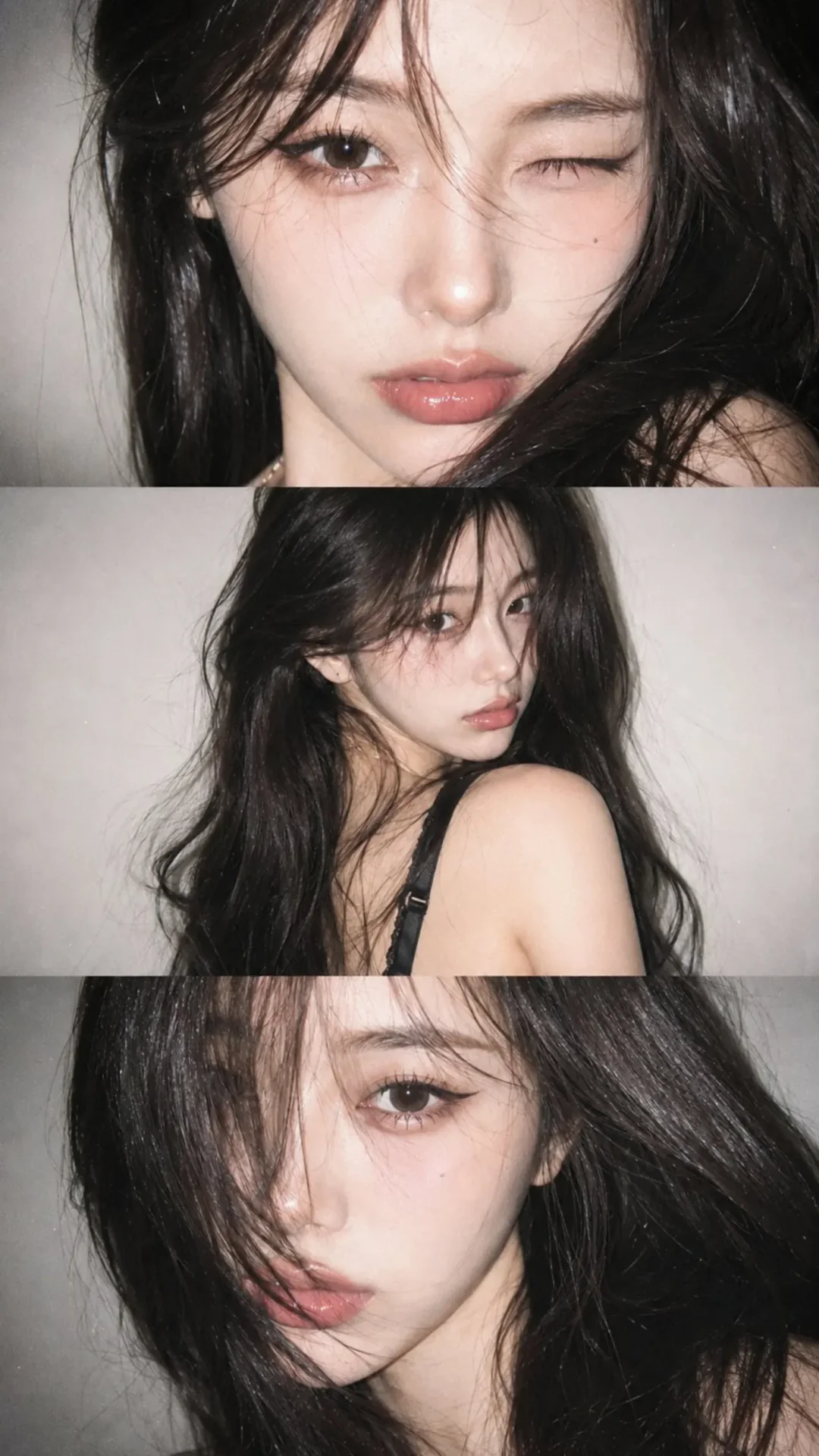
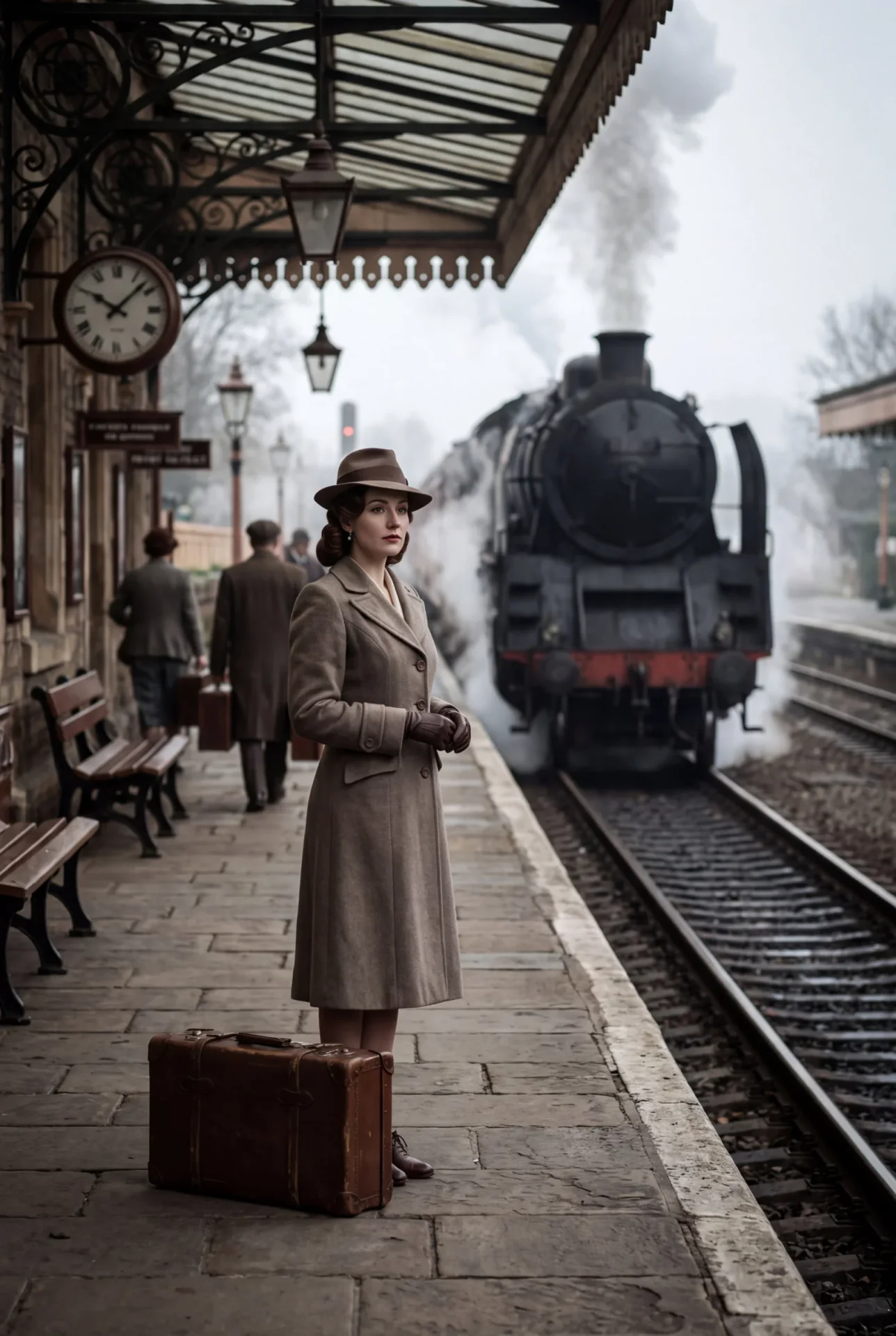
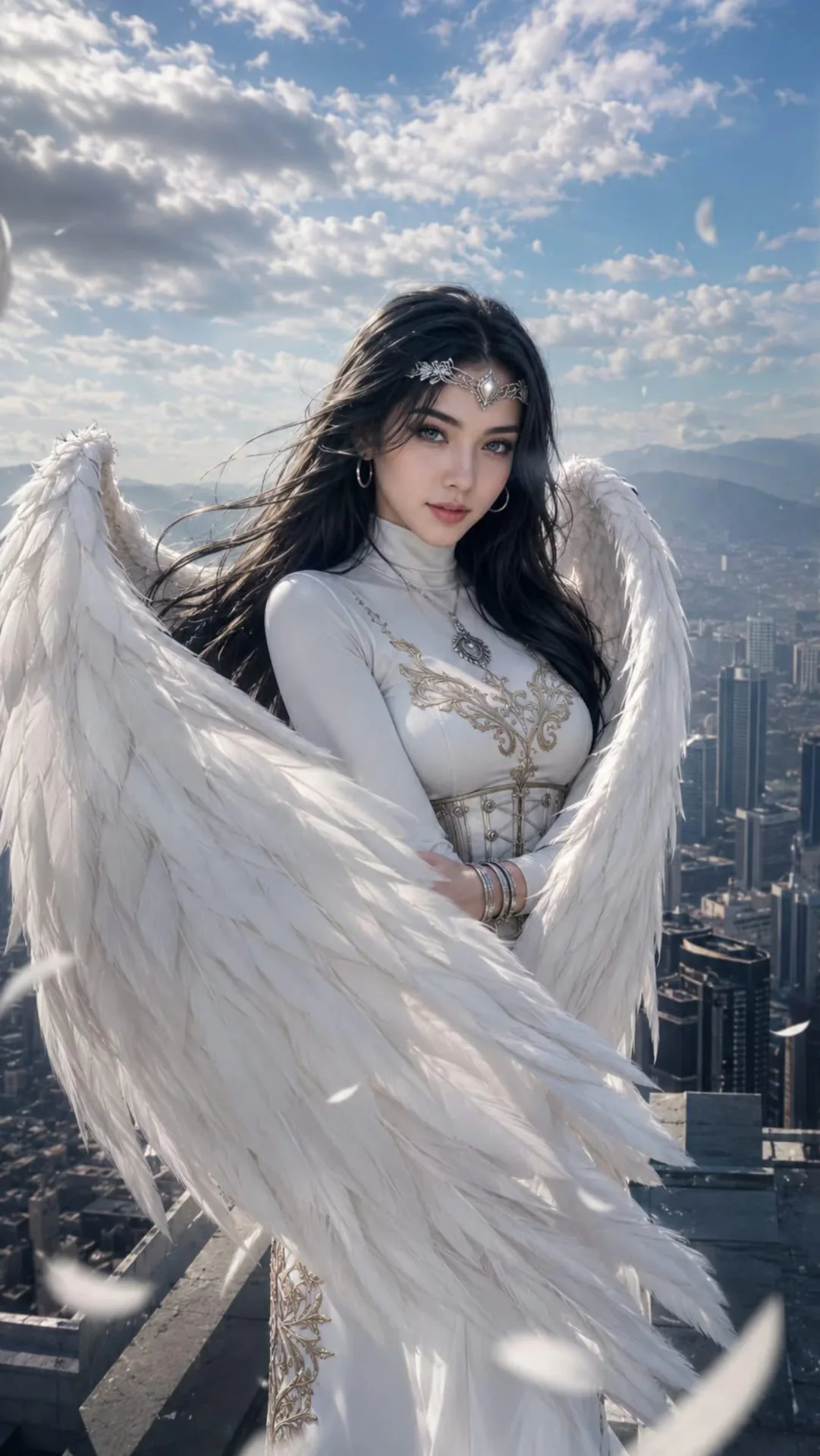
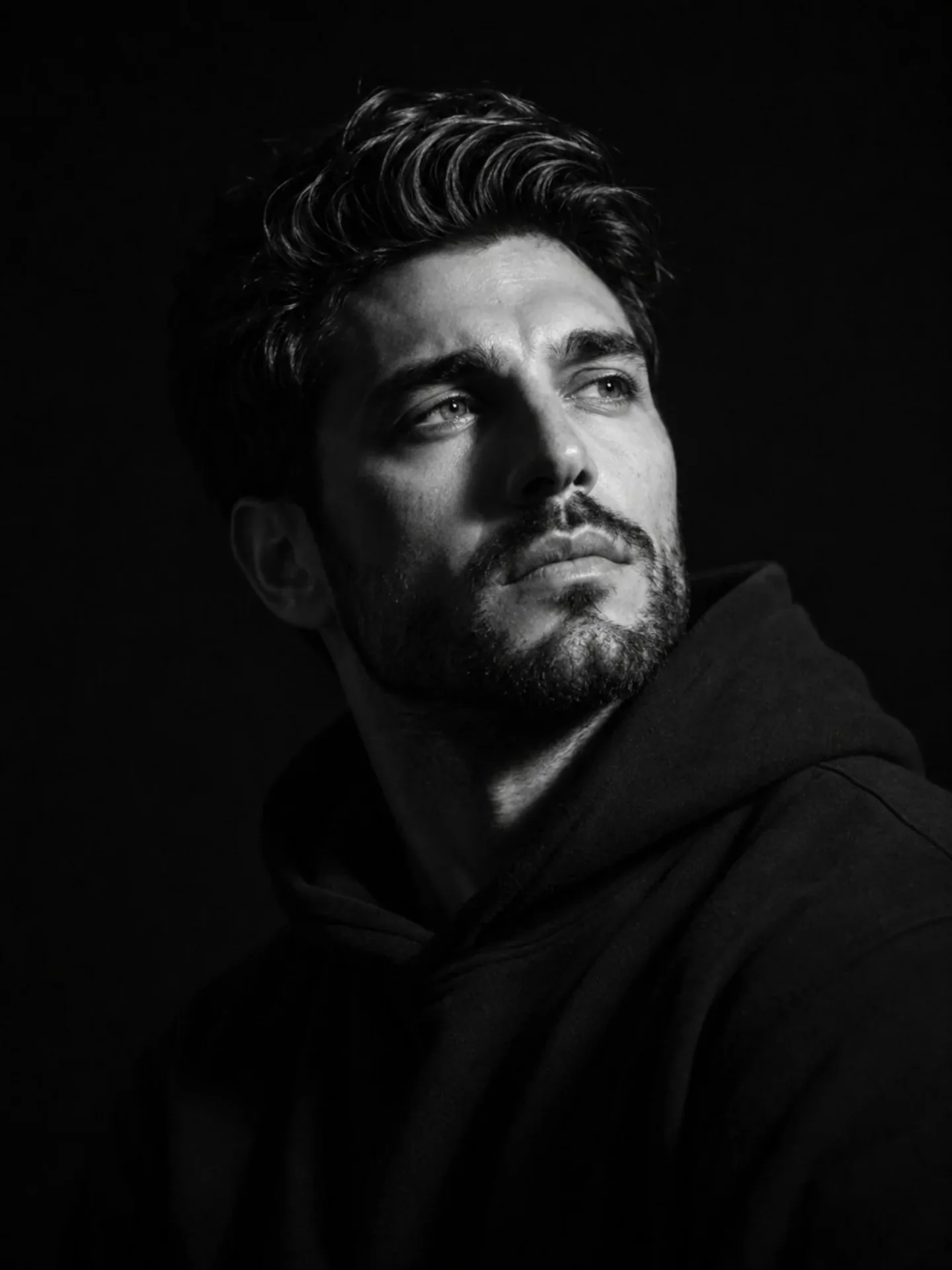
What is GPT Image 2
GPT Image 2 is OpenAI's image generation and editing model, launched April 21, 2026 as ChatGPT Images 2.0 and as the API name gpt-image-2. It is the successor to GPT Image 1 and 1.5, not a DALL-E wrapper name.
OpenAI / gpt-image-2
Same stack as ChatGPT Images 2.0. CamArt runs GPT Image 2 from this page.
Text to image
Natural-language prompts become stills, including posters and product shots.
Image edit
Describe changes to one or more reference photos. CamArt accepts up to 8 refs.
In-image text
OpenAI's lead upgrade: headlines, labels, and scripts stay readable more often than prior GPT Image models.
Quality and size
API quality low, medium, or high. CamArt resolution picker 1K, 2K, or 4K.
Not ChatGPT thinking
Web-search thinking mode stays in ChatGPT paid Images. CamArt does not expose that switch.
Examples of GPT Image 2 from X
Community stills on X made with GPT Image 2. Copy a prompt and try it in the editor.
-
Posters & Covers
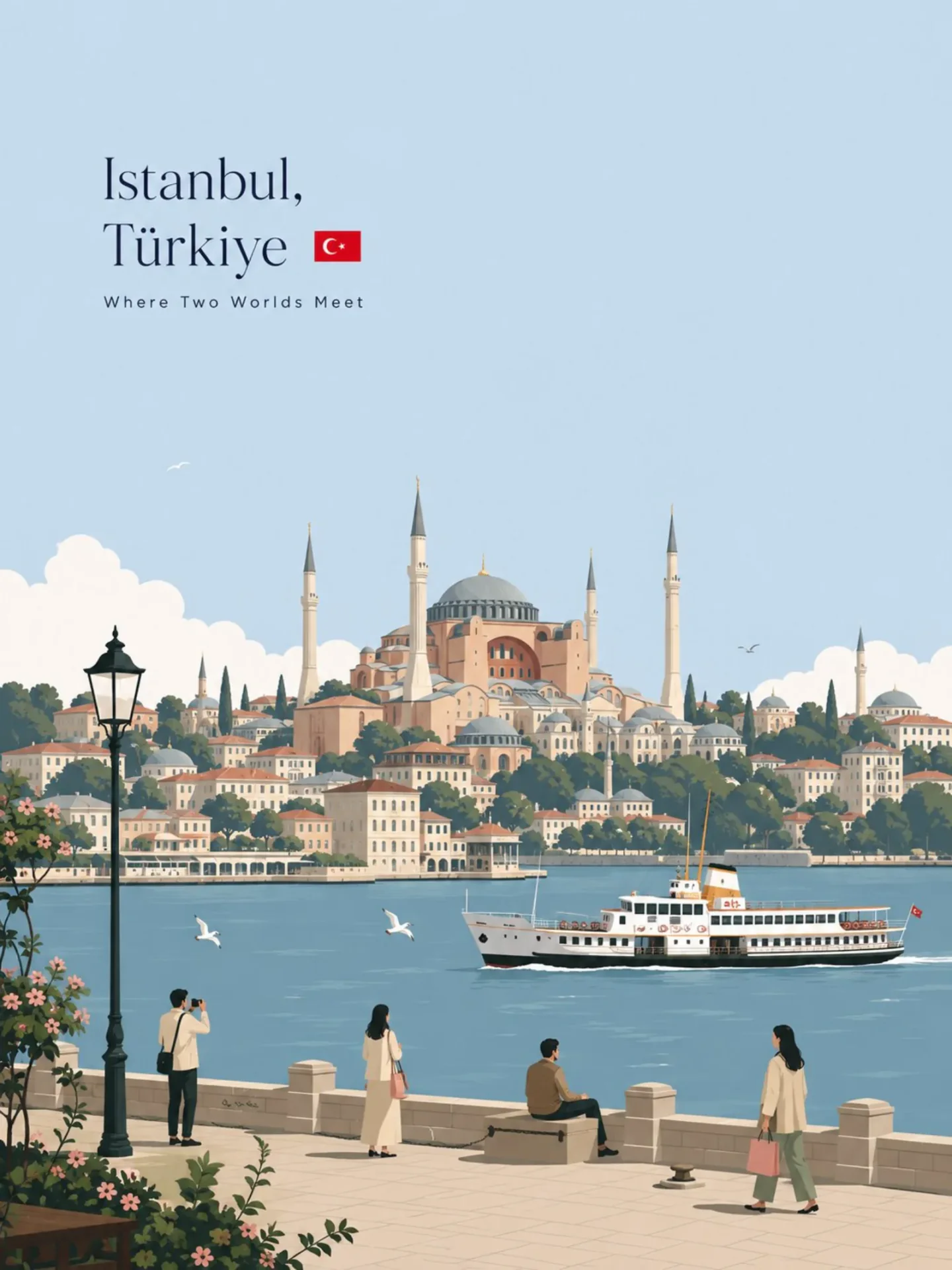
Istanbul Travel Poster
 PROMPT
Premium minimalist flat-vector travel poster for Istanbul, 3:4 vertical format. Design an original, sophisticated travel poster that captures the authentic visual personality of Istanbul. The composition must feel purpose-built for this city rather than following a reusable template. CITY IDENTITY First interpret the unique visual character of Istanbul and build the scene around these five elements: 1. A recognizable landmark, architectural feature, or skyline element. 2. A distinctive local way of moving through the city. 3. One subtle everyday lifestyle moment. 4. A native plant, landscape, or environmental characteristic. 5. A composition and viewpoint that naturally belongs to the city. The overall scene structure must change from city to city. Do not repeatedly use the same object positions or visual formula. Possible compositions include: harbor viewpoint, narrow historic lane, riverside garden, coastal path, elevated city overlook, lively market passage, tram avenue, ferry terminal, botanical setting, heritage square, beach promenade, cultural plaza, or skyline terrace. Choose whichever composition best represents Istanbul. TYPOGRAPHY Place “Istanbul” in the upper-left area with generous clean negative space. Add one short, sophisticated English tagline inspired by the atmosphere of the city. Typography should feel understated, editorial, spacious, and premium. Never allow text to dominate the artwork. VISUAL HIERARCHY Use one iconic landmark or architectural feature as the main focal point. Support it with only 2–4 carefully selected local elements. Every added detail should strengthen the sense of place. Avoid landmark collections or postcard-style collages. Keep the scene visually quiet and intentional. PEOPLE Include only 3–6 small-scale figures. Give each person a believable activity connected to local life, such as: walking through a historic lane, cycling, waiting for public transport, sketching architecture, boarding a ferry, reading outdoors, taking a quiet photograph, carrying beach equipment, browsing a market, or jogging beside the water. Avoid crowds and avoid making any single person the main character. Figures should integrate naturally into the environment. LOCAL CHARACTER Use city-specific elements only when they genuinely fit Istanbul: - local transportation - architecture - street furniture - vegetation - small signs or wayfinding - local food references - recreational activities - pavement markings - cultural details Transport and signage should remain subtle. Instead of always using a large signboard, incorporate details naturally through a small transit marker, station clock, ferry information panel, bike symbol, painted road marking, beach flag, or understated metro icon. ART DIRECTION Japanese stationery-inspired aesthetic, luxury sticker illustration, premium commercial vector artwork, modern editorial travel branding, clean delicate outlines, uniform line weight, simple geometric forms, flat-color illustration, soft shapes, balanced visual rhythm, high-end minimalist postcard design. COLOR SYSTEM Build the atmosphere primarily with: pale powder blue, soft sky blue, mist blue, and cool airy blues. Balance these with: warm ivory, cream, soft beige, muted sage, gray-green, and understated architectural neutrals. Use dusty rose or muted blush only for tiny visual accents such as flowers, clothing details, small signs, awnings, or decorative objects. Colors should remain soft, sophisticated, slightly desaturated, and cohesive. MOOD Fresh, airy, peaceful, refined, contemporary, elegant. The final artwork should feel like a premium boutique travel postcard or luxury lifestyle brand illustration, with generous breathing room and a relaxed sense of place. IMPORTANT QUALITY RULES Every city must have its own visual identity. Change the camera angle, scene structure, landmark placement, foreground treatment, and supporting details according to the city's character. Do not simply replace Istanbul inside an existing composition. NEGATIVE PROMPT No photorealism. No realism. No watercolor. No painterly brushwork. No gradients. No heavy shadows. No dramatic cinematic lighting. No paper texture. No excessive detail. No cluttered background. No landmark collage. No crowded streets. No oversized characters. No dominant hero character. No repetitive café composition. No fixed signboard position. No identical foreground treatment. No generic tourist-poster formula. No copied layout from another city. No unnecessary decorative elements.
-
Fashion & Style
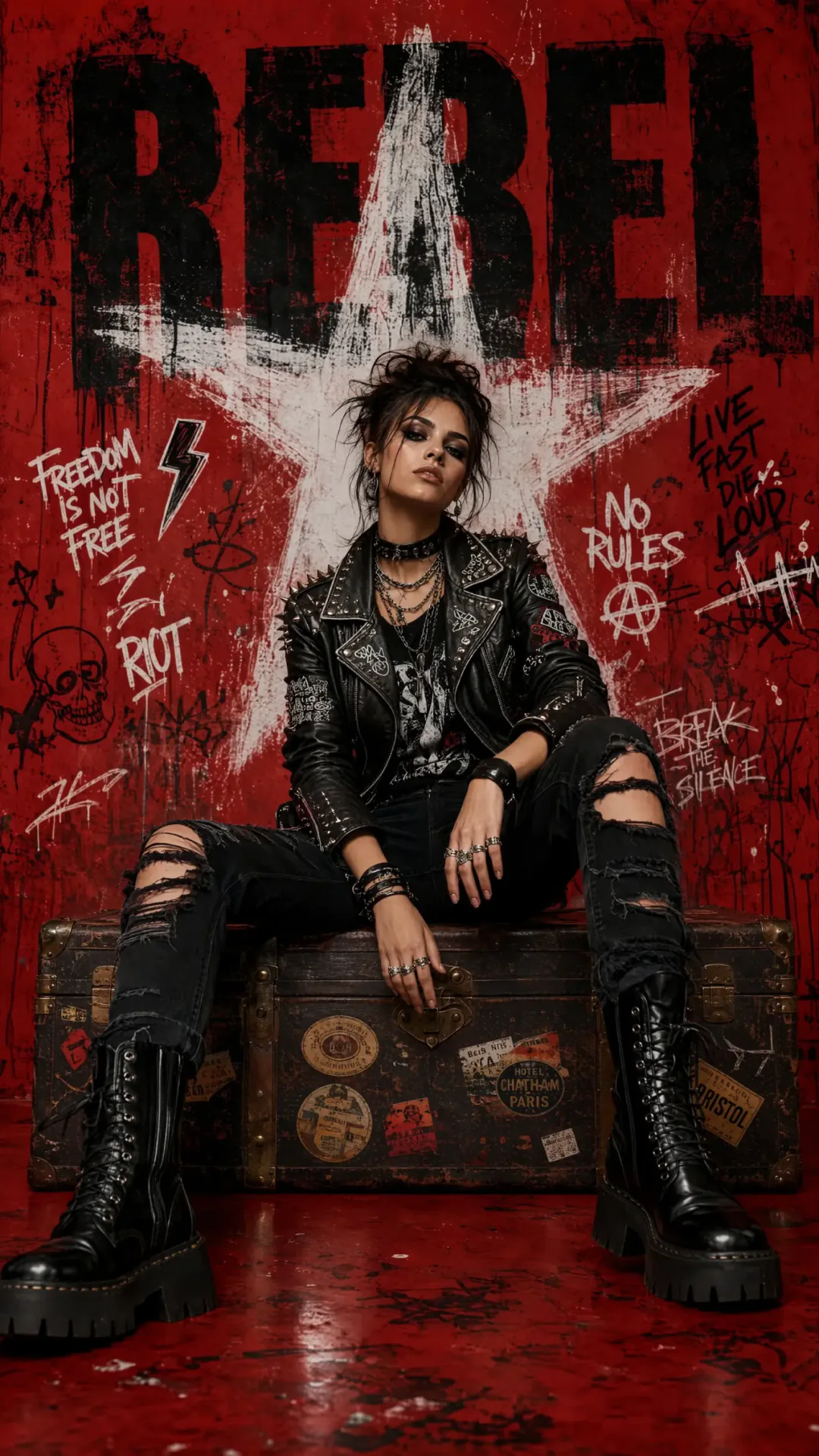
Rebel Punk Editorial
 PROMPT
Create a luxury punk rock fashion editorial poster featuring a confident high-fashion model in a premium urban graffiti studio. Oversized distressed typography integrated into the background with bold graffiti elements, spray paint textures, paint drips, handwritten street tags, skull icons, lightning symbols, abstract doodles, and rough brush strokes. Ultra-photorealistic Vogue × Balenciaga × Hypebeast editorial aesthetic. Sony A7R V, 50mm f/1.4 GM lens, shallow depth of field, cinematic studio lighting, HDR, ray tracing, global illumination, realistic skin texture, premium outfit details, luxury styling, dynamic composition, magazine cover quality, 4096×5120 (4K UHD), vertical 9:16, Octane Render, Unreal Engine 5, masterpiece quality, ultra-detailed, high contrast, sharp focus. Negative Prompt: Low quality, blurry, noise, bad anatomy, extra fingers, extra limbs, deformed body, distorted face, cropped feet, duplicate subject, poor reflections, flat lighting, watermark, logo, text artifacts, compression artifacts, overexposed, underexposed.
-
Product & Commerce
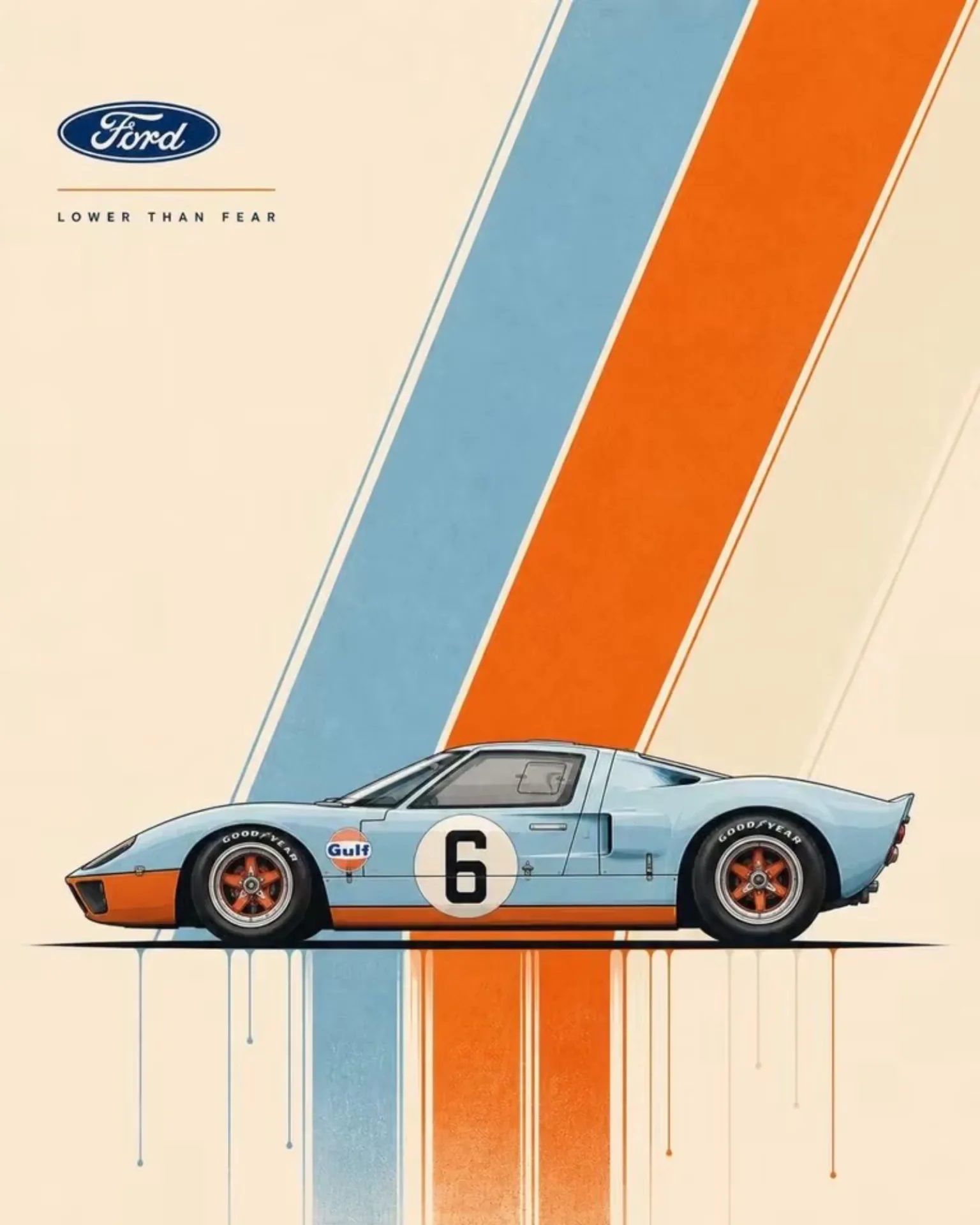
Ford GT40 Gulf Poster
 PROMPT
Ultra-clean automotive poster design featuring a Ford GT40 in Gulf livery, perfect side profile, positioned low and centered in the frame. A small refined Ford badge/logo sits near the upper corner, with a short slogan reading “LOWER THAN FEAR” in tiny modernist uppercase typography. A dramatic diagonal burst of layered light-blue and orange speed stripes slices across the composition from upper corner to lower center, creating motion and visual rhythm. Warm ivory paper background with expansive negative space. Crisp technical illustration, precise proportions, subtle screen-print texture, fine ink outlines, minimal shadows, gallery-quality graphic design. Thin paint drips and color trails descending beneath the ground plane. Swiss modernist automotive poster, refined vector precision, museum poster quality, aspect ratio 4:5.
-
3D Cartoon & Pixar
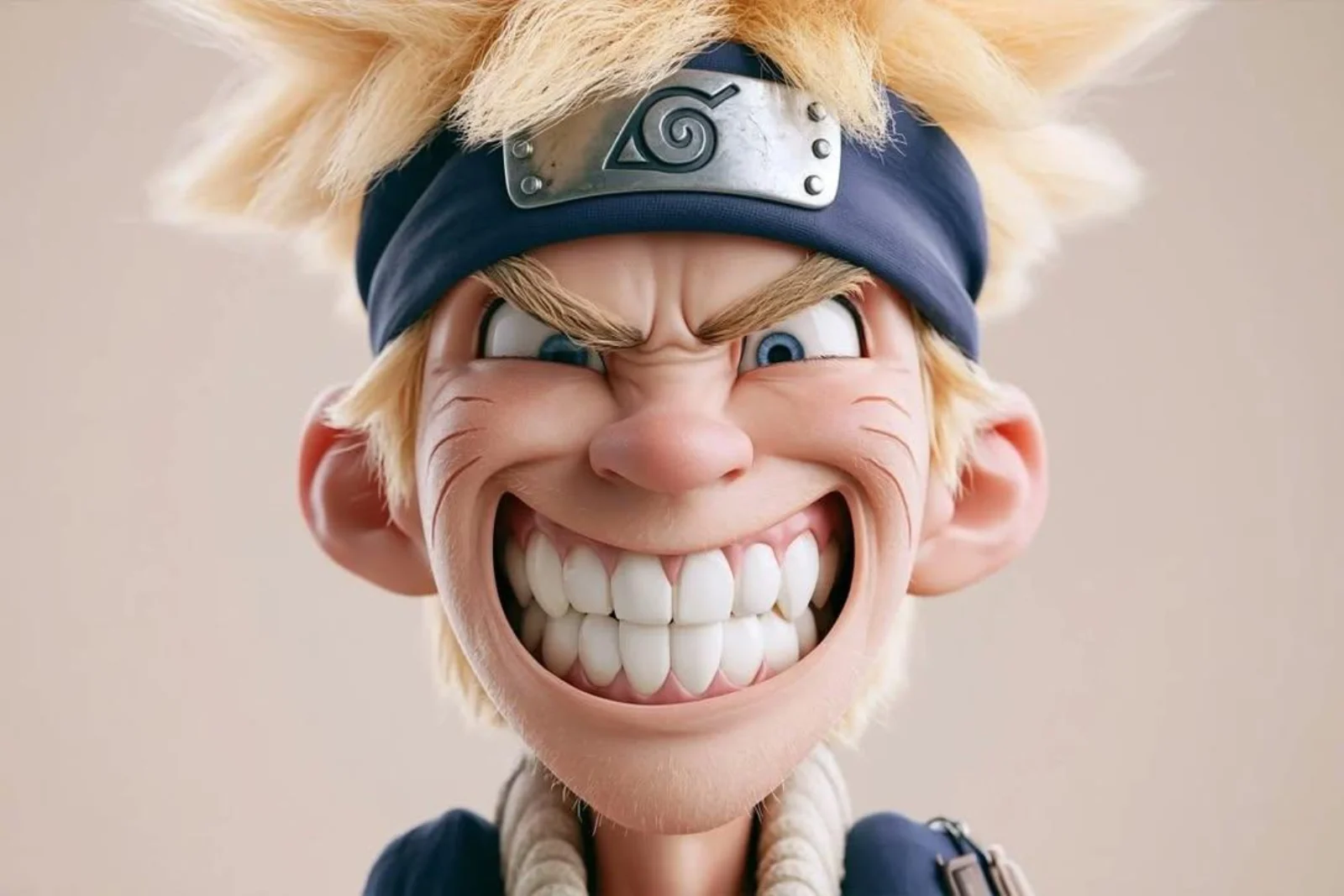
Naruto 3D Caricature
 PROMPT
A highly stylized 3D caricature of Naruto Uzumaki, with an oversized head, expressive facial features, and playful exaggeration. Rendered in a smooth, polished style with clean materials and soft ambient lighting. Minimal background to emphasize the character’s charm and presence.
-
Food Photography
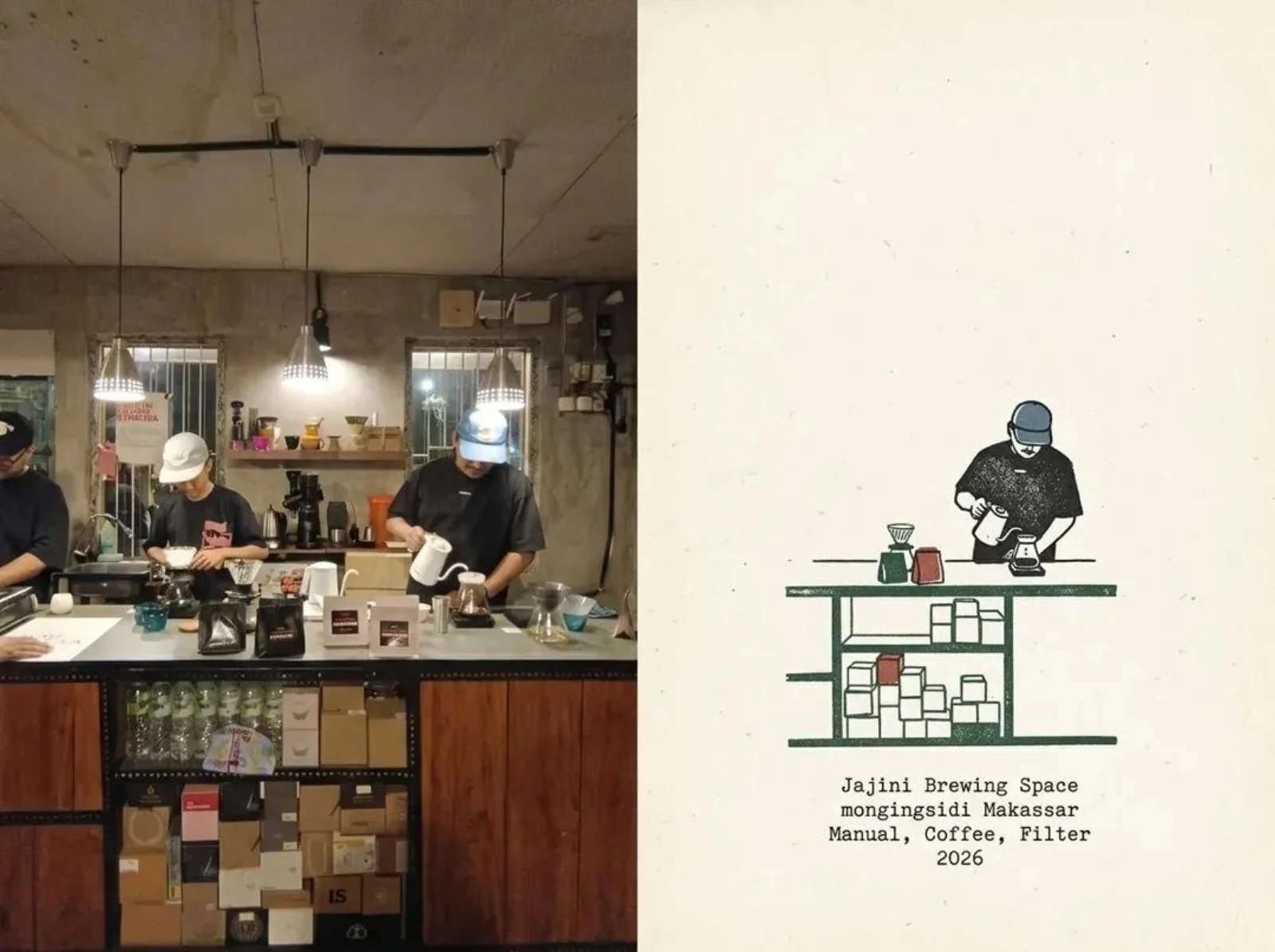
Iced Coffee Travel Journal
 PROMPT
Create a cohesive editorial travel-journal image inspired by the provided reference photos: a real-world coffee shop moment paired with a minimalist hand-drawn illustration of the exact same scene, arranged as a sophisticated split-page layout. On the left, show a warm documentary-style photograph of a barista’s hand holding a clear glass of iced coffee beside a professional coffee machine, with visible ice cubes, rich amber-brown coffee, realistic reflections, stainless-steel equipment, and subtle café details; on the right, recreate the same composition as a loose vintage ink-and-watercolor sketch on textured warm ivory paper, preserving the glass, hand, coffee machine, perspective, and key details while using imperfect black linework with restrained earthy ochre and muted blue accents. Use an authentic independent café travel-zine aesthetic, natural imperfections, soft grain, slightly faded analog photography, tactile paper texture, editorial typography, generous negative space, small understated location/date/caption text, balanced asymmetrical composition, nostalgic 2020s travel diary mood, premium art-direction, realistic photography seamlessly contrasted with handmade illustration, muted earthy color palette, soft natural lighting, subtle film grain, high detail, vertical 4:5 composition, no logos, no watermark.
-
Figures & Toys
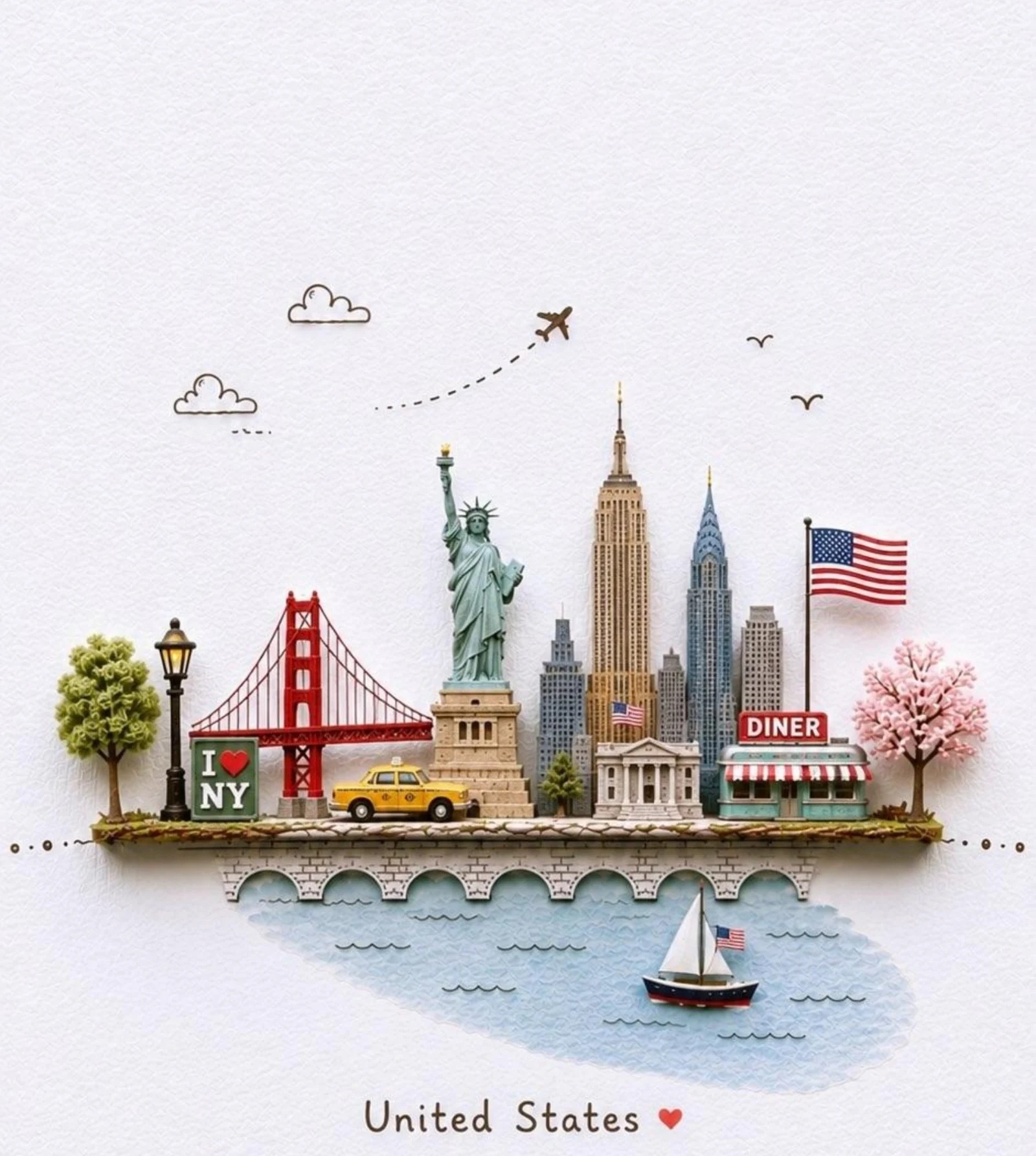
United States Paper Diorama
 PROMPT
Create a charming miniature 3D travel illustration on a clean white textured paper background, inspired by a handcrafted paper-cut souvenir postcard. Build a small floating city diorama featuring the iconic landmarks and cultural symbols of the United States arranged together on a narrow elevated stone-and-brick platform, with a soft watercolor-painted patch of blue water underneath. Include recognizable local architecture, monuments, transportation, trees, street lamps, flags, small signs, and a few tiny people, all rendered as detailed handcrafted miniature models. Add a small airplane flying overhead with a playful dotted flight path, simple hand-drawn clouds and birds in the surrounding negative space. Use soft pastel colors, subtle warm lighting, delicate shadows, realistic miniature textures, paper-cut edges, handcrafted clay-and-paper aesthetic, whimsical yet sophisticated travel-poster design, lots of clean white negative space, centered composition, adorable collectible souvenir aesthetic. Add elegant handwritten-style text at the bottom reading “United States ”. Vertical 4:5 composition, highly detailed, polished, clean, nostalgic, premium travel illustration, no clutter, no photorealistic background.
Key Features of GPT Image 2 Generator
What OpenAI documents for GPT Image 2, written as things you can prompt: readable in-image text, instruction-led briefs, precise edits, photoreal and designed layouts, 1K to 4K, and quality tiers.
-
Readable in-image text
OpenAI's launch leads with improved text rendering and multilingual type. Name the headline, label, or script in the prompt, then check spelling in the preview.
-
Instruction-led prompt follow
GPT Image 2 is built to follow a natural-language brief: subject, layout, copy, and lighting in one pass, not a one-line style tag.
-
Precise edits that hold identity
The same family edits from reference images. Keep the face, product, or layout, and rewrite what should change. CamArt accepts up to 8 refs.
-
Photoreal and designed layouts
Launch stills span candid photography, fashion, comics, and infographics. Ask for a camera still or a poster, not a generic AI look.
-
1K, 2K, or 4K still output
CamArt's picker is 1K, 2K, or 4K. OpenAI treats very large sizes as experimental, so 2K is the everyday finish size on this page.
-
Quality low, medium, or high
The API quality knob is low, medium, or high. CamArt defaults to medium at 1K (6 credits). Raise quality when portraits or dense type need it.
Name the on-image copy in the prompt.
GPT Image 2 is built to place headlines, labels, and scripts in the still. Write the exact words, language, and placement instead of asking for text later.
GPT Image 2 Model Comparison
GPT Image 2 focuses on long instruction briefs and readable type, including Japanese, Korean, Chinese, Hindi, and Bengali, whereas Nano Banana Pro, Seedream 5.0 Pro, and Qwen Image 3.0 split on premium type, infographics, or cheaper dense layouts.
| Fact | GPT Image 2 | Nano Banana Pro | Seedream 5.0 Pro | Qwen Image 3.0 |
|---|---|---|---|---|
| Issuer | OpenAI GPT Image 2. | Google Gemini 3 Pro Image (Nano Banana Pro). | ByteDance Seed Seedream 5.0 Pro. | Alibaba Qwen Image 3.0. |
| Best for | Instruction-heavy briefs and readable in-image type. | Premium brand stills and multilingual in-image type. | Dense infographics and layout-aware stills. | Dense layouts and long prompts with readable multilingual type. |
| Strength | Natural-language instruction follow plus identity-holding edits. | Pro-class reasoning for packs, posters, and multi-person stills. | Infographic hierarchy that holds labels in one still. | Long briefs into nested layouts in one pass. |
| In-image text | Readable lettering, including Japanese, Korean, Chinese, Hindi, and Bengali. | Readable multilingual lettering on packs and posters. | Native multilingual type on charts, posters, and decks. | Official story is dense, small multilingual lettering on posters and decks. |
| Generate and edit | T2I plus up to 8 reference stills on Edit. | T2I plus up to 8 reference stills. | T2I plus Edit with up to 8 images. | T2I plus 1 to 3 edit stills. |
| CamArt credits | 6 credits per still. | 14 credits per still. | 5 credits per still. | 3 credits on Standard. Qwen Image 3 Pro is 4. |
| Resolution on CamArt | 1K or 2K. CamArt does not connect ChatGPT thinking or web search. | 1K or 2K. Not CamArt 4K. | 1K or 2K. Do not treat issuer 4K talk as this picker. | 1K or 2K. |
Sources: OpenAI ChatGPT Images 2.0; Google Nano Banana Pro; ByteDance Seedream 5.0 Pro; Alibaba Qwen Image 3.0.
Why Choose GPT Image 2 Generator in CamArt
Choose GPT Image 2 when the still needs readable type, a precise edit, or a photoreal finish. CamArt runs Generate by default, with Edit in the same picker.
Type that stays readable on posters and labels
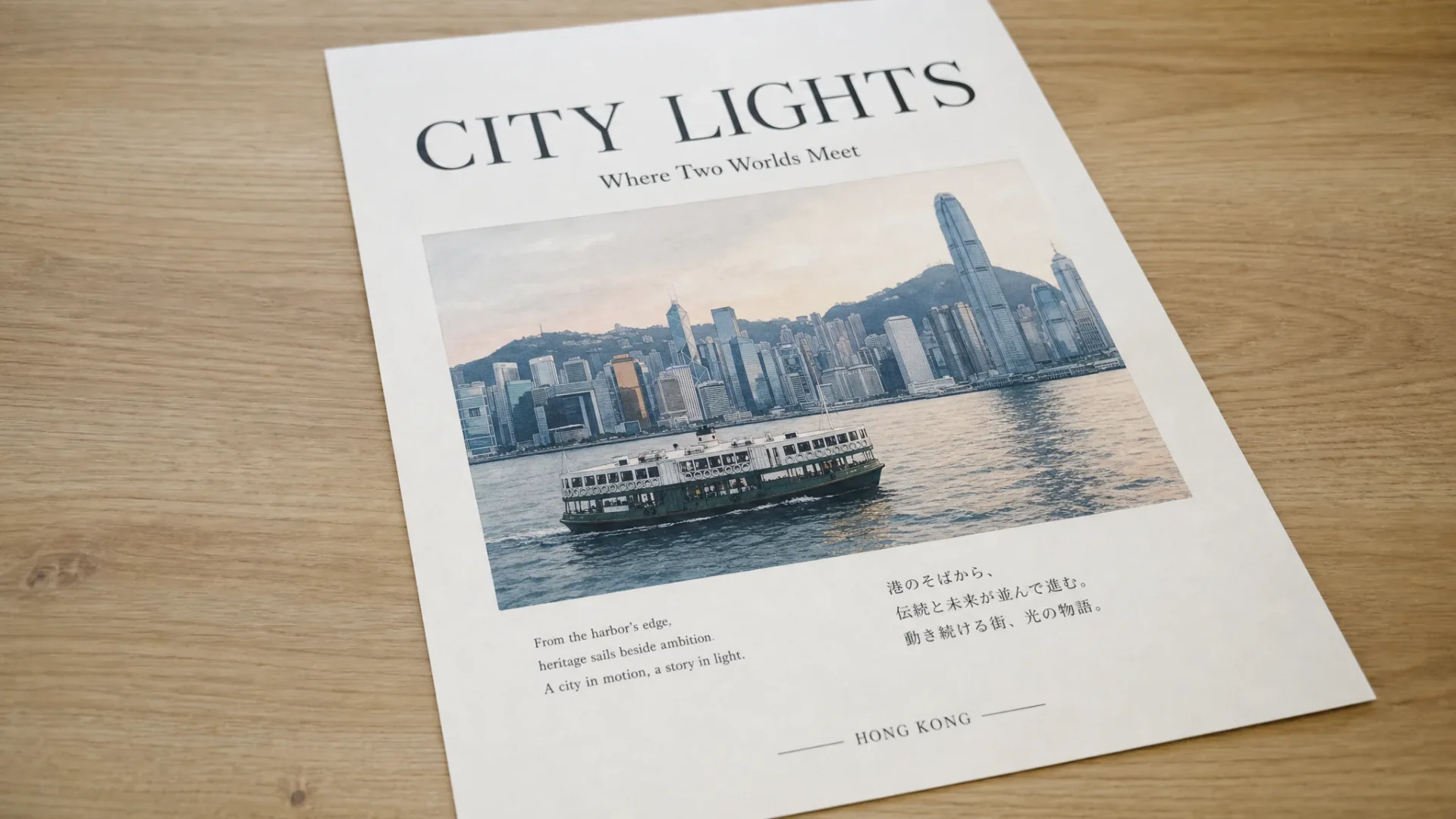
OpenAI's GPT Image 2 launch leads with improved text rendering and multilingual type. That is the SERP hook: headlines, packaging lines, and UI copy that stay legible in the picture.
- Name the on-image copy in the prompt, including language and placement.
- Check spelling in the preview before you ship a poster or label.
Briefs that name layout, copy, and lighting
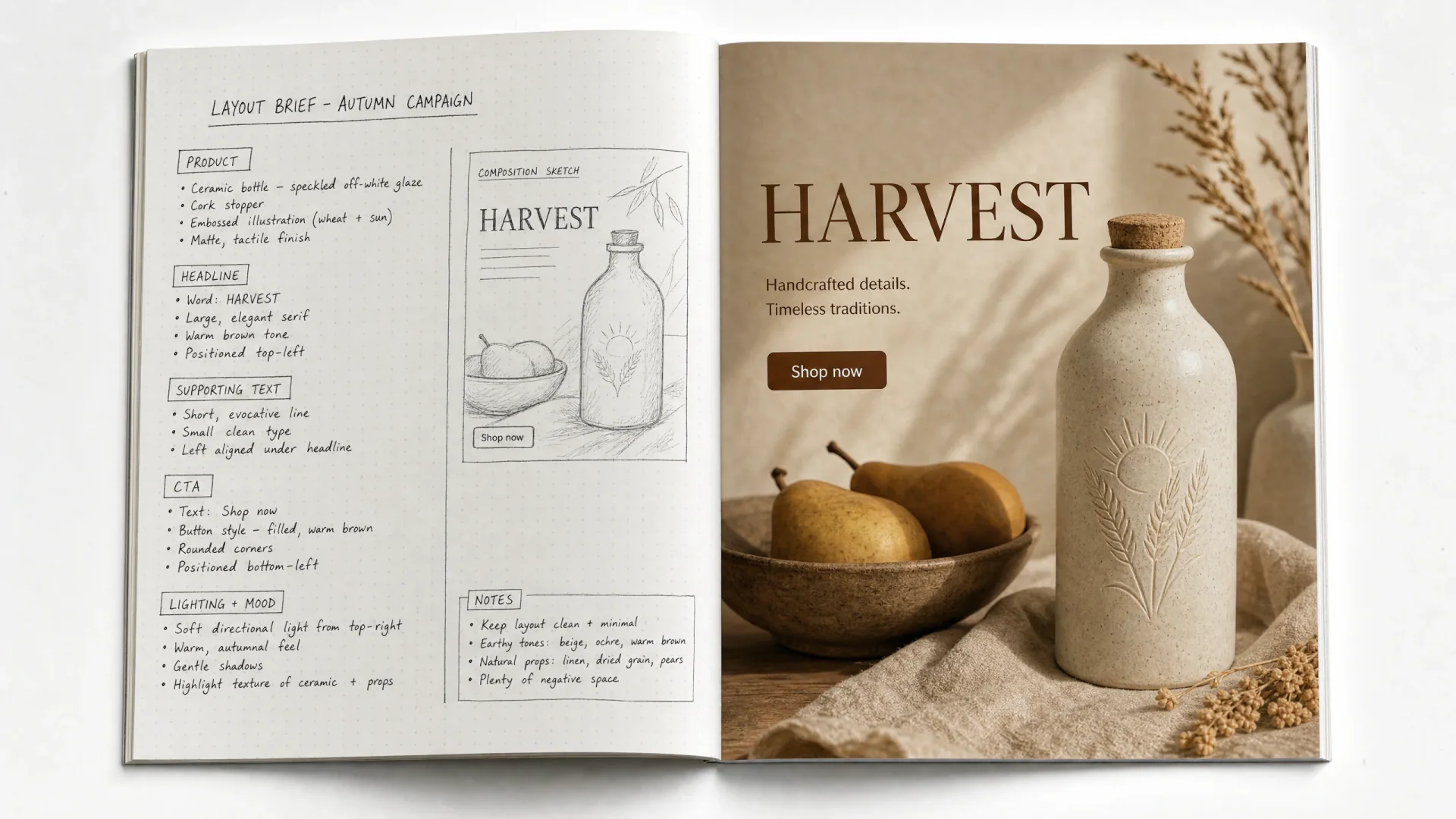
GPT Image 2 is framed around greater precision and control. A natural-language brief can describe the header, product, and CTA instead of a one-line style tag.
- List each layout zone and the exact words that belong there.
- Use 2K when small type has to survive export.
Keep a subject while you rewrite the scene
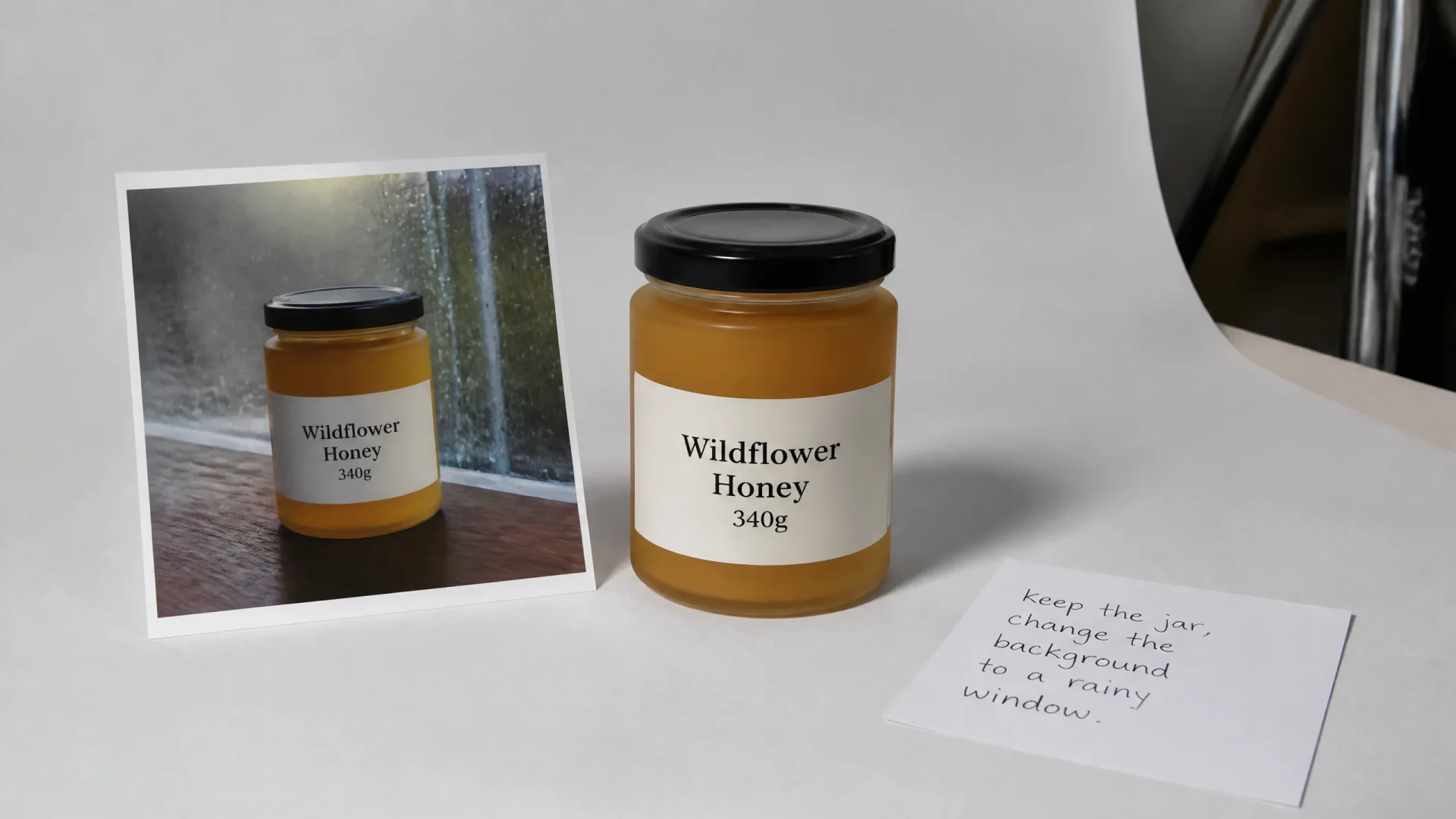
The same gpt-image-2 family edits from reference images. Add the stills, write the change, and keep GPT Image 2 selected so Generate switches to the edit SKU.
- Upload up to eight refs when identity or layout must hold.
- Keep the instruction specific: what stays, what changes.
Portraits and product shots that look like photographs
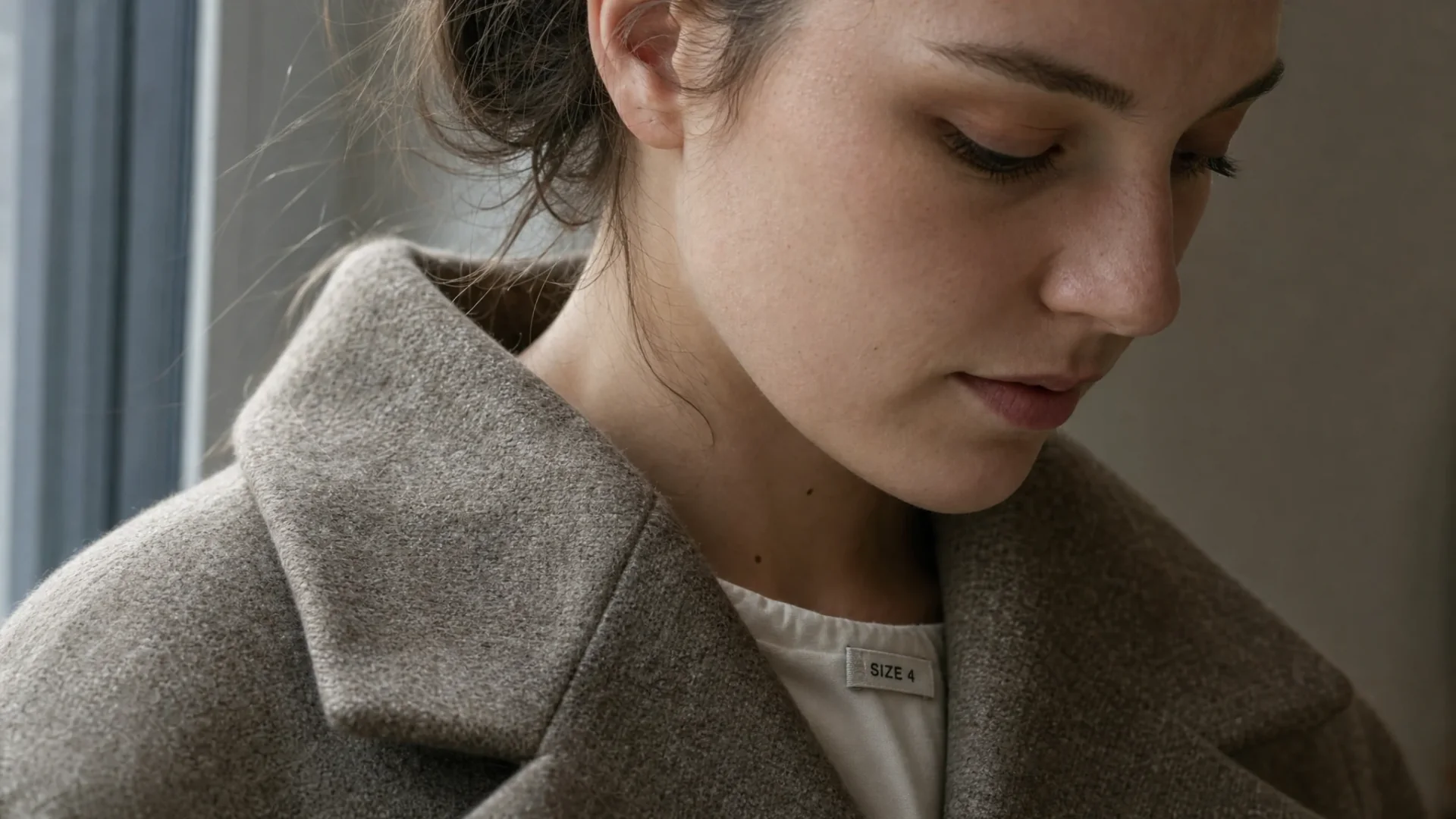
Launch stills include candid photography and high fashion, not only posters. Call out material, lighting, and any on-garment type in the brief.
- Raise quality to high when skin, fabric, or labels have to hold.
- This page does not claim the still is indistinguishable from a camera.
How to Use GPT Image 2 Generator in CamArt
Three steps from a brief to a saved still.
-
STEP 01
Write the still
Keep GPT Image 2 selected. Write subject, on-image copy, language, and lighting. CamArt's prompt field is 2000 characters.
-
STEP 02
Set ratio, resolution, quality, and refs
Set aspect ratio, 1K, 2K, or 4K, and quality. Add up to eight reference photos when you need an instruction edit.
-
STEP 03
Generate, check type, and save
Generate, check spelling and layout in the preview, then save from Creations. Credits on Generate are deducted on start (1 credit = $0.01 COGS).
Who Should Use GPT Image 2 Generator on CamArt
GPT Image 2 fits briefs that need readable type, a precise edit, or a photoreal still. Simple style-tag sketches can stay on a lighter model.
-
Poster and packaging teams
Put headlines, legal lines, and brand marks in the still. GPT Image 2 is built for on-image type, not a blank moodboard.
-
Marketers who need real copy
Ads, labels, and social posts can ship with a readable headline instead of placeholder gibberish.
-
Product and e-commerce stills
Keep a jar, bottle, or pack consistent while you change the scene. Add refs when identity must hold.
-
Portrait and fashion editors
Photoreal portraits and editorials are in the launch gallery. Raise quality when skin and fabric matter.
-
UI and infographic mocks
Name each label and layout zone. Check spelling before you treat the still as a production screen.
-
Photographers who need instruction edits
Add reference photos and rewrite the scene in language instead of starting from a blank canvas.
Explore More AI Image Models on CamArt
FAQs
Is GPT Image 2 the same as ChatGPT Images 2.0?
Yes. ChatGPT Images 2.0 is the consumer name. gpt-image-2 is the API name. CamArt lists the model as GPT Image 2. Thinking mode and live web search stay in ChatGPT paid Images and are not a CamArt control.
Can GPT Image 2 generate readable text on images?
OpenAI positions GPT Image 2 for improved text rendering and multilingual type, including scripts such as Japanese, Korean, Chinese, Hindi, and Bengali. Always check spelling before you ship a poster or label. This page does not claim a 99% accuracy score.
Does GPT Image 2 support image-to-image editing?
Yes. Generate is text-to-image. Edit is image-to-image: add reference photos and an instruction. CamArt accepts up to 8 reference images on the GPT Image 2 edit path.
Is the GPT Image 2 generator free on CamArt?
No. CamArt is credit-based. Default medium quality at 1K is 6 credits. Sign in with Google or an email magic link. Starter credits do not cover every job. Ranking pages that advertise unlimited free generations are not CamArt.
What resolution can I generate?
CamArt exposes 1K, 2K, and 4K on the GPT Image 2 picker. OpenAI's cookbook treats outputs above about 2K total pixels as experimental. Use 1K for drafts, 2K for most posts, and 4K when you need the larger picker size.
How much do GPT Image 2 credits cost on CamArt?
One credit equals $0.01 of generation cost. Text-to-image: low is 1, 2, or 3 credits at 1K, 2K, or 4K. Medium is 6, 10, or 18. High is 22, 40, or 72. Edit quotes are higher and add cost per extra input image. Credits on Generate are deducted on start.
Does CamArt include ChatGPT thinking or web search?
No. Images with thinking is a ChatGPT Plus, Pro, and Business product feature. CamArt GPT Image 2 jobs do not expose a thinking or live-search switch.
How is GPT Image 2 different from GPT Image 1, 1.5, and DALL-E?
GPT Image 2 is the April 2026 generation. OpenAI highlights tighter text, multilingual type, and more reliable instruction following than earlier GPT Image models. DALL-E as a standalone ChatGPT GPT was retired. CamArt's default Image Generate model is GPT Image 2, not 1 or 1.5.
Can I use GPT Image 2 images commercially on CamArt?
CamArt plans allow commercial use of outputs subject to law and third-party model terms. Review OpenAI's current terms for gpt-image-2. CamArt does not promise exclusivity or that an output is free of third-party rights.
How do I generate a GPT Image 2 still on CamArt?
Sign in, keep GPT Image 2 selected, write the prompt, set ratio, resolution, and quality, then Generate. Add reference photos when you need an instruction edit. Credits shown on the button are deducted on start.
Generate Images with GPT Image 2
Describe the still and any on-image text. Add a reference photo when you need an edit, then hit Generate when you're ready.