
Qwen Image 3.0 Generator
Qwen Image 3.0 follows 4.5k-token briefs into dense layouts in one pass, with issuer claims of readable ~10px type across 12 languages. The same 3.0 family generates from text and edits from one to three reference images.
What is Qwen Image 3.0
Qwen Image 3.0 is Alibaba's Qwen Team image generation and editing model. The 2026 release is the third Qwen-Image generation, aimed at useful layouts such as infographics, posters, and nested interfaces rather than look-only demos. It is not the Apache 2.0 Qwen-Image 1.x download.
Qwen Team / Alibaba
Third-generation Qwen-Image model, framed around Real rather than look-only demos.
Text to image
Generate a still from a long prompt, including dense multi-region layouts.
Image edit
Change a photo with natural-language instructions and 1 to 3 reference images.
4.5k-token prompts
Room for layout zones, copy blocks, and nested UI instructions in one job.
Small multilingual type
Issuer demos of ~10px text and 12-language rendering.
Up to 2K output
Alibaba size range through 2048x2048. CamArt picker is 1K or 2K.
Examples of Qwen Image 3.0 from X
Community stills on X made with Qwen Image 3.0. Copy a prompt and try it in the editor.
-
Travel & Scenery
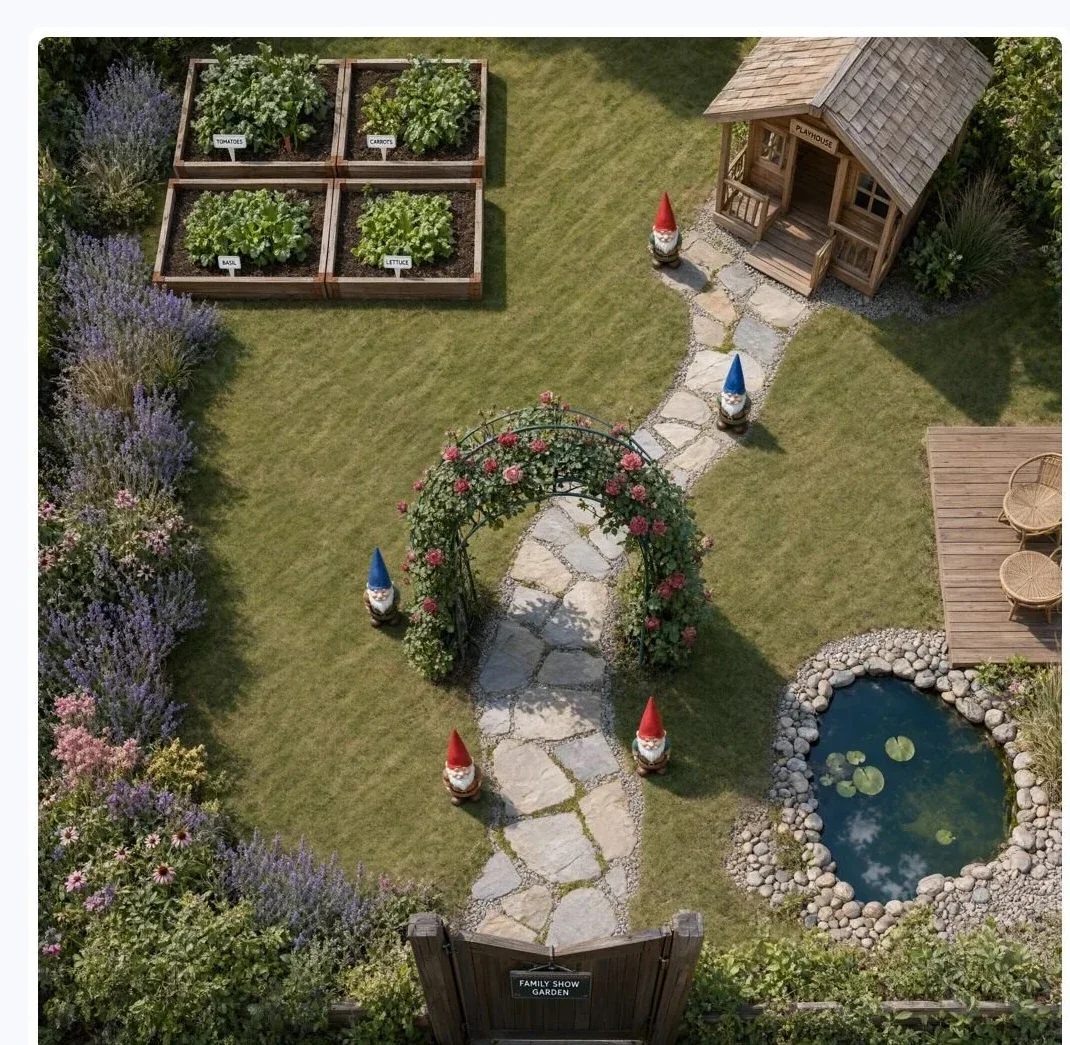
Family Show Garden Plan
 PROMPT
Top-down rendered landscape plan for a family show garden, real grass and gravel textures viewed flat from above like a drone survey. A winding flagstone path runs from the gate at the bottom edge to a timber playhouse in the top right corner, passing five painted garden gnomes stationed along it, each gnome standing just off the path on alternating sides, first left, then right, and so on. The lawn fills the center, a pollinator bed hugs the entire left boundary, a vegetable patch of four raised beds in a two by two block sits top left, and a small pond with a deck tucks into the bottom right corner. Nothing overlaps the path except one arching rose arbor halfway along.
-
Pet Portraits
Beagle Cookie Jar Meme
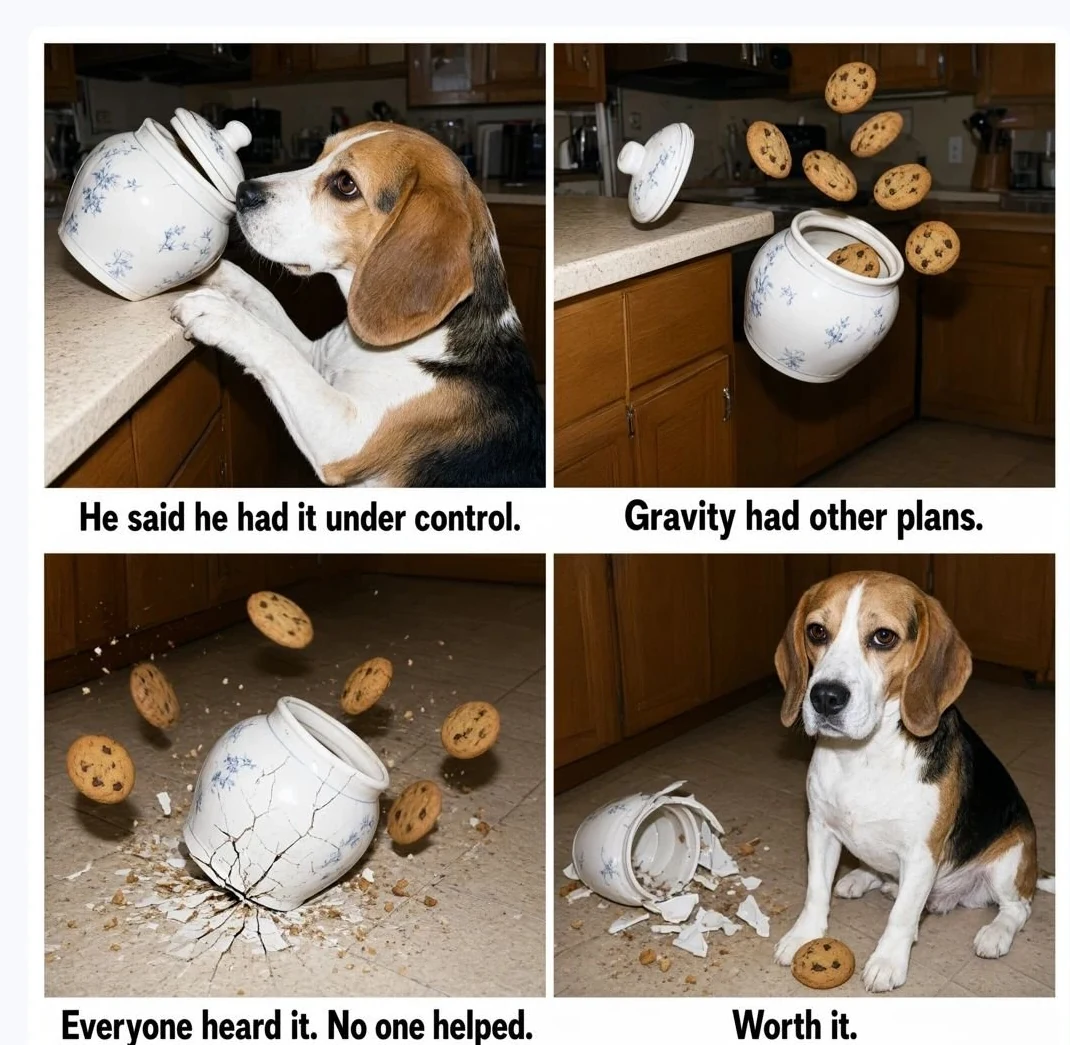 PROMPT
Four-panel photo meme, amateur snapshot style, the same kitchen counter and camera angle in every panel, a white caption bar under each photo. Panel 1: a beagle with front paws on the counter edge, nose pushing a ceramic cookie jar so it leans out past its balance point over the drop. Caption reads "He said he had it under control." Panel 2: the jar in mid-air below the counter lip, rotating as it falls, the lid separated and flying its own path, three cookies fanning out of the open mouth, everything dropping together. Caption reads "Gravity had other plans." Panel 3: the moment the jar base meets the tile, crack lines spreading through the ceramic, cookies bouncing away in different directions, crumbs jumping. Caption reads "Everyone heard it. No one helped." Panel 4: the beagle sitting perfectly composed beside the wreckage, one unbroken cookie between his front paws. Caption reads "Worth it." Flash-lit, slightly grainy, identical framing across all four panels.
-
Fashion & Style
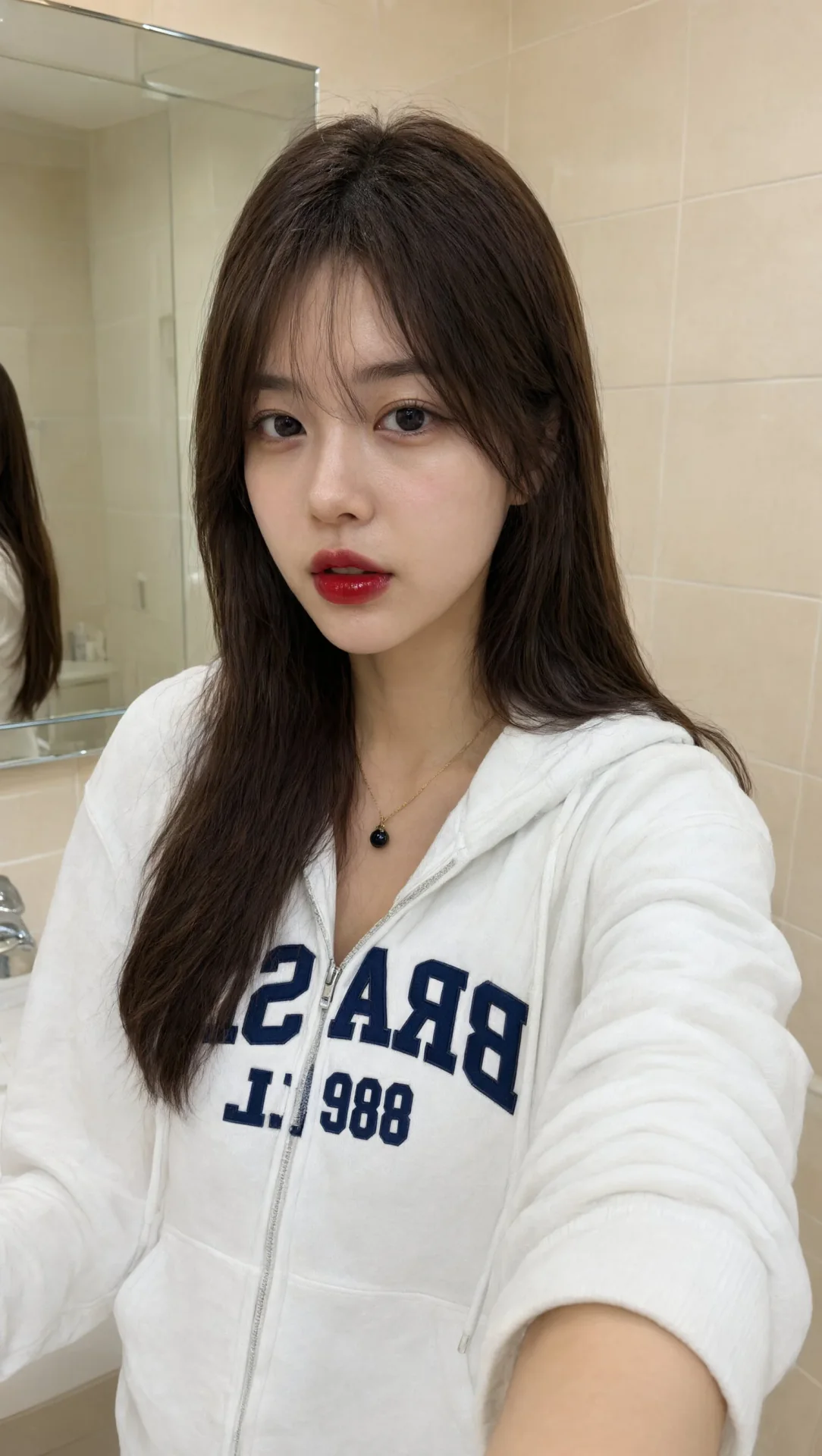
Dreamy Indoor Portrait
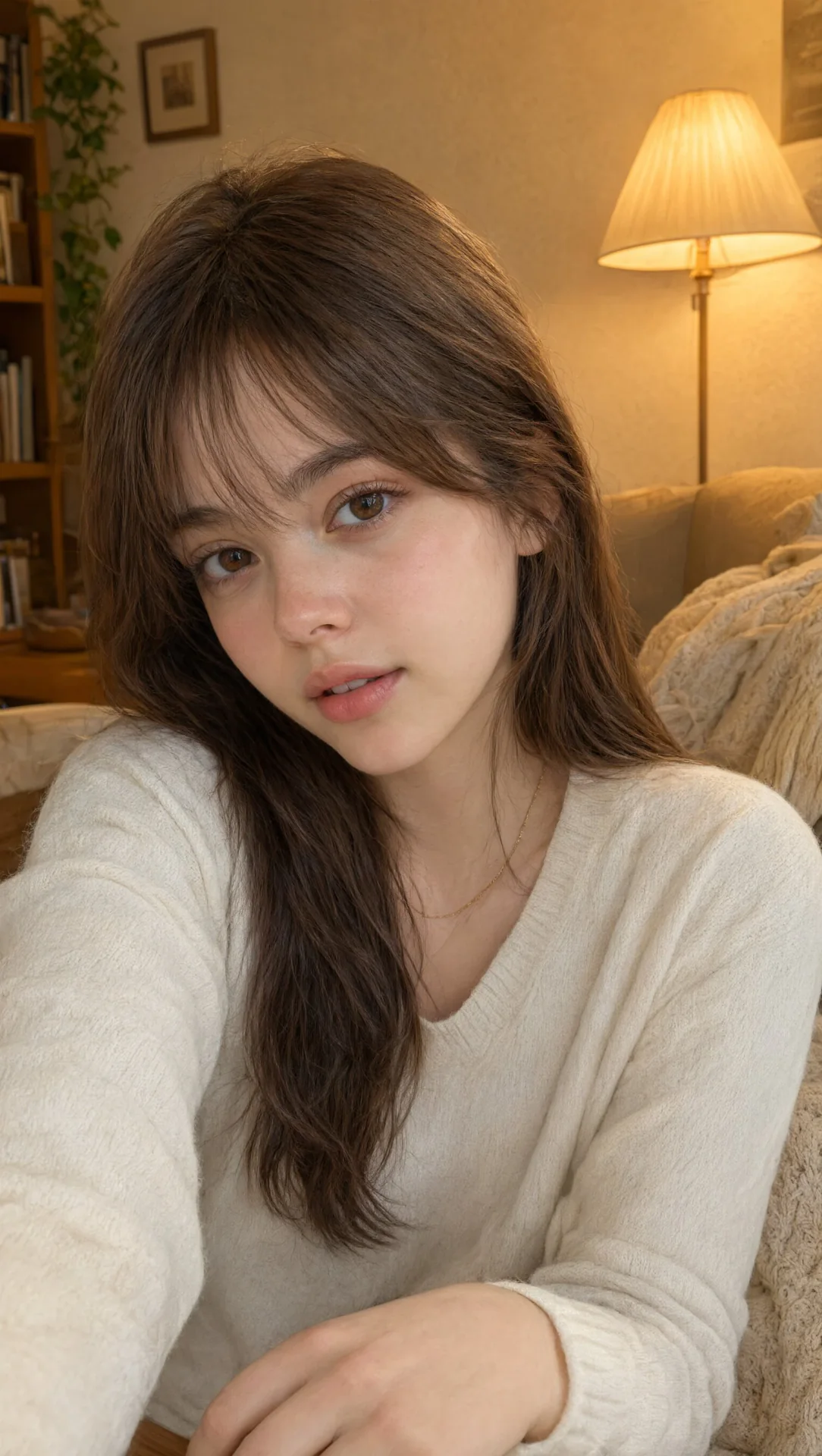 PROMPT
Close-up portrait of a young woman with silky warm brown hair and soft bangs, large warm brown eyes with long natural lashes, fair dewy skin with soft pink blush, full natural pink glossy lips, gentle sweet gaze, soft warm ambient indoor lighting, dreamy bokeh background, cozy warm atmosphere, natural makeup look, soft focus, high quality, photorealistic, warm color grading, delicate and innocent vibe
-
Posters & Covers
Voltlash Threat Profile
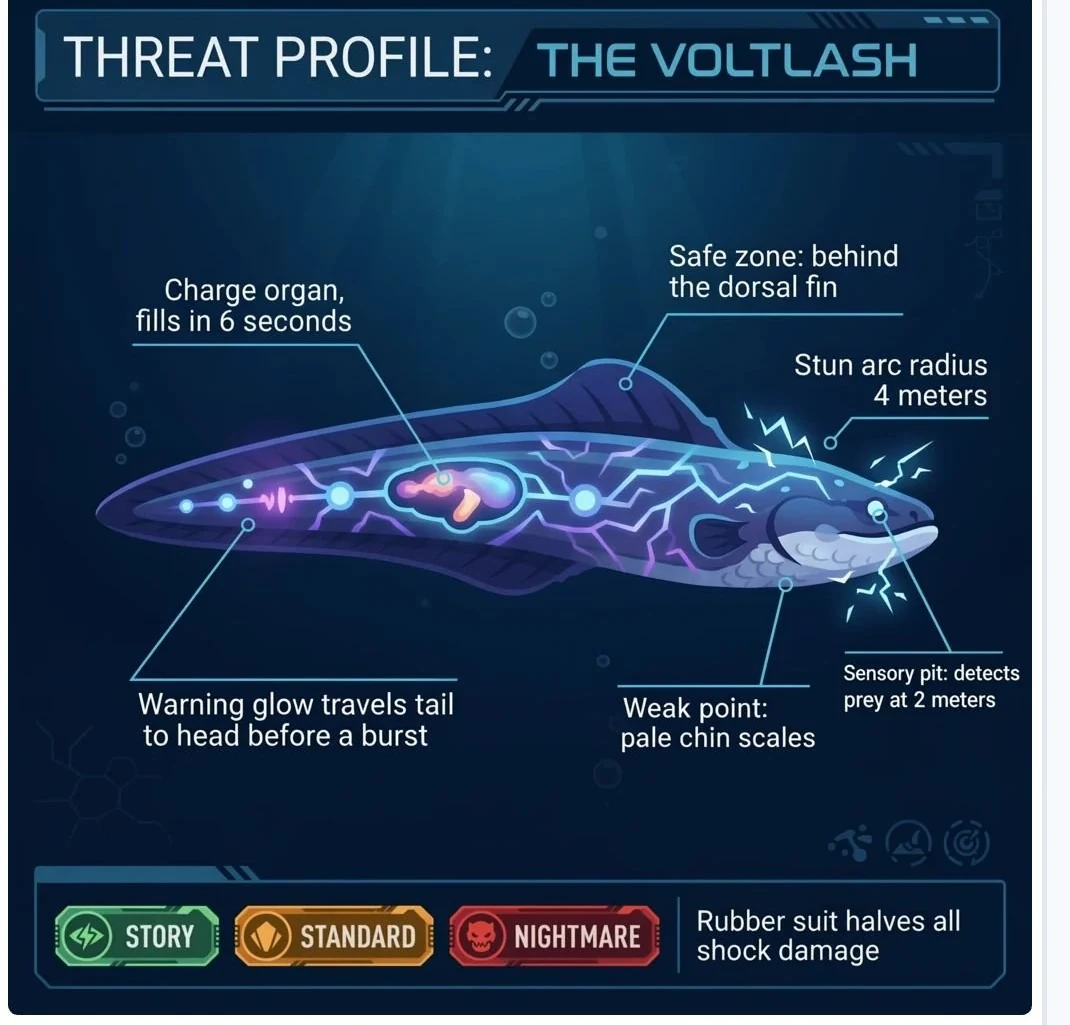 PROMPT
Add a new callout line pointing to the fish's eye that reads "Sensory pit: detects prey at 2 meters", matching the thin blue leader-line style of the existing labels. Keep the five current callouts, the glowing charge organ, and the electric arcs unchanged.
-
Product & Commerce
Cargo Bay Loading Diagram
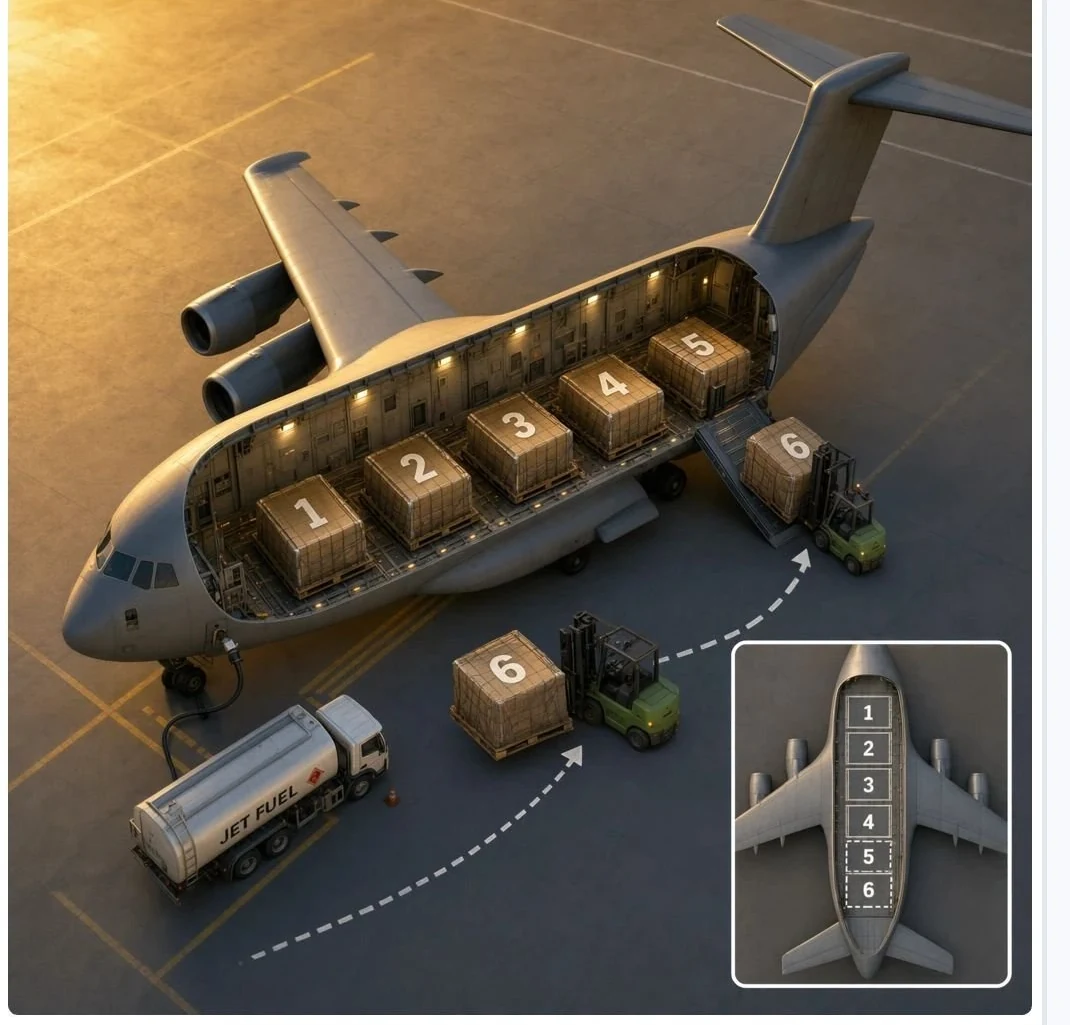 PROMPT
Add a sixth cargo container labeled "6" being carried by a second forklift toward the plane's open rear, matching the crate style of containers "1" through "5". Update the small inset diagram to also show a "6" slot after "5".
-
Characters & Fantasy
Bank Vault HUD Still
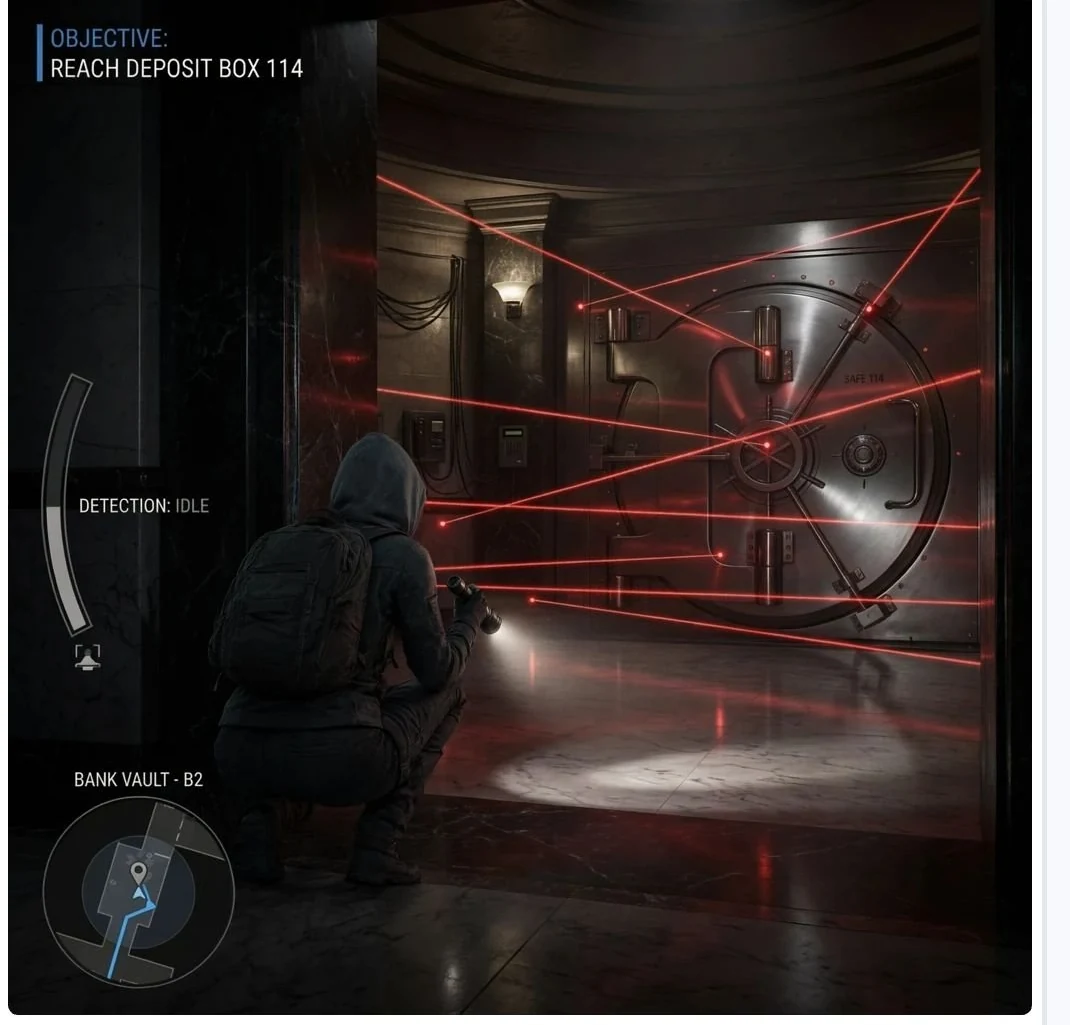 PROMPT
Change the camera to a wide view from behind the crouching character looking toward the vault door, keeping the character's crouched pose and flashlight beam, the red laser grid pattern, and all HUD text including "DETECTION: IDLE" exactly as they are.
Key Features of Qwen Image 3.0 Generator
What Alibaba documents for Qwen Image 3.0, written as things you can prompt: dense layouts, small multilingual type, authentic detail, long briefs, 1 to 3 ref edits, and 1K or 2K output.
-
One-pass dense layouts
Qwen Image 3.0 is built for newspapers, infographics, storyboards, and nested UI in a single generation. Name each region in the prompt instead of stitching many stills.
-
Small multilingual in-image text
Alibaba's launch claims type readable down to about 10px, with native rendering across 12 languages and 20+ fonts. Check spelling before you ship a poster.
-
Authentic material and portrait detail
The 3.0 theme Real includes Authentic Details: skin, type, and surface texture rather than a plastic AI look.
-
Long-brief text-to-image
Issuer docs give about 4,500 tokens of prompt room for layout zones, copy blocks, and nested UI notes. CamArt's field is 2000 characters.
-
Instruction edit with 1 to 3 refs
The same 3.0 family can edit from one to three reference images with a natural-language instruction.
-
1K or 2K still output
Alibaba documents PNG sizes through 2048x2048. CamArt exposes 1K or 2K. This page does not claim native 4K.
Name every layout zone in one prompt.
Qwen Image 3.0 is built to follow a long, multi-region brief: headlines, body copy, nested UI, and placement notes in a single generation. Keep the CamArt prompt specific about each zone rather than a one-line style tag.
Qwen Image 3.0 Model Comparison
While Qwen Image 3.0 is a 3-credit dense-layout still with 1 to 3 edit images, GPT Image 2, Seedream 5.0 Pro, and Nano Banana Pro cost more per still and take more refs.
| Fact | Qwen Image 3.0 | GPT Image 2 | Seedream 5.0 Pro | Nano Banana Pro |
|---|---|---|---|---|
| Issuer | Alibaba Qwen Image 3.0. | OpenAI GPT Image 2. | ByteDance Seed Seedream 5.0 Pro. | Google Gemini 3 Pro Image (Nano Banana Pro). |
| Best for | Dense layouts and long prompts with readable multilingual type. | Instruction-heavy briefs and readable in-image type. | Dense infographics and layout-aware stills. | Premium brand stills and multilingual in-image type. |
| Strength | Long briefs into nested layouts in one pass. | Natural-language instruction follow plus identity-holding edits. | Infographic hierarchy that holds labels in one still. | Pro-class reasoning for packs, posters, and multi-person stills. |
| In-image text | Official story is dense, small multilingual lettering on posters and decks. | Readable lettering, including Japanese, Korean, Chinese, Hindi, and Bengali. | Native multilingual type on charts, posters, and decks. | Readable multilingual lettering on packs and posters. |
| Generate and edit | T2I plus 1 to 3 edit stills. | T2I plus up to 8 reference stills on Edit. | T2I plus Edit with up to 8 images. | T2I plus up to 8 reference stills. |
| CamArt credits | 3 credits on Standard. Qwen Image 3 Pro is 4. | 6 credits per still. | 5 credits per still. | 14 credits per still. |
| Resolution on CamArt | 1K or 2K. | 1K or 2K. CamArt does not connect ChatGPT thinking or web search. | 1K or 2K. Do not treat issuer 4K talk as this picker. | 1K or 2K. Not CamArt 4K. |
Sources: Alibaba Qwen Image 3.0; OpenAI ChatGPT Images 2.0; ByteDance Seedream 5.0 Pro; Google Nano Banana Pro.
Why Choose Qwen Image 3.0 Generator in CamArt
Choose Qwen Image 3.0 when the still needs readable type, a dense layout, or an instruction edit. CamArt runs Standard by default, with Pro and Edit in the same picker.
Type that stays readable on posters and UI mocks
Alibaba's Qwen Image 3.0 launch claims type down to about 10px across 12 languages. That is the SERP hook: labels, formulas, and UI copy that stay legible in the picture.
- Name the on-image copy in the prompt, including language and placement.
- Check spelling in the preview before you ship a poster or nested UI mock.
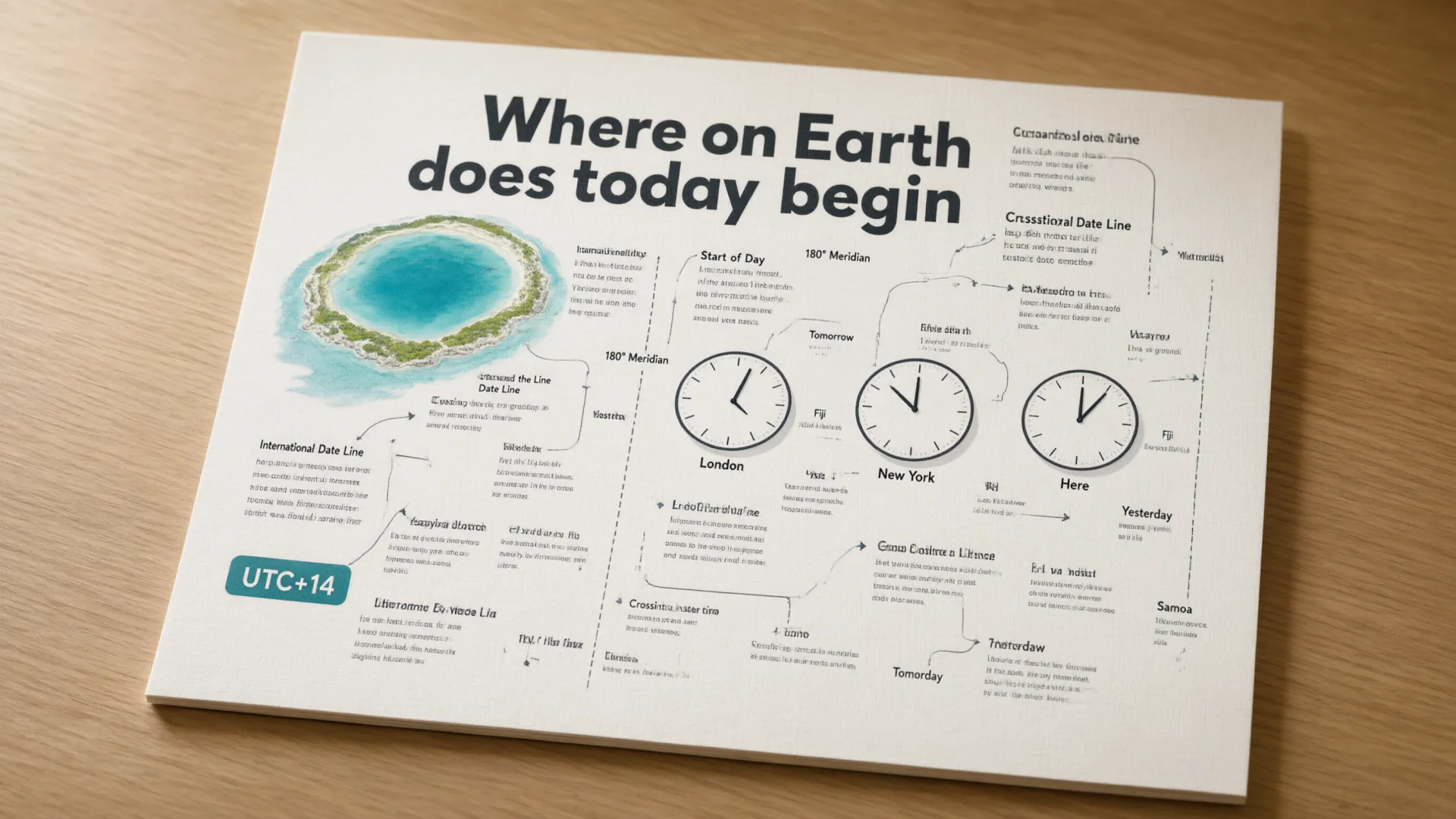
Information-dense pages without stitching many gens
Qwen Image 3.0 is framed around one-pass newspapers, infographics, storyboards, and nested interfaces. A long brief can describe every zone instead of assembling leftovers.
- List each layout zone, headline, and body block in one prompt.
- Use 2K when small type has to survive export.

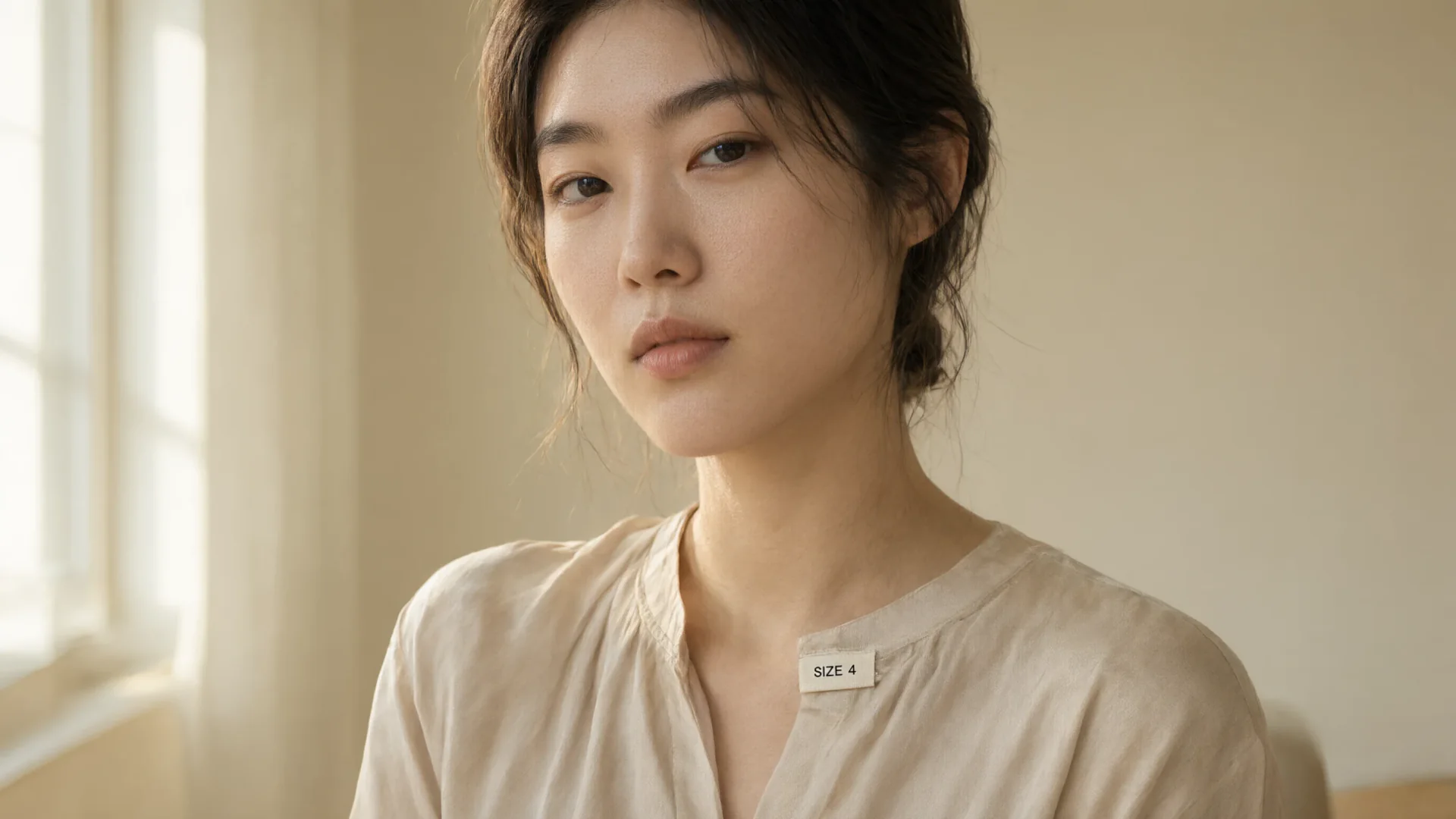
Skin, type, and material texture the issuer calls Real
The 3.0 theme Real includes Authentic Details. Portraits and product stills should hold pores, weave, and printed labels, not a plastic AI finish.
- Call out material, lighting, and any on-garment type in the brief.
- There is no public 3.0 benchmark table on this page. Judge the still.
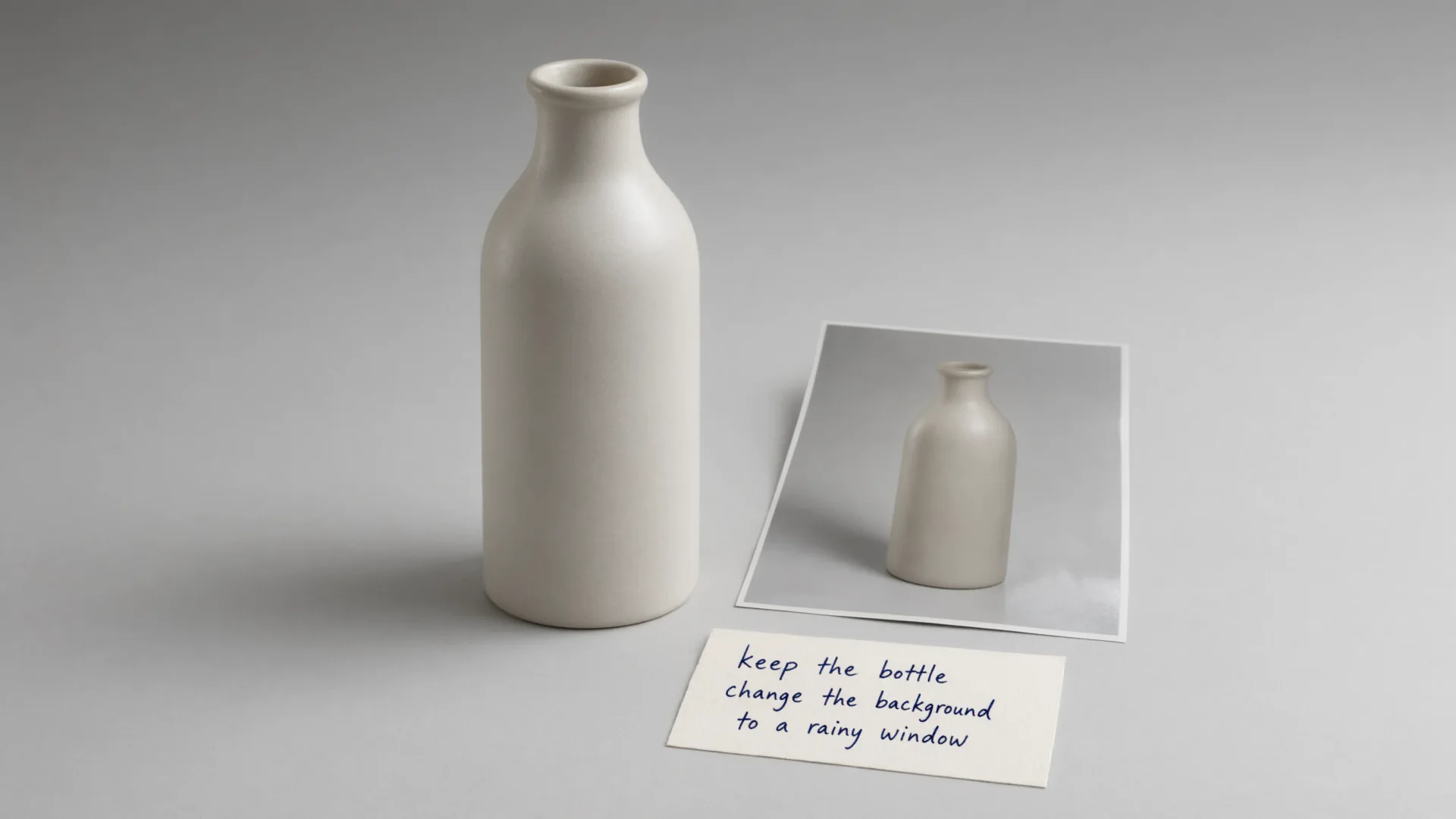
Keep a subject while you rewrite the scene
The same 3.0 family edits from one to three reference images. Add the stills, write the change, and keep Qwen Image 3 selected so Generate switches to the edit SKU.
- Upload one to three refs when identity or layout must hold.
- Keep the instruction specific: what stays, what changes.
How to Use Qwen Image 3.0 Generator in CamArt
Three steps from a layout brief to a saved still.
-
STEP 01
Write the still
Keep Qwen Image 3 selected, or switch to Pro. Write subject, layout zones, on-image copy, language, and lighting. CamArt's prompt field is 2000 characters.
-
STEP 02
Set ratio, resolution, and refs
Set aspect ratio and 1K or 2K. Add up to three reference photos when you need an instruction edit.
-
STEP 03
Generate, check type, and save
Generate, check spelling and layout in the preview, then save from Creations. Credits on Generate are deducted on start (1 credit = $0.01 COGS).
Who Should Use Qwen Image 3.0 Generator on CamArt
Qwen Image 3.0 fits briefs that need readable type, a dense layout, or an instruction edit. Simple style-tag portraits can stay on a lighter model.
-
Poster and packaging teams
Put headlines, legal lines, and brand marks in the still. Qwen Image 3.0 is built for on-image type, not a blank moodboard.
-
Infographic and education designers
One pass can hold a museum card, a garden plan, or a labeled explainer instead of many cropped gens.
-
UI and product-mock makers
Nested windows, settings lists, and HUD chrome are issuer demo classes for 3.0 Rich Content.
-
Storyboard and short-drama boards
Dense multi-panel layouts belong in one brief. Keep the CamArt prompt inside 2000 characters.
-
E-commerce stills with on-pack type
Product photos that need readable labels can stay on Standard 1K or 2K, or move to Pro for the flagship SKU.
-
Photographers who need instruction edits
Add one to three reference photos and rewrite the scene in language instead of starting from a blank canvas.
Explore More AI Image Models on CamArt
FAQs
Is the Qwen Image 3.0 generator free on CamArt?
No. CamArt is credit-based. Qwen Image 3 Standard text-to-image is listed at 3 credits (1K and 2K). Qwen Image 3 Pro is listed at 4 credits, with a higher quote at 2K. Ranking pages that advertise 100% free wrappers are not this workspace. Sign in with Google or an email magic link. Starter credits do not cover every job.
What is the difference between Qwen Image generate and Qwen Image Edit?
Generate is text-to-image. Edit is image-to-image: you add one to three reference photos and an instruction. Both are Qwen Image 3.0 family SKUs on CamArt (text-to-image, image-to-image, and Pro siblings).
How is Qwen Image 3.0 different from Qwen Image 2.0 and 1.x?
3.0 is the July 2026 generation aimed at 4.5k-token layouts and small multilingual type. Qwen Image 2.0 is the prior closed generation on CamArt as Qwen Image 2 Pro. Qwen-Image 1.x is the open-weight Hugging Face / GitHub model. 3.0 is not those Apache weights.
What resolution does Qwen Image 3.0 output?
Alibaba documents PNG sizes from 512x512 through 2048x2048. CamArt exposes 1K or 2K. This page does not claim native 4K.
Does Qwen Image 3.0 render small text in the image?
Alibaba's launch claims type readable down to about 10px, with native rendering across 12 languages and 20+ fonts. Always check spelling before you ship a poster or UI mock.
Qwen Image 3 vs Qwen Image 3 Pro on CamArt?
Both are 3.0. Standard text-to-image is $0.03 (3 credits) at 1K and 2K. Pro is $0.04 at 1K and $0.075 at 2K. Edit adds $0.003 per input image. Pick Pro when you want the flagship SKU.
Can I use Qwen Image 3.0 images commercially on CamArt?
CamArt plans allow commercial use of outputs subject to law and third-party model terms. Qwen Image 3.0 is not the Apache 2.0 1.x download. Review Alibaba's current terms for the 3.0 SKU.
Does CamArt accept 4.5k-token prompts?
The model's documented input window is about 4,500 tokens. CamArt's prompt field is 2000 characters. Write a dense layout inside that limit, or continue in Create with the same cap.
How do I generate a Qwen Image 3.0 still on CamArt?
Sign in, keep Qwen Image 3 selected, write the prompt, set ratio and 1K or 2K, then Generate. Credits shown on the button are deducted on start.
Generate Images with Qwen Image 3.0
Describe the still and any on-image text. Add a reference photo when you need an edit, then hit Generate when you're ready.