
Seedance 2.0 AI Video Generator
Seedance 2.0 jointly generates picture and sound from text, image, audio, and video. It can reference composition, camera, motion, and audio from those inputs, ByteDance Seed’s unified multimodal step up from 1.5.
What is Seedance 2.0
Seedance 2.0 is ByteDance's AI video model. It generates short cinematic clips from text prompts and still images, and is the Seedance line's current cinematic generator rather than a generic wrapper name. It is described for identity across cuts, camera-style prompting, and mixed visual references when those inputs are supported.
-
ByteDance video model
Seedance 2.0 is the Seedance line's current cinematic generator, not a generic wrapper name.
-
Text and image inputs
It accepts a written prompt or a still as the starting frame for a short clip.
-
Multi-shot identity
The model is positioned for characters and products that stay recognizable across cuts.
-
Short cinematic output
It is built for brief shots and social-length sequences rather than long-form edit bays.
-
Camera-style prompting
Prompts may name moves such as dolly, push, or orbit when the model treats camera language as direction.
-
Mixed visual references
Image or prior-clip references can be attached when the input mode supports them, so the clip starts from more than text.
Examples of Seedance 2.0 from X
Community clips on X made with Seedance 2.0, across different style lanes. Copy a prompt and try it in the editor.
-
Camera Magic
First-Person Temple Fly-Through
PROMPTImmersive first-person flying camera perspective, no visible drone or flying device. The camera dives through an ancient jungle temple swallowed by storm clouds, racing between vines, stone statues, waterfalls, and glowing ruins. At the end, the temple opens into a massive underground sun, releasing golden shockwaves and levitating stone rings. Continuous POV shot, no cuts, aggressive banking, cinematic motion blur, volumetric mist, high-end fantasy VFX.
-
VFX & Surreal
Stone Dragon Over the City
PROMPTA stone dragon the size of a skyscraper breaking through clouds. Two figures standing on a cliff watching it rise. Volumetric fog wrapping around carved scales. Light cutting through the clouds behind its head.
-
Pets & Animals
Two Cats on a Mini Motorcycle
PROMPTA highly realistic cinematic shot filmed from inside a moving car looking out the side window, capturing two cats riding a small red mini motorcycle on a suburban road. An orange tabby cat is driving, gripping the handlebars with both front paws, mouth open in a surprised or determined expression, ears slightly back from the wind. Behind it, a fluffy pure white cat is perched as a passenger, holding up a shiny empty metal food bowl with one paw while the other rests for balance, mouth wide open as if meowing or yelling. The motorcycle is a compact red mini bike with a visible headlight, black tires, and a small license plate area. Background shows a typical American suburban street with houses, trees, power lines, a concrete barrier, other cars passing, and a partly cloudy sky. Dynamic motion blur on the background to convey speed, natural daylight, humorous and absurd vibe.
-
Food & Cooking
Shawarma Wrap, Ghibli Kitchen
PROMPTA cozy Studio Ghibli-inspired cinematic cooking animation showing a delicious grilled chicken shawarma wrap and refreshing mint-lime soda being prepared step by step. Begin with slicing juicy shawarma meat on a vertical rotisserie, cutting fresh limes, adding ice, mint, and sparkling soda to a chilled glass, then assembling a warm tortilla with grilled chicken, lettuce, tomatoes, onions, purple cabbage, and creamy garlic sauce before rolling it into a perfect wrap. Finish with garnishing the drink with mint and lime, showcasing fizzy bubbles and the final plated meal on a rustic wooden counter in warm golden lighting, with highly detailed food, smooth camera movements, soft depth of field, and a magical hand-painted Ghibli aesthetic.
-
UGC Ads
Bedroom Unboxing, Talking-Head
PROMPTUse the uploaded reference image as the exact character reference. Preserve her facial identity, hairstyle, eye color, makeup, skin tone, body proportions, white sleeveless fitted top, light blue wide-leg jeans, pearl choker, rings, and bracelets consistently throughout the video. Use the uploaded sunglasses, retail box, and leather carrying case as locked product references. Maintain perfect product consistency, including the frame shape, lenses, hinges, colors, materials, and proportions. Create an ultra-realistic UGC luxury creator review filmed inside a modern luxury bedroom with warm golden-hour sunlight, soft natural shadows, and a premium lifestyle aesthetic. The camera feels like a handheld smartphone with subtle natural movement while maintaining cinematic commercial quality. The video begins with the woman sitting on the bed beside the retail box and leather case. Smiling at the camera, she says, "I genuinely wasn't expecting to love these this much." She picks up the box, opens it naturally, reveals the leather case, then slowly removes the sunglasses while continuing, "The packaging already feels incredibly premium." She rotates the sunglasses slowly in front of the camera, showing the frame, hinges, and lenses as natural reflections glide across the surface. She smiles and says, "The finish feels amazing, and they're incredibly lightweight." She puts on the sunglasses, stands up, and walks toward a large full-length mirror. Looking at her reflection, she adjusts the frame naturally and says, "Honestly... they look so good, and they're really comfortable on the eyes, even in bright sunlight." She turns slightly left and right so the sunglasses catch the sunlight from different angles before removing them with a smile. Walking back to the bed, she places the sunglasses beside the leather case and retail box, then picks them up one last time and holds them beside her face. Looking directly into the camera, she smiles warmly and says, "Definitely one of my favorite accessories this year." The camera slowly pushes in on the sunglasses before fading out. Ultra-realistic UGC fashion content, authentic creator review, cinematic handheld smartphone movement, luxury bedroom, macro product cinematography, realistic reflections, detailed frame textures, expressive facial animation, perfect lip sync, shallow depth of field, premium color grading, 4K HDR, 16:9, no subtitles, no logos, no watermarks, no on-screen text on it
-
Fashion & Style
Graffiti Alley Sneaker Walk
PROMPTCreate a premium 15-second cinematic Adidas sneaker commercial set in a gritty urban environment featuring vibrant colorful graffiti walls, modern concrete architecture, wide city streets, and a bold high-fashion streetwear aesthetic. The contrast between the rugged urban backdrop and the soft feminine styling creates a luxurious editorial campaign look. A beautiful Western woman in her mid-20s with long, voluminous wavy blonde hair, fair skin, striking blue eyes, and elegant natural makeup confidently enters the scene. She wears a stylish fitted baby pink mini dress with a modern sporty silhouette paired with matching baby pink Adidas sneakers featuring clean white accents and iconic three stripes. Her hair flows naturally with realistic wind physics, and her confident expression radiates elegance, energy, and authenticity. Shot 1 (0–2s): Open with a wide cinematic establishing shot of the colorful urban street lined with artistic graffiti murals, contemporary concrete buildings, and dramatic natural sunlight. The stylish blonde woman confidently walks into frame wearing her baby pink dress and matching Adidas sneakers. Smooth cinematic dolly movement, subtle lens flare, shallow depth of field, premium fashion-commercial composition. Shot 2 (2–4s): Transition into an extreme low-angle close-up of one Adidas sneaker making a powerful step onto the pavement. Emphasize the detailed sole pattern, premium stitching, realistic fabric texture, clean laces, iconic three stripes, and authentic foot impact. Tiny dust particles subtly lift from the ground while maintaining realistic physics. Ultra-sharp focus with cinematic slow motion. Shot 3 (4–6s): A smooth full-body tracking shot follows the woman walking confidently through the city streets. Her baby pink dress moves naturally with each step while her wavy blonde hair flows beautifully in the breeze. Capture elegant body movement, natural posture, realistic clothing simulation, and luxury fashion-commercial styling. Shot 4 (6–8s): Editorial beauty close-up of her confident face and expressive blue eyes. Soft wind moves her long wavy blonde hair while dramatic golden-hour lighting creates beautiful highlights on her skin. Natural makeup, subtle smile, shallow depth of field, premium cinematic portrait photography. Shot 5 (8–10s): Extreme macro product shot showcasing the Adidas sneaker in exquisite detail. Highlight premium leather and mesh materials, intricate stitching, textured sole, woven laces, embossed branding, realistic fabric fibers, and elegant rotating camera movement with perfect focus transitions. Shot 6 (10–12s): Dynamic side-tracking shot as she confidently walks past colorful graffiti-covered walls. The camera smoothly matches her pace while emphasizing graceful movement, flowing blonde hair, realistic dress physics, premium footwear visibility, and fashionable confidence. Shot 7 (12–14s): A dramatic low-angle hero shot where the Adidas sneakers dominate the foreground while the woman stands confidently above the camera. Cinematic lighting enhances the sneaker silhouette with rich contrast, subtle lens flare, and premium commercial styling. Final Shot (14–15s): Transition to a clean luxury product hero shot of the baby pink Adidas sneakers carefully placed on the pavement against the colorful graffiti backdrop. The camera performs a slow cinematic push-in with elegant depth of field, leaving generous negative space for the campaign message. On-Screen Text: "BE BOLD. BE REAL." Visual Style: Ultra-photorealistic 4K cinematic quality, premium Adidas advertising aesthetic, vibrant cinematic color grading, realistic textures, natural skin tones, luxury fashion campaign lighting, smooth camera movement, shallow depth of field, editorial composition, soft golden-hour sunlight, subtle lens flares, volumetric lighting, realistic hair physics, natural fabric simulation, crisp product detail, consistent character identity, high-end commercial photography, polished luxury branding. Negative Prompt: Low quality, blurry, noisy image, distorted anatomy, extra limbs, extra fingers, duplicated shoes, mismatched footwear, warped Adidas logo, incorrect proportions, unrealistic face, inconsistent character appearance, broken hands, twisted feet, malformed legs, floating objects, clipping, poor lighting, oversaturated colors, excessive motion blur, flickering, compression artifacts, unreadable text, deformed sneaker, incorrect perspective, unrealistic physics, watermark, logo duplication, text glitches, low-resolution textures.
Why Choose Seedance 2.0 AI Video Generator on CamArt
CamArt brings the full Seedance 2.0 engine to your creative workflow, with a workspace tuned for professional video production. Multimodal inputs, frame-accurate controls, and brand-safe outputs.
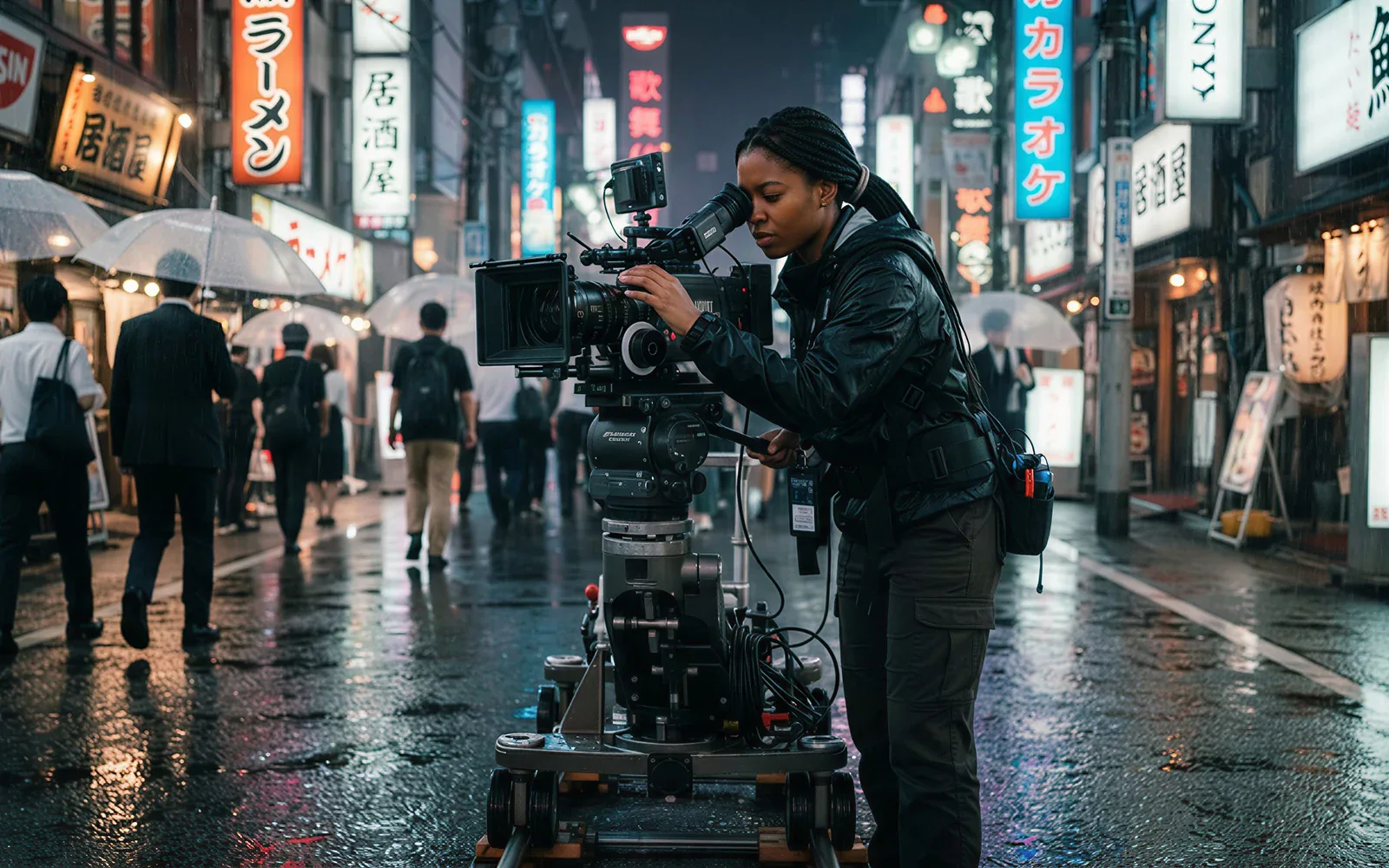
Craft Cinematic Shots with Unmatched Control
Fine-tune the specific look, artistic style, and complex motion of every asset. Seedance 2.0 exposes camera grammar (dolly, push, orbit, handheld) so your output aligns with the storyboard, not a random AI interpretation.
- Direct camera moves and character actions with frame-level precision.
- Lock brand-consistent color, grain, and lens across every shot.
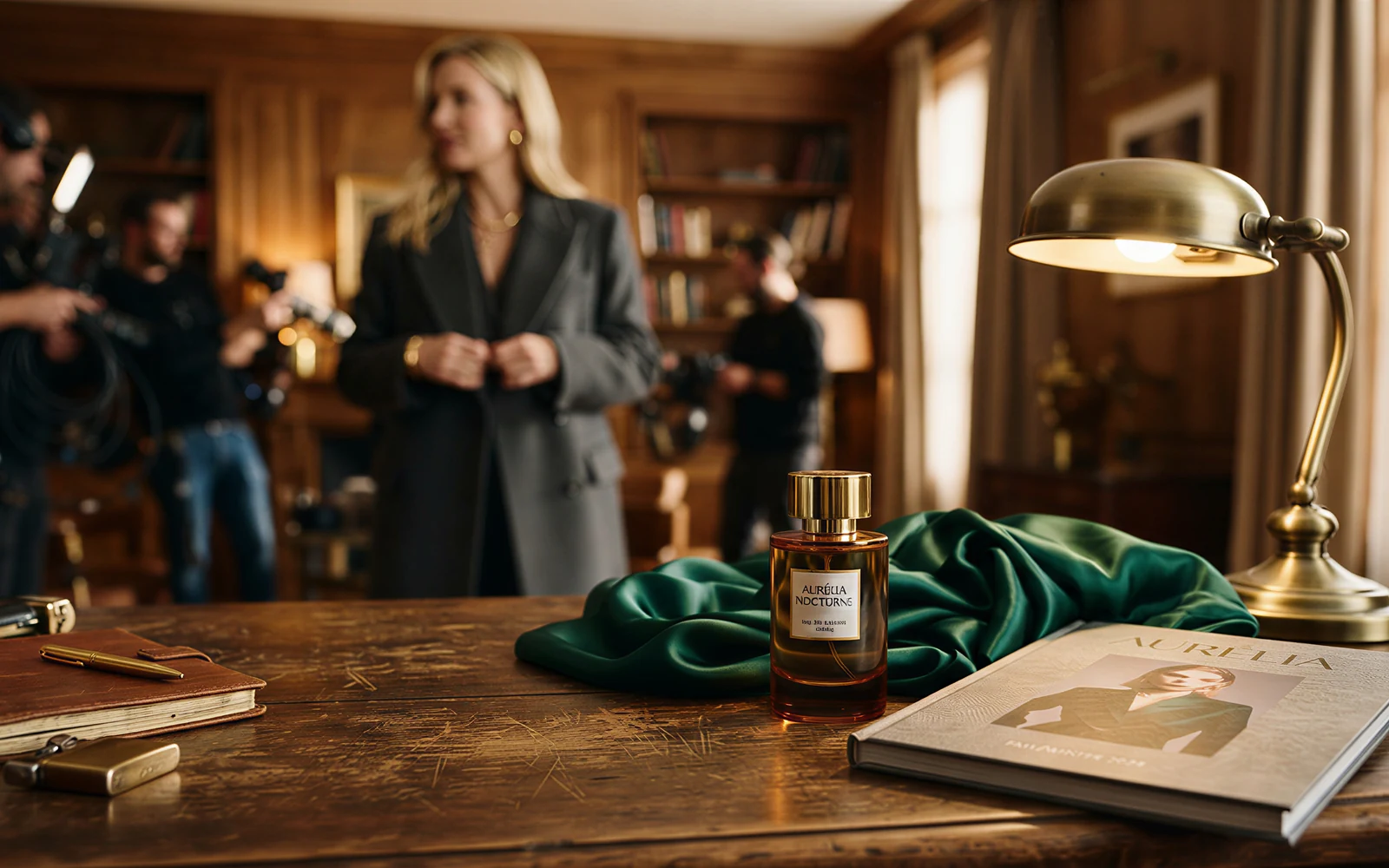
Sync Multimodal Brand Assets
Mix text, image, audio, and video references into a single prompt. The @-tag system lets Seedance 2.0 pin a product photo, a model reference, and a voice draft into the same generation, so a campaign looks like one shoot, not five.
- Up to 12 distinct reference assets in one prompt.
- Exact character, fabric, and color match using image anchors.
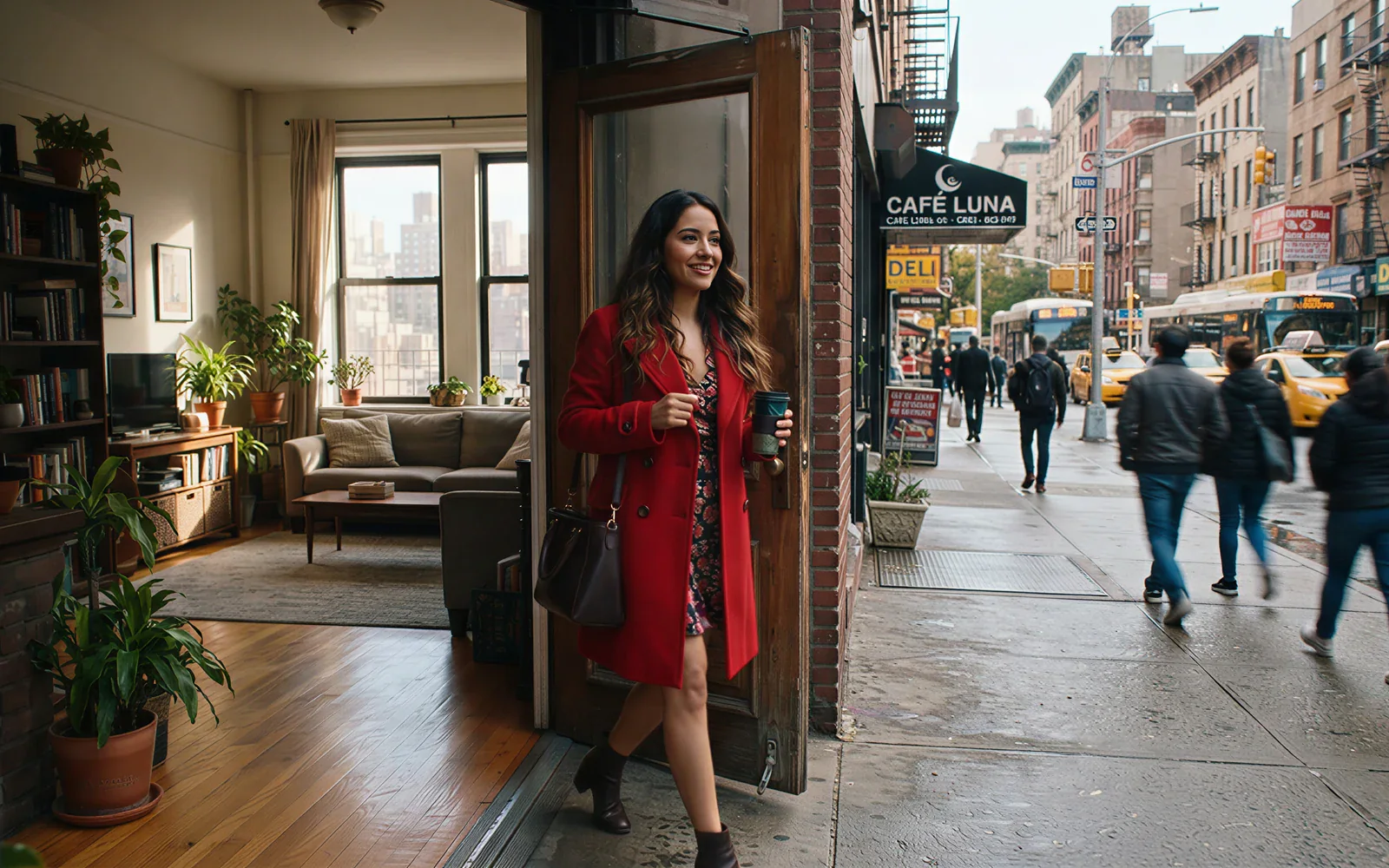
Create Long Stories with Perfect Consistency
Produce longer sequences that hold product details, faces, and environments steady as the camera moves through complex scenes. Seedance 2.0 was trained for narrative coherence, which kills the "morph" tax common in earlier AI video models.
- Characters and objects stay visually identical across multiple shots.
- Well-blended transitions for professional-grade storytelling.
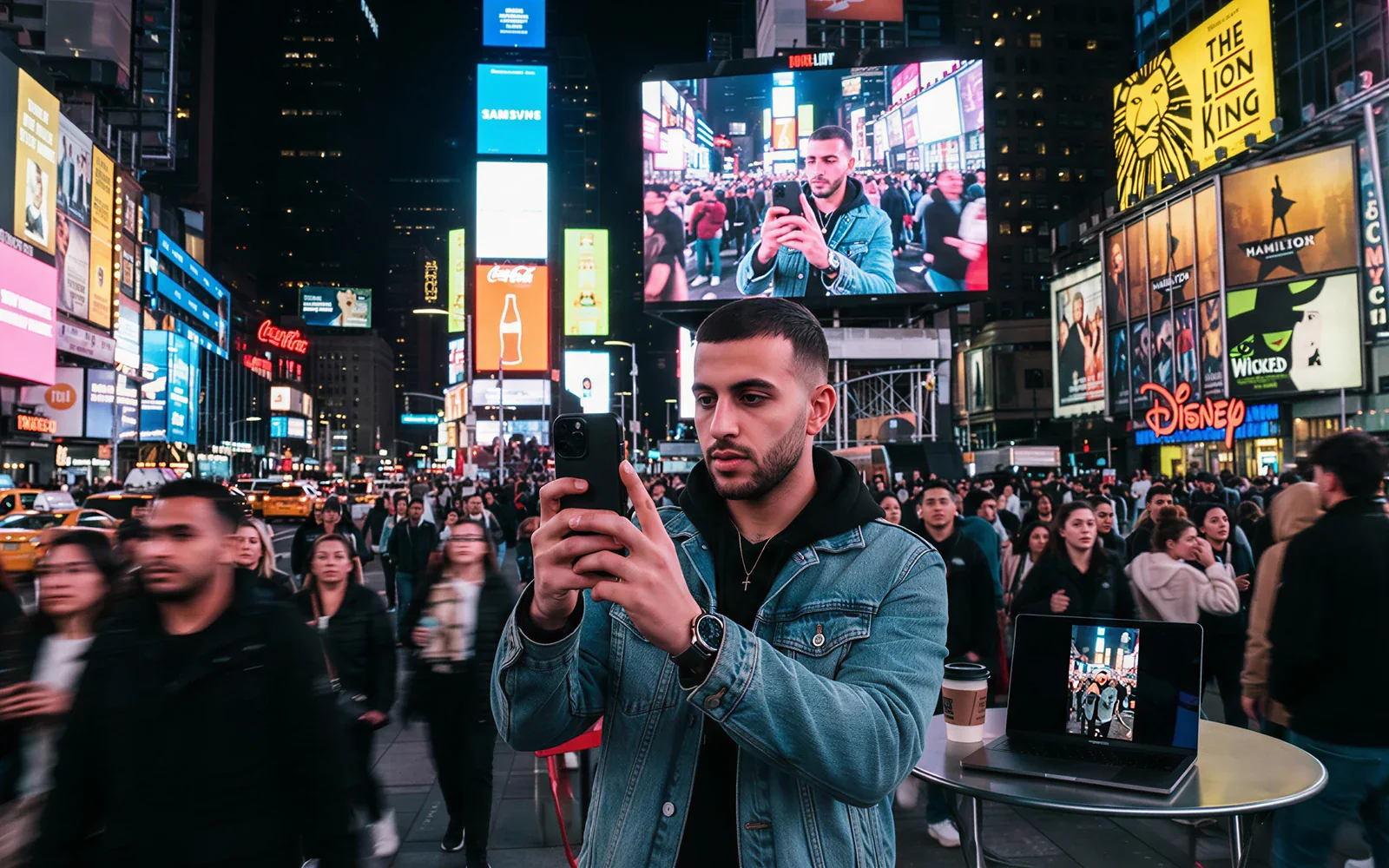
Export Pro Videos for Any Channel
Deploy high-performing creative across every major social channel with native 2K resolution and flexible aspect ratio support. From a 16:9 YouTube ad to a 9:16 TikTok promo, Seedance 2.0 keeps content on-platform best practice.
- Switch formats instantly to match each social media spec.
- Crystal-clear 2K visuals that stop the scroll and drive clicks.
Seedance 2.0 Model Parameters
Everything CamArt exposes from Seedance 2.0, in one place. Each parameter maps to a real control in the editor above, so what you read here is what you can ship today.
-
Resolution & Frame Rate
Output up to 2K at 24fps and 30fps, with 60fps available for short hero shots. CamArt auto-encodes H.264 + Apple ProRes proxies for editing handoff.
-
Prompt Budget
2,000-character prompts with native @-tag references to images, audio, and prior renders. Negative prompts and weight syntax (::1.4) supported.
-
Aspect Ratios
9:16, 16:9, 1:1, and 4:5 covered out of the box. Switch ratio mid-project without re-prompting, Seedance 2.0 reframes inside the existing scene.
-
Clip Length
4s, 6s, and 8s clips per generation, with native scene-stitching to chain up to 24 seconds while keeping character and lighting state continuous.
-
Multi-Shot Consistency
The trait Seedance was built for. Characters, products, and environments hold their identity across shots without LoRA training or manual touch-up.
-
Camera Grammar
Explicit handles for dolly, push, orbit, crane, whip-pan, and handheld. Prompt the camera move, don't hope for it.
Prompt the camera. Seedance 2.0 follows it.
Name a dolly, a push, or an orbit plus the character action. Seedance 2.0 follows that camera language, not a nearby guess.
Seedance 2.0 Model Comparison
While Seedance 2.0 jointly writes picture and sound from mixed text, image, audio, and video refs, Kling 3.0, Veo 3.1, and Wan 3.0 split on optional Sound, a 4 to 8 second job, or a 30-second one-take.
| Fact | Seedance 2.0 | Kling 3.0 | Veo 3.1 | Wan 3.0 |
|---|---|---|---|---|
| Issuer | ByteDance Seed. Unified multimodal audio-video. | Kuaishou Kling 3.0 Standard, Pro, and 4K SKUs. | Google DeepMind Veo 3.1. | Alibaba Wan. Long one-take with native audio. |
| Best for | Mixed-ref multimodal clips up to 15 seconds. | 3 to 15 second cinematic clips with a 4K SKU. | Photoreal 4 to 8 second clips with a +7 second extend. | 30-second native-audio one-takes from mixed inputs. |
| Strength | Joint picture and sound from text, image, audio, and video. | Optional Sound and Multi-Shot from a written shot list. | Native dialogue, effects, and ambience billed per job. | Omni 10 images / 5 videos / 5 audio in one pass. |
| Duration on CamArt | 4 to 15 seconds per Generate job. | 3 to 15 seconds per Generate job. | 4 to 8 seconds, then a +7 second extend SKU. | 2 to 30 seconds per Generate job. |
| Resolution on CamArt | 480p to 1080p on Fast and Standard. | 720p to 4K in the picker, including a dedicated 4K SKU. | 720p, 1080p, or 4K. | 480p to 1080p. |
| Native audio | Yes. Picture and sound on connected Generate SKUs. | Optional Sound. Start and end frames sit on the same 3.0 card. | Yes. Native soundtrack on connected SKUs. | Yes. Native soundtrack on connected SKUs. |
| Modes and refs | T2V, I2V, Omni 9 images / 3 videos / 3 audio, Start-End. | T2V, I2V, Start-End. No Omni on CamArt 3.0 Generate. | T2V, I2V, Omni 1 to 3 stills, Start-End. | T2V, I2V, Omni 10 images / 5 videos / 5 audio. |
| CamArt credits | Fast is 10 credits per second (50 at 5 seconds). Standard is 12 per second. | Pro is 11.2 credits per second (56 at 5 seconds). | 320 credits per job on Veo 3.1, not per second. Fast is 120 credits at 8 seconds. | Standard is 10 credits per second (50 at 5 seconds 720p). Prime is 15 per second. |
Sources: ByteDance Seedance 2.0; Kling VIDEO 3.0 guide; Google Veo 3.1; Alibaba Wan 3.0.
How to Create Videos with Seedance 2.0 in CamArt
Three steps, about thirty seconds before the render queue picks you up.
-
STEP 01
Choose Your Input
Type a prompt for Text to Video, or drop a still for Image to Video. Drag references in straight from Figma, Notion, or your asset library.
-
STEP 02
Select the Seedance 2.0 Model
Pick Seedance 2.0 from the model menu. Credits stay on the same CamArt plan as every other model.
-
STEP 03
Generate & Export
Click Start. The first render lands in roughly ninety seconds. Export 2K MP4, ProRes, or a vertical TikTok-ready cut from the same job.
Who Should Use Seedance 2.0 on CamArt
Teams shipping deadline-driven motion (short ads, episodic edits, bilingual campaigns) get the most from Seedance when prompts, ratios, and export lanes stay disciplined inside one CamArt workspace.
-
E-Commerce & Marketing Teams
Prototype product stories, promo cuts, and platform-native framings before you overspend on reshoots or heavyweight finishing.
-
Filmmakers & Storytellers
Pre-vis complex beats while keeping wardrobe, blocking, and camera grammar legible across multi-shot arcs.
-
Agencies & Studios
Pitch alternates, sprint through client approvals, and hand off TikTok/Reels/longform masters without rebuilding the spine every time.
Explore More AI Video Models on CamArt
FAQs
Does Seedance 2.0 jointly generate picture and sound?
Yes. ByteDance Seed designed Seedance 2.0 to generate picture and sound together in one unified multimodal pass, not a silent clip with audio added later. On CamArt you run that joint output from the tool on this page, then save the clip to Creations.
Can Seedance 2.0 take text, image, audio, and video in one job?
Yes. Official Seedance 2.0 inputs are text, image, audio, and video. Use the generator on this page to write the prompt and attach the references the live model picker supports.
How many image, video, and audio references does Seedance 2.0 document?
ByteDance Seed documents mixed-modality references of up to 9 images, 3 video clips, and 3 audio clips, plus natural-language instructions. CamArt follows the live Seedance 2.0 Fast controls in the form above.
How does Seedance 2.0 differ from Seedance 1.5?
ByteDance Seed describes Seedance 1.5 as synchronized audio-visual generation and Seedance 2.0 as unified multimodal audio-video generation. 2.0 can reference composition, camera, motion, visual effects, and audio from mixed inputs. This CamArt page runs Seedance 2.0 Fast so you can try that stack without a vendor API.
Does Seedance 2.0 support multi-shot clips with audio?
ByteDance Seed claims 15-second multi-shot audio-video output and dual-channel audio. CamArt returns what the selected Seedance 2.0 Fast job produces. Generate on this page, then preview and download the file.
Is Seedance 2.0 free on CamArt?
CamArt is not an unlimited free Seedance host. New accounts get 20 starter credits for low-cost models. Seedance 2.0 Fast charges the credits shown on Generate. After that, use a subscription or credit pack on /pricing. One credit pool covers the models on CamArt.
Can I use Seedance 2.0 clips commercially on CamArt?
Yes. CamArt lets you use generated clips commercially on every plan (ads, client work, social), as long as you follow the law, third-party model terms, and the rights in any references you upload. CamArt does not promise exclusivity or that a clip can be copyright-registered.
Do I need Discord or a ByteDance API key for Seedance 2.0 on CamArt?
No. Sign in with Google or an email magic link and generate from this page. CamArt routes the job through its provider layer. You do not set up a vendor API or a Discord bot.
How do I generate a Seedance 2.0 video on this CamArt page?
Keep Seedance 2.0 selected in the tool, write the prompt, add any image, audio, or video the form accepts, set duration and ratio, then Generate. Sign in if asked. Preview the clip and save it from Creations.
Generate Videos with Seedance 2.0
Describe the shot or upload a starting frame. Note how it should move, then hit Generate when you're ready.