
Vidu Q3 AI Video Generator
Vidu Q3 generates picture and native audio together in one pass, up to 16 seconds. ShengShu Technology built it for story clips with dialogue, effects, and music, and Standard can lock subjects from one to four stills.
What is Vidu Q3
Vidu Q3 is ShengShu Technology’s Vidu video model that generates up to 16 seconds of picture and native audio in one pass from text, a start image, start and end frames, or (on Standard) one to four reference stills. It is built for narrative clips with synchronized dialogue, effects, and music.
16 seconds
One generation can run up to 16 seconds. CamArt offers 2-16 seconds, not 1 second clips.
Native audio
Dialogue, effects, and music generate with the picture. CamArt Sound stays on by default.
EN / JA / ZH
Issuer lists English, Japanese, and Chinese speech. Write the language in the prompt.
1-4 stills
Standard Omni Reference takes one to four images. Pro has no R2V.
Start and end frames
Image-to-video can lock a start still and an optional last frame.
720p and 1080p
CamArt picker is 720p or 1080p. Issuer native output is 1080p.
Examples of Vidu Q3 from X
Community clips on X made with Vidu Q3. Copy a prompt and try it in the editor.
-
Cinematic
Samurai Dragon Peak
PROMPTEpic aerial shot: A lone samurai stands atop a jagged mountain peak as a storm of sakura petals is swept across the wind. Behind him, the sky is split in two — half daylight, half night. The shot pulls back to reveal that the mountain is actually the curved back of a sleeping dragon that spans across the horizon. Lightning crackles in the distance as the dragon's eye slowly opens, glowing with ancient magic. The samurai doesn’t flinch; he lowers his straw hat and places his hand on the hilt of his blade.
-
Pets & Animals
Desert Nature Documentary
PROMPTMini nature documentary, epic and serene Ultra-detailed natural world cinematography, realistic textures, soft documentary color grade, stable tracking, gentle environmental motion. CUT TO: Wide dawn landscape of desert dunes and distant mountains; the sky transitions through cool blues into warm orange while long shadows slide across ripples in the sand. Telephoto shot of a hawk gliding across the frame, wings steady, heat shimmer wavering beneath; the camera tracks smoothly with the bird centered against a layered horizon. CUT TO: Ground-level close-up of a small lizard pausing on a pebble, blinking; the focus snaps between its textured scales and the sand grains, then it darts forward. CUT TO: Slow-motion close-up of sand scattering from the lizard’s feet, tiny particles lifting and catching sunlight. CUT TO: Medium shot of hardy desert plants swaying gently; a beetle crawls over a stem, the camera follows with a calm, deliberate move. CUT TO: Wide reveal as the dunes open onto a ribbon of water; sunlight glitters on the surface, and distant birds lift off in a thin line. CUT TO: Final tranquil shot: the river shimmer fills the frame, reflections pulsing softly, ending on a bright glint that fades into calm.
-
VFX & Surreal
Cyberpunk Anime Fight
PROMPTA fast paced multi-shot action epic anime cyberpunk scene intro for an animation featuring an attractive anime girl fighting a cyborg
-
Food & Cooking
Penthouse Kitchen Story
PROMPTlocation: luxury penthouse kitchen, one continuous mini story Modern luxury penthouse kitchen at golden hour, warm sunlight through floor to ceiling windows, city skyline outside, marble island, copper cookware, a distinctive teal espresso machine, a small crack on the right edge of the marble, a bowl of lemons near the sink. Same main character throughout: a woman chef in a white linen shirt with rolled sleeves and a thin red bracelet on her left wrist. Keep her appearance, outfit, props, lighting, and kitchen layout consistent across every cut. CUT TO: Wide establishing shot showing the full kitchen layout, skyline, marble island center frame, teal espresso machine on the back counter, lemons by the sink. CUT TO: Medium shot from the same side of the island as she places a wooden cutting board on the marble, the crack still visible near the right edge. CUT TO: Close-up on her hands, red bracelet visible, slicing a strawberry tart topping; crumbs and fruit glisten in the same warm light. CUT TO: Over-shoulder shot as she plates the tart on a matte black plate, teal espresso machine softly blurred in the background. CUT TO: Insert close-up of espresso pouring from the teal machine into a small cup, crema forming, same golden reflections on the metal. CUT TO: Medium shot as she carries the plate and cup to the window-side counter; skyline stays in the same direction, sunlight consistent. CUT TO: Tight close-up as she smiles and adjusts a lemon slice garnish; end on the tart’s glossy surface with the skyline bokeh behind it.
-
Camera Magic
Horse Time Stop
PROMPTThe horse runs across the frame. Suddenly, the action freezes completely (Time Stop). The dusty sand and horse are suspended in static silence, after a delay, the action unpauses and the horse sprints out of frame.
-
Emotional Moments
Nostalgic Friends Talk
PROMPTThe boy and girl are having a nostalgic friendly conversation. [0:00-0:06] The boy says gently, "あのころはそんなあたりまえなことがたのしかったな" [Cut: 0:06-0:11] Close up on the girl as she replies with happy nostalgia, "うん、そうだね。いまおもうときちょうなじかんだった。” [0:11-0:15] Continue close up on the girl as she replies with 微笑み, "そうた、いつもへんなうた、うたってたよね。” Must not have music. Friends grown up sharing a drink vibe.
Key Features of Vidu Q3 AI Video Generator
What ShengShu documents for Vidu Q3, written as controls you can actually prompt: native audio, 16 seconds, stills, start-end, and camera language.
-
Native audio in the same pass
Vidu Q3 generates dialogue, voiceover, effects, and music with the picture. CamArt Sound stays on by default for Standard and Pro.
-
Up to 16 seconds, one job
ShengShu positions Q3 as one 16 second narrative beat. CamArt duration is 2-16 seconds. Stitch clips if you need a longer cut.
-
Image to video and start-end
Animate a start still, or lock a last frame with Start-End. Write motion, camera, and sound in the prompt. I2V follows the still; Pro T2V has no aspect picker.
-
1 to 4 reference stills on Standard
Omni Reference on Vidu Q3 Standard takes one to four images for subjects, costumes, props, or style. No reference video. Pro has no R2V.
-
Camera language in the prompt
Name shot size, path, and pacing in the brief. CamArt does not expose a camera-rig or movement-amplitude picker (camera stays on auto).
-
English, Japanese, and Chinese speech
Issuer lists those three languages plus multi-speaker talk. Put the language and the line in the prompt. Review lip sync before you publish.
Write the scene, the speaker, the camera path, and the sound as one shot.
Vidu Q3 follows action, camera, and audio when you keep Standard, Omni (up to 4 images), or Start-End consistent with the stills you attached.
Vidu Q3 Model Comparison
Vidu Q3 focuses on picture and native audio up to 16 seconds with Omni 1 to 4 stills, whereas Seedance 2.5 goes to 30 seconds, Kling 3.0 skips Omni, and MiniMax H3 is stereo with no Omni.
| Fact | Vidu Q3 | Seedance 2.5 | Kling 3.0 | MiniMax H3 |
|---|---|---|---|---|
| Issuer | ShengShu Vidu Q3. | ByteDance Seed. 30-second one-take plus dense refs. | Kuaishou Kling 3.0 Standard, Pro, and 4K SKUs. | MiniMax Hailuo family. H3 is the native-stereo card. |
| Best for | Story clips up to 16 seconds with dialogue and 1 to 4 stills. | 30-second story takes with dense Omni refs. | 3 to 15 second cinematic clips with a 4K SKU. | Native stereo clips drafted at 768p or finished at 2K. |
| Strength | Native dialogue, effects, and music with Omni 1 to 4 stills. | One-pass audio-video story plus timestamp edit. | Optional Sound and Multi-Shot from a written shot list. | 32 kHz stereo with picture. No Omni on CamArt. |
| Duration on CamArt | 2 to 16 seconds per Generate job. | 4 to 30 seconds, then multi-round extend. | 3 to 15 seconds per Generate job. | 4 to 15 seconds per Generate job. |
| Resolution on CamArt | 720p or 1080p. | Turbo 720p / 1080p. Standard can pick 4K in the picker. | 720p to 4K in the picker, including a dedicated 4K SKU. | 768p or 2K. A 1080p / 4K picker value maps to 2K. |
| Native audio | Yes. Native soundtrack on connected SKUs. | Yes. Joint picture and sound in one pass. | Optional Sound. Start and end frames sit on the same 3.0 card. | Yes. Native 32 kHz stereo on H3. |
| Modes and refs | Standard Omni 1 to 4 stills, Start-End. Pro has no Omni. | Omni 30 images / 10 videos / 10 audio, clay-render, Start-End. Timestamp edit on Edit SKUs. | T2V, I2V, Start-End. No Omni on CamArt 3.0 Generate. | T2V and I2V. No Omni on CamArt H3. |
| CamArt credits | Standard is 15 credits per second (75 at 5 seconds 720p). Pro is 12.5 per second. | Turbo is 20 credits per second (100 at 5 seconds 720p). | Pro is 11.2 credits per second (56 at 5 seconds). | 10 credits per second at 768p (50 at 5 seconds). 14 per second at 2K. |
Sources: Vidu Q3; ByteDance Seedance 2.5; Kling VIDEO 3.0 guide; MiniMax H3.
Why Choose Vidu Q3 AI Video Generator in CamArt
Choose Vidu Q3 when the job is a 16 second clip with native sound and, on Standard, one to four stills. This page opens Vidu Q3 Standard, with Pro as the lower-credit SKU.
Ship picture and sound together
Vidu Q3 generates dialogue, effects, and music in the same clip. You do not have to add a track later unless you want to. Lip sync is an issuer claim, so review the take.
- Leave Sound on unless the brief is silent.
- Write the spoken line and the room tone in the prompt.
Hold a face or product with one to four stills
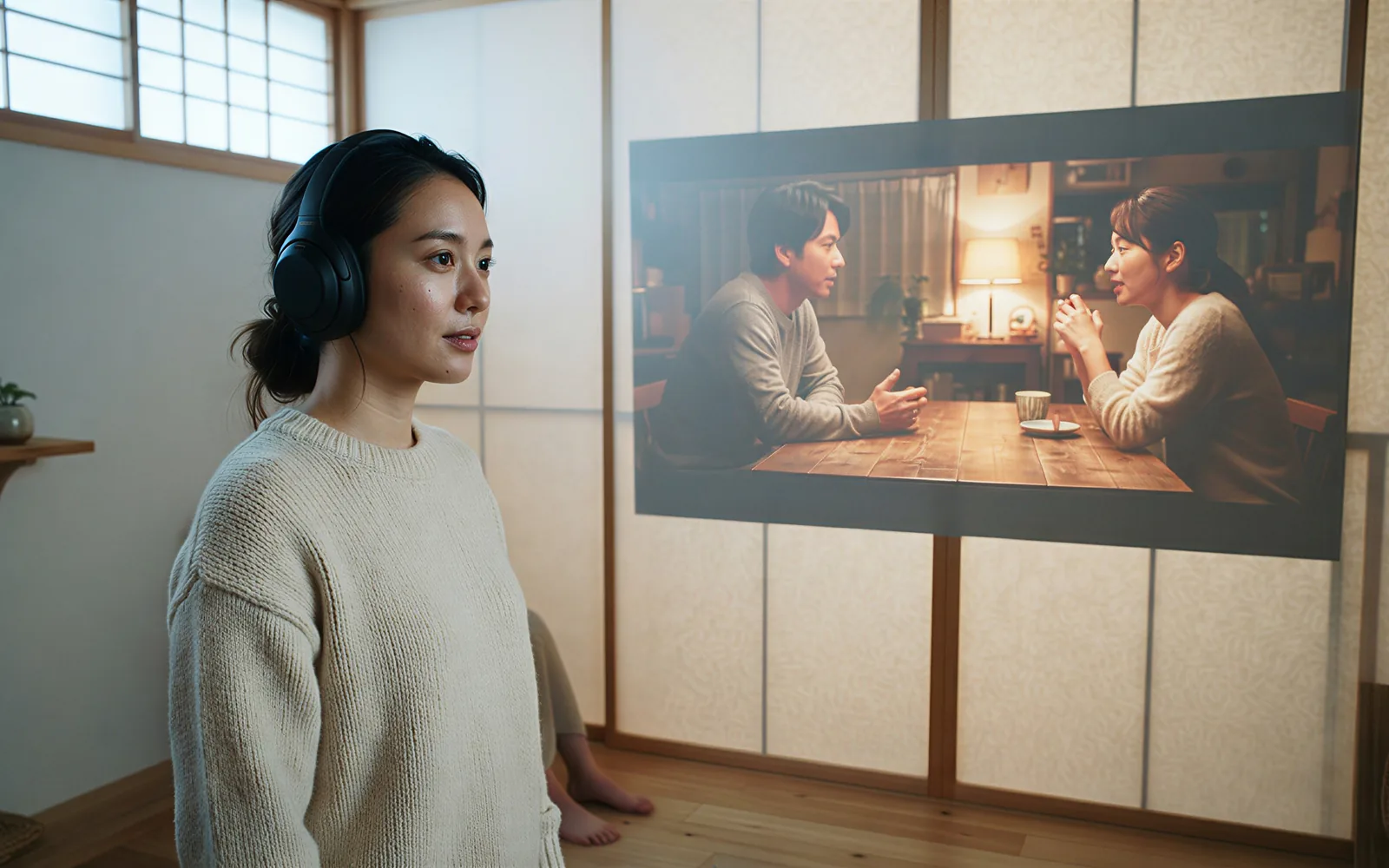
Standard Omni Reference takes 1 to 4 images. Start-End locks a last frame. Pro has no R2V, so switch to Standard when you need those stills.
- Attach up to four stills on Standard Omni before you Generate.
- Use Start-End instead when you need first and last frames.

Finish a scene in one generation
ShengShu built Q3 for up to 16 seconds of picture and native audio in one pass. CamArt offers 2-16 seconds. Longer stories still need an edit.
- Draft at 5 seconds, then stretch toward 16 when the beat needs it.
- Keep 720p for drafts and 1080p for the finish.
See credits on Generate before you spend
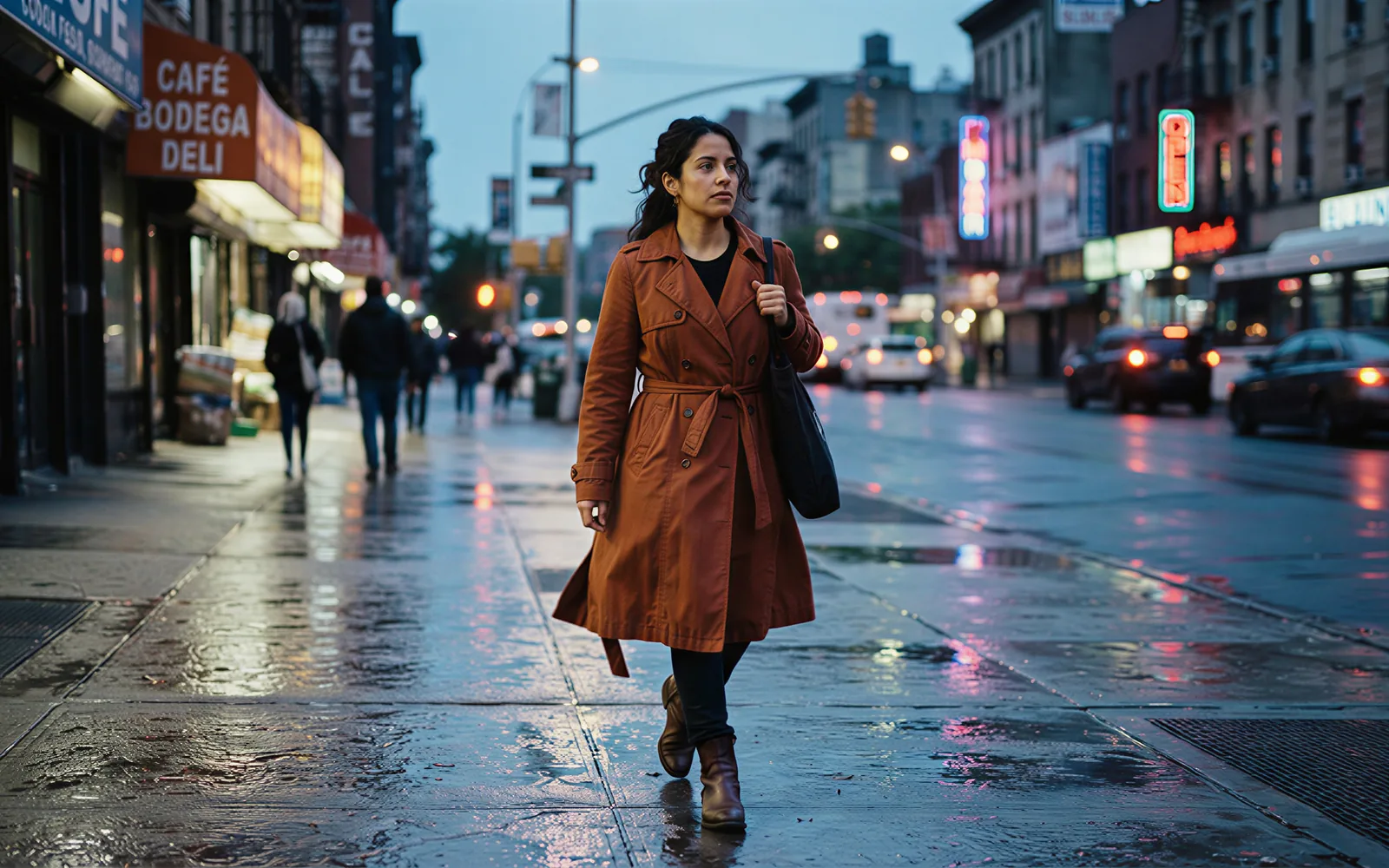
CamArt bills 1 credit as $0.01 COGS. A 5 second Standard 720p job is 75 credits. The same length on Pro 720p is 63. Omni is 15.4 credits per second. The button shows the charge before you start.
- Pick Pro when you do not need Omni stills.
- Stay on Standard when you need 1 to 4 image refs or a T2V aspect picker.

How to Use Vidu Q3 AI Video Generator in CamArt
Three steps from a 16 second brief to a saved clip.
-
STEP 01
Write the shot and the sound
Keep Vidu Q3 selected. Write subject, action, camera, speaker, and audio, or upload a start frame and a last frame for Start-End.
-
STEP 02
Attach stills and set length
Omni Reference takes 1 to 4 images on Standard. Set duration (2-16 seconds) and resolution (720p or 1080p).
-
STEP 03
Generate, preview, and save
Hit Generate. Preview picture and sound, then save from Creations. Switch to Vidu Q3 Pro when you want the 63-credit 5 second 720p rate and do not need Omni.
Who Should Use Vidu Q3 on CamArt
Vidu Q3 fits briefs that need native sound and a 16 second ceiling. Longer cuts still need an edit, not a one-shot feature film.
-
Short-drama and comic adapters
Native dialogue plus 16 seconds fits one spoken beat without a second sound pass.
-
Social and UGC editors
9:16 on Standard T2V, start-end stills, and Sound on for talking-head or GRWM-style clips.
-
Product and brand teams
Lock a pack shot with Omni stills on Standard, or draft cheaper takes on Pro.
-
Previs and film students
Write camera path and pacing in the prompt. Review lip sync before you treat a take as locked.
-
Multilingual storytellers
Prompt English, Japanese, or Chinese lines. CamArt has no locale dropdown.
-
Cost-aware producers
Credits show on Generate: 75 for 5s Standard 720p, 63 for Pro. Turbo is not on CamArt.
Explore More AI Video Models on CamArt
FAQs
How long can Vidu Q3 videos be?
ShengShu documents 1 to 16 seconds in one generation. CamArt clamps duration to 2-16 seconds. That is one story beat, not a long-form film.
Does Vidu Q3 generate audio, BGM, and lip sync?
Yes. Vidu Q3 generates picture with native dialogue, voiceover, sound effects, and music in one pass. CamArt Sound maps generate_audio plus BGM on Standard and Pro jobs that are not Omni. Omni Reference uses generate_audio only. Lip sync is an issuer claim: review the take before you publish.
Which languages does Vidu Q3 speak?
Vidu lists English, Japanese, and Chinese, including multi-speaker talk. CamArt has no locale picker. Write the language and the line in the prompt, then keep Sound on.
What is Vidu Q3 vs Vidu Q3 Pro on CamArt?
Standard is the default on this page: Omni Reference (1 to 4 stills), Start-End, and T2V aspect ratios. Pro is the cheaper, faster CamArt SKU with Start-End only, no Omni, and no T2V aspect picker. A 5 second 720p clip is 75 credits on Standard and 63 on Pro (1 credit = $0.01 COGS).
Does Vidu Q3 support image-to-video and reference images?
Yes. Image-to-video uses a start still. Start-End adds a last frame. Standard Omni Reference takes 1 to 4 images and no video refs. Pro has no R2V path. CamArt does not run Q2 Pro anything-as-reference.
What resolution can I pick on CamArt?
720p or 1080p. Issuer native output is 1080p. Some listings also include 540p. CamArt does not offer 540p, 2K, or 4K on Vidu Q3.
Does CamArt run Vidu Q3 Turbo, Mix, Ad, or Drama?
No. Those SKUs exist on official Vidu API or consumer surfaces. This page runs Vidu Q3 Standard and Vidu Q3 Pro only.
How do I generate a Vidu Q3 clip on CamArt?
Sign in with Google or an email magic link. Keep Vidu Q3 selected, write the scene, speaker, camera, and sound as one shot, set duration and 720p or 1080p, then Generate. Credits on the button deduct on start. Commercial use follows CamArt terms and third-party model terms.
Generate a Vidu Q3 clip
Describe the shot and the sound, or upload a starting frame. Keep 16 seconds and native audio in mind, then hit Generate.