
Like
Create Images, Video, And Audio
Latest models. One workspace. Recreate a template. Create more for less.
Inspiration
Find a spark. Recreate it in one click.
Like
Like
Like
Like
Like
Like
Like
Like
Like
Like
Like
You're caught up
Image, video, and audio in one Create session.
Recreate a social playbook, then generate with the latest models. Priced 30%+ below similar tools.
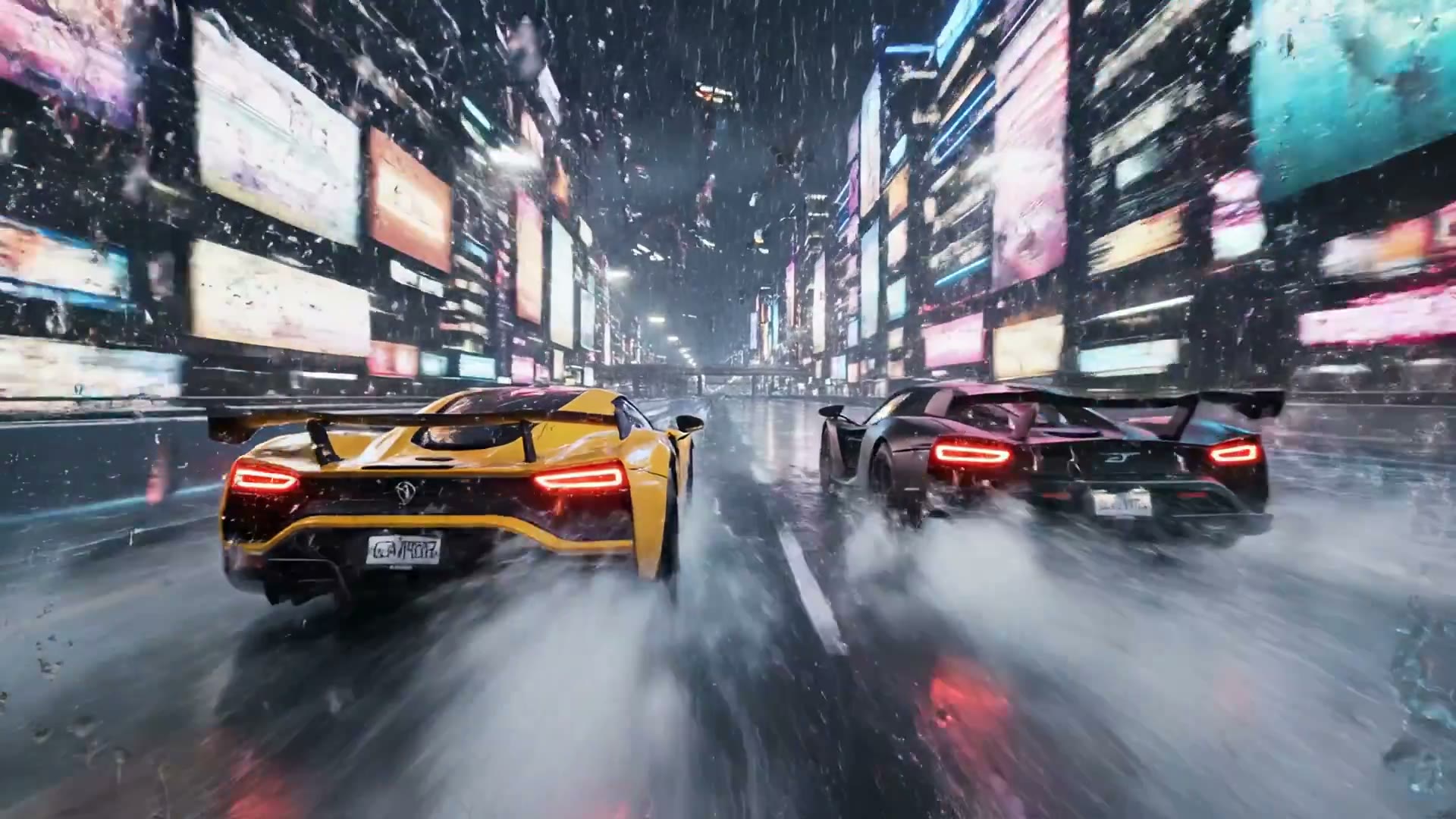
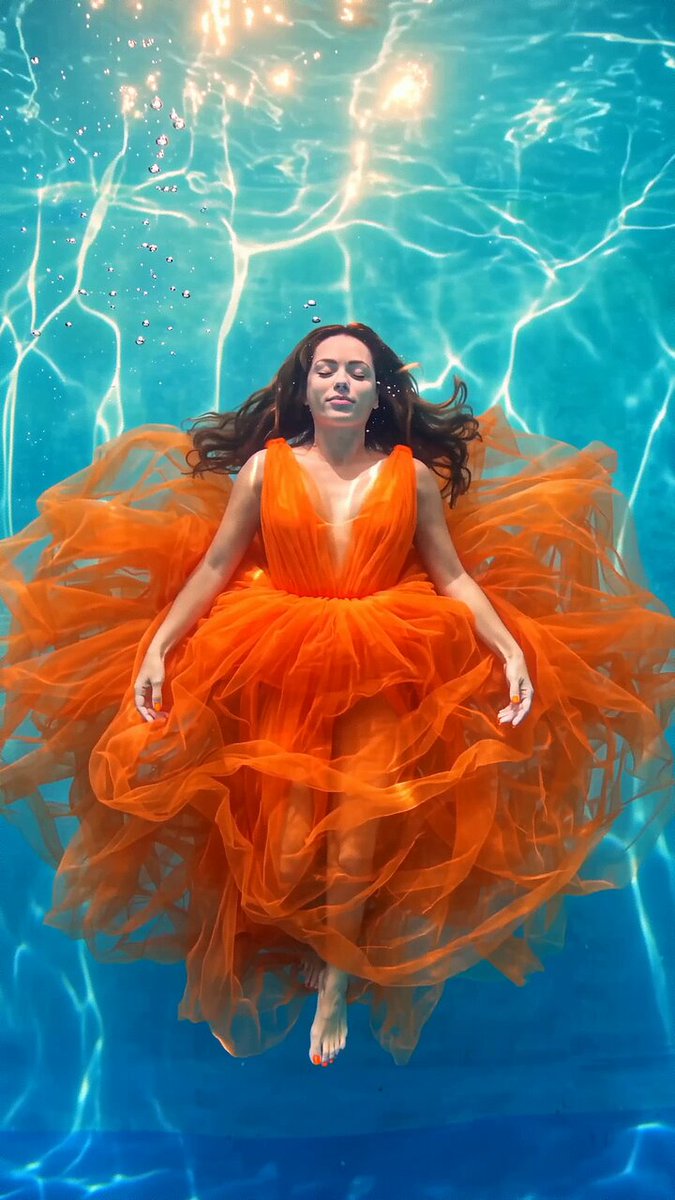
Latest models. Already in CamArt.
Open a model, see samples, then generate in the same Create workspace you use for images, video, and audio.
Browse AI Models


Video Tools
Generate a clip from a prompt, a still, or a motion reference. Edit it in the same Create session.
- Try it
Text to Video
Write a prompt. Latest video models generate the clip in Create.
- Try it
Image to Video
Add a still as the first frame, then generate the clip in Create.
- Try it
Start and End Frame
Set the first and last frame. The clip moves between them.
- Try it
Motion Control
Transfer motion from a reference clip onto a still in Create.
- Try it
Talking Avatar
Upload a face and a voice, then animate the photo with speech.
- Try it
Lip-sync
Drive lips from an audio track without leaving Create.
- Try it
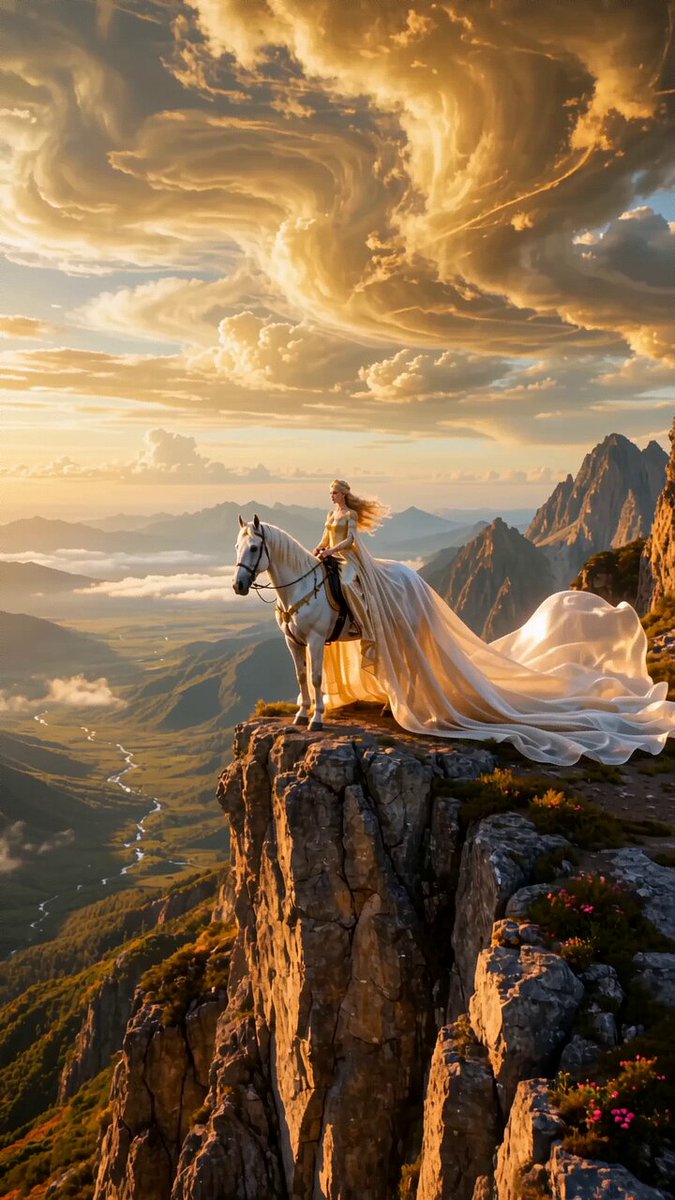
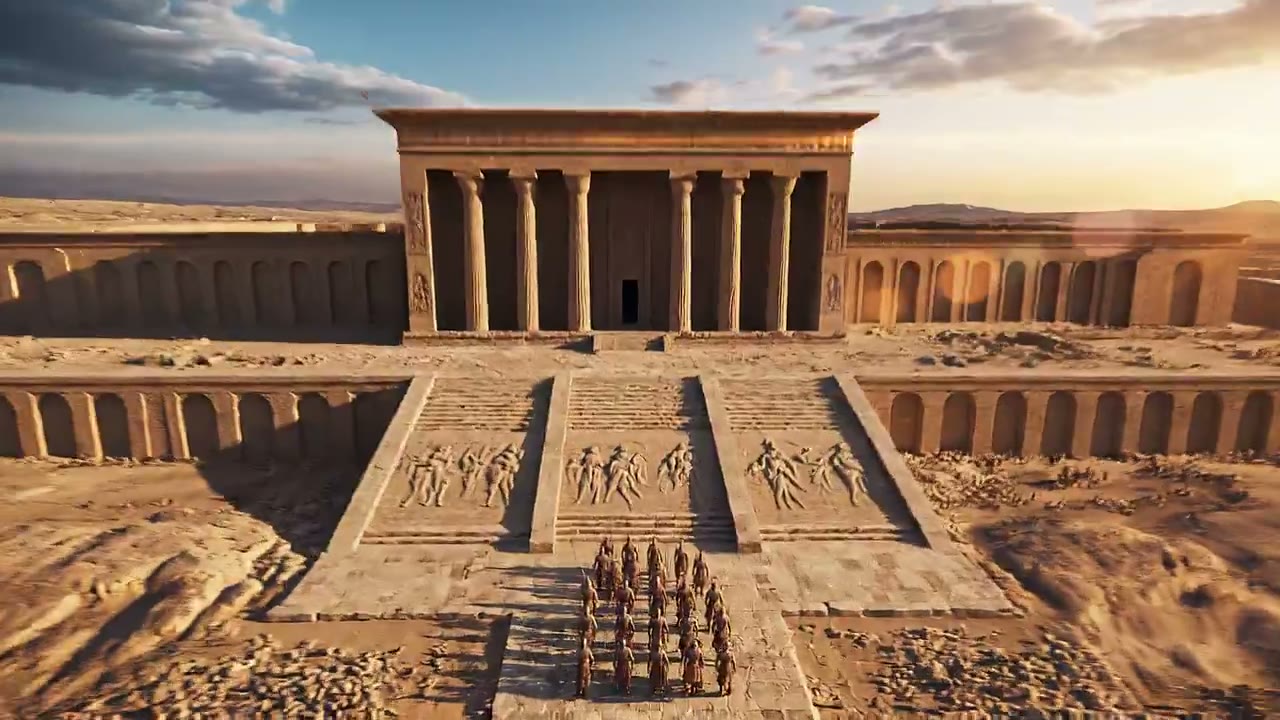
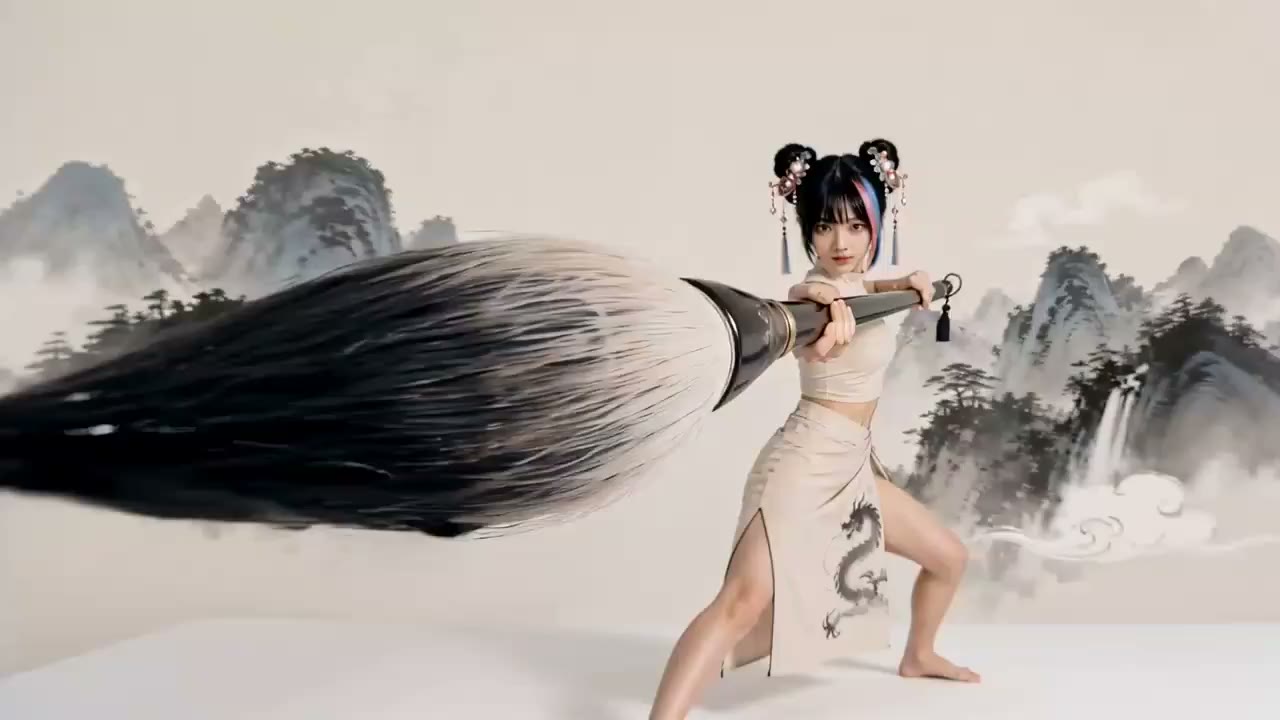
Extend
Continue a clip past its last frame.
- Try it
Upscale
Raise a clip's resolution in Video Editor.
- Try it
Edit Video
Describe a change. The new clip stays in the same Create session.
- Try it
Restyle
Keep the motion. Change the look of the clip in Video Editor.
- Try it
Relight
Change the light on a clip without leaving Video Editor.
- Try it
Replace Character
Swap the person with authorized reference media.
- Try it
Replace Background
Keep the subject. Replace the setting behind them.
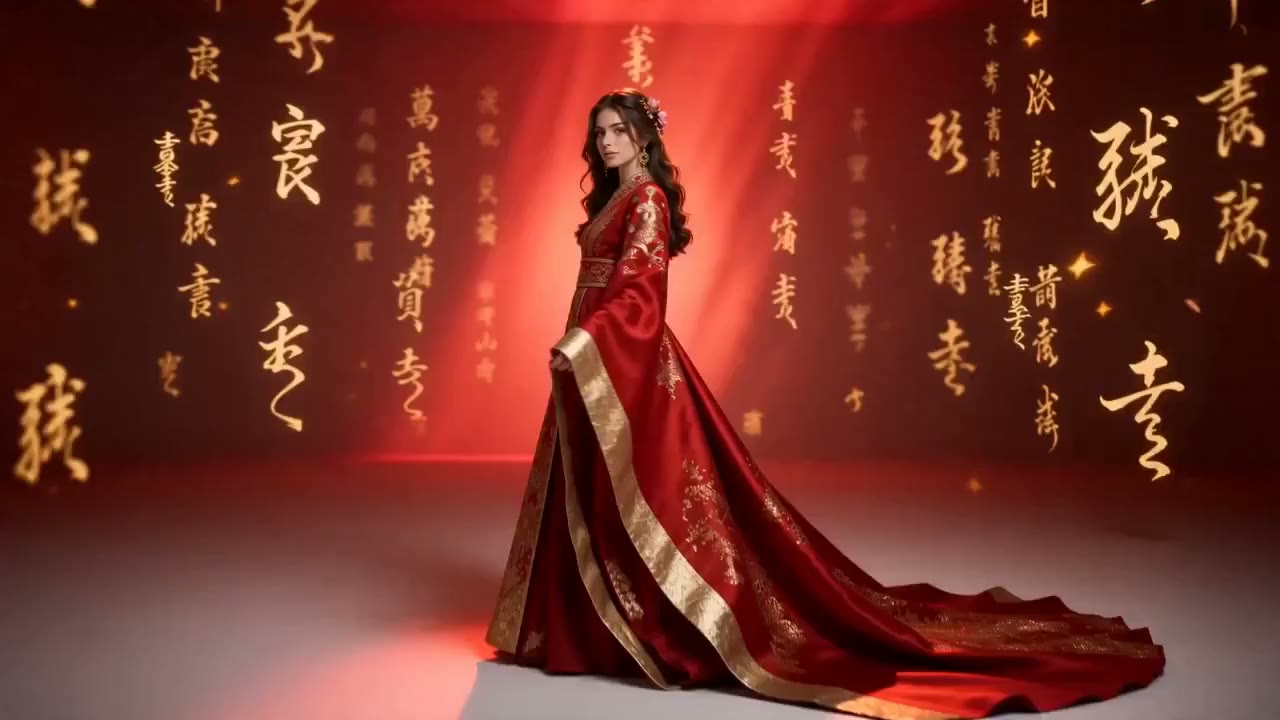
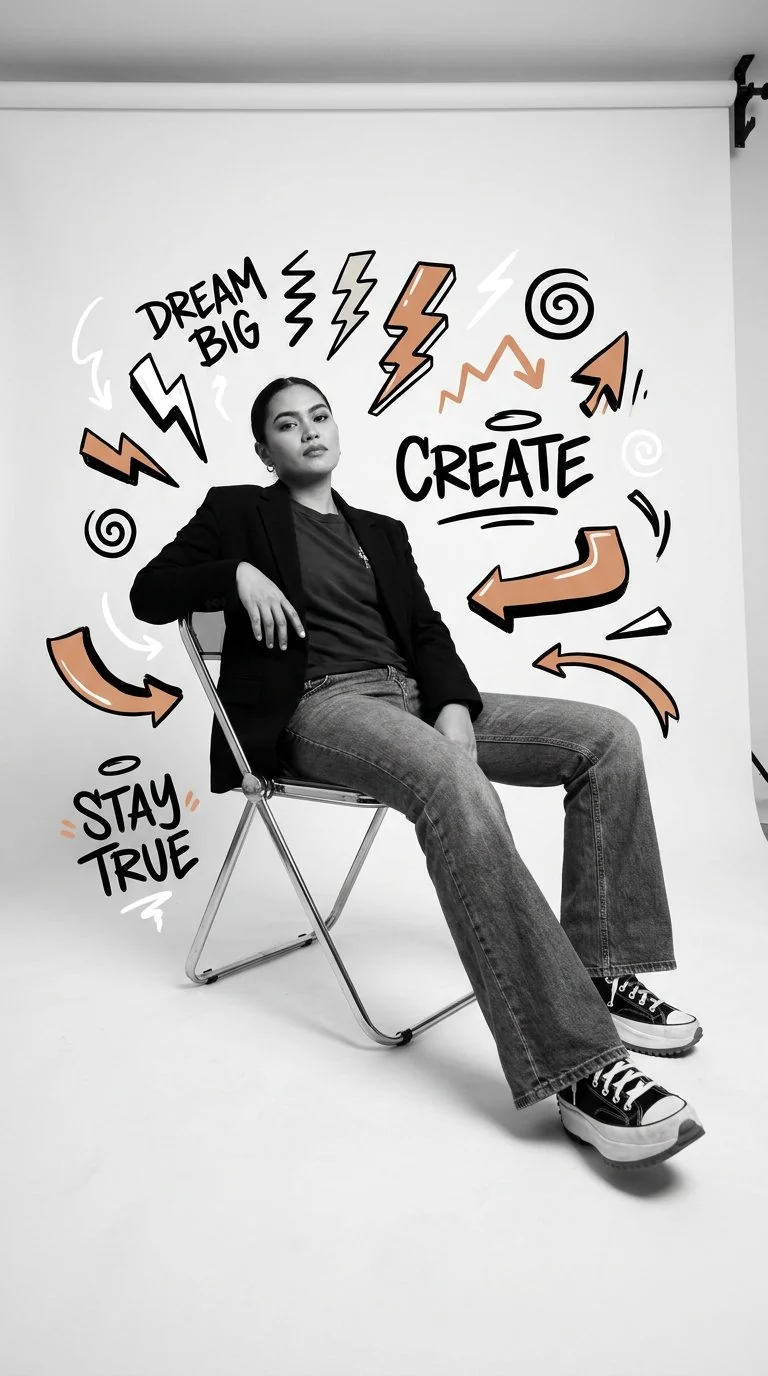
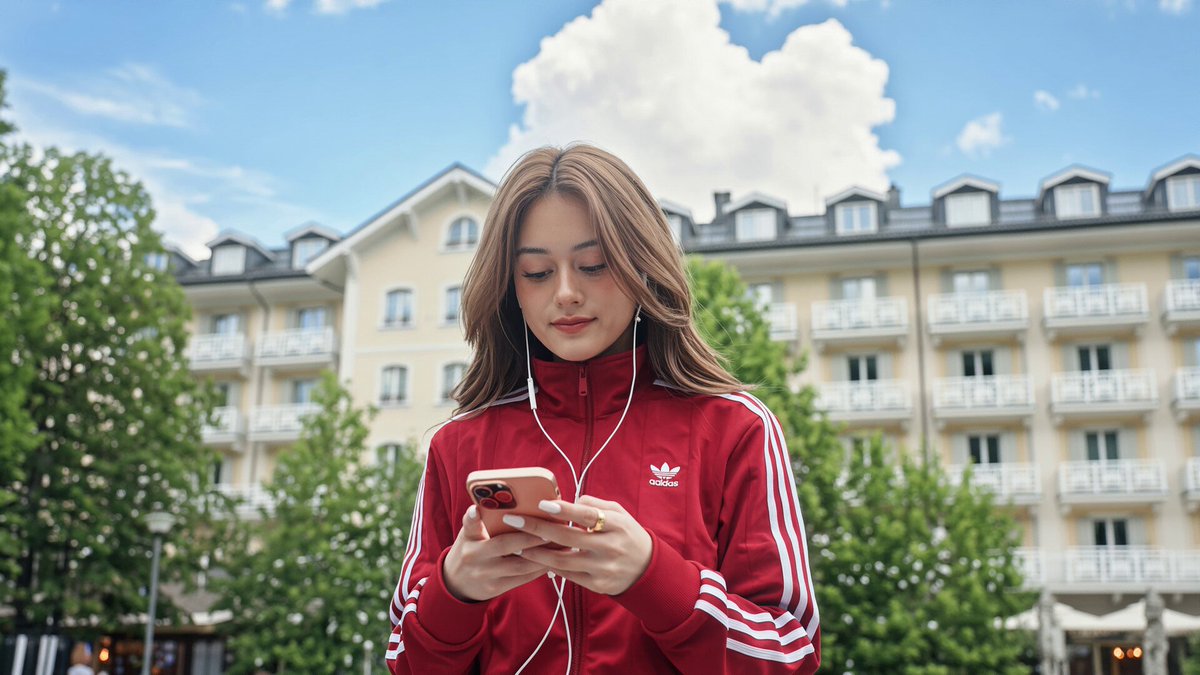
Image Tools
Generate a still, then edit, upscale, or restyle in Image Editor. The result stays in the same Create session.
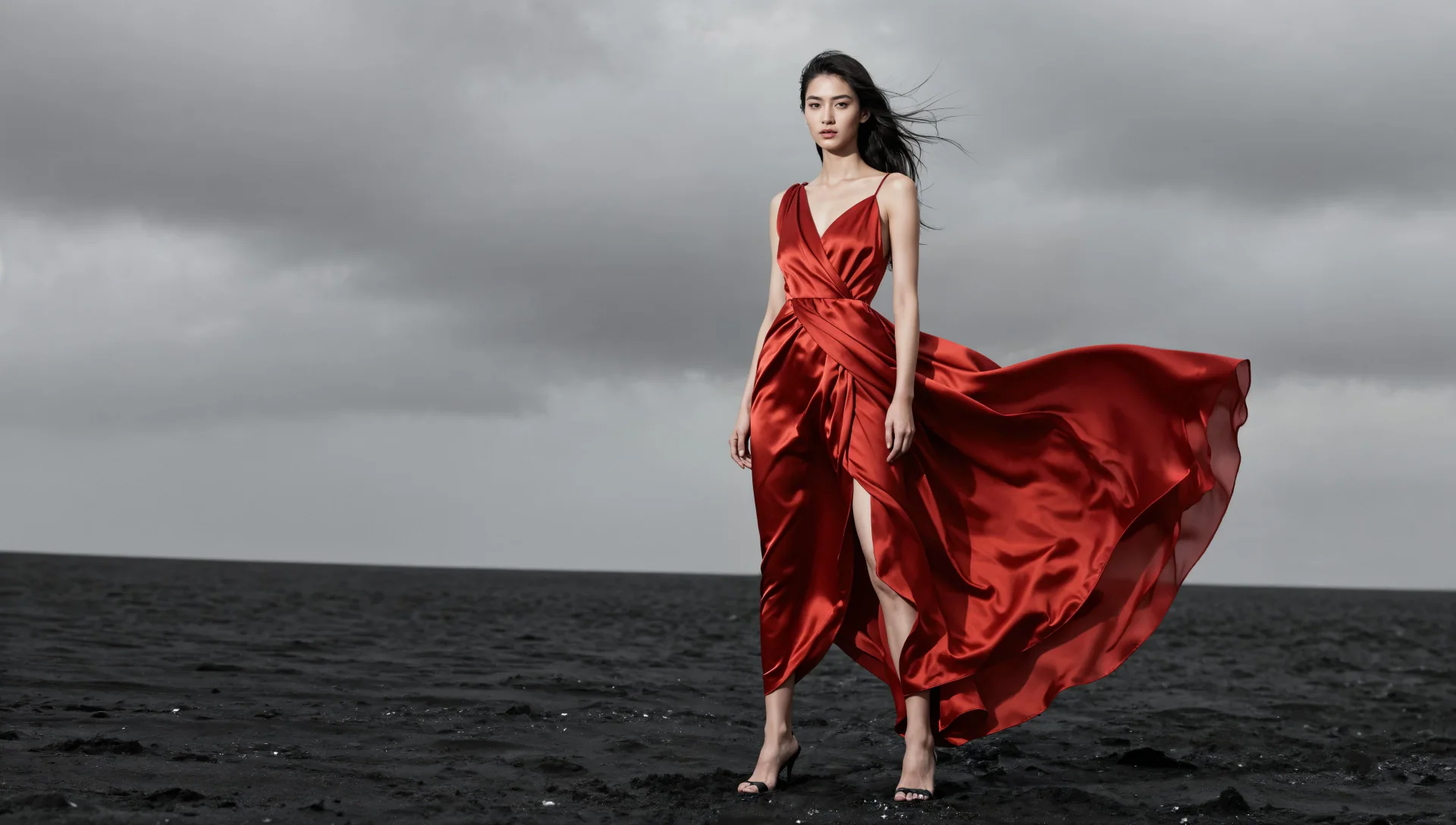
Audio in the same workspace
Speech, music, and sound effects sit next to image and video in Create.
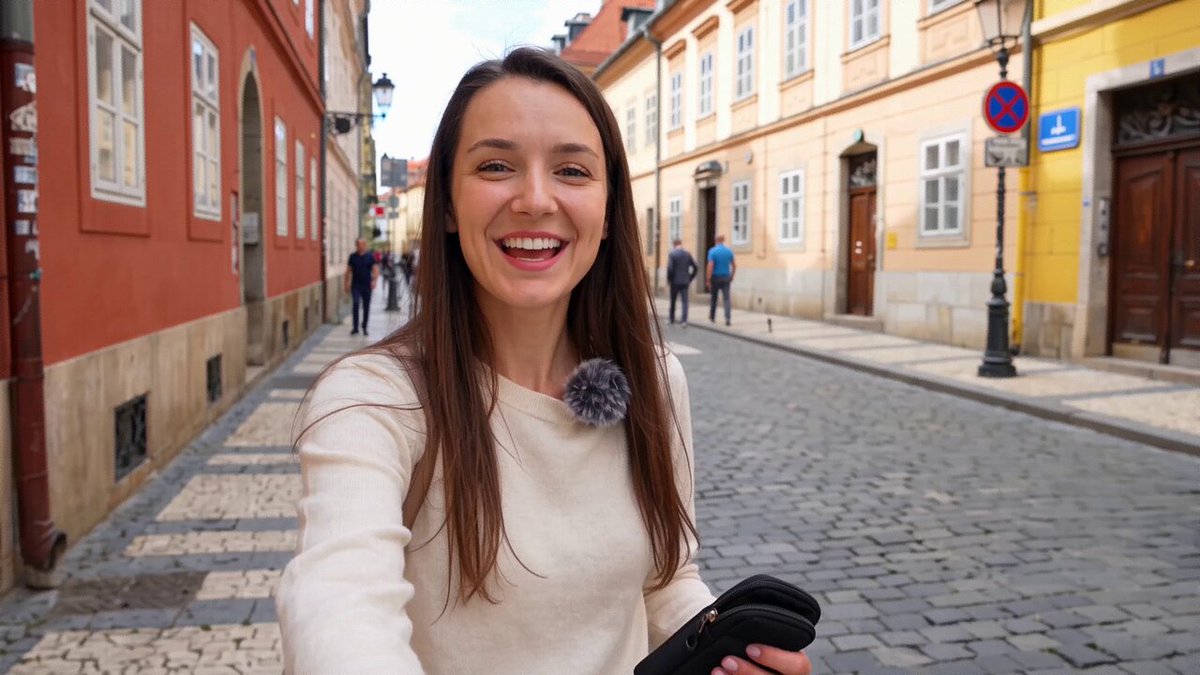
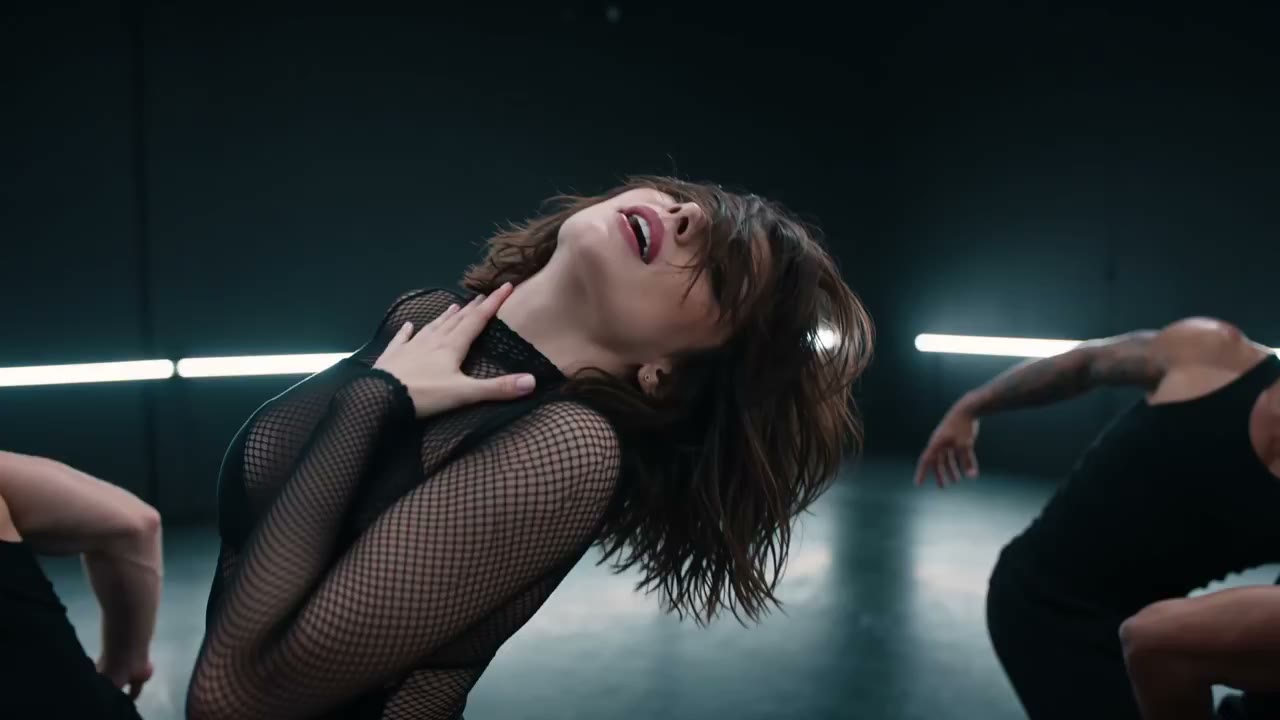

Resolution, length, sound, and continuity.
These are settings on the models already in Create. The credit cost for the setting you pick shows before Generate.
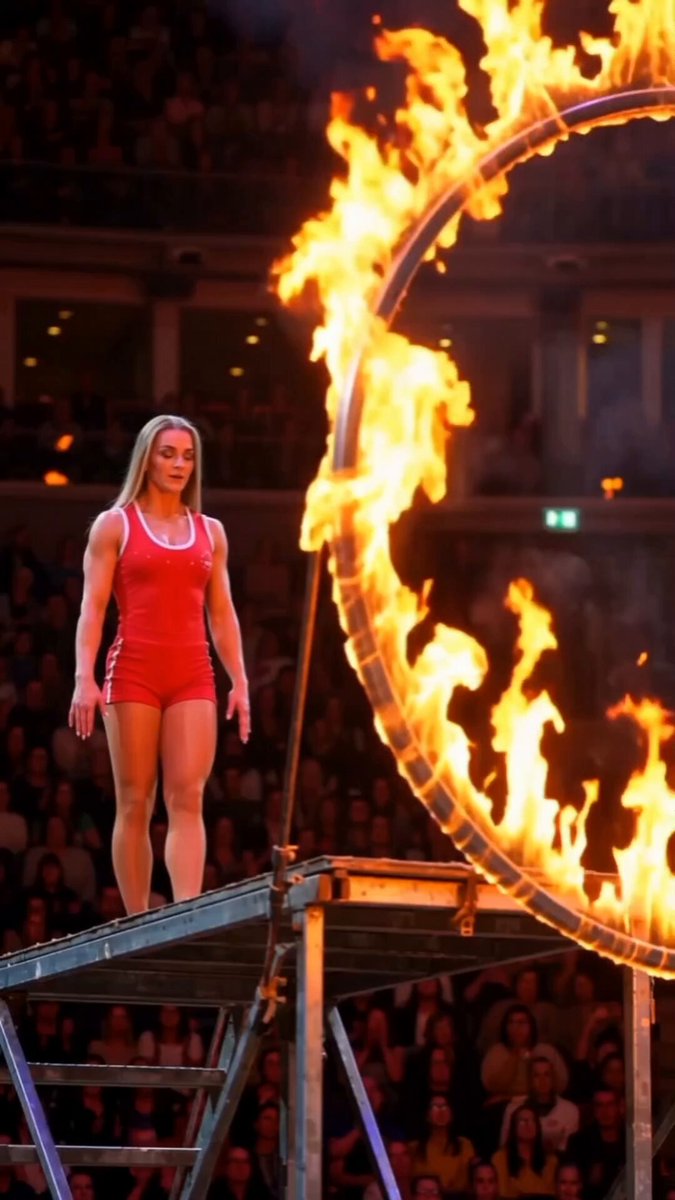
4K stills, and clips up to 30 seconds
Set the size and the length in Create. Credits for that setting show before Generate.
- Seedance 2.5
- 480p to 4K, 4 to 30 seconds
- Kling 3.0
- 720p to 4K, 3 to 15 seconds
- Wan 3.0
- 480p to 1080p, 2 to 30 seconds
- Veo 3.1
- 720p to 4K, 4 to 8 seconds
- MiniMax H3
- 720p to 2K, 4 to 15 seconds
- FLUX 3
- 720p or 1080p, 5 to 20 seconds
- Vidu Q3
- 720p or 1080p, 2 to 16 seconds
- GPT Image 2.5
- 1K, 2K, or 4K stills
- Nano Banana Pro, Seedream 5.0 Pro, Qwen Image 3.0
- 1K or 2K, with type you can read
Use cases
Social posts, product ads, talking portraits, covers, storyboards, and the sound for the cut.
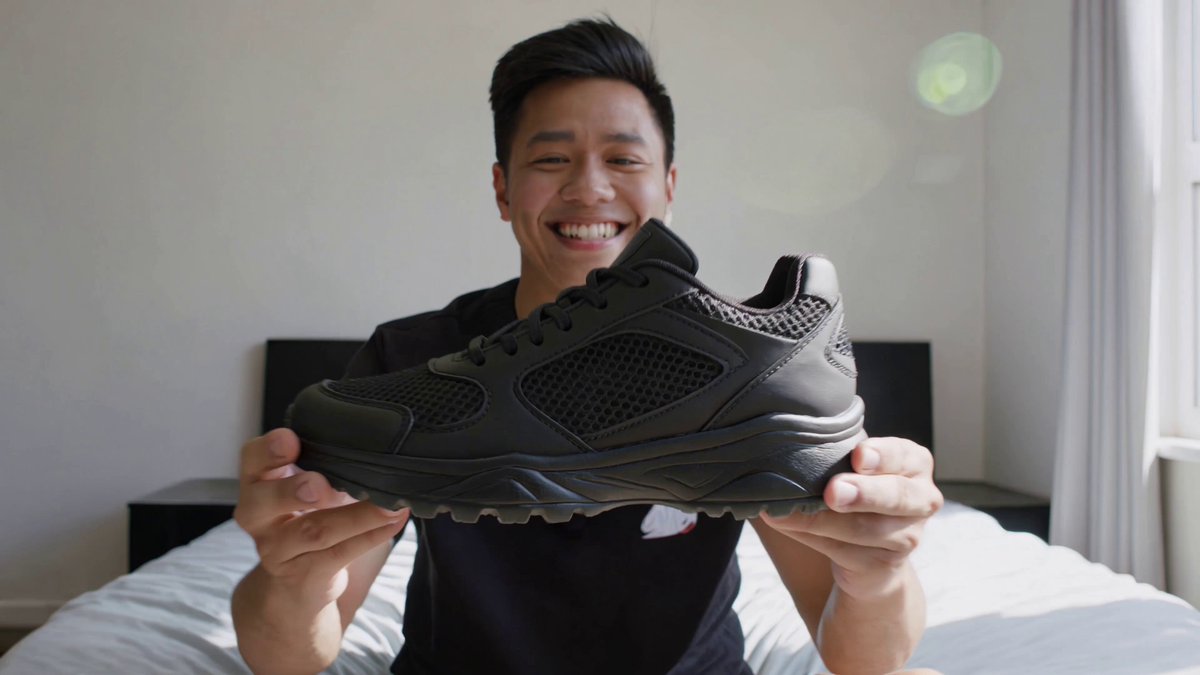
Social posts
Recreate a playbook as a 9:16 social clip. Seedance 2.5 and Wan 3.0 run to 30 seconds.
Browse playbooks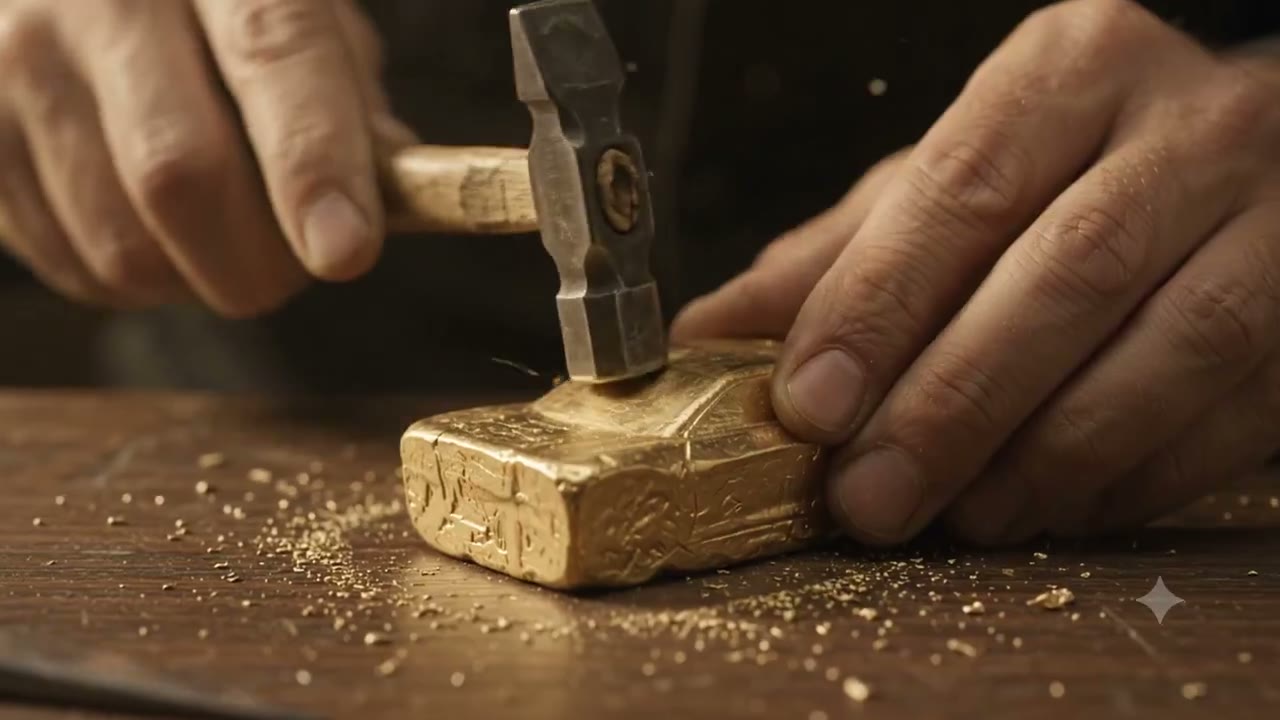
Product ads
Place a product in a new scene, then turn the still into a clip.
Create a clip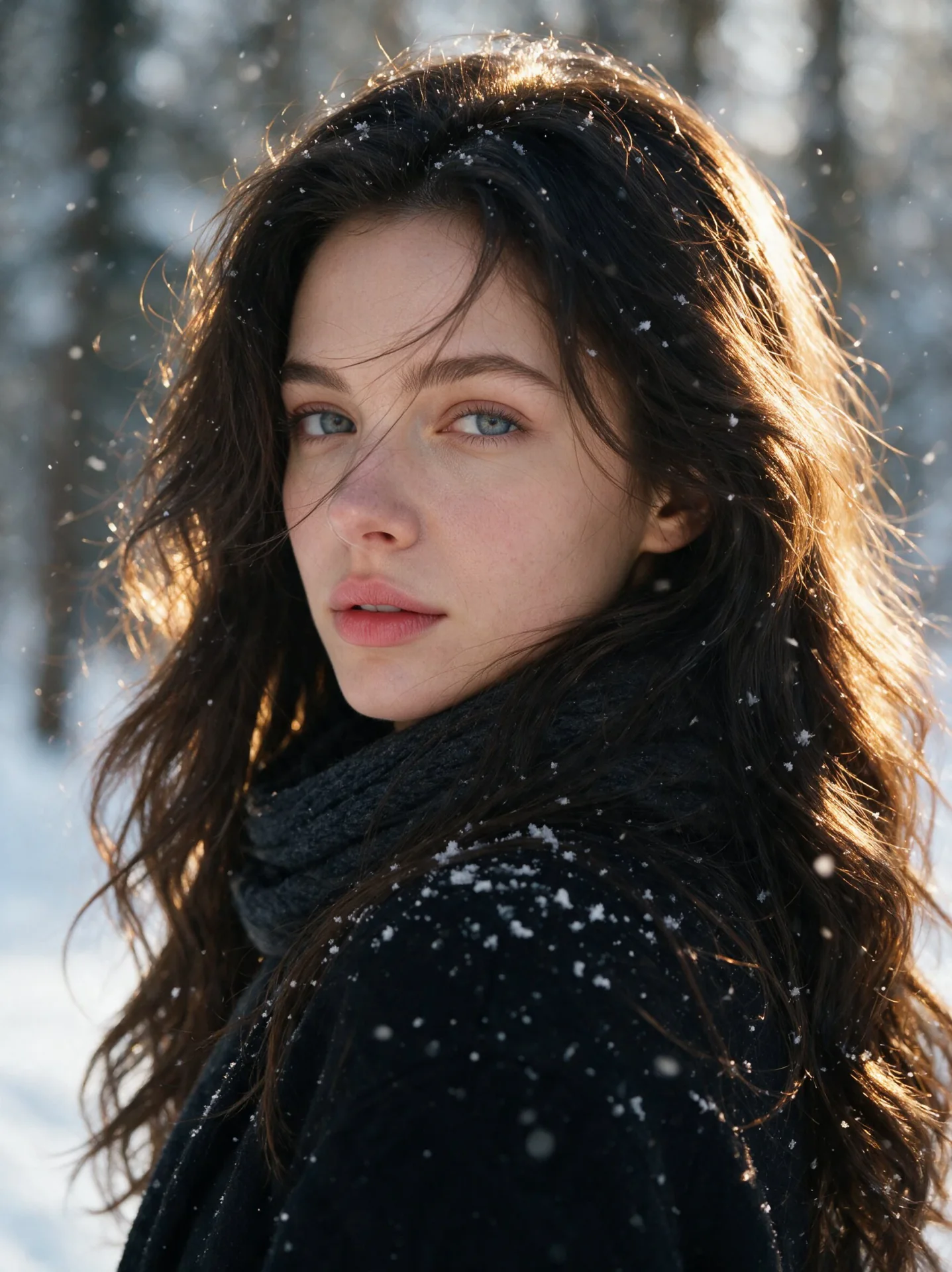
Talking portraits
Add a face and a voice. Talking Avatar or Lip-sync moves the mouth.
Try Talking Avatar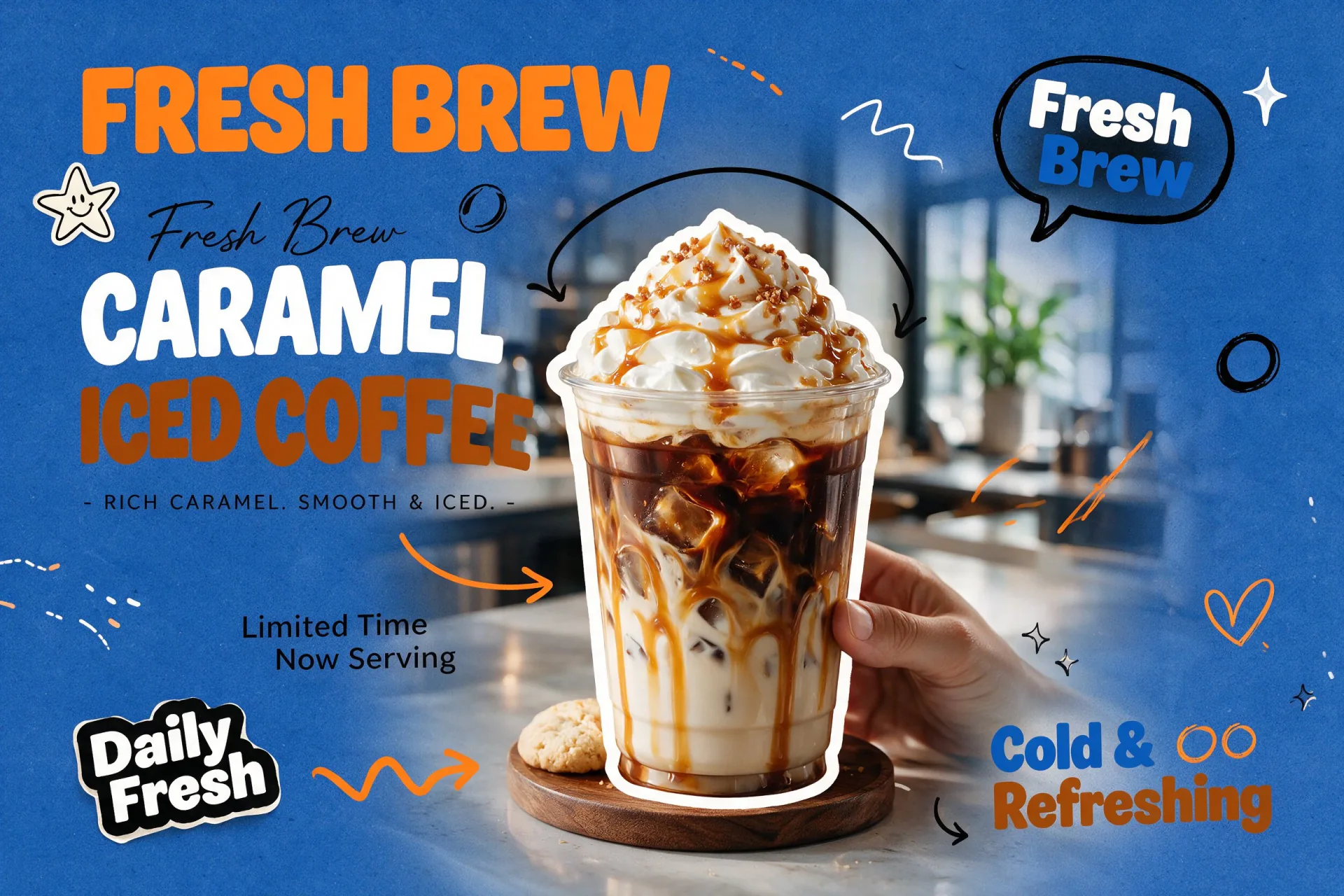
Posters and covers
GPT Image 2.5 up to 4K. Seedream, Nano Banana Pro, and Qwen Image keep type readable.
Create a still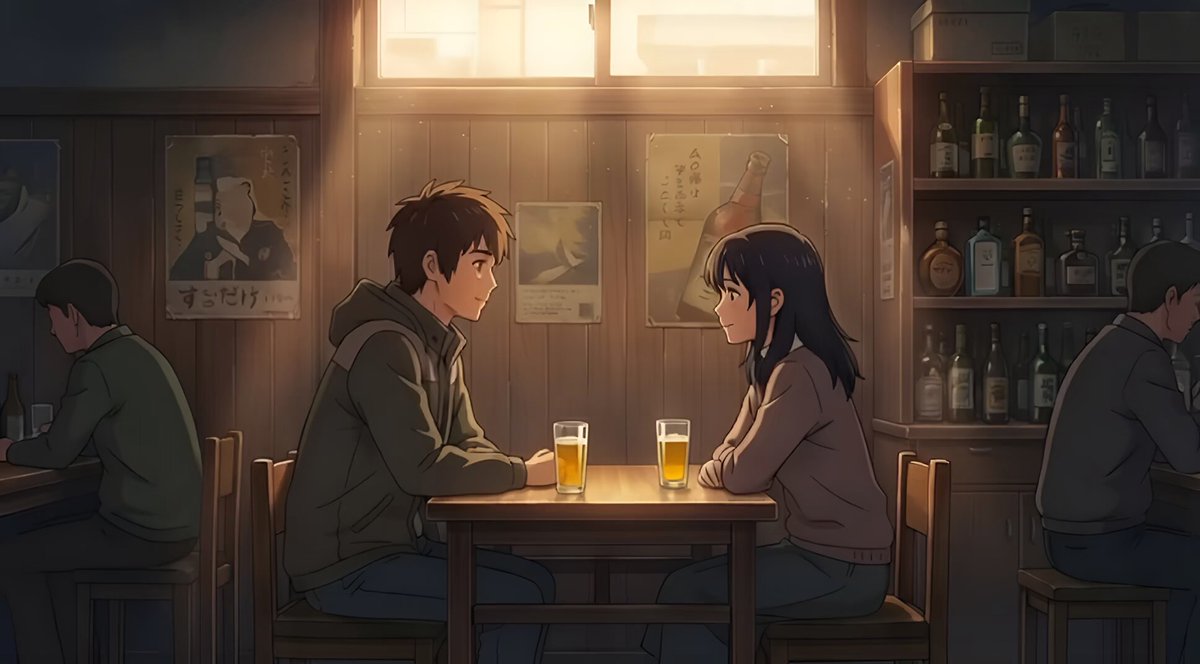
Storyboards
Generate the frames, then animate the ones that work.
Create frames
Sound for the cut
Speech, a score, or an effect, next to the picture in Create.
Create audioFrequently asked questions
A clear read on what is live, what stays private, and how CamArt handles creative work.
Start CreatingWhat is CamArt?
CamArt is an online creative studio that generates images, video, and audio with current artificial intelligence models. Trending social-media playbooks are published as templates in Inspiration; Recreate copies a chosen playbook's prompt into Create, where image, video, and audio are made in one workspace and saved to Assets. Commercial use is included on every plan, and the service is priced at least 30% below similar tools.
Which creation workflows are available?
Create supports image, video, and audio in one session, plus Image Editor and Video Editor. Open AI Models to see the latest models live in CamArt. Each model shows its credit cost before you generate.
Do I need an account to browse CamArt?
No. Anyone can browse the public inspiration feed and open its detail pages. An account is required when you generate, like a reference, add it to a Board, or access your Assets. You can sign in with Google or with a one-time link sent to your email.
Are my generations public?
No. Generations are private by default. CamArt only makes a creation public after you intentionally choose to publish it through a supported publishing flow.
Can I use CamArt outputs commercially?
Commercial use is allowed across CamArt plans, subject to applicable law, the terms of the model provider, and the rights of other people. CamArt does not promise that an output is exclusive, unique, copyrightable, or non-infringing.
What content is prohibited?
CamArt prohibits NSFW content, child sexual exploitation, deceptive deepfakes, severe violence, hate, self-harm promotion, criminal assistance, fraud, privacy violations, and intellectual-property abuse. Replace Character is limited to authorized media.
Does CamArt train models on my work?
CamArt does not use your content to train its own models. Generation and moderation use third-party services, which may process or retain data under their own terms and policies.
How do credits work?
Each live model shows its credit cost before generation. CamArt places a temporary credit hold when a task starts, settles it after a successful result, and restores the held credits when a generation fails.